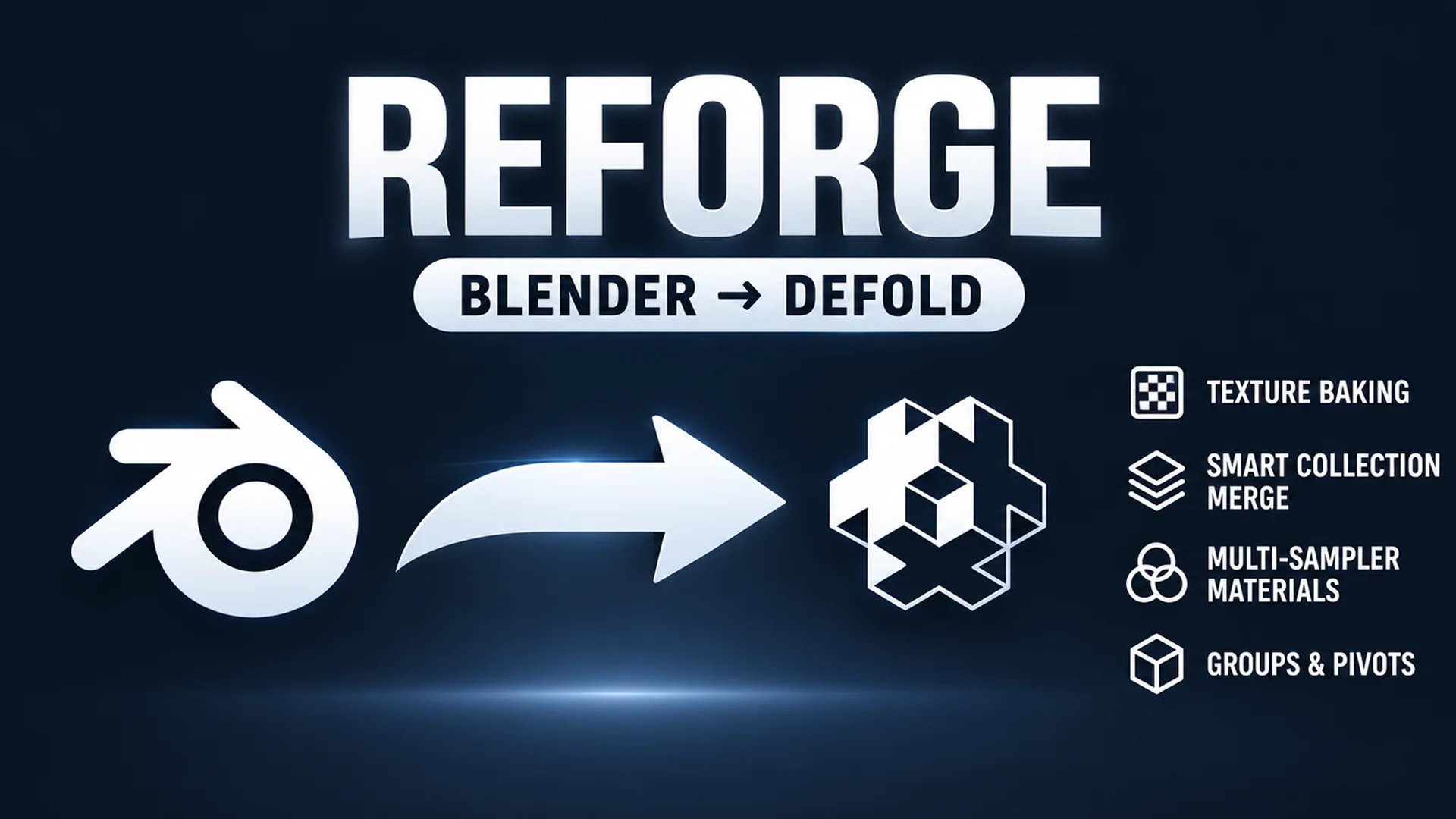
Reforge is a Blender add-on for exporting mesh objects and scenes to Defold. The official Blender Extensions listing shows version 0.6.0, dated October 10, 2026, and support for Blender 4.2 and later. It exports several Defold asset types and includes options for materials, textures, collisions and scene re-exports.
Defold files from a Blender scene
Reforge creates a set of assets for use in a Defold project:
.glbmesh prototypes and.modelfiles with multi-material support..goprefabs, which Reforge does not overwrite..collectionscenes containing grouped instances.
Optional convex collision export creates .convexshape and .collisionobject files. Reforge can also copy textures into the Defold project. Its duplicate-detection option can map numbered Blender copies, such as Rock.001, to a base prototype so they share asset files while keeping separate transforms in the collection.
Texture baking and material support
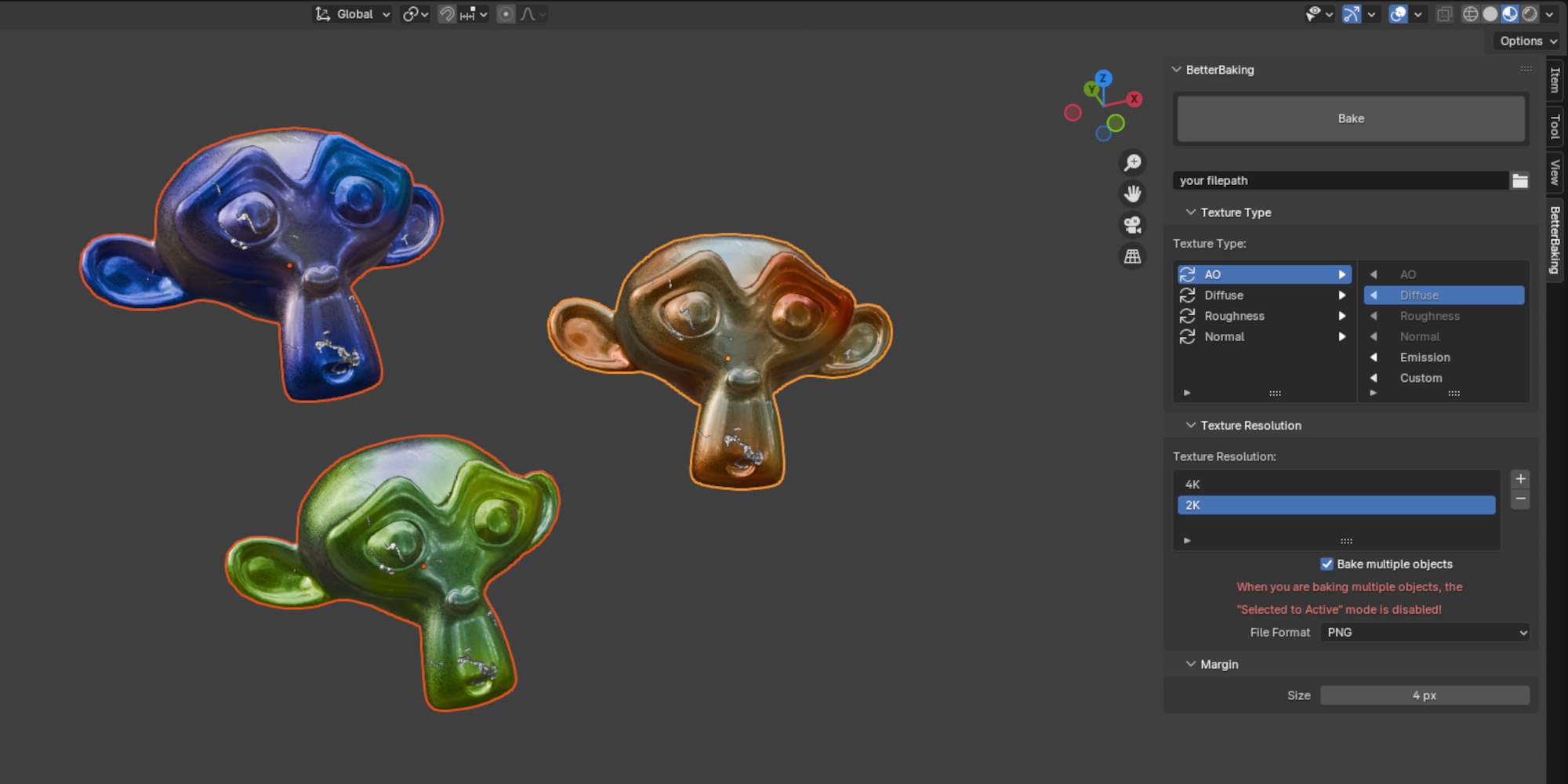
Version 0.6.0 adds color texture baking through a Cycles unlit EMIT pass. The release notes list support for layered Ucupaint textures, procedural Noise and Voronoi nodes, ColorRamp nodes and vertex colors. Bake settings can be controlled per material, including enablement, resolution from 512 to 4096 pixels and padding.
If a mesh has no UV unwrap and Reforge detects a constant color, it can generate a one-pixel PNG. During baking, it switches the scene to Cycles and restores the previous render engine and bake settings afterwards. The .model exporter also supports multiple texture samplers and maps the five sampler types used by the Defold Illumination forward-shading library.
Keeping Defold scene work during re-export
When Reforge re-exports a .collection, it parses and preserves existing Defold scene data. The listing names component properties such as script properties, uniforms and tint; custom embedded instances such as lights, cameras, game objects and scripts; referenced sub-collections; and scale_along_z settings. This lets a Blender scene be updated while retaining those saved Defold-side details.
For grouped exports, the defold_group custom property can place objects under named groups. Group-center properties set a shared pivot and export child instances with relative local transforms. The Tools panel also includes controls for setting and safely clearing exporter-created properties.
Version, installation and license
The official listing specifies Blender 4.2 and newer. Install Reforge through the Blender Extensions listing, or download it there and use Blender's Install from Disk option. The listing identifies the license as GNU GPL-3.0-or-later and says the add-on requires no special permissions. The listing provides a download but does not state a separate price.
For the current release details and download, check the official Reforge page. The listing also links to the Reforge source repository.