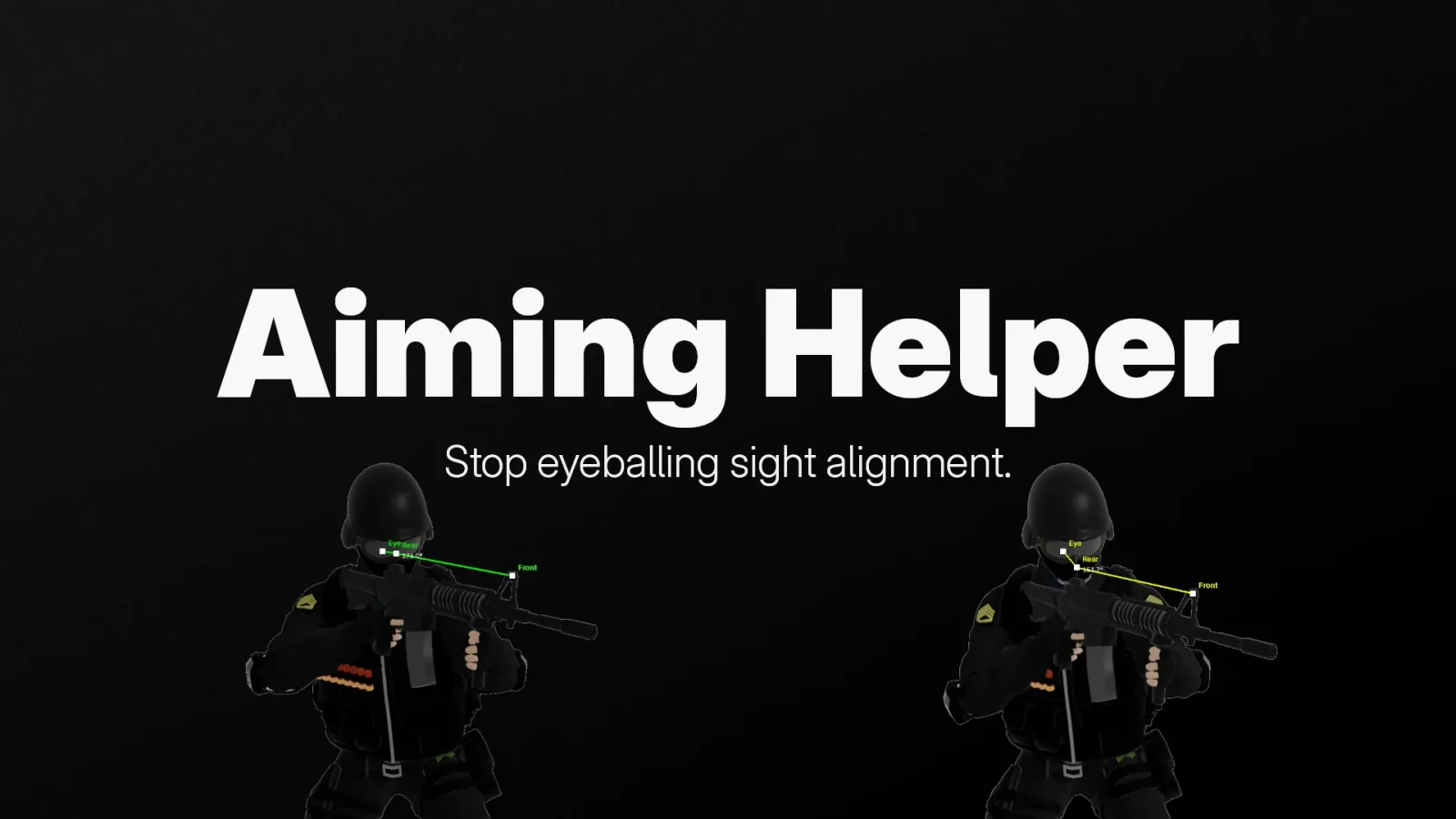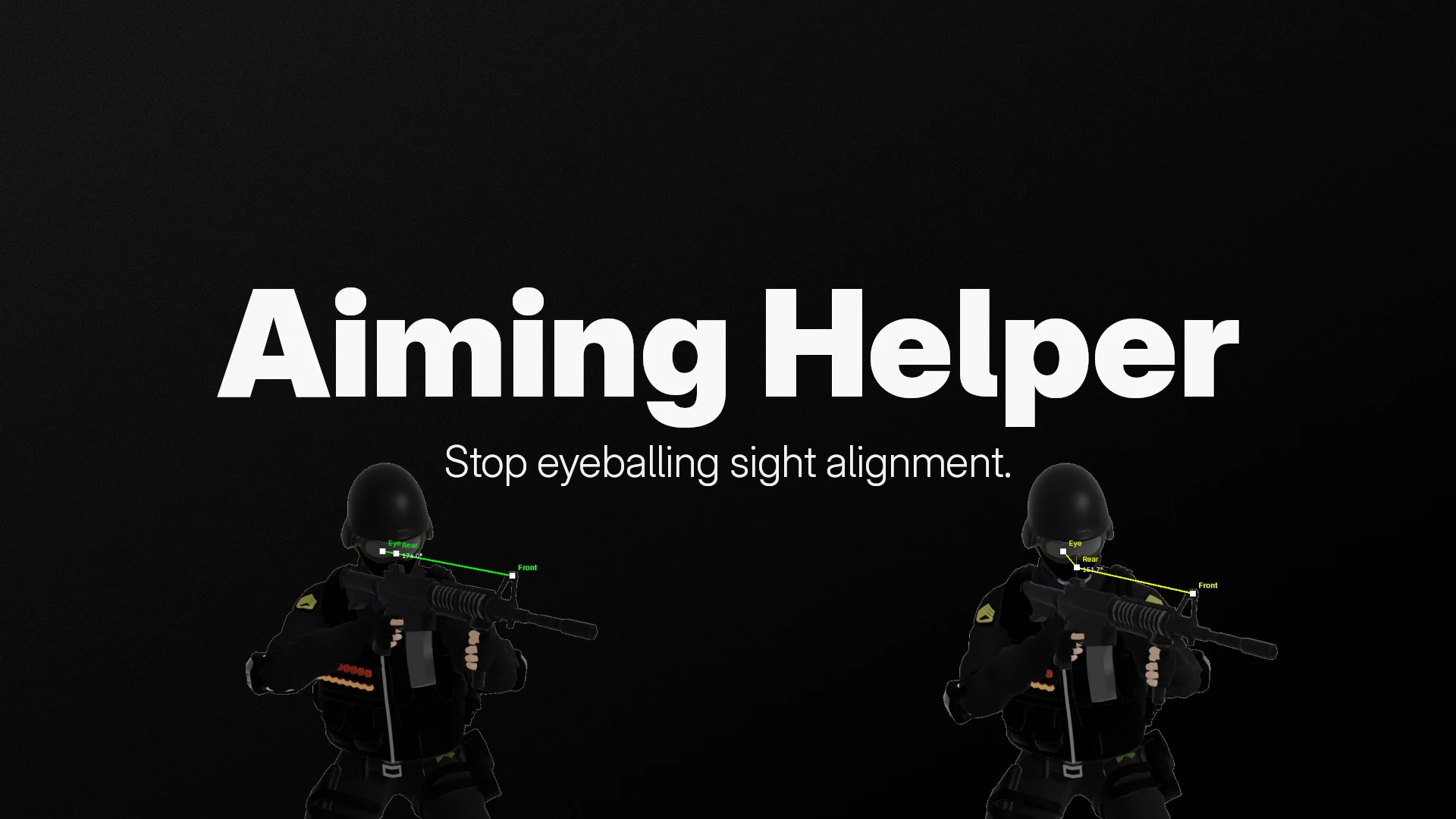
Aiming Helper is a free Blender add-on by Hartface for visualizing sight alignment on weapon models. It is aimed at game asset artists who need to check the relationship between the eye, rear sight, front sight, and target. Version 1.0.1 supports Blender 4.2.0 and newer and is licensed under the GNU General Public License v3.0 or later.
Pick points on the model
Open the N panel in the 3D Viewport and select the Aiming Helper tab. Click Pick beside a point, then click a mesh surface with the eyedropper cursor. Each picked location is anchored in local space, so it follows the mesh when the model moves. You can start visualizing with two points; setting all four is not required. Click Pick again to reposition a point.
Read the alignment overlay
Start Visualizing to draw a line through the set points. The line appears green when the points are aligned and red when they are not. Adjust Alignment Threshold to change how strict that check is. Deviation lines show how each sight sits relative to the ideal line, while angle readouts give the degrees at intermediate points. Status text in the viewport reports the alignment state and exact deviation.
Install and check compatibility
The Blender Extensions listing provides drag-and-drop installation or a download that you can install from disk using Blender’s extension installation steps. The listed archive is 5.1 KB, and the extension requires no special permissions. Release 1.0.1 changed its tag from “3D View” to “Object” and added a website entry to its blender_manifest. Check the Aiming Helper listing for the current release and compatibility details.