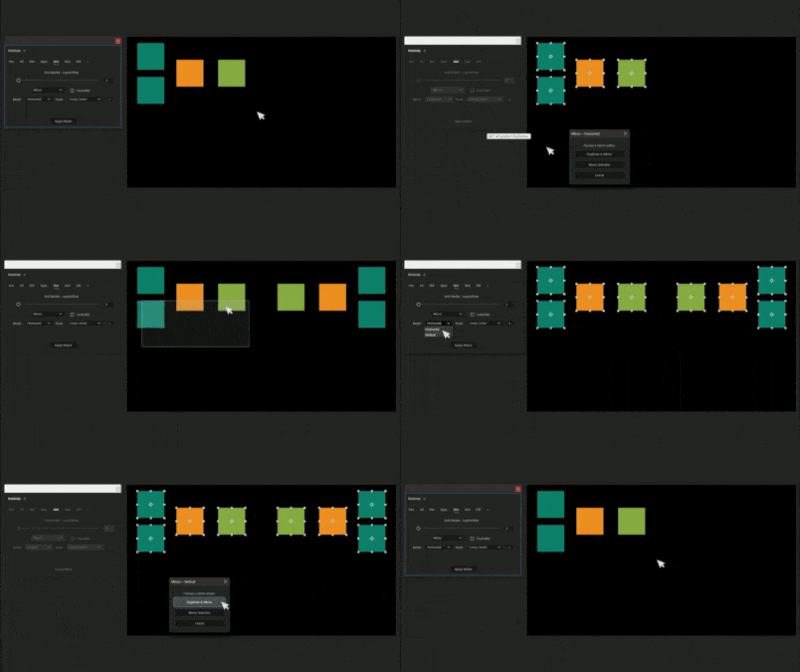
Relativity is an After Effects tool for arranging selected layers in rows, columns, grids and circular arrays. It also provides transform offsets, random variation and mirroring commands for compositions with repeated elements. The aescripts listing identifies version 1.6.5 and lists compatibility from After Effects CC 2019 through 2026.
Arrange layers into rows, grids and circles
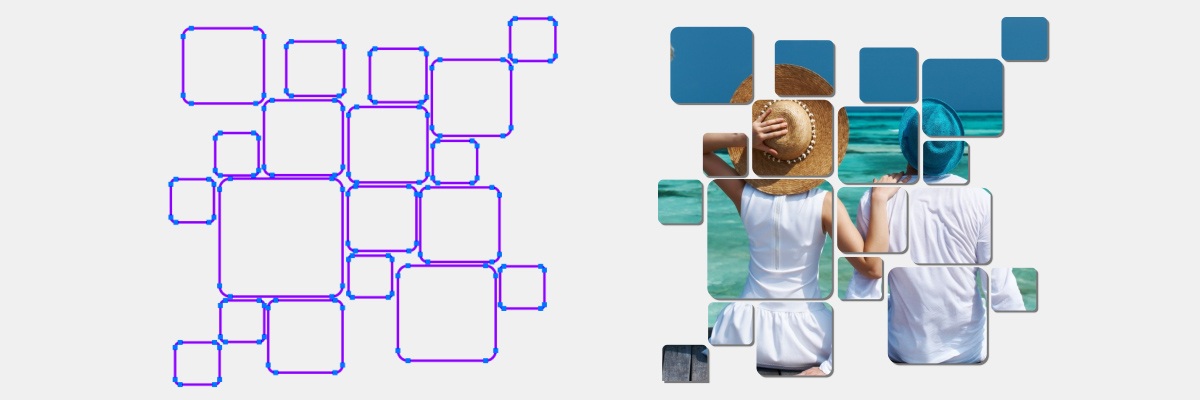
Relativity offers several ways to set up a layout from the selected layers. Relative Grid uses the first selected layer as a starting point and places the last on the opposite side of the composition, filling the space between them. Oblique Grid uses the first and last layers as boundaries, with the user setting how many layers go in each row. Auto Row and Auto Column create layouts along one axis.
For a diagonal arrangement, the HV mode maintains horizontal and vertical spacing. The H and V modes preserve spacing on one axis while keeping the layers’ anchor points in a straight line. These options can also arrange text layers into blocks. Radial arrays make circular layouts: Relative mode measures the radius from the composition center to the first layer, while Oblique mode uses the first and last layers to set the diameter.
Offset and animate layer properties
Offset controls adjust Position, Scale, Rotation or Opacity relative to the first selected layer. Relativity also supports separate position dimensions across its commands, so X and Y can be handled independently in offsets, grids, radial arrays and duplication. Random Position, Scale and Rotation offsets add variation across a selection.
Grid and radial layouts can use controllers for animation. You can combine layout modes to animate a composition between arrangements; the result depends on the order in which the layers are selected. A sequence can move between a grid, a circle or a column.
Mirror, duplicate and adjust layers
Version 1.6.5 adds horizontal and vertical mirroring, Duplicate and Mirror, manual source and target mirroring, and the option to use a layer as a custom pivot point. The utility commands also include quick duplication and Universal Scale, which resizes layers by their largest dimension, width or height. For text layers, the scale utility can use font size or layer scale; when scale values are not at 100%, users can normalize them to 100% and keep the same visual size using font size.
Relativity is suited to motion graphics work where multiple layers need repeatable spacing, patterned placement or coordinated offsets. Its rows, columns, grids and radial arrays cover common arrangement tasks; random offsets add variation, controllers for grids and radial arrays add animation features, and mirror commands adjust layer placement.