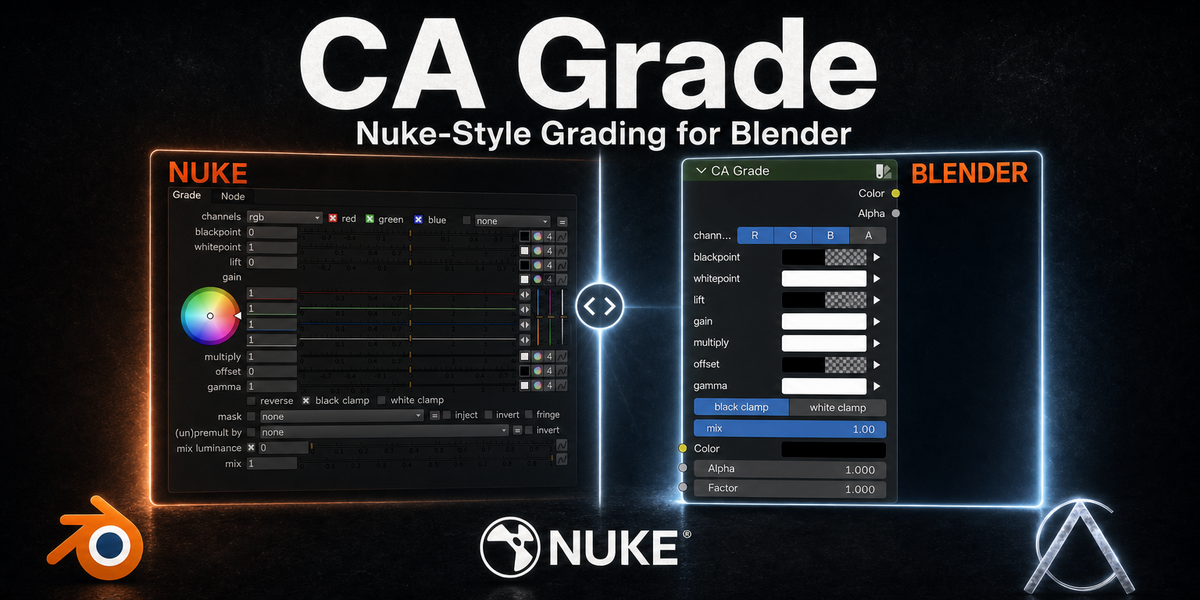
Render Raw brings color grading and camera effects into Blender. It builds a pipeline around Blender’s Raw view transform and puts controls in the 3D View sidebar, Properties editor and Compositor, so you can adjust a render without assembling a node chain first.
Color grading controls
The Values controls cover exposure, gamma, contrast, levels and curves. Contrast includes midpoint, skip-bleach, shadow and highlight options. Sharpening, texture, clarity and bleed controls adjust image detail. Curves use sRGB by default, with linear and log options for more advanced work. A clipping overlay and an EEVEE viewport histogram help you inspect tonal values.
For color, Render Raw includes temperature, tint, saturation and Color Boost, alongside Lift, Gamma, Gain, Offset, Power and Slope controls. You can also make targeted hue, saturation and value adjustments, color highlights, midtones and shadows, and mix view transforms.
Camera effects and layers
Effects include lens distortion, chromatic aberration, vignetting, glare, film grain, grunge and glitch. The custom glare options include film halation and lens flares. The grain has an accurate method that fits the image to the grain pattern and displaces edges. A custom Cycles camera adds ray-traced effects and depth-of-field options such as swirl and custom bokeh shapes.
Layer-based editing lets you assign layers to cameras and mask them by areas, objects, materials or render passes. A preset system saves adjustments so you can apply them to another scene.
Blender compatibility
The current Superhive listing identifies Blender 4.1 through 5.2 as the supported version range. Check the listing for current compatibility and product details before installing.