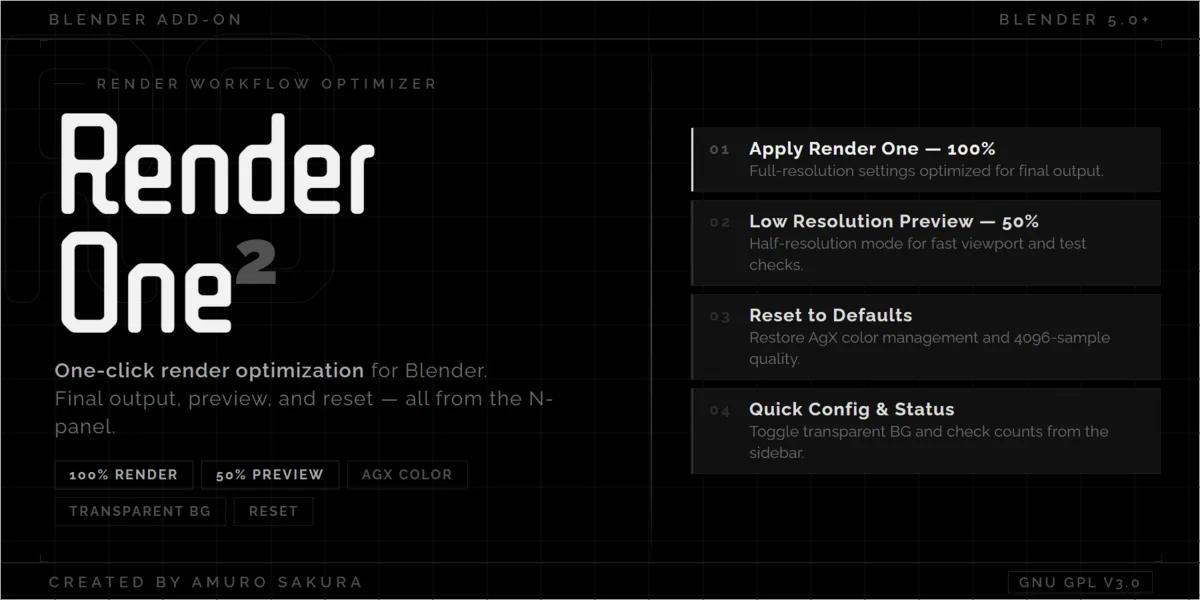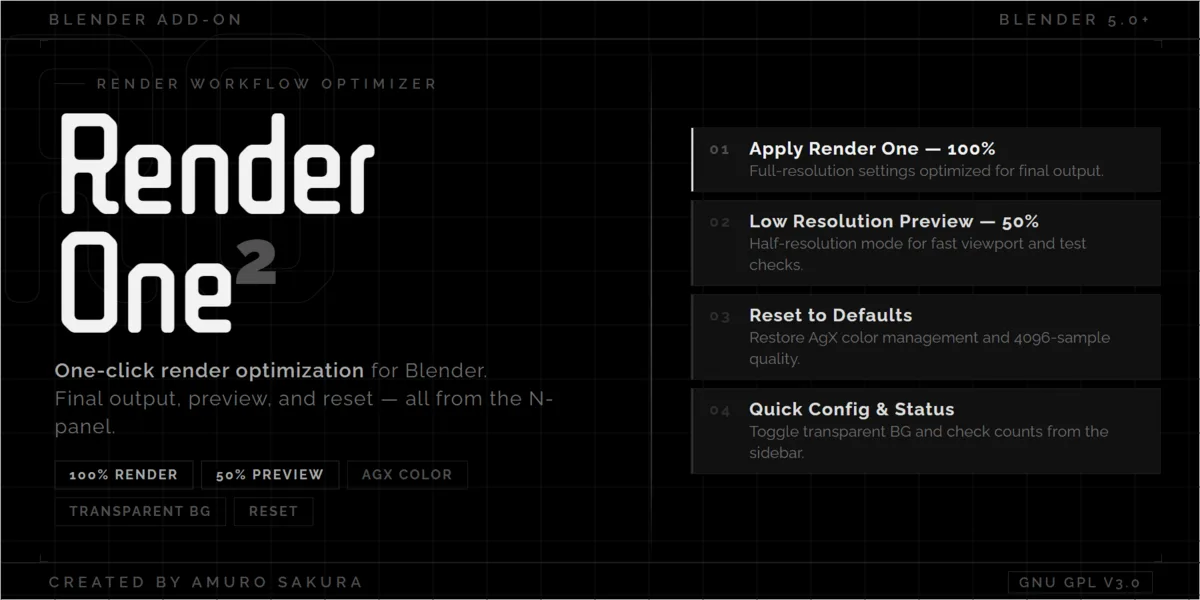
RenderOne is a Blender add-on that applies lightweight performance settings for Eevee. The Apply RenderOne button is in the RenderOne tab of the 3D Viewport sidebar. The developer says the settings are intended to improve render speed while preserving lighting and materials. The product information does not include benchmark results or list each setting, so compare render time and image appearance in a copy of your scene before relying on the changes.
The developer says RenderOne grew out of the frustration of adjusting Eevee optimization settings by hand for each project.
Install and use RenderOne
- Check whether your Blender version is within the listed 5.0 to 5.1 range. If it is outside that range, confirm compatibility with the creator before installing. Then download the add-on ZIP file.
- In Blender, open Edit > Preferences and select the Add-ons tab.
- Click Install, choose the ZIP file, then enable RenderOne in the add-ons list.
- In the 3D Viewport, press N to open the sidebar, select the RenderOne tab, and click Apply RenderOne.
When updating, the developer instructs users to remove the old version and restart Blender before using the new one. See the installation and usage instructions.
Compatibility and intended use
The Superhive listing identifies RenderOne as an Eevee add-on, marks it as Blender Extension compatible, and lists Blender 5.0 to 5.1. It suits Blender artists who use Eevee and want to apply the developer's performance settings without adjusting them manually for each project. The listing does not document a Cycles workflow, so confirm compatibility with the creator before relying on RenderOne for Cycles projects.
Check the license terms
The listing labels RenderOne as GPL, while the same product page says that modifying the source code and unauthorized redistribution of the ZIP are prohibited. It does not explain how those statements fit together. Review the current product page and GPL information, and ask the creator to clarify before modifying or sharing the add-on.