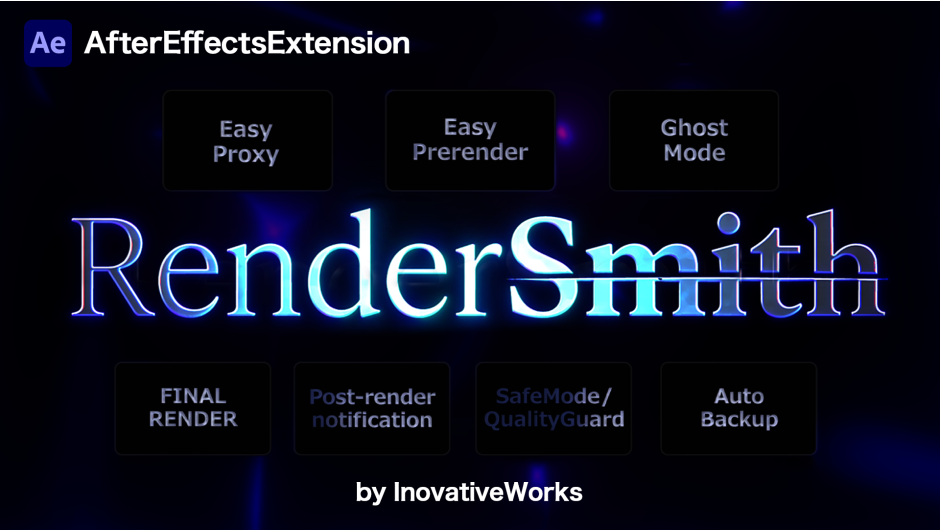
RenderSmith for After Effects is a CEP panel for managing proxy generation, pre-renders, final renders and project backups. InovativeWorks describes it as a workflow tool for heavy projects, with separate tools for previewing, baking and delivering compositions. The product page lists support for After Effects CC 2022+ on Windows and macOS and notes testing on AE 2026. It shows $49.99 with 25% off at checkout; check the listing for current pricing and offer terms.
Choose a render path for each job
Final Render can use background aerender or After Effects' own render queue, while respecting the project's Output Module settings. The first render of a project runs through aerender and is timed. For later jobs, RenderSmith chooses based on the measured project handoff cost and composition render speed; ties go to aerender. One-frame Still Freeze jobs and compositions flagged by Quality Guard use the in-app queue. The developer cites an 85 MB project that took about two minutes to open in a second After Effects before the first frame, a fixed cost whether the job rendered one frame or a thousand.
Quality Guard scans the work area for known render risks such as Element 3D, which can produce incorrect output through aerender. When it detects a risk, it switches the affected composition to After Effects' internal renderer. The check also applies to Easy Proxy and Easy PreRender. Final Render shows live progress and output-file growth, while batch rendering displays progress for the active composition and the waiting queue.
Prepare and revise compositions
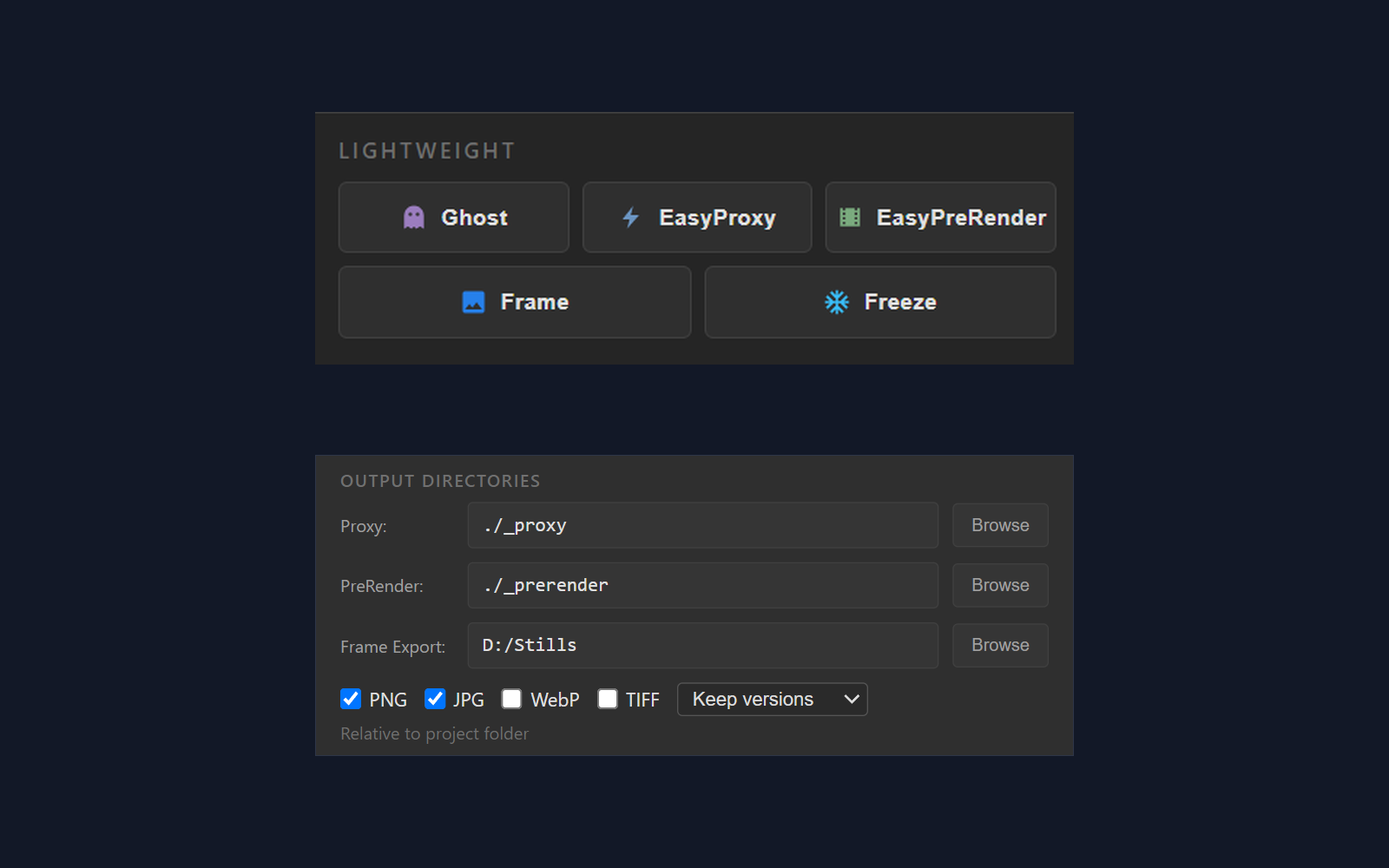
Ghost Mode temporarily hides heavy layers for timeline previews and restores them with a toggle. Easy Proxy generates proxies, links them back to their originals and can process multiple compositions. Easy PreRender bakes a heavy nested composition into an intermediate file. Its change detection checks effect parameters and precomposition contents, so a badge can flag a pre-render that no longer matches its source. If an Undo breaks the link, Link Watch can alert you; use Relink in the PreRender list to reconnect the file already on disk without re-rendering.
Freeze bakes selected layers as a still at the playhead or as a clip across the work area. RenderSmith switches the originals off rather than deleting them, so Unfreeze can restore them. Before baking, it warns about selected content that changes over time or depends on context, including keyframes, expressions, time remapping, video sources, precomps and blend modes. The warning leaves the decision to you. With multiple layers selected, Freeze can flatten them into one bake or bake each layer separately. Separate bakes keep each layer’s blend mode and stack position; use that option when the selection mixes blend modes, since a flattened bake can carry only one.
Protect renders and project files
Auto-Versioning adds suffixes such as _v01 and _v02 to avoid overwriting outputs, and handles image sequences that use bracket notation such as [#####]. If aerender crashes, Safe Mode offers a retry using a ProRes or Lossless path alongside the original output. Its crash report estimates a likely cause. Auto Backup snapshots the project before destructive operations and keeps 20 generations by default, with other retention settings available.
RenderSmith creates _proxy/, _prerender/ and _RSbackup/ folders beside the AEP file. The .rendersmith/ folder holds project settings. Keep these folders with the project, test the panel on a backup copy before using it on client work, and continue your normal version-control or archive practice. On macOS, background rendering requires a one-time Accessibility permission for aerendercore; Windows does not require that step.