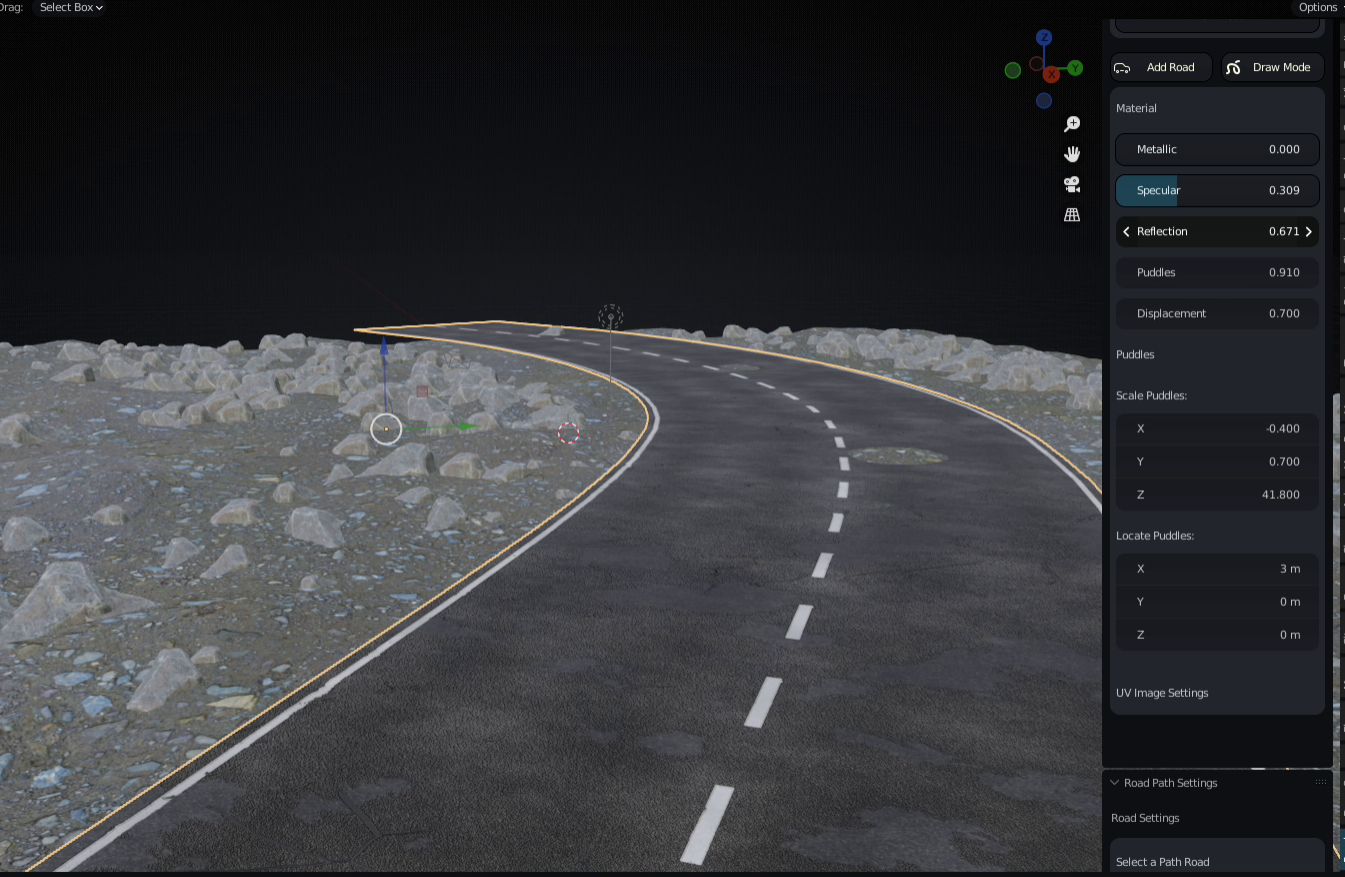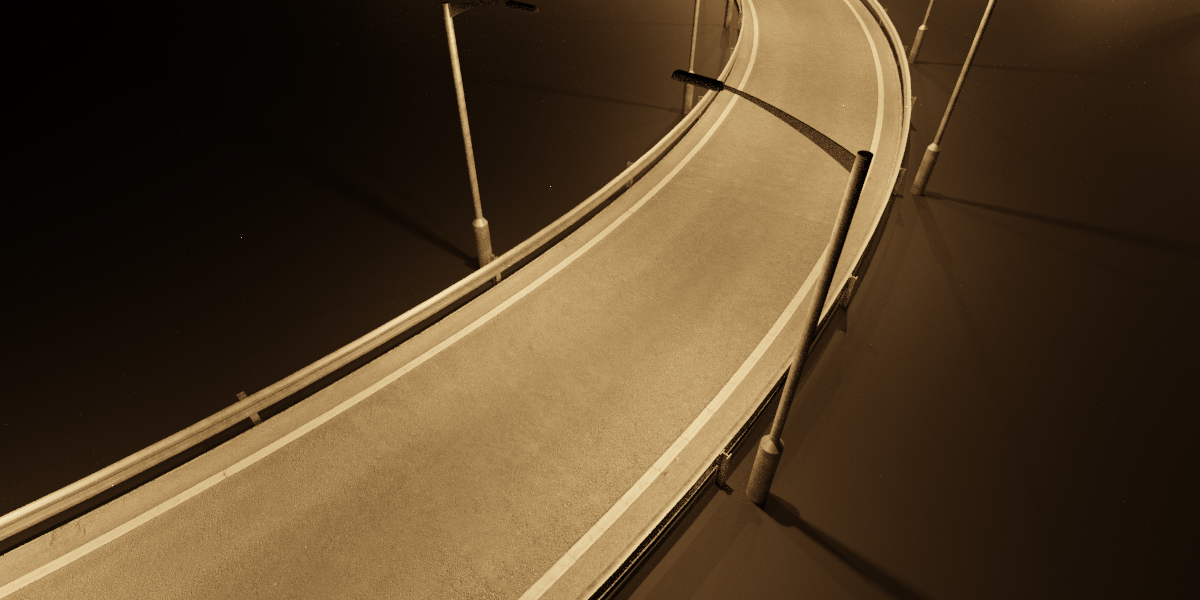
Road Path Creator is a Blender add-on for drawing roads along paths. The selected road preset follows the straight or curved route you draw. The add-on is available from Blender’s N-Panel.
Draw roads from paths
- Open Road Path Creator in the N-Panel and select a preset. The Pavement Road preset can be a starting point for custom surfaces such as mud. The Mud Road preset is intended for roads with a transparent alpha channel.
- Click Draw Road to enter Edit Mode, then draw the route. The selected preset road follows the path you draw, which can be curved or straight.
- Click Draw Mode to switch to the drawing mode for the selected path. Use Add Road when you want another road to draw in Edit Mode.
Road dimensions can be changed, so the path workflow also allows adjustments to the road’s size.
Customize the road material
The add-on includes a PBR texture creator that can populate material settings from one image. To build a custom road surface, choose a suitable preset, open the Custom tab, and browse your own Base Color, Normal, Roughness, and Displacement maps. The settings panel also exposes UV parameters, transformations, and shader properties for further material editing.
This setup suits Blender artists who need roads or paths with surfaces tailored to a scene. The documented workflow focuses on drawing paths, choosing presets, and adjusting materials.
Compatibility and license
The Superhive listing specifies Blender versions 4.3 through 5.1 and a GPL license. Check the current product listing for the latest compatibility and license details before installing.
The available documentation does not specify performance limits or whether every drawn path remains editable. If either detail matters to your project, check with the developer before relying on it.