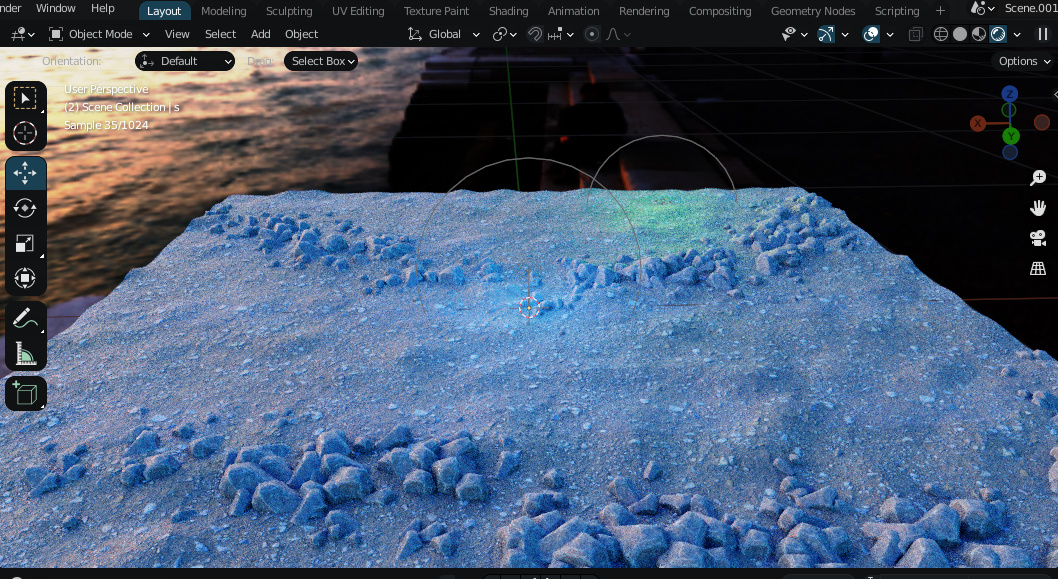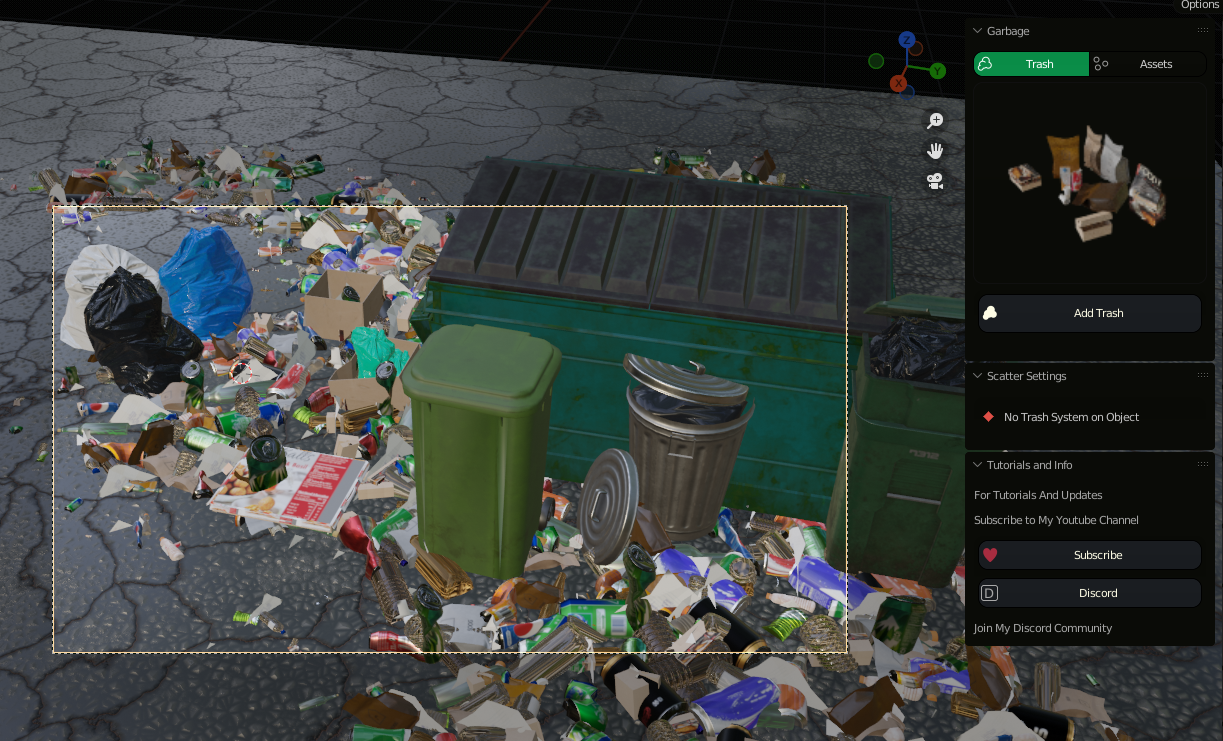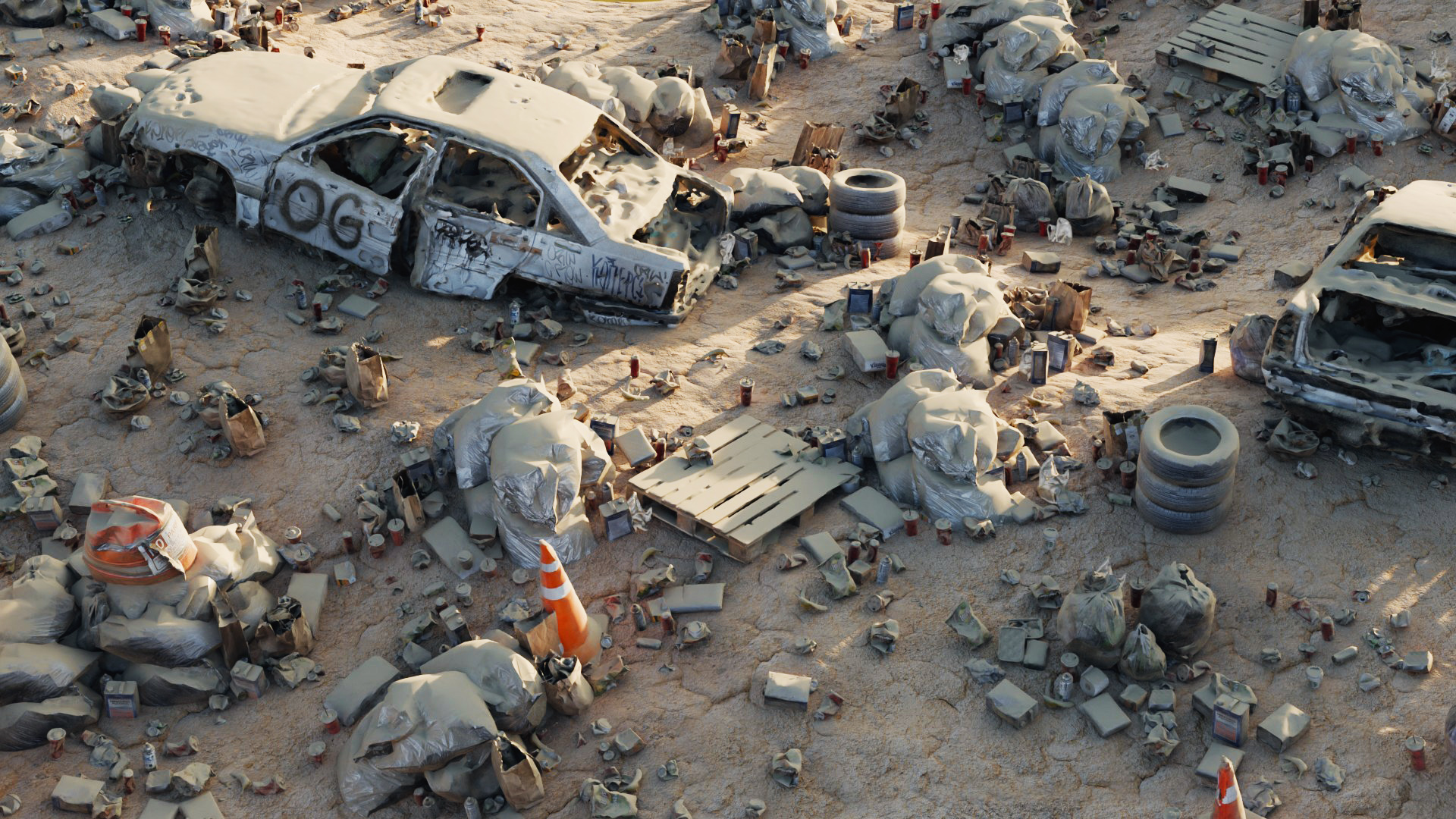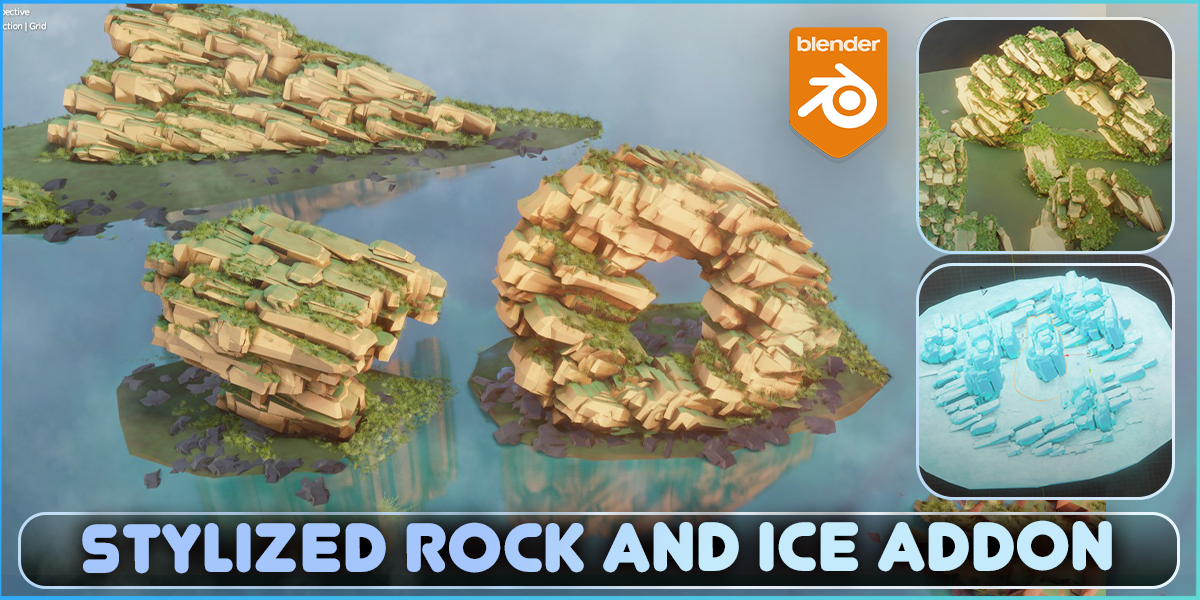
Rock Scatter is a Blender add-on by EdenWeby 3D for placing rocks and stones on a mesh surface. Its paint tool lets you choose where rocks appear and adjust their density through weight painting.
Paint rocks onto selected mesh areas
Select the mesh you want to cover, then click the Paint Rocks button in the Rock Settings Panel. Blender switches to weight paint view, where you can paint the areas for rock placement. Click the button again to generate the rocks. The product listing says redder paint produces more rocks.
Included rocks and workflow
The add-on includes 12 single rocks and 7 combo rocks or stones, along with easy configuration. The seller describes the workflow as simple, while noting that users should have an intermediate understanding of Blender.
Blender compatibility and license
The Superhive product listing names Blender releases from 2.8 through 3.5 and identifies the license as GPL. Its listed compatibility does not establish support for later Blender versions, so check the product page before using Rock Scatter with a newer release.