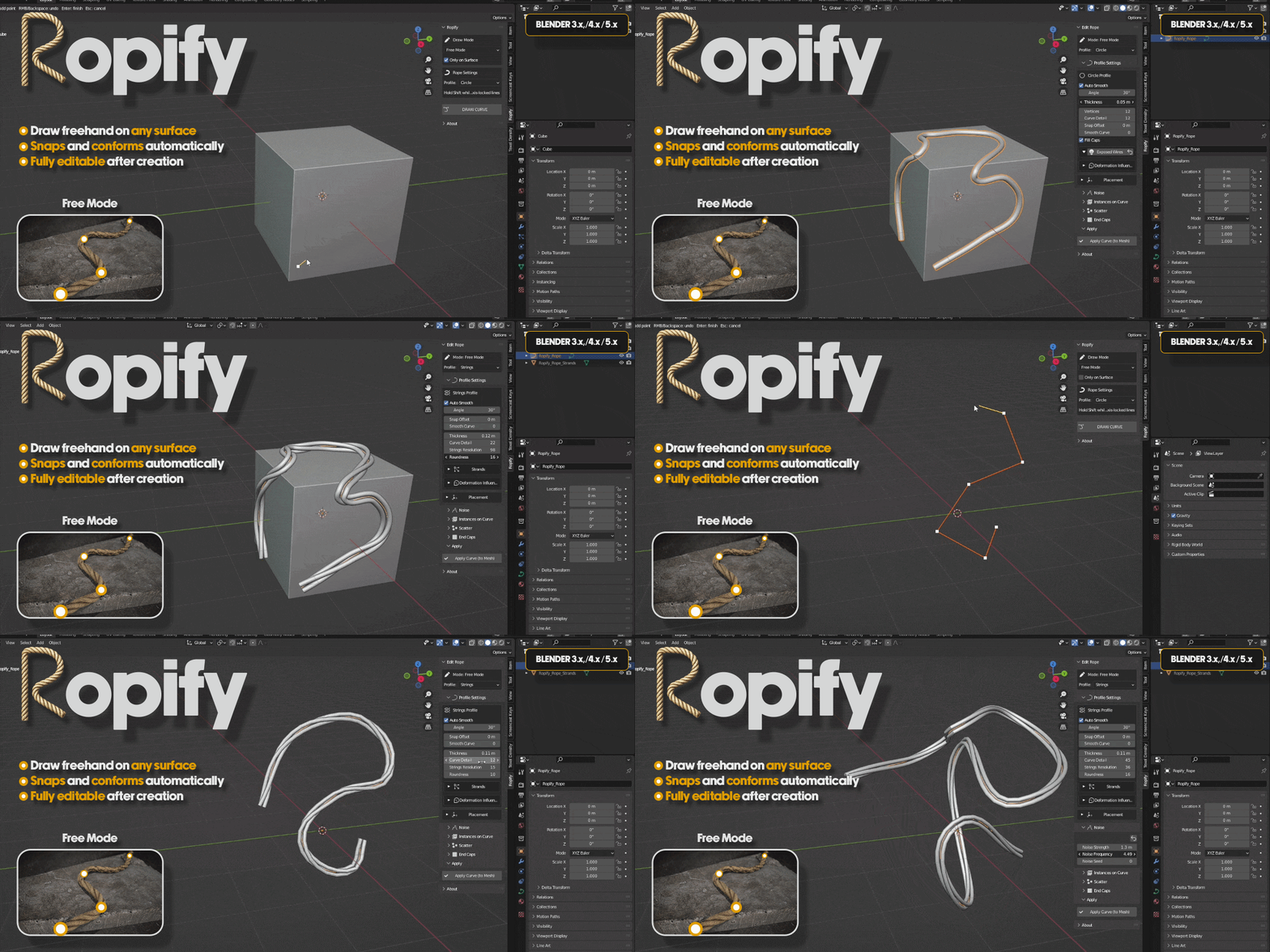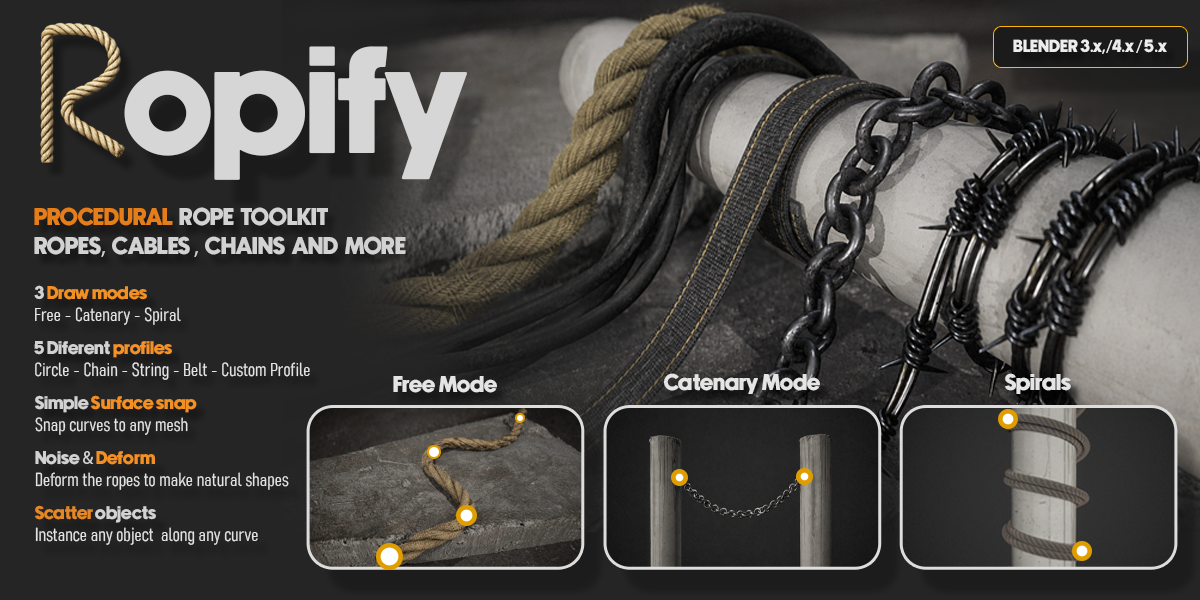
Ropify is a Blender add-on for creating ropes, cables, chains, belts, springs and custom profiles along curves. Draw in the 3D viewport, then adjust the path and settings while the geometry updates. The user documentation describes this live, non-destructive workflow. The Superhive listing identifies it as extension-compatible and lists Cycles and Eevee as supported render engines.
Modes control how a path is drawn or shaped. Profiles control the rope's cross-section and appearance, so you can choose the path behavior separately from the geometry that follows it.
Draw a path with Free, Catenary or Spiral mode
Free mode places control points in the viewport. With surface snapping on, clicks project onto the target surface; with it off, new points use the depth of the previous point. Catenary mode creates a hanging curve between two anchor points, with a tension setting for adjusting the sag.
Spiral mode has two uses. Wrap coils the rope around a target mesh and works best on cylindrical forms such as handles or trunks; complex meshes can produce poor results. Spring creates a free-standing helix between two points and can also wrap more complex shapes if you position the spiral on the object by hand.
Choose a profile for the geometry
The Circle profile makes a round cable or tube, while Strings builds a twisted, braided rope. Chain repeats one or more mesh links along the curve. You can alternate link shapes and control repetition by distance, link count or curve fit. Belt makes a flat band with settings for width, wrinkles, edge shaping and rounded ends.
Custom profiles use a Bézier curve as the cross-section. The Circle profile also includes an Exposed Wires section for showing the cable's inner conductors at its ends. Ropify also has noise controls for adding variation, end caps for closing the ends, and optional tools for placing or scattering objects along a rope.
Keep adjusting, then apply when finished
You can convert an existing Bézier curve into a Ropify curve and choose a profile without redrawing its path. The original shape stays in place while Ropify adds its controls. Other curve types may need conversion to Bézier first.
Applying a finished rope bakes its geometry into a normal editable mesh and removes Ropify's live controls. The manual recommends applying ropes that no longer need adjustment, especially in scenes with many procedural ropes, because Ropify rebuilds every active rope after each change.
Compatibility and practical limits
The Superhive listing gives a Blender range of 3.0 through 5.0, while the documentation says Blender 3.0 and newer. Check the product listing for the range that applies to your installation. The manual also notes that very high resolution settings can slow a heavy scene, and tight curves combined with thick geometry can cause intersections.