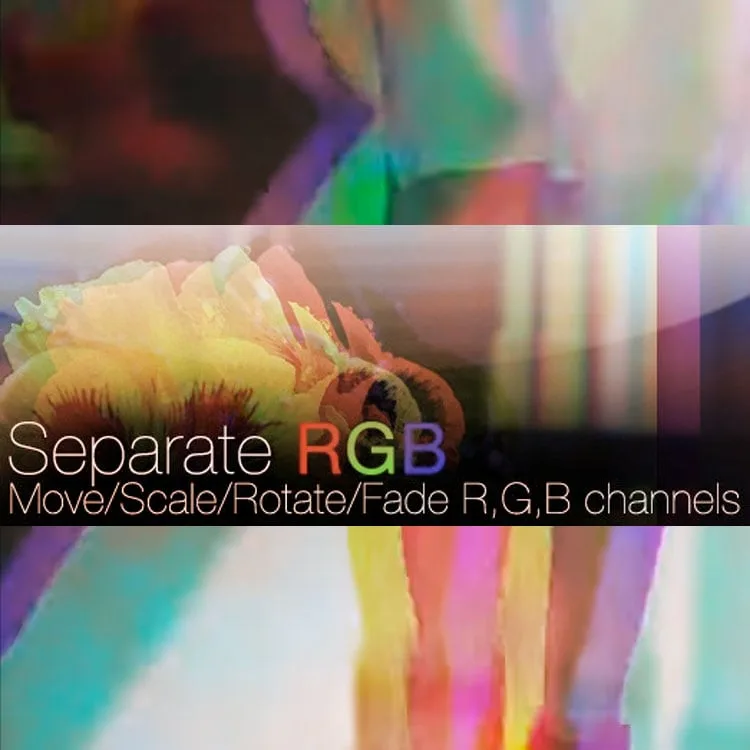
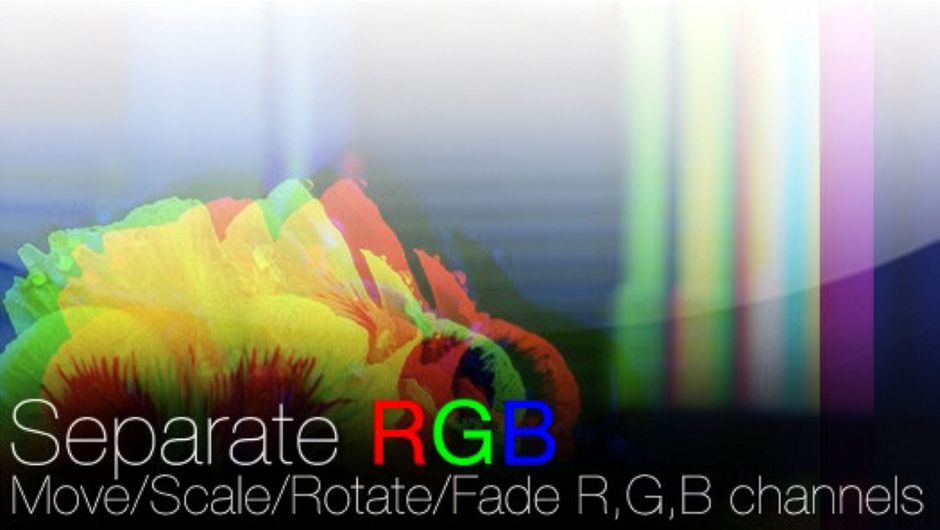
Rowbyte Separate RGB is a color-channel effect for Adobe After Effects and Premiere Pro. It gives the red, green and blue channels separate controls for offset, rotation, scale, opacity, blur, blending and optical distortion. The Rowbyte documentation also lists distortion center and Blend w/Original, which mixes a channel with the source image.
Build chromatic aberration and RGB separation
Per-channel lens distortion can create chromatic aberration. Offset shifts a channel, while rotation and scale change its alignment and size. Opacity and Blend w/Original adjust the channel's contribution to the source; blur softens an individual channel. These independent controls can produce restrained color fringing or a pronounced RGB split, with different treatment values for each channel.
Keep channel adjustments in one effect
Rowbyte says Separate RGB works without separate channel layers or precomps, so you can adjust channel values in one host effect. It automatically grows boundaries as changes are applied, accommodating altered edges from distortion and scaling. This is useful when a channel transformation extends past the original image bounds.
Check compatibility before installing
The plugin is listed for After Effects and Premiere Pro. Rowbyte's TV Distortion Bundle compatibility notes give host and operating-system requirements for the bundle. The version history lists TV Distortion Bundle version 2.7.5 as current (released April 20, 2025). The catalog lists Separate RGB version 3.0.6 with different host ranges and conflicting platform details; check the installer notes for the version you plan to use.
Common questions
Which After Effects and Premiere Pro versions are compatible?
The catalog lists Separate RGB version 3.0.6, with After Effects compatibility from CS6 through 2024 and Premiere Pro compatibility from CS6 through 2020. Rowbyte's version history lists TV Distortion Bundle version 2.7.5 as current, released April 20, 2025; the bundle page describes support for CS6 and all Creative Cloud versions in both hosts. Rowbyte's range is bundle-wide, while the catalog gives a range for Separate RGB version 3.0.6; the sources do not establish whether that plugin release shares the bundle's stated range, so check the installer notes for your version.
Does Separate RGB run on macOS and Windows?
Rowbyte's TV Distortion Bundle page says its plugins support After Effects and Premiere Pro on Windows 10 or later and macOS 10.13 or later on Intel and Apple Silicon; its version history lists bundle version 2.7.5 as current, released April 20, 2025. The catalog lists Separate RGB version 3.0.6; its Platforms field says Windows, while its compatibility text mentions Mac and Windows. The bundle-wide requirements do not resolve the catalog's conflicting platform details for Separate RGB version 3.0.6; check the installer notes for the version you plan to use.
Does Separate RGB support Multi-Frame Rendering in After Effects?
Rowbyte's version history lists TV Distortion Bundle version 2.7.5 as current (released April 20, 2025) and records Multi-Frame Rendering support in After Effects from bundle version 2.7.0 (released August 4, 2021); the bundle page says all included plugins support Multi-Frame Rendering. The catalog lists Separate RGB version 3.0.6 but does not say whether that plugin release supports Multi-Frame Rendering; check the installer notes for your version and use an After Effects release that includes MFR.
Pixel Sorter creates directional streaks in After Effects, Premiere Pro and Resolve. Review its controls, trial limits and host requirements before downloading.
Shape analog TV distortion in After Effects or Premiere Pro with Rowbyte Bad TV. Review its sync, scanline and timing controls, and check host support.