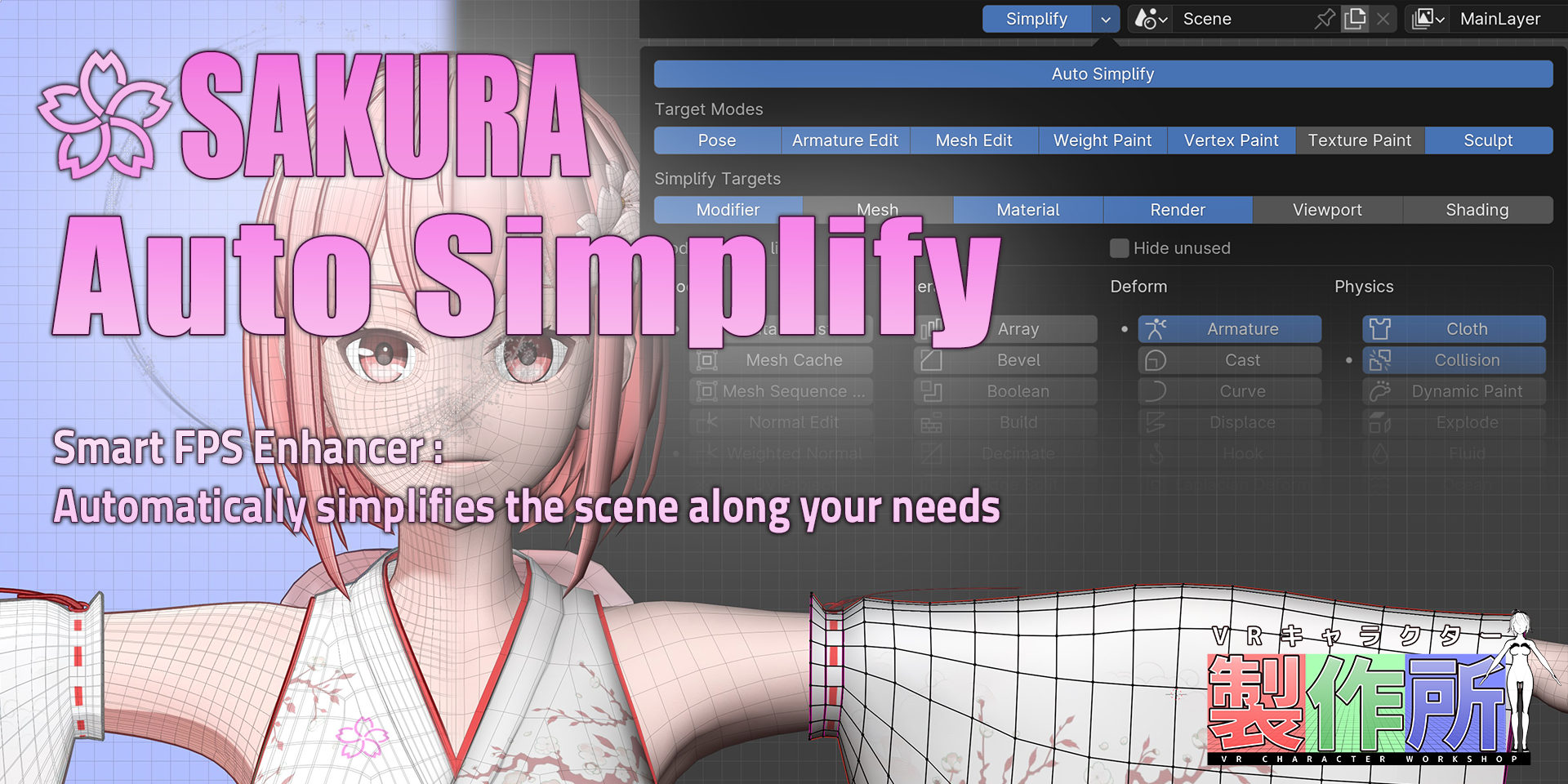
Sakura Auto Simplify is a Blender add-on by Kafuji that temporarily simplifies selected scene settings during animation playback and configured Pose, Edit, Paint, or Sculpt modes. It restores those settings when you leave the relevant mode, helping keep interaction smoother in complex scenes.
What the add-on simplifies
Its options cover several parts of a scene. It can hide modifiers outside a whitelist, mute normal map nodes in materials, and disable Auto Smooth on mesh objects. Other targets adjust rendering settings such as ambient occlusion, screen space reflections, and shadow bit depth; change the viewport playback target; or switch shading to Solid.
Kafuji describes the modifier, material, and mesh changes as having a major effect on complex or high-poly scenes. Rendering adjustments are described as moderate on large scenes, while viewport changes range from minor to moderate. Solid shading has a smaller effect on recent GPUs in Eevee and a larger effect in Cycles, according to the product listing.
Choose when simplification applies
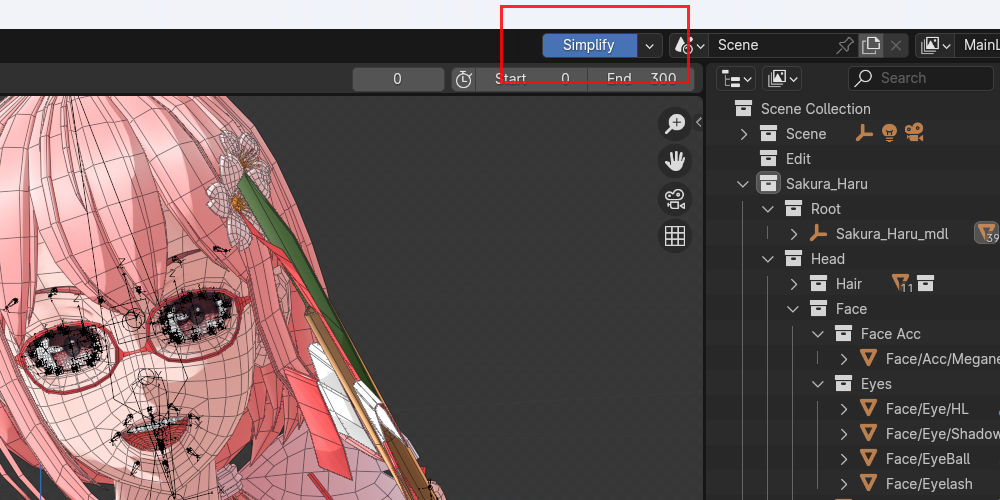
You can configure target modes and individual simplification options in the settings panel, accessed from the Simplify button. Version 2.0.0 added support for all modes and separate simplification settings for each mode, so playback and editing modes can use different settings. Lower-impact options can also be adjusted selectively.
Performance and preview changes
Kafuji reports typical gains of 2x to 10x in many scenarios, depending on the scene. Since the add-on can mute normal maps, hide modifiers, disable Auto Smooth, or change shading, the viewport may look different while simplification is active.
Blender version notes
The Superhive listing displays Blender versions 2.9 to 5.0. Its overview names the Blender 3 and 4 series, and the version 2.0.1 changelog says some code was adjusted for Blender 5.0 changes. Check Kafuji's English documentation for details about your specific Blender release. The marketplace lists the add-on under the GPL license.
Who may find it useful
Sakura Auto Simplify may suit Blender users who work with complex models or heavy scenes and want smoother playback or viewport interaction. Its mode-specific controls let you choose where temporary simplification is useful, while restoring the prior settings when you exit those modes.