Scatter By Kiri Engine is a free Blender add-on for placing objects in a scene. It has three modes: manual placement for individual assets, Geometry Nodes coverage across a mesh or curve, and physics-based placement for objects that need to settle through gravity and collision.
Choose a placement mode
Point and Shoot for individual assets
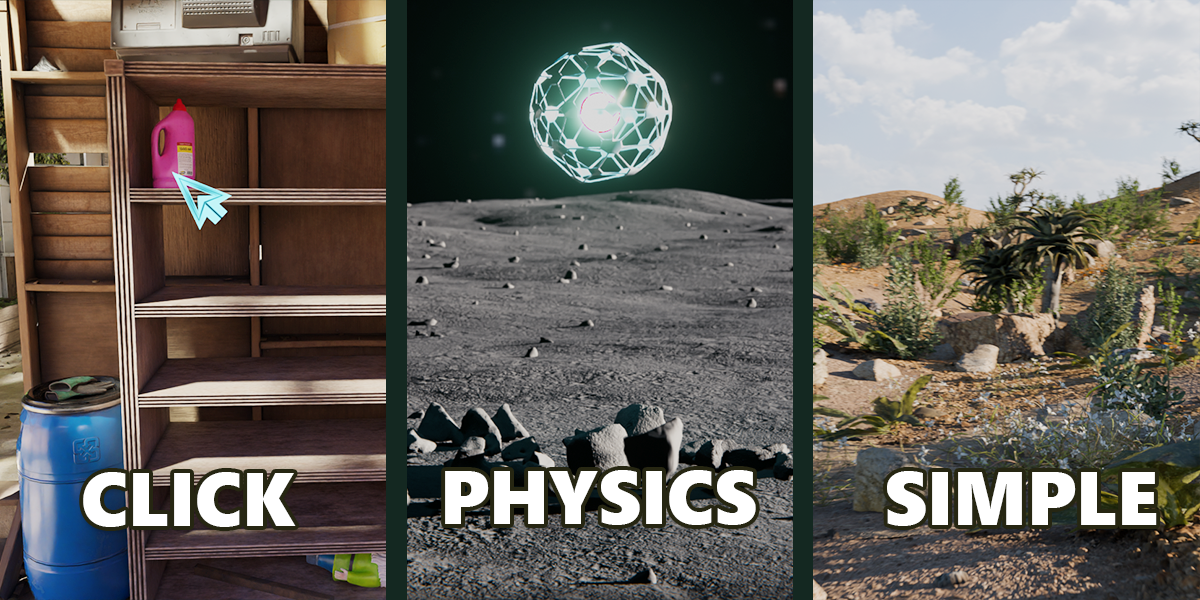
Point and Shoot, also called Click mode, is for placing specific hero assets when composition needs direct control.
Simple Scatter for surface and path coverage
Simple Scatter applies a non-destructive Geometry Nodes modifier to a target mesh or curve. The listing gives grass on a hill, debris on a floor, and scattering along a path as examples. The modifier remains editable, so this mode suits broader coverage that may need adjustment.
Physics Scatter for piles
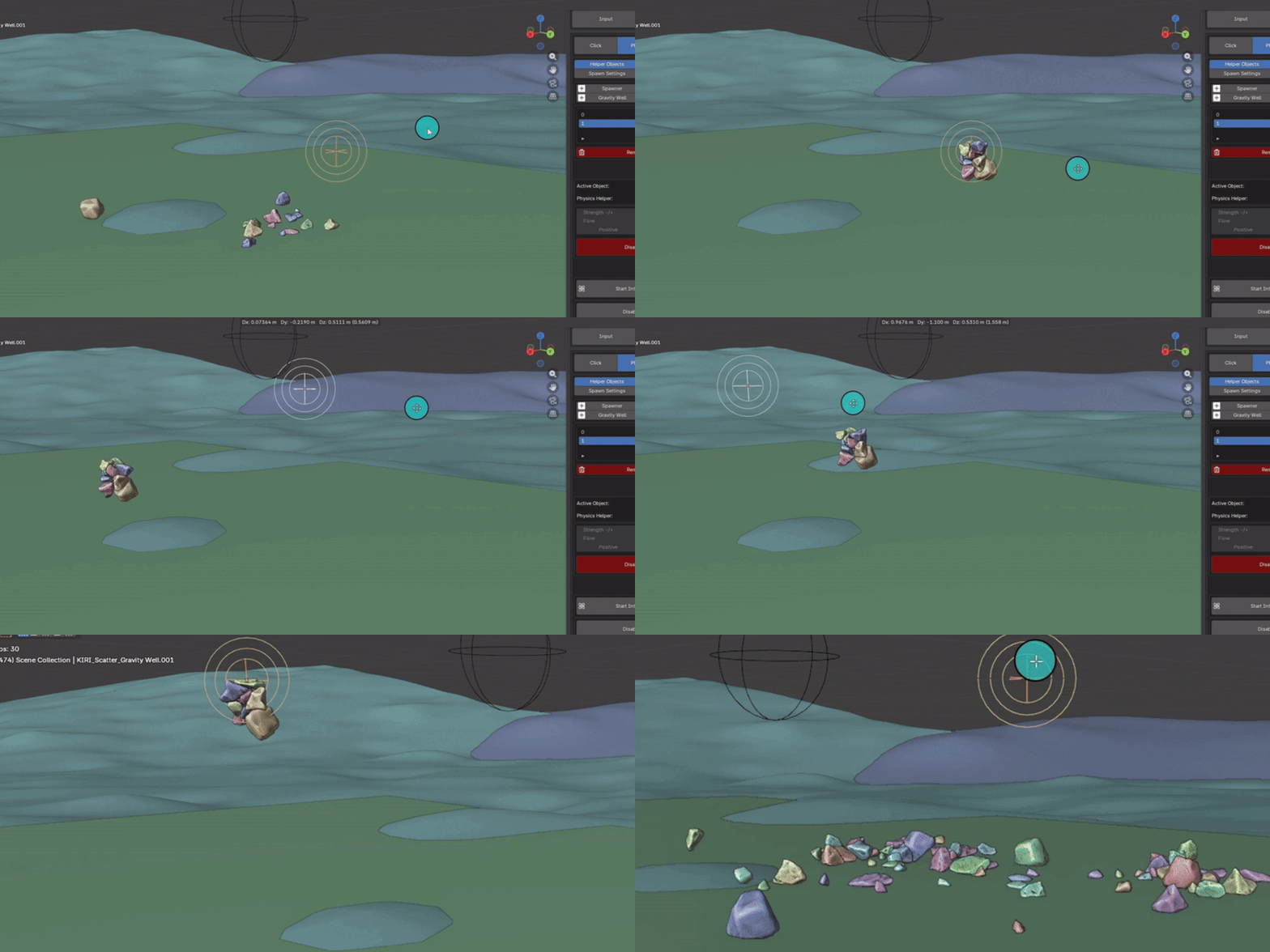
Physics Scatter uses Blender's Rigid Body physics engine to drop objects. Gravity and collisions determine where they rest, which fits piles of rocks, objects on a messy desk, or items filling a container.
Direct falling objects during playback
Interactive Mode adds controls during playback. You can toggle Gravity and use Wind and Vortex fields in real time to direct falling objects.
Asset pack, license, and compatibility
The add-on includes a preview gallery and loader for KIRI Asset Packs. The product description says one free pack was available at release; check the creator's page for current availability. The Superhive listing describes the add-on as free, lists GPL as its license, and marks it Blender Extension compatible. It lists Blender versions 5.0 to 5.2, so check the current listing if you use another release.
Written instructions are available on the KIRI 3D Tools page. The product documentation page also links to the creator's tutorial channel.