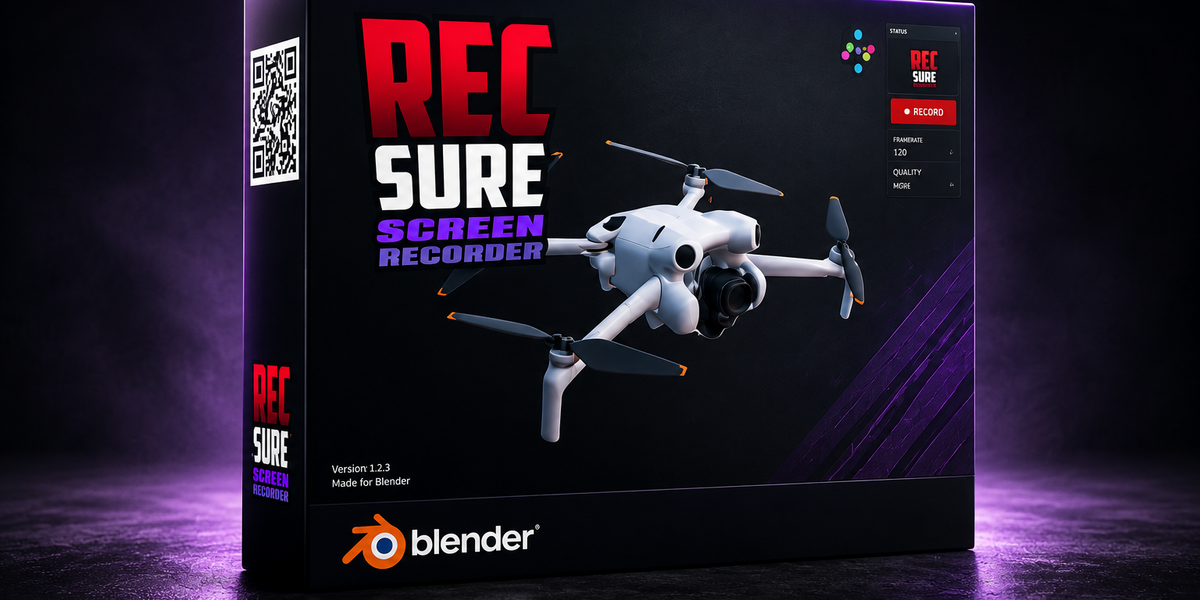
Screen Recorder Pro is an add-on by ZibadMend for recording Blender activity and taking screenshots without leaving the application. Its v1.0.0 documentation describes support for Blender 4.1.0 and later. The add-on can capture the Blender window, a selected panel such as Properties or Outliner, or a custom region, then save video or GIF output. See the official documentation for setup and controls.
Capture settings and controls
Choose a save location, target frame rate, output scale from 1% to 100%, and a countdown timer. For a custom region, draw a box in the Blender window. The selection indicator hides when the N-Panel is closed, and Auto Close Panel can collapse the sidebar when recording starts.
With Record Audio enabled, the documentation describes an asynchronous scan for microphones and system audio devices. If no device appears, check that your operating system allows desktop applications to access the microphone. These shortcuts work while the mouse cursor is inside the Blender application window: Alt + Shift + R starts or stops recording or cancels a countdown, and Alt + Shift + S takes a screenshot.
Video and GIF output
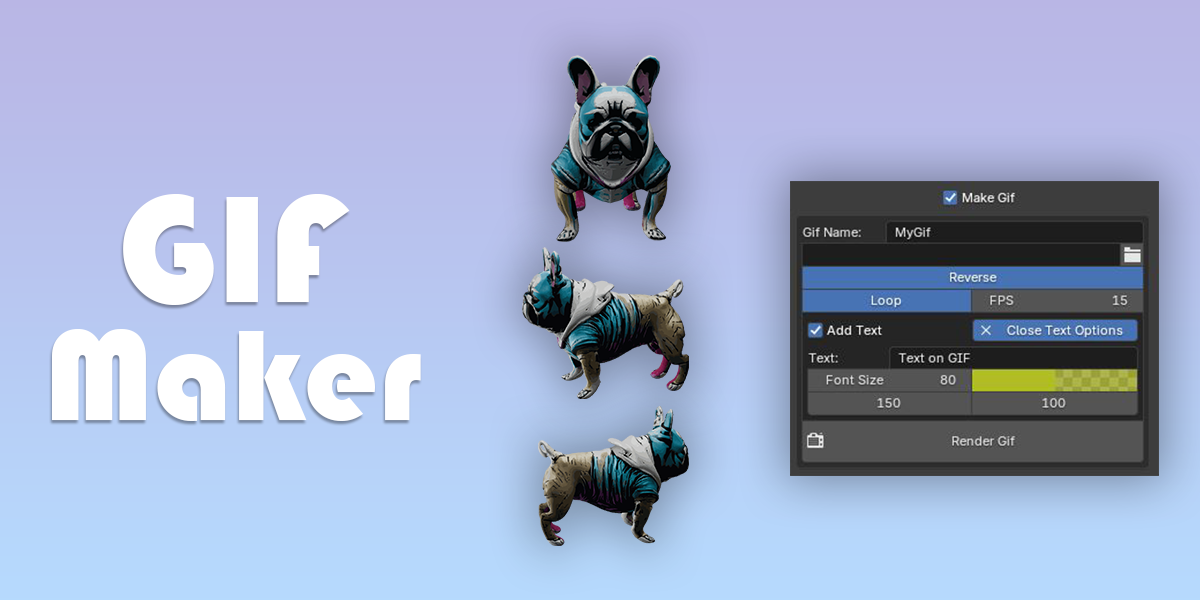
Screen Recorder Pro can turn the latest MP4 recording into a GIF. Its optimization option builds a custom palette of up to 128 colors, updates changed areas between frames, and applies Bayer dithering. You can set a maximum GIF width, with height adjusted to preserve the aspect ratio. For video, the add-on rounds scaled dimensions to even numbers and uses the yuv420p pixel format.
Install the add-on offline
- In Blender, open Edit > Preferences > Add-ons, choose Install, and select the downloaded add-on ZIP. Enable System: Screen Recorder Pro.
- In the 3D Viewport, press N to open the sidebar and select the Screen Recorder tab. If the engine is not installed and Blender shows a red warning, click Install Engine (Offline).
- After the engine installation reports success, restart Blender. Keep the bundled wheels folder intact so the installer can use its included dependencies.
The package must be downloaded first, but the included Python wheel files let the engine installation run without an active internet connection.
Version information
The v1.0.0 documentation lists Blender 4.1.0 and later; the product listing shows Blender 4.0–5.2. The ranges disagree for Blender 4.0 and versions after 5.2. Check the developer's listing for its stated range, and ask the developer to confirm support for Blender 4.0 or versions after 5.2. The product FAQ covers common setup and recording issues.