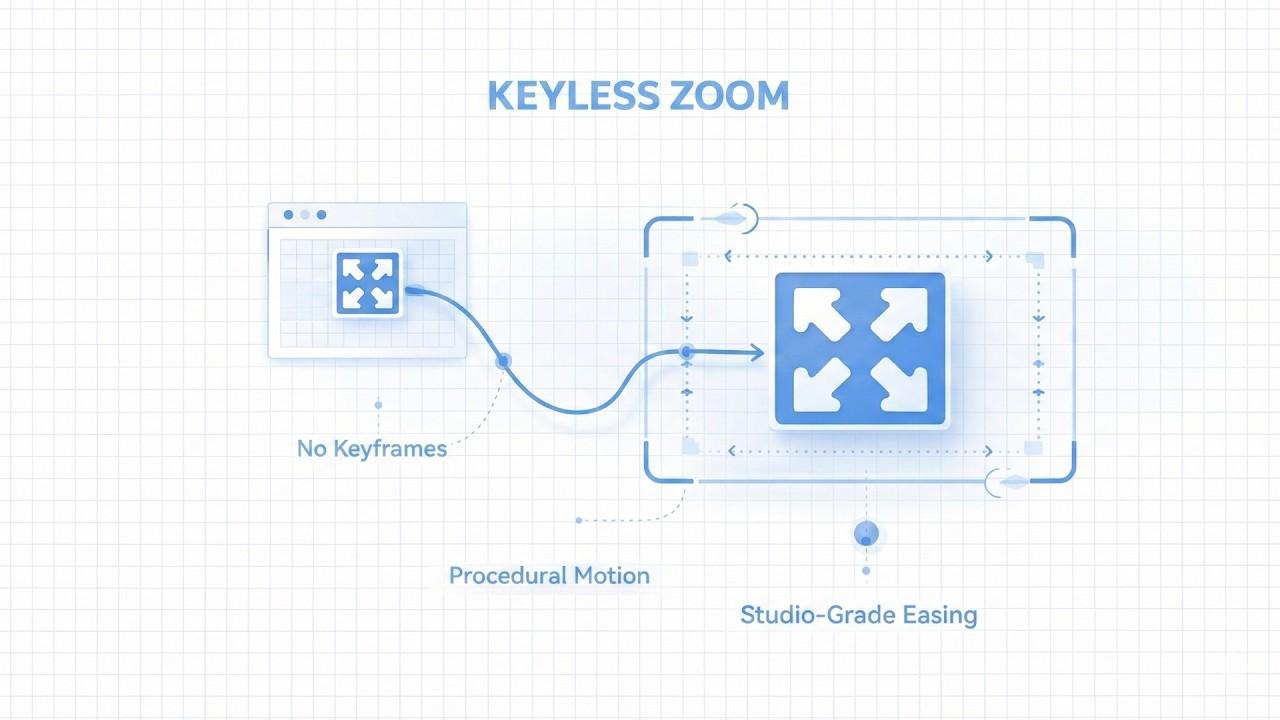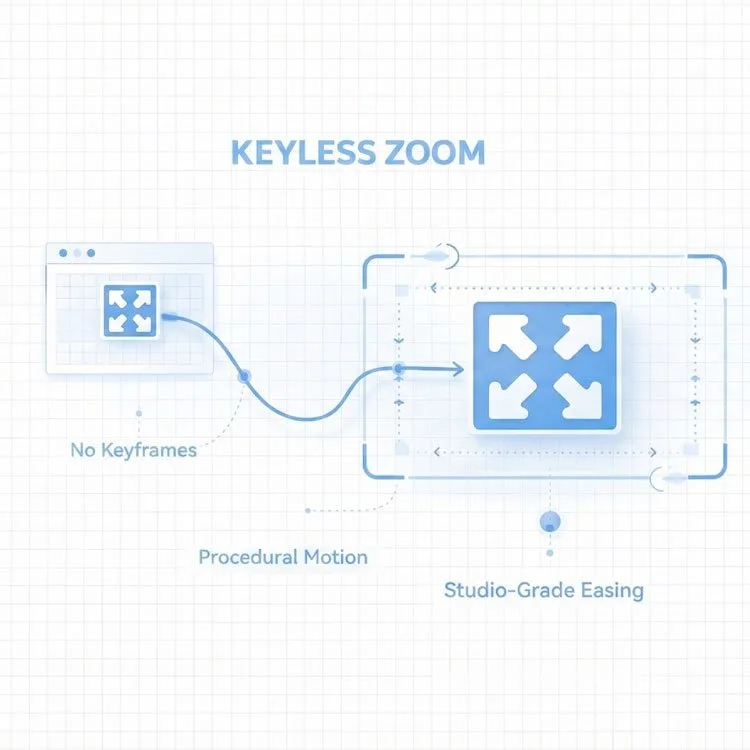
Scrigins Keyless Zoom is a procedural camera tool for After Effects. Set where a zoom move begins and ends, then choose its duration. The tool handles camera placement and easing, so you can build zoom shots without manual keyframing or curve adjustments.
Frame a transformed 3D layer
Intelligent Zoom to Fit calculates an ending camera position for a 3D layer. It accounts for rotation, orientation, scale, and parenting through linked nulls. The Overscan slider fine-tunes the result: at 1.0 the layer fits its bounding box, while lower values move the camera closer. The framing updates as you adjust the slider.
Context-Aware Camera Roll adapts the camera roll to the layer's rotation, including rotations used for graphic alignment or cinematic intent. This is useful when the subject has been transformed or parented and its framing needs more than a basic fit.
Adjust the move's easing
Each move connects to a single hold keyframe. Changing the Easing Strength value updates the feel of the whole segment, while BounceBack has a separate Overshoot slider. This keeps framing adjustments on the Overscan control and motion feel on the easing controls.
A live preview shows the opening and landing frames before you execute the move. Adjust the framing or easing, then review the endpoints before applying the zoom.
Who Keyless Zoom suits
Keyless Zoom is aimed at motion designers who build zoom-in and zoom-out shots around 3D layers in After Effects. Its framing and parenting support is relevant for scenes with rotated, scaled, or nested layers; its easing options cover softer layouts, sharper interface moves, reveals, and overshoot effects.
The catalog lists version 1.2 as free. Check the Toolfarm product listing for current availability, and confirm licensing terms with Scrigins before use.