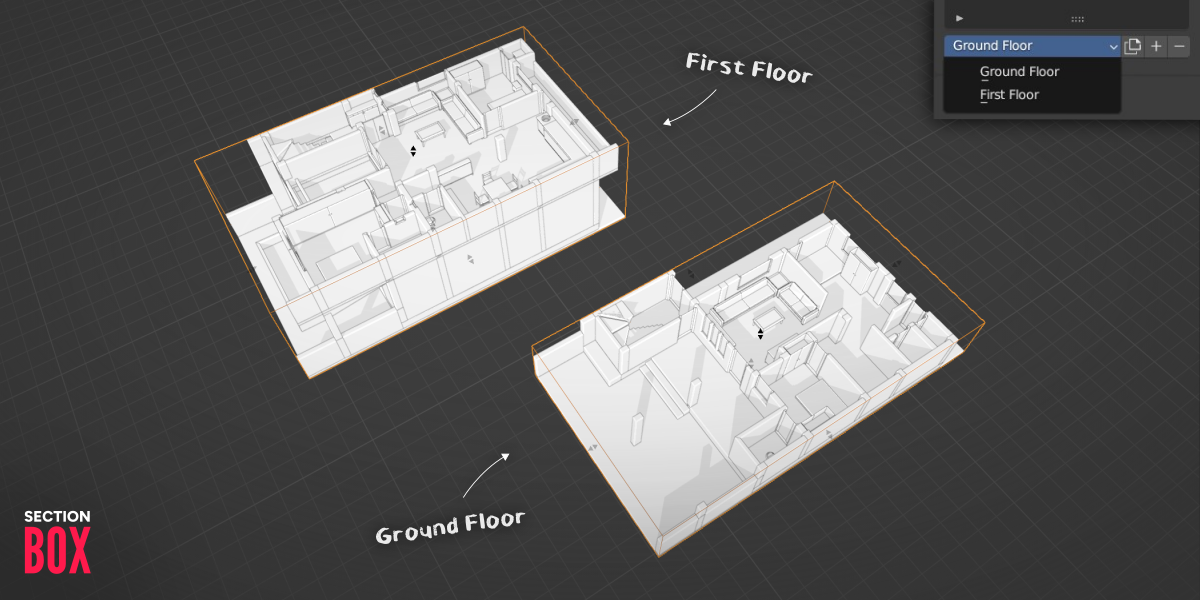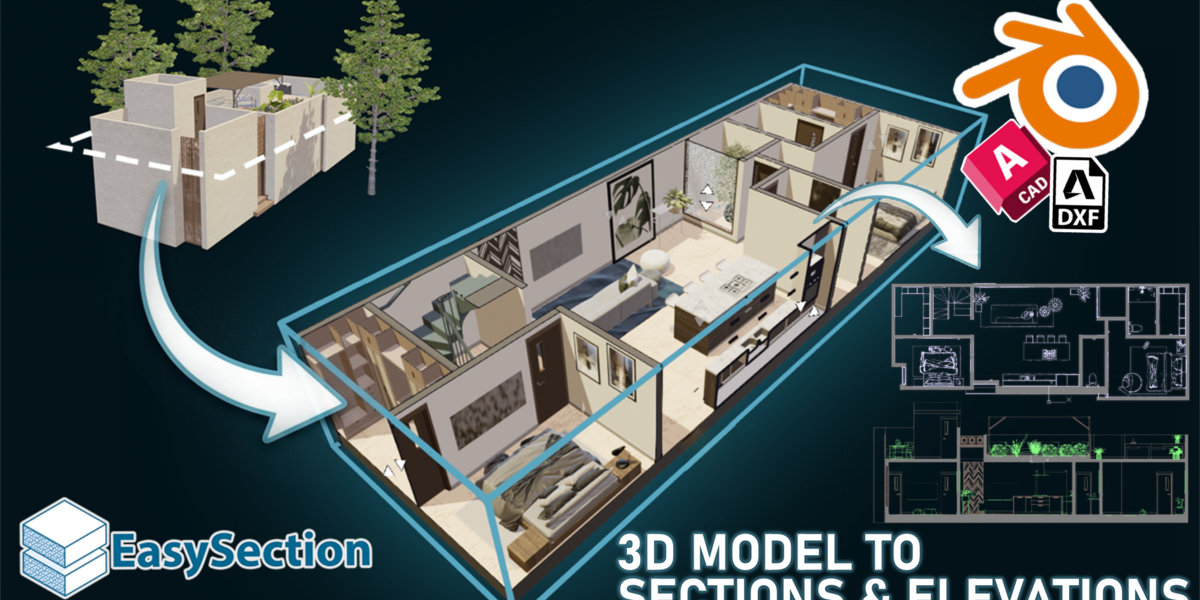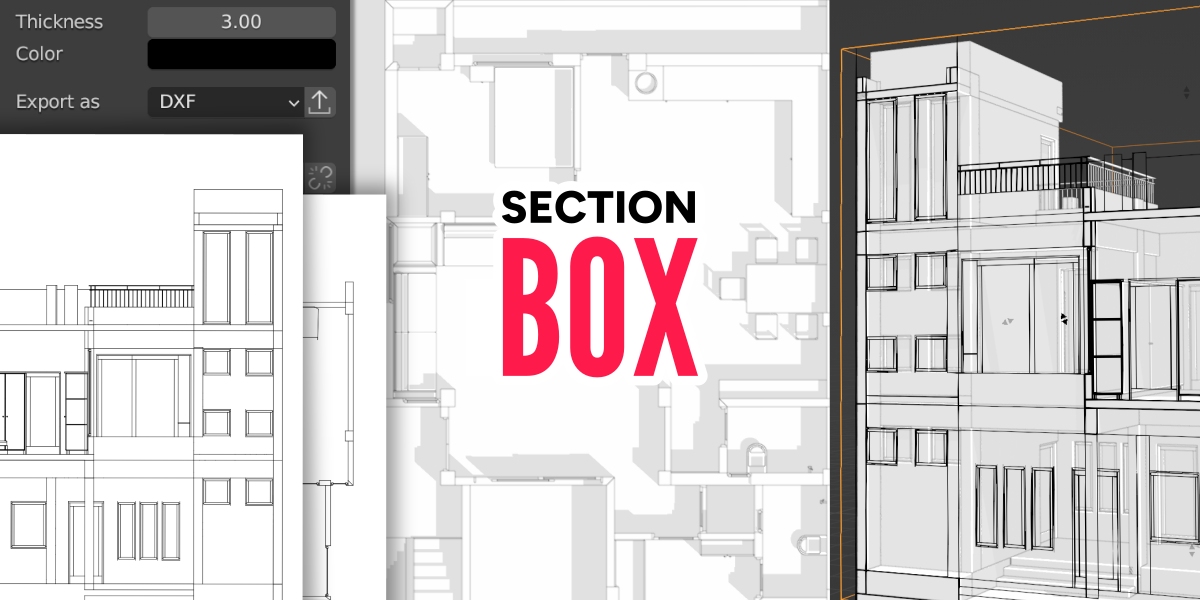
Section Box is a Blender add-on for creating cross sections, elevations, floor plans and presentation views from 3D models. Place a section box around selected objects, a collection or another chosen area, then adjust its settings to control the view. It is aimed at architectural visualization and drawing work, as well as mechanical models and product prototypes.
Create section views and elevations
Section Box produces customizable cross sections for showing interiors, construction details or other parts of a model that an exterior view hides. Elevations can be generated alongside a section or on their own. The product listing also describes floor plans with dimensions and includes beginner, elevation and floor plan tutorials.
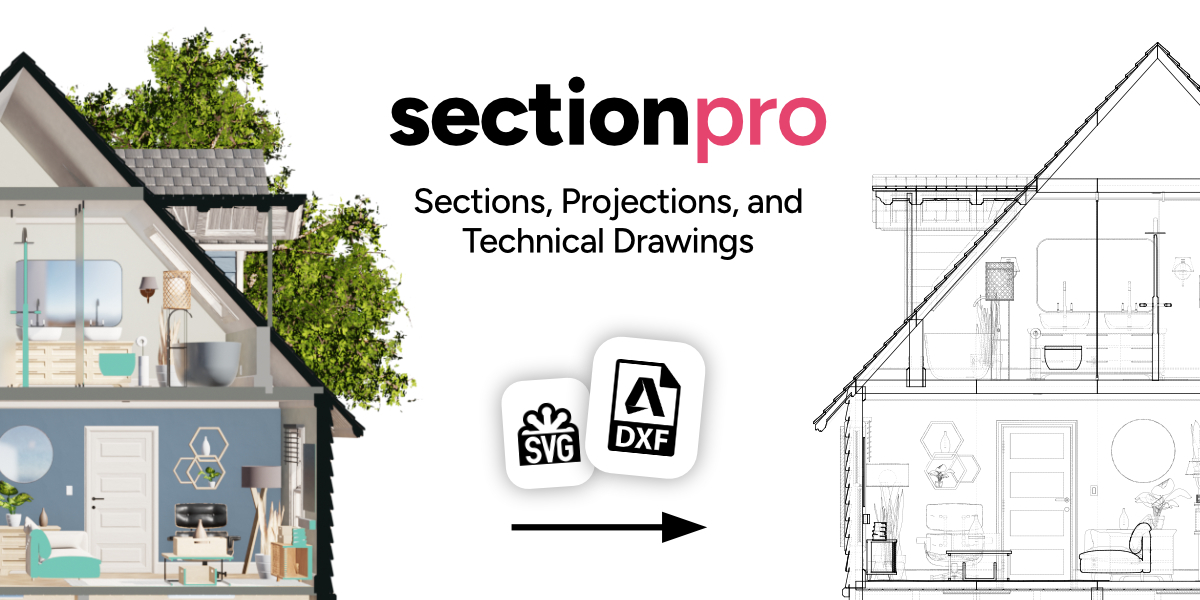
Export drawings to DXF
Sections and elevations can be exported from Blender as DXF files, with the output divided into separate layers for CAD workflows. The Superhive listing does not name the layers or describe line-style controls. The Section Box documentation page is linked from the Superhive product listing.
Save views and animate a section
A preset system saves view states so you can return to them or switch between design options. The add-on also lets you keyframe settings and animate the section box itself, which can show a cutaway changing over time.
Who it suits and compatibility
Section Box may suit architects and designers who want to produce cutaway views, elevations or drawing output from a Blender model, including teams that pass DXF files into a CAD workflow. Superhive lists Blender 4.2 through 5.3 and a GPL license. AnyPlugins lists the add-on as free; check the current product listing for availability, compatibility and license terms before downloading.