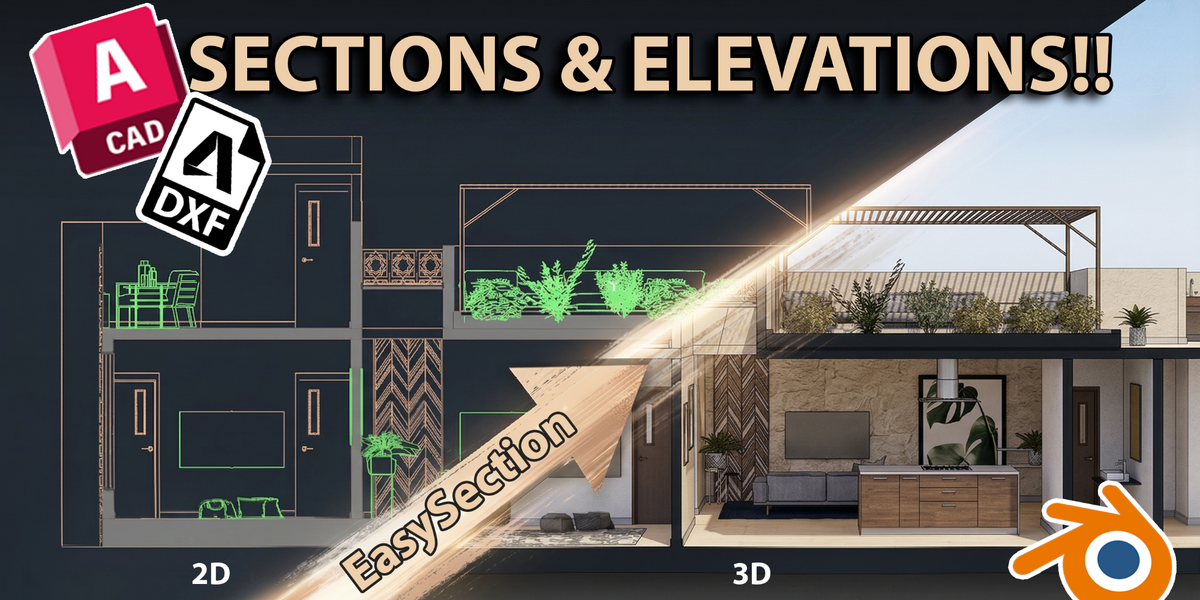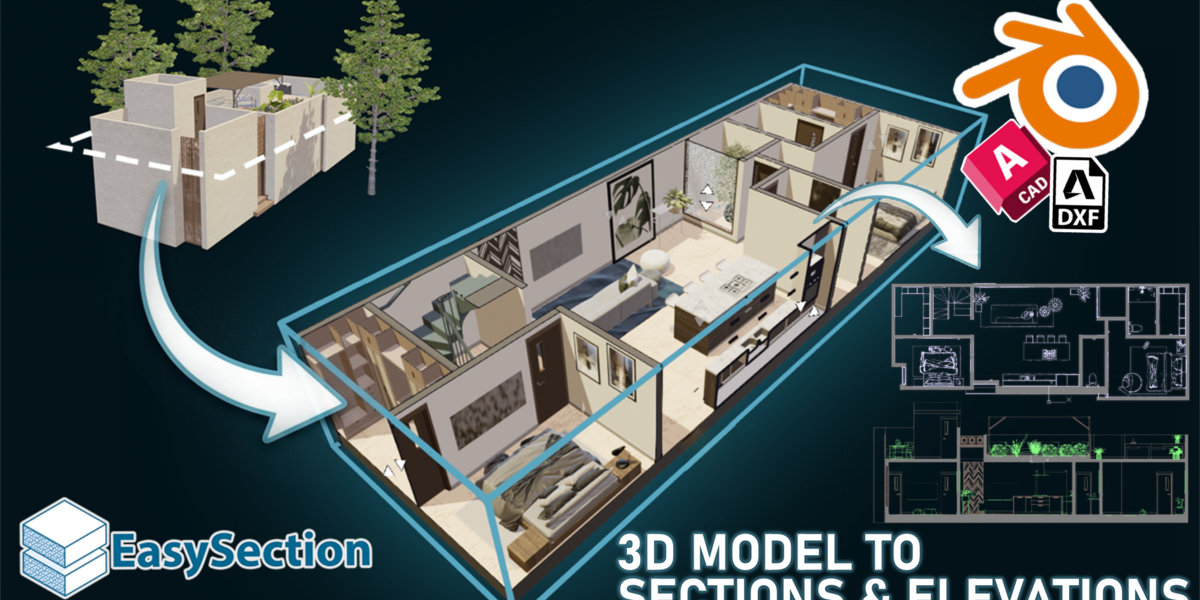
Easy Section is a Blender add-on for architectural sectioning and CAD output. It manages section cuts with a Boolean-based workflow and can export layered DXF drawings with functional hatches in the Pro edition. The Superhive product listing describes the Lite edition as providing 3D section features without DXF export.
Manage architectural sections in Blender
Create a section, revise it as the model changes, or remove it through the add-on’s section controls. The workflow manages modifiers and data cleanup for these operations. Smart Sorting directs Boolean calculations to cuttable objects such as walls and slabs while keeping furniture and plants out of unnecessary calculations.
Fast Mode lets you preview a section before applying real-time Booleans. You can flip the section direction, use geometry-cleaning layers, and save or toggle several sections with Section Manager. Cut materials and outline thickness are adjustable for presentation.
Pro DXF export to CAD
In the Pro edition, Easy Section creates organized, layered DXF files from Blender; the Lite edition has 3D section features but no DXF export. The listing says layers are categorized automatically by colors and Blender collections. Depth cueing adjusts the visual depth in 2D elevations and sections, showing distance and hierarchy in the CAD output.
The Pro edition also exports sections to CAD with functional hatches. Brick and concrete are listed as hatch examples, giving architectural drawings patterned cut surfaces in the exported result.
Adjust the slicer box
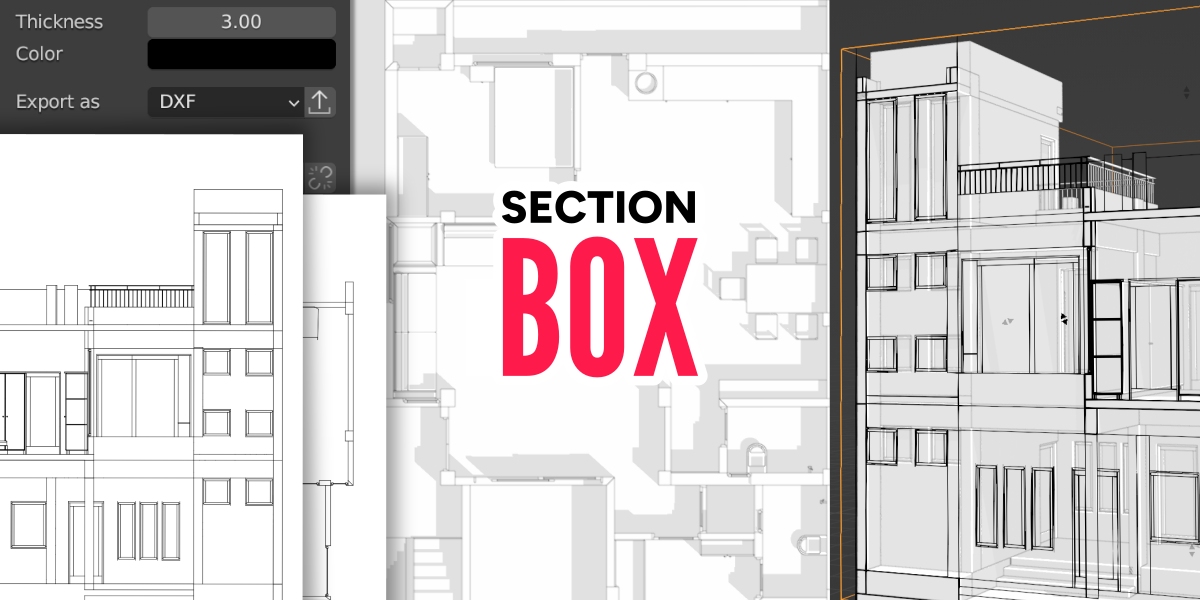
A slicer box gizmo supports movement, rotation, and scaling. Its visibility, thickness, and color can be adjusted, and dedicated performance settings are available for large architectural scenes.
Compatibility and documentation
The Superhive listing specifies Blender 5.0 to 5.1 and marks the add-on as Blender Extension compatible. It lists Cycles and Eevee as supported render engines and GPL as the license. The included EasySection Guide covers features, workflows, and troubleshooting. The listing also describes regular performance and compatibility updates, along with technical support from the developer.