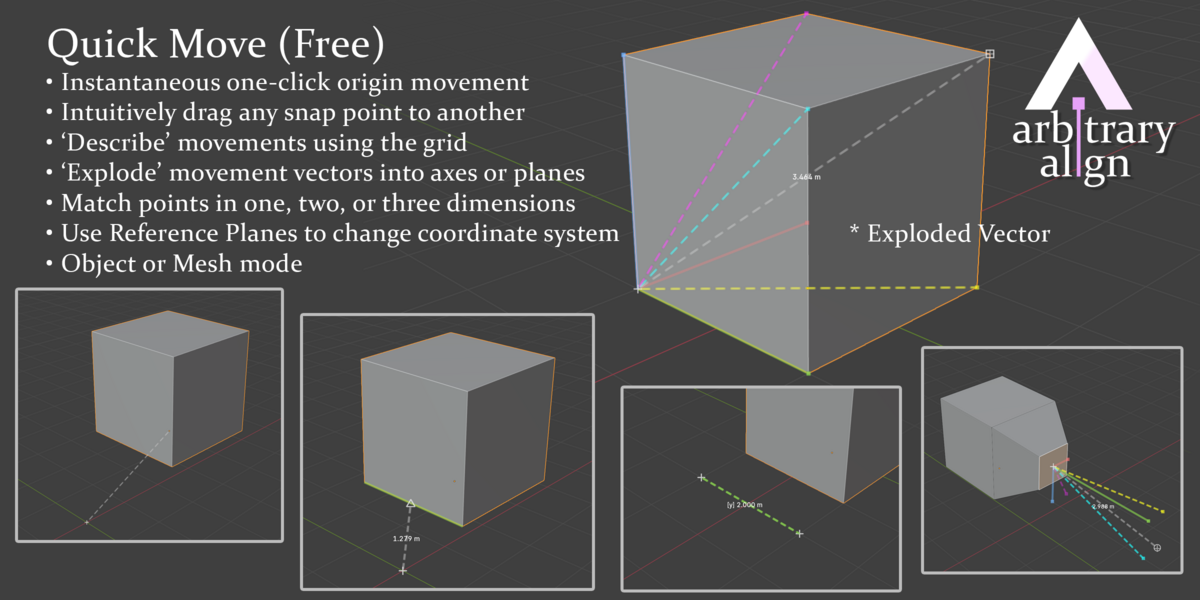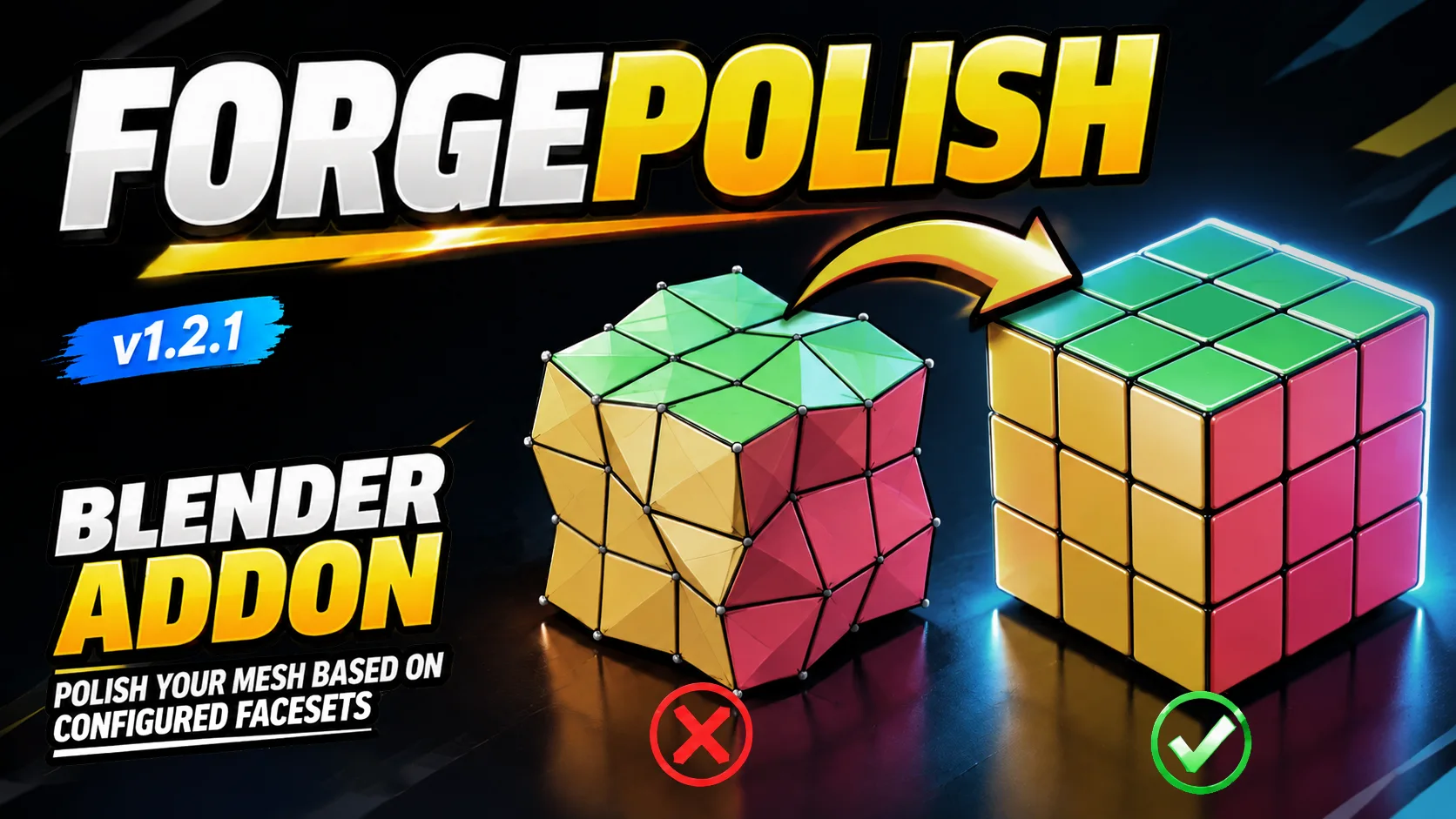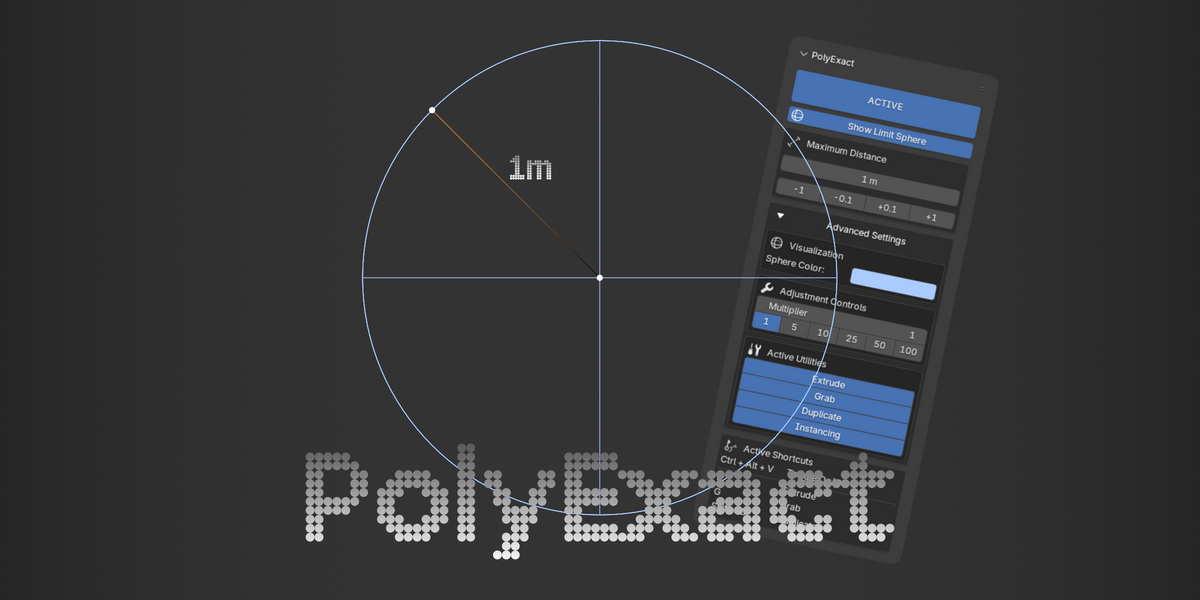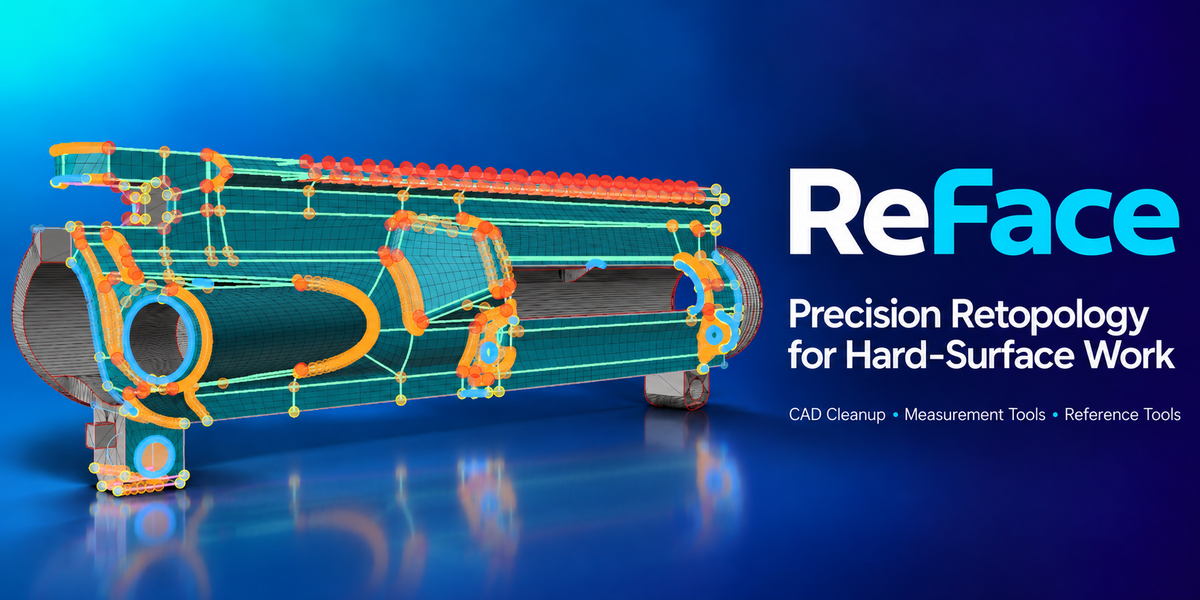
ReFace is a Blender add-on for precision modeling and mesh cleanup. It combines viewport measurements, reference-based editing, selection helpers, boolean cleanup and retopology tools for hard-surface and CAD-style work. The toolset is useful when a model needs measured adjustments or a local rebuild, such as cleaning up a boolean cut or repairing a face patch.
Measure and edit geometry in the viewport
ReFace ViewMode displays edge lengths, angles, circle radii, face areas, normals, loop perimeters and minimum or maximum edge indicators in the viewport. Show All, Drag Handles and Face Info control what appears. Quick HUD actions provide access to length, angle and radius tools, references and reference clearing.
For exact edits, the add-on can set an edge length, match selected edges to an active edge, set the angle between connected edges or change a circular loop's radius. Drag handles provide a visual way to adjust lengths, angles and radii; exact input remains available when a value needs to be specified directly.
Use references to align and mirror geometry
A stored reference edge or plane can guide alignment, projection, mirroring and custom transform orientations. References can be set from an edge, face, two vertices or three vertices. ReFace can align a vertex or edge to a reference, project vertices onto a reference face or plane, mirror a vertex, edge or face selection, and align an object to an active face. For face references and object alignment, the product notes recommend planar faces.
Clean up meshes and rebuild patches
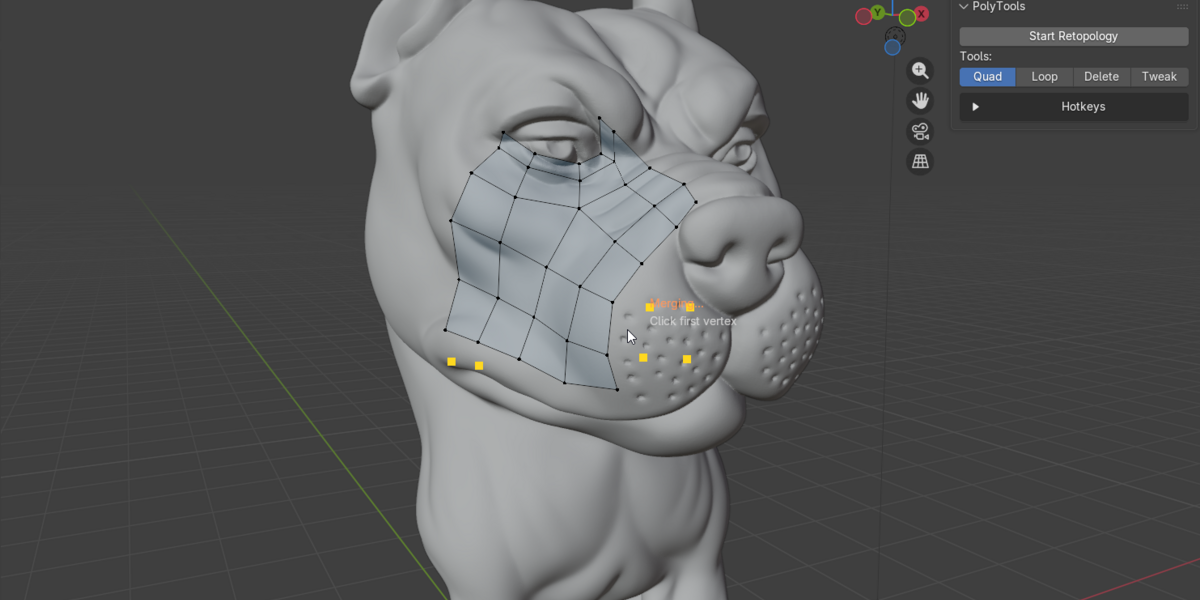
Boolean Clean Up merges vertices along selected cut edges. Adjust Circle can make a loop circular again or change its vertex count, while Match Active Circle rebuilds faces between matching circular loops. Guided Grid Refill rebuilds selected face islands; its workflow includes controls for splits, boundaries and previewing the proposed patch.
The product history describes version 2.0.5 as a major Corner Guided Grid Refill update. It adds Drawn Patch Mode for creating a patch boundary directly, patch extensions using segment extrusion or Knife-based workflows, and sector decomposition for dividing regions with holes into editable sectors. The update also expands Knife Tool editing. Display Mode replaced Focus Mode, and its count-editing feature is marked experimental.
Selection and object tools
Selection helpers cover face and edge paths, faces inside or between loops, boundary loops, sharp edges, non-flat faces and similar closed edge shapes. Other tools create arcs, lay out a mesh along a selected path, isolate objects or collections while preserving protected items, copy transform channels to the active object, and create a curve through the center of tubular mesh forms. Custom transform orientations can be created, switched, deleted or cleared.
Access, compatibility and care
The main popup menu uses Ctrl + Shift + V. ReFace also appears in the Sidebar's N Panel under ReFace and in the Object and Edit context menus. The / or Numpad / shortcut isolates the active collection in the view layer; locked objects can be managed in local mode.
The Superhive product listing marks ReFace as Blender Extension Compatible, lists Blender versions 4.5–5.2 and states a GPL license. Check the listing for current compatibility and license details. Some precision tools require a particular selection, such as one edge, two connected edges, a closed loop or an active element. The product notes say cleanup and retopology operations are destructive by design, so save or duplicate important geometry before large rebuilds.