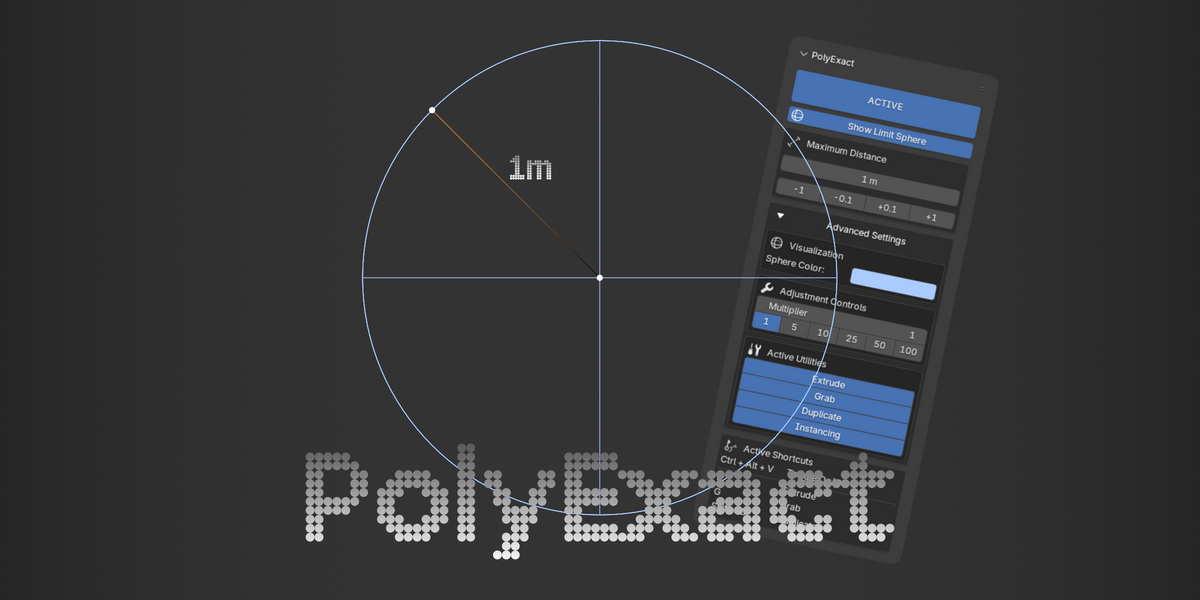
Polyexact is a Blender add-on for setting a maximum distance on extrudes, grabs, duplicates, and instances. Its live guide shows the boundary of the action before you commit, so you can repeat a chosen spacing while modeling.
Distance limits and the visual guide
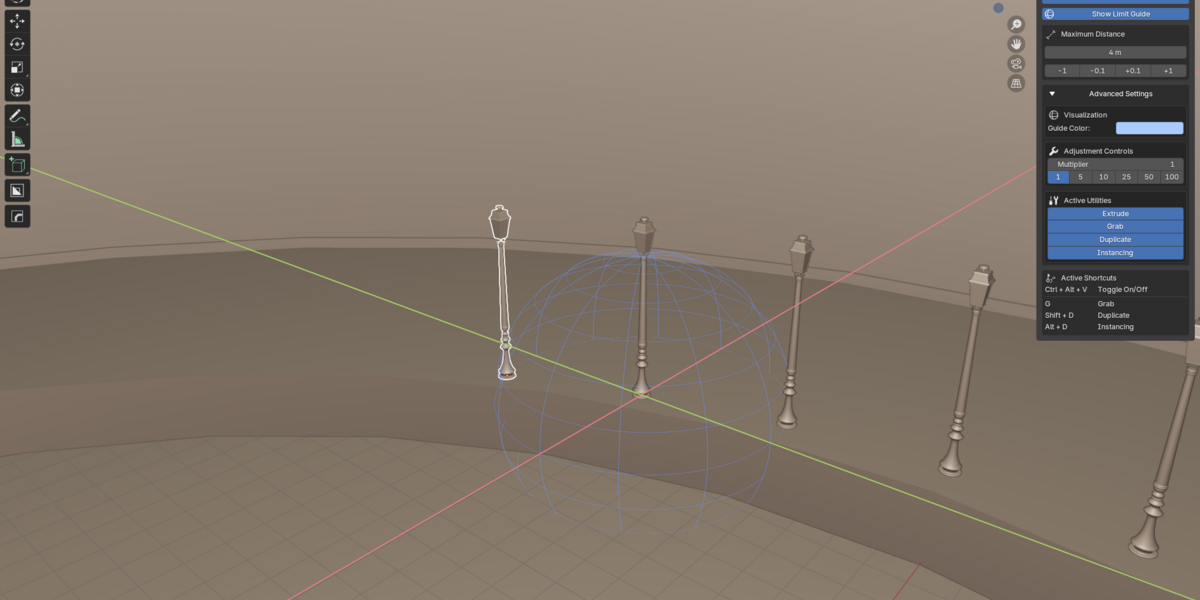
The distance is an exact cap: an action cannot exceed the value you set. Snapping depends on existing geometry, while Polyexact can give you a repeatable distance in empty space. The guide appears as a sphere in perspective view and as a circle with cardinal guides in orthographic view.
You can adjust the distance with increment and decrement controls. A multiplier scales each step, from 1× to 100×, and the add-on works with metric, imperial, or unitless values. The documentation also lists per-operation key bindings and a customizable toggle shortcut.
Modeling tasks it supports
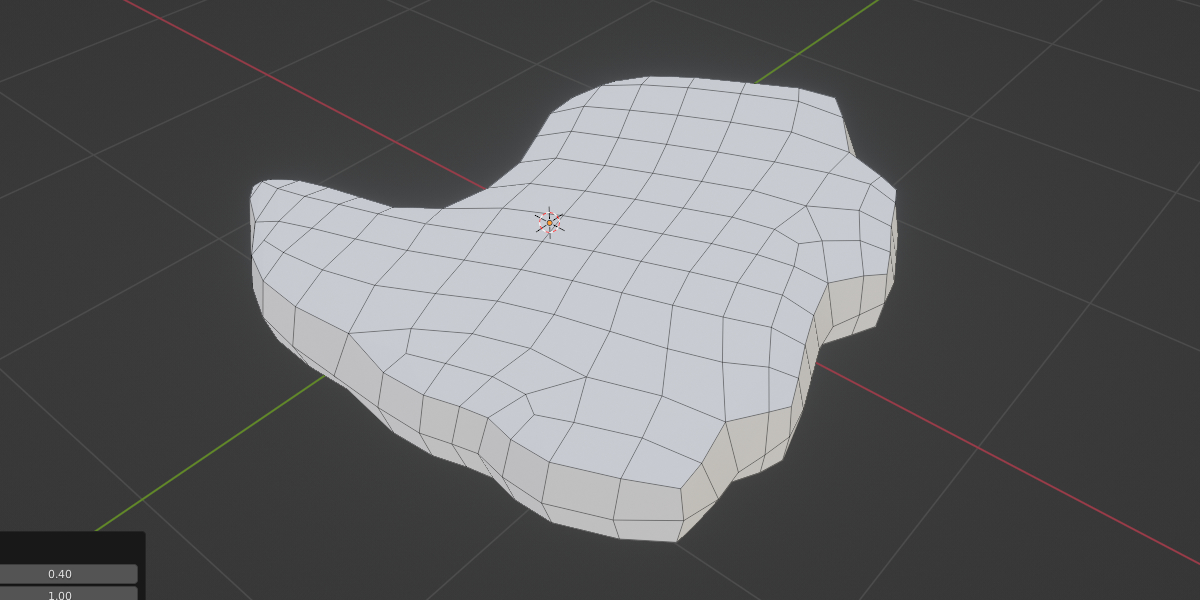
For reference tracing, you can extrude along an outline in an image while keeping vertex spacing consistent. During retopology, distance limits can help keep quads more uniform without pausing to check edge lengths. For repeated scene elements, duplicate or instance objects at even intervals, such as fence posts or street lamps.
The product changelog for version 1.1 adds limiters for camera, light, bone, and armature. Polyexact is a GPL-licensed Blender extension.
Install and start using Polyexact
- Download the PolyExact ZIP file from the product listing.
- In Blender, open
Edit → Preferences → Add-ons, chooseInstall from Disk, select the ZIP, and enable PolyExact. - Open the
View3D → Sidebar → PolyExactpanel, turn onACTIVE, and set the maximum distance. - Use the default shortcuts:
Efor extrude in Edit mode,Gfor grab in Edit or Object mode,Shift+Dfor duplicate in Edit or Object mode, andAlt+Dfor instance in Object mode.Ctrl+Alt+Vtoggles the tool in Edit or Object mode.
The documentation says Blender 4.2 or later, while the Superhive product details list Blender 4.2–5.2. Check the product listing against your installed Blender version before installing. See the Polyexact documentation for setup details and the product FAQ for distance and guide behavior.