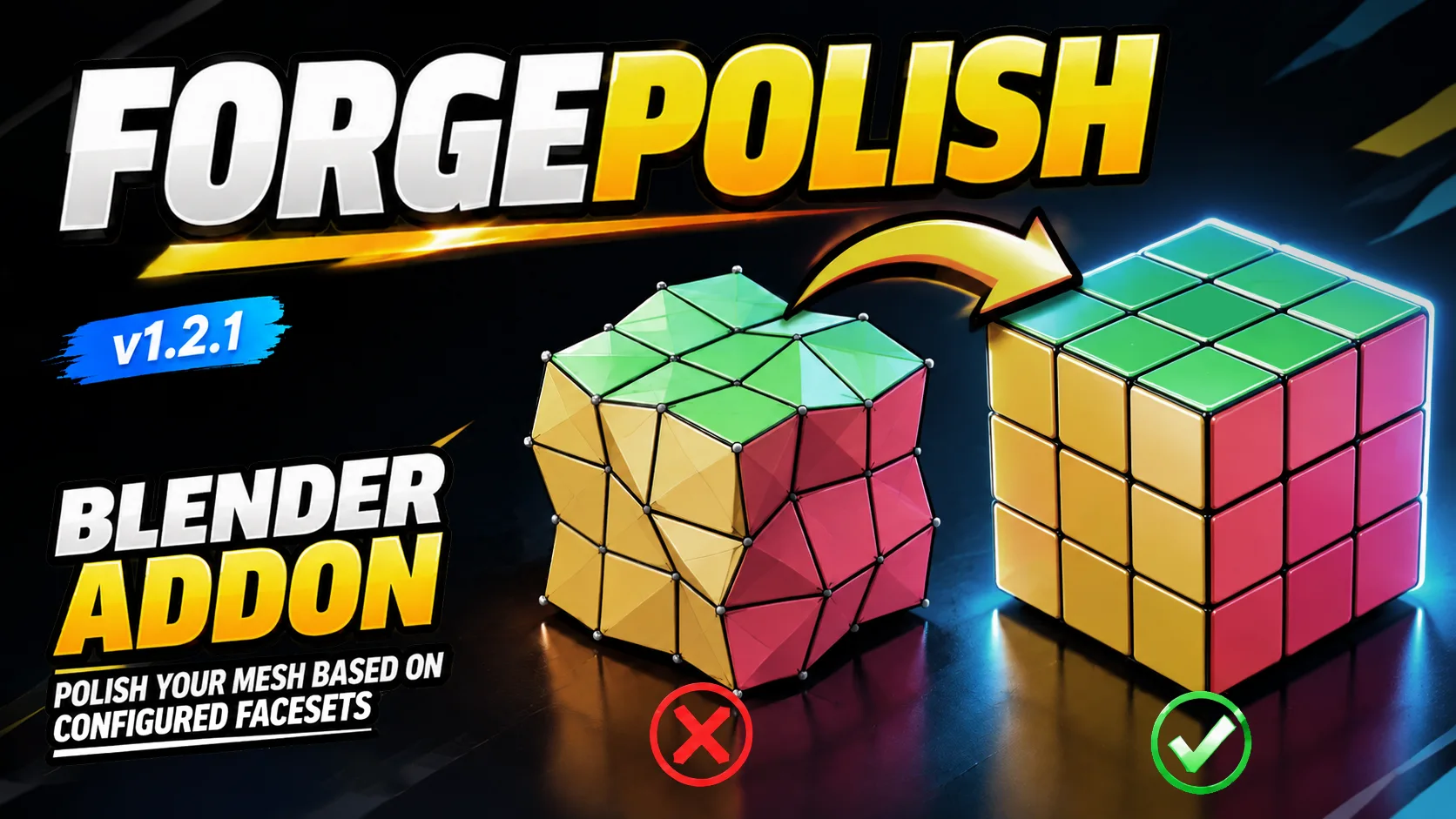
FST ForgePolish is a Blender add-on for smoothing uneven hard-surface meshes, including retopologized meshes prepared for beveling or subdivision. It reads the active Edit Mode selection, so you can target faces, edge chains or vertices; with nothing selected, it polishes the whole mesh. The Blender Extensions listing identifies version 1.3.0, Blender 4.2.0 as the minimum version, YLIANG as maintainer and GPL-3.0-or-later licensing.
Target a selection or the whole mesh
ForgePolish follows the selection already active in Edit Mode. Face selection polishes the selected region, edge selection relaxes edges along their flow, and vertex selection limits the operation to those vertices. Edge polishing also respects masked vertices, locked endpoints and corner protection, which helps when refining an edge chain without applying the operation across an entire surface.
Use Face Sets to control boundaries
Face Sets divide a mesh into regions for boundary-aware polishing without destructively splitting the geometry. You can select separator edges yourself or find them by angle, sharp edges, UV seams, bevel weight or material boundaries. ForgePolish uses flood fill to form the regions, and its Show Face Sets preview switches temporarily to Sculpt Mode so you can inspect their colors.
A typical workflow is to select or find separator edges, create Face Sets, then polish the desired target. If you want the final operation to cover the entire mesh, clear the edge selection after creating the Face Sets.
Choose a mode and tune the result
| Mode | What it does |
|---|---|
| Standard HC Mode | Uses HC correction to reduce volume loss during smoothing. It is the default for controlled cleanup. |
| Tension First | Prioritizes tension reduction for a tighter, sharper result, with more noticeable surface shrinkage. |
Polish Strength is shared by face, edge and brush polishing. Corner Lock protects sharp boundary corners; set it to 0 to turn that protection off. Advanced controls include Inner Smooth and Preserve for Face Set interiors, plus Boundary Smooth and Preserve for their edges, so you can adjust smoothing and volume preservation in each area.
Make local corrections with the viewport brush
The Polish Brush applies polishing locally in the viewport, without rerunning the full mesh operation. Press F to adjust brush size and Shift+F to adjust hardness. Right-click or press Esc to exit brush mode. For the complete control list, see the developer’s FST ForgePolish README.