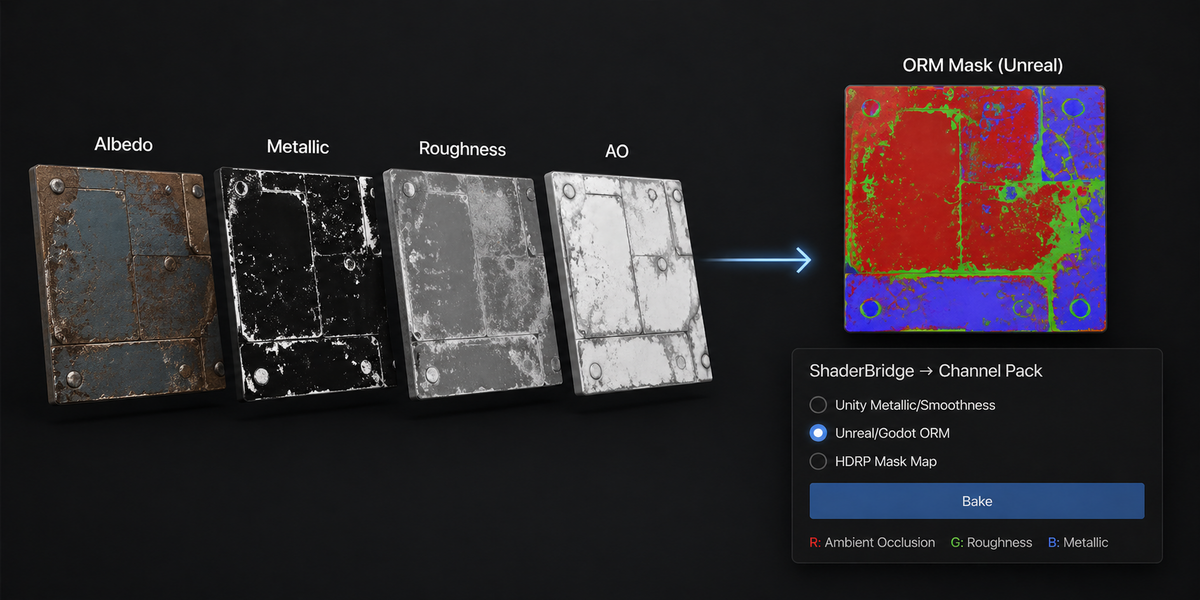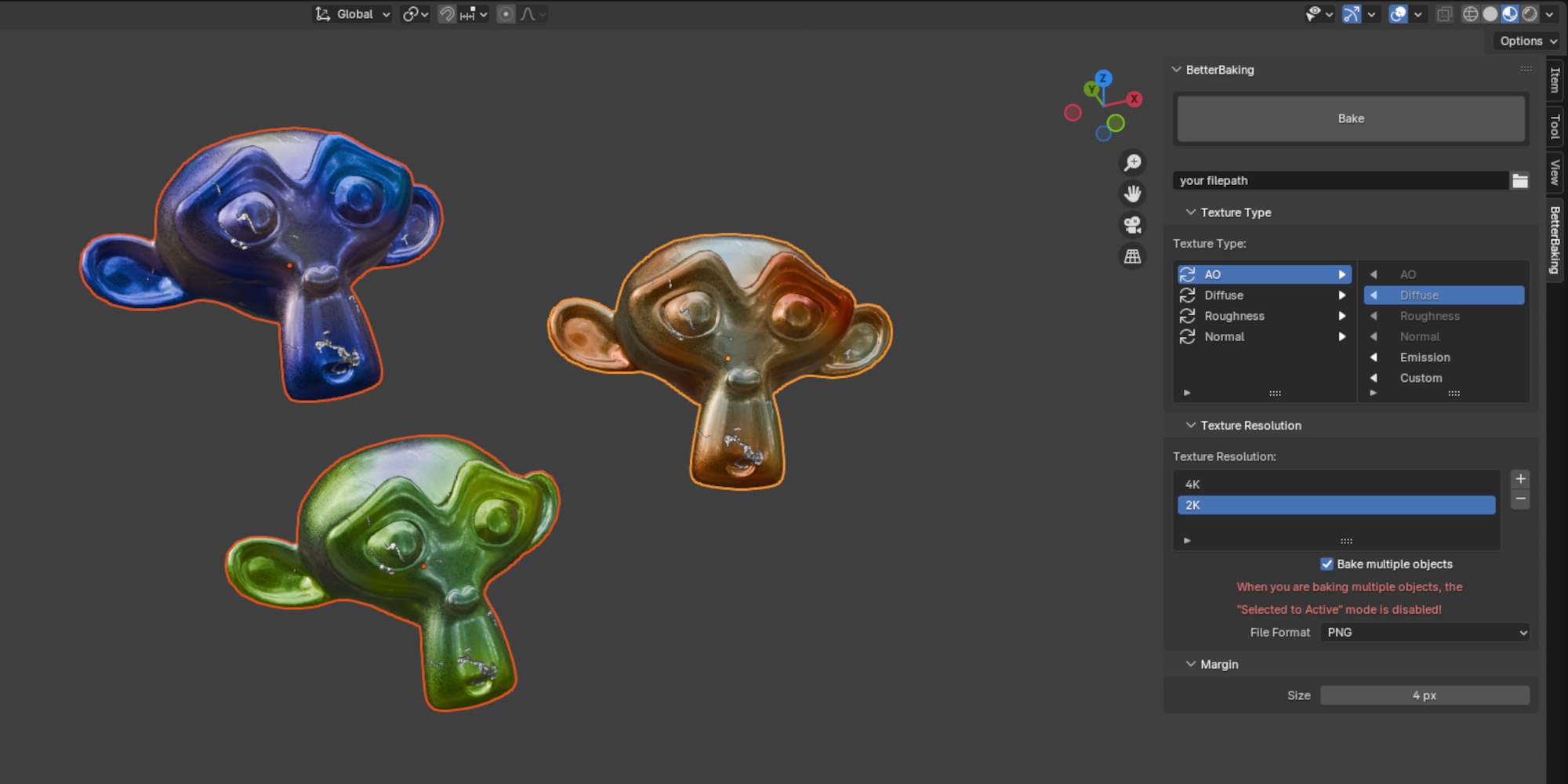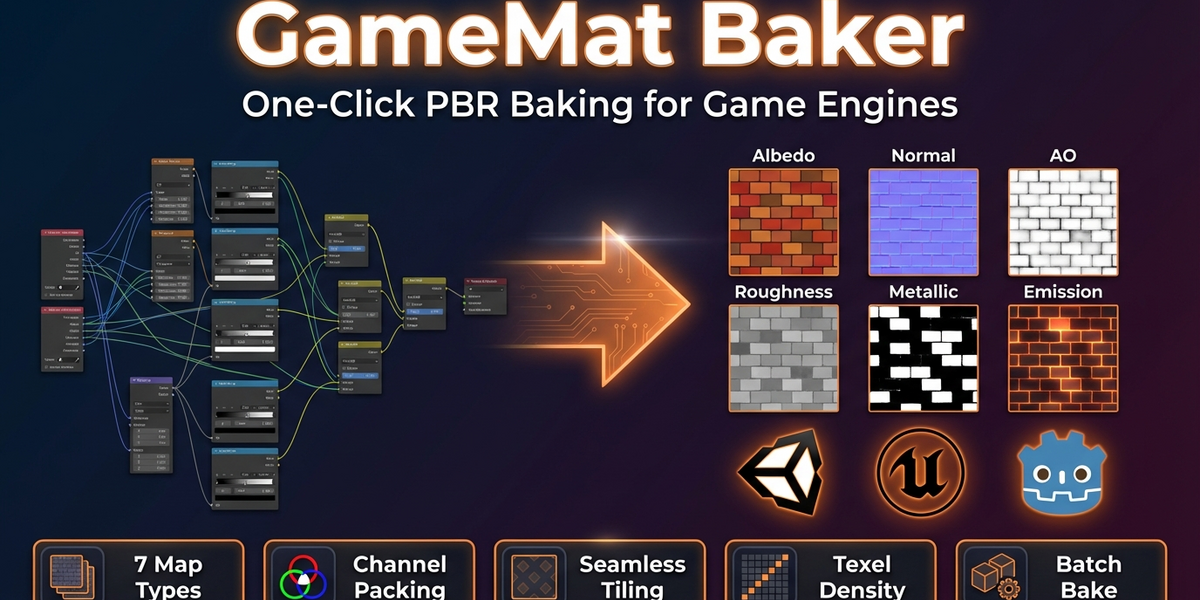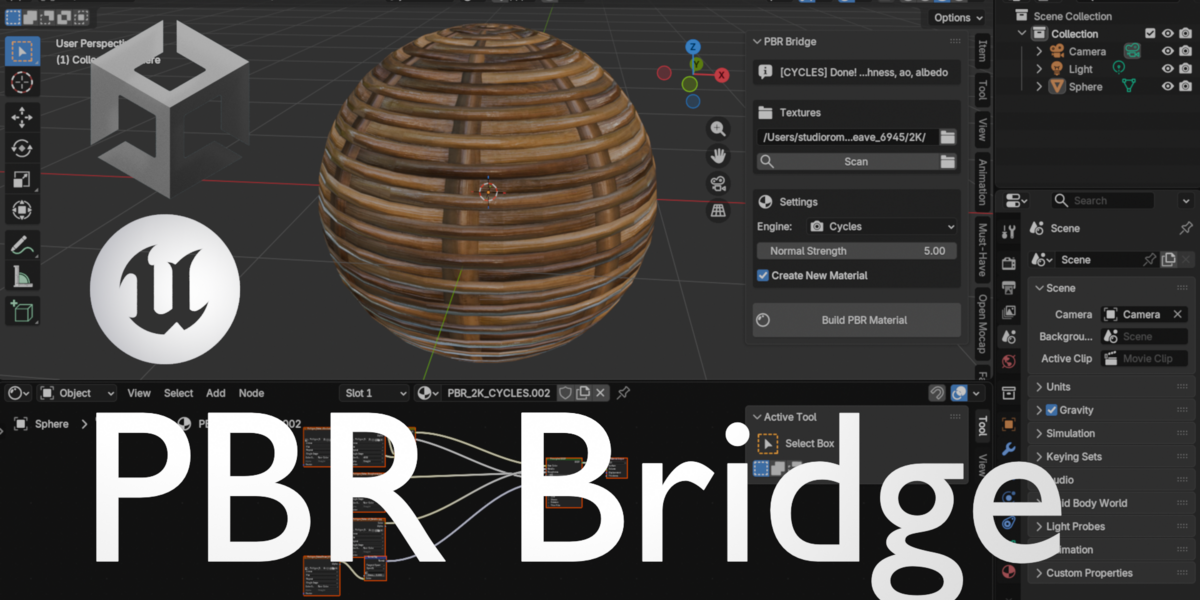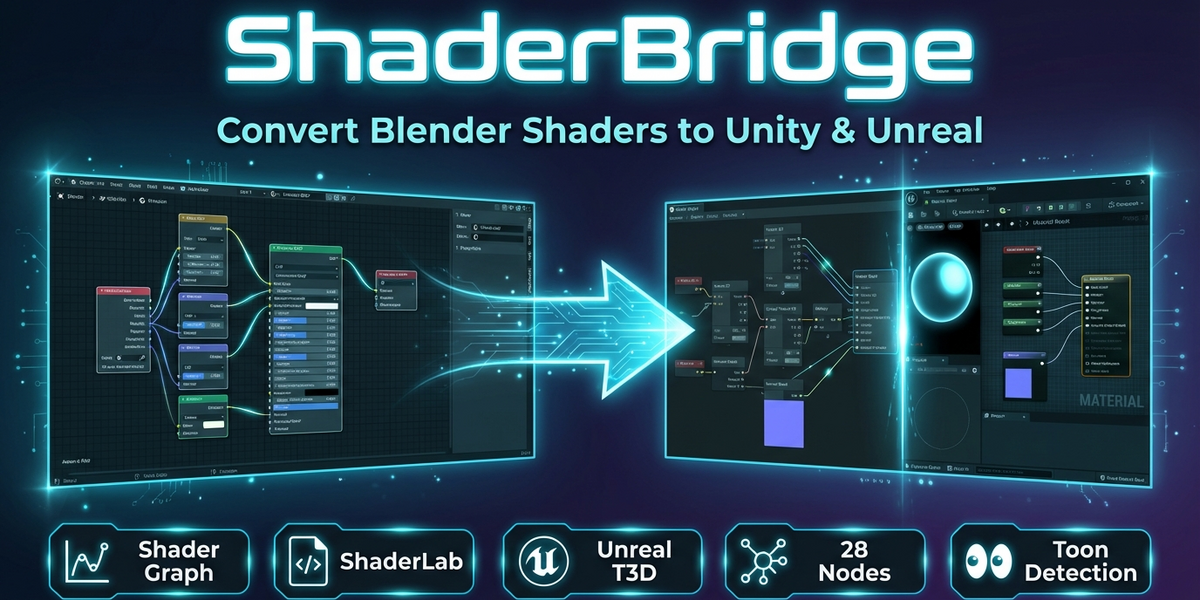
Shader Bridge is a Blender add-on by Skava that exports supported material data to a Unity URP Shader Graph. It converts values and directly connected image textures, and bakes some procedural and toon effects into textures. The exported graph was checked in Unity 6000.4 with Shader Graph 17.4.
What Shader Bridge converts
Six root shader types are supported: Principled BSDF, Emission, Diffuse BSDF, Glossy BSDF, Glass BSDF, and Transparent BSDF. For Unity URP, material values such as Base Color, Metallic, Roughness, Alpha, and Emission Color and Strength can become graph properties. Roughness is converted to Unity Smoothness. Image textures are carried through when connected directly to a supported input.
Noise, Voronoi, Wave, Musgrave, Color Ramp, and Shader To RGB toon chains can be baked to textures. When the material mixes shaders, Shader Bridge selects the dominant Mix Shader or Add Shader branch based on its factor; it does not export the other branch. A diagnostic report shows supported and unsupported node counts, identifies the resulting root shader, and gives plain-language errors for issues such as a missing Material Output.
Check the node limits before exporting
Some Blender nodes do not carry through to the Unity URP graph. The product page lists Math, Mix and MixRGB, Fresnel, Normal Map, Bump, Mapping, Texture Coordinate, Separate and Combine, Clamp, Invert, and Vector Math among the unsupported nodes. Texture mapping and UV transforms are not applied, and normal maps and bump do not feed Unity's Normal input. A surface value that depends on these nodes may therefore differ in the exported material.
Baked toon bands use the lighting from Blender's bake and do not respond to lights in Unity. Shader Bridge does not generate a Unity-side toon shader for lighting that changes in the target project.
Engine targets and output formats
- Unity URP: exports a .shadergraph file and is the verified target.
- Unity HDRP: is not supported. The add-on's option writes a URP graph, which an HDRP project will not render.
- Unity Built-in: writes a ShaderLab .shader file, but the developer has not verified it in Unity.
- Unreal Engine: writes a .t3d text file, which the developer has not verified in Unreal. The file includes only expressions wired directly to a material pin and does not reference baked textures.
The compatibility text says Blender 4.2 and later and lists checks on Blender 4.2.9, 5.1.0, and 5.2.0; the listing's Blender Version field gives 4.2 to 5.2. Older Unity versions are untested. For the current supported targets and release details, see Shader Bridge on Superhive.
Install and use the add-on
Install the add-on ZIP through Blender's Edit > Preferences > Add-ons > Install menu, then enable it. Press N in the 3D Viewport to open the sidebar and select the ShaderBridge tab. The add-on is Python-only and requires no external Python packages or DLLs. Its procedural baker restores the material, selection, and render settings after a bake attempt; a failed bake stops the export with an error reason.
The add-on code is licensed under GPL-3.0. The product page states that generated shaders may be shipped in commercial projects.