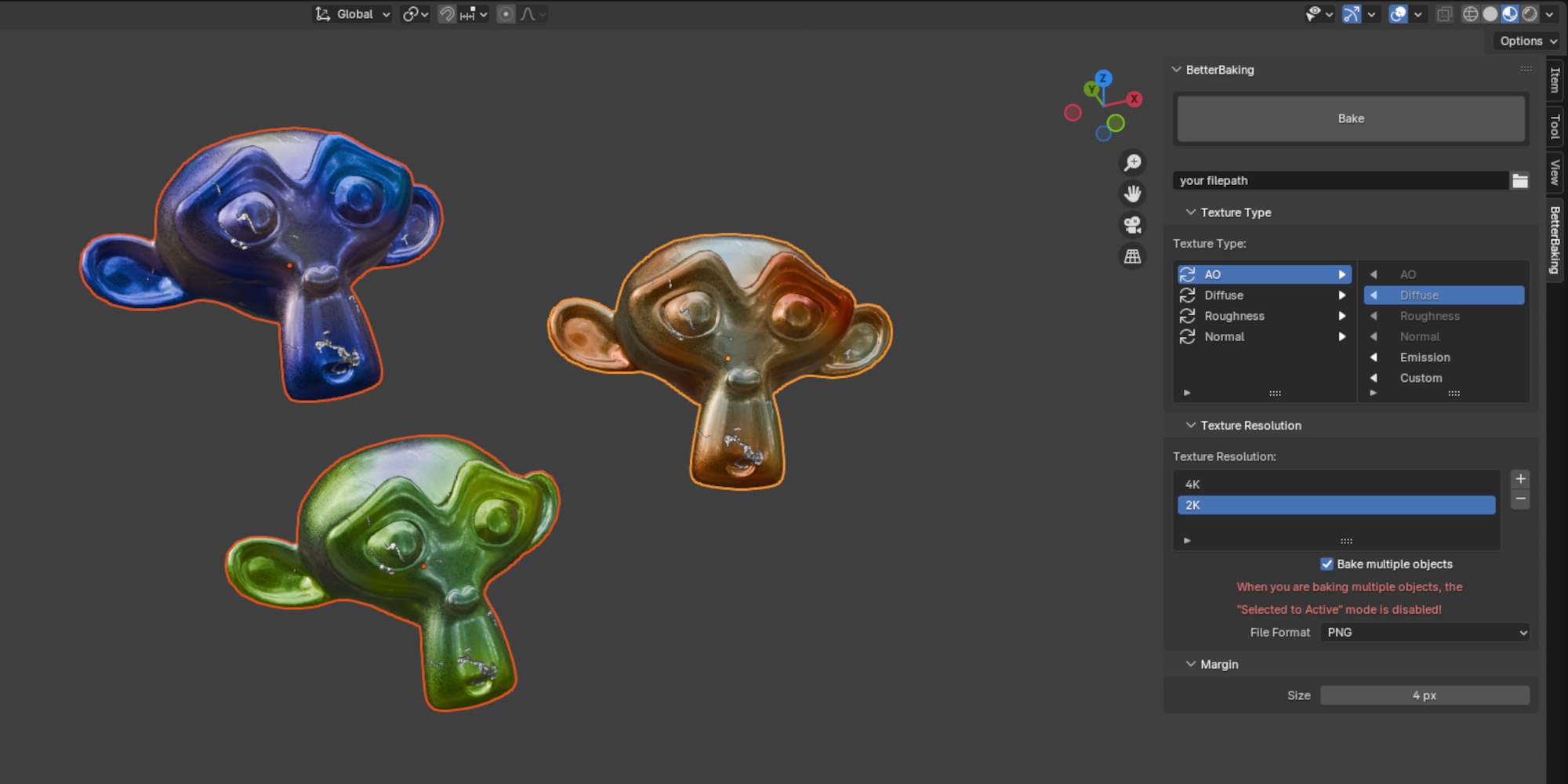
Roughness Builder is a Blender add-on by Milad_Kambari for browsing and applying roughness textures to materials. Its library includes 500+ textures covering fingerprints, grunge, surface imperfections, and scratches. A folder browser with categories, pagination, and large thumbnails sits in the 3D Viewport's N-panel.
Browse the texture library
The browser shows 20 textures per page by default. Each subfolder in the Library folder becomes a category, so you can add your own categories by creating folders and placing images inside them. The documentation lists support for PNG, JPG, JPEG, TIF, TIFF, BMP, TGA, EXR, and HDR files.
Choose which materials to update
Roughness Builder can target the active material, selected materials, or every material on the object. You can scan the object's materials and choose where the texture should go. With Auto Apply enabled, selecting a texture applies it to the material's roughness channel immediately. Turn Auto Apply off to browse without changing the material.
Adjust mapping and blend modes
Controls for uniform or XYZ scale, rotation, and position let you adjust texture mapping. Brightness, contrast, and invert controls change the texture's appearance. Choose Replace, Multiply, Add, or Overlay to control how it interacts with existing roughness; each mode has an adjustable blend factor. Replace removes the existing roughness, while the other modes blend with roughness already connected to the Principled BSDF.
When you apply a texture, the add-on builds a node chain from Texture Coordinate through Mapping, Image Texture, Brightness/Contrast, Invert, and Mix RGB to the Principled BSDF roughness input. It sets the image texture to Non-Color automatically.
Install and check compatibility
The developer's documentation describes installing the add-on from a ZIP file through Blender's Edit → Preferences → Extensions → Install from Disk menu, then enabling it. The texture library is included with the add-on. The documentation lists Blender 4.0+ and Blender 5.0 compatibility, and support for both the legacy Add-on system and the newer Extension system.
See the developer documentation for setup and library details, and the product listing for current product information.