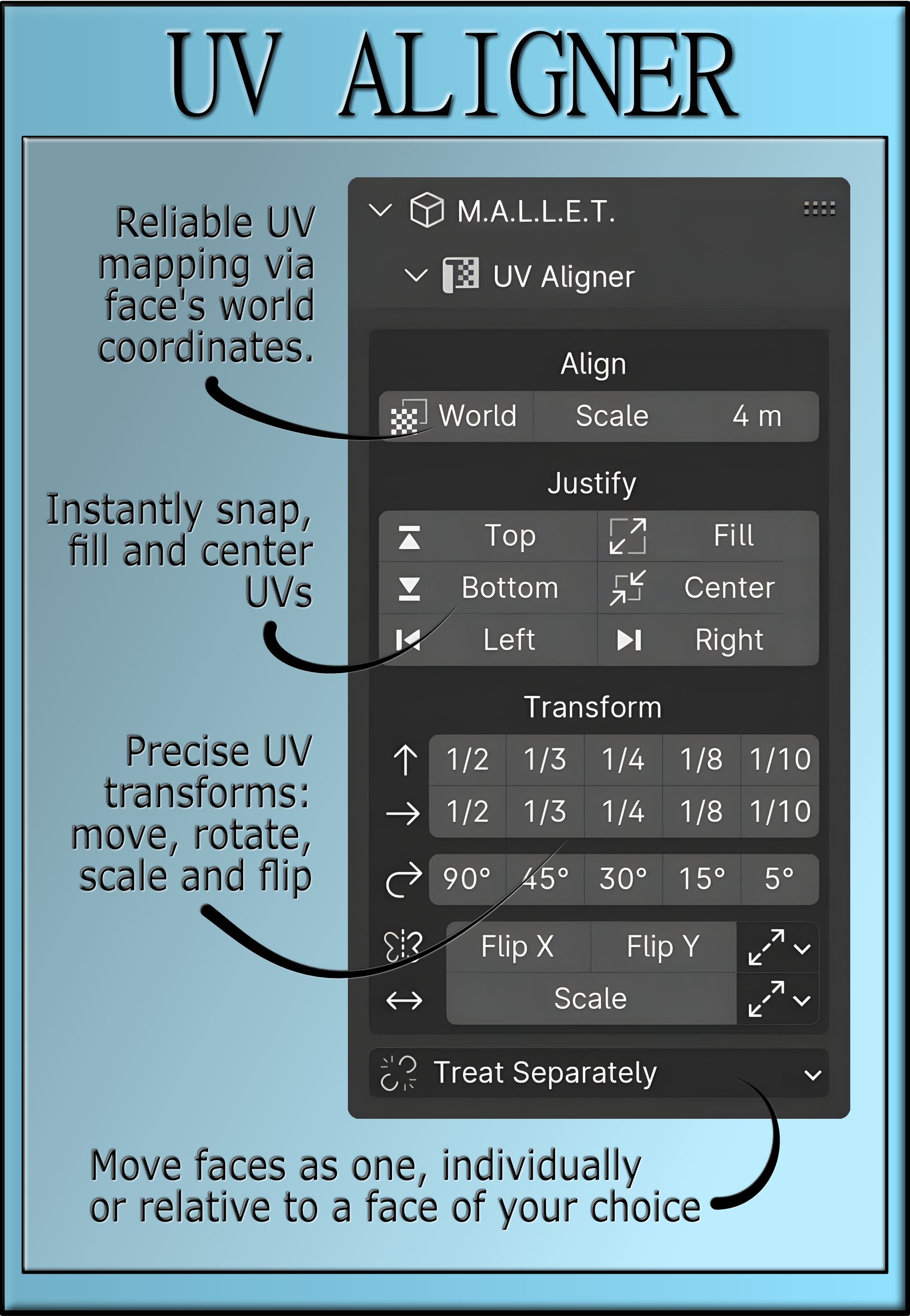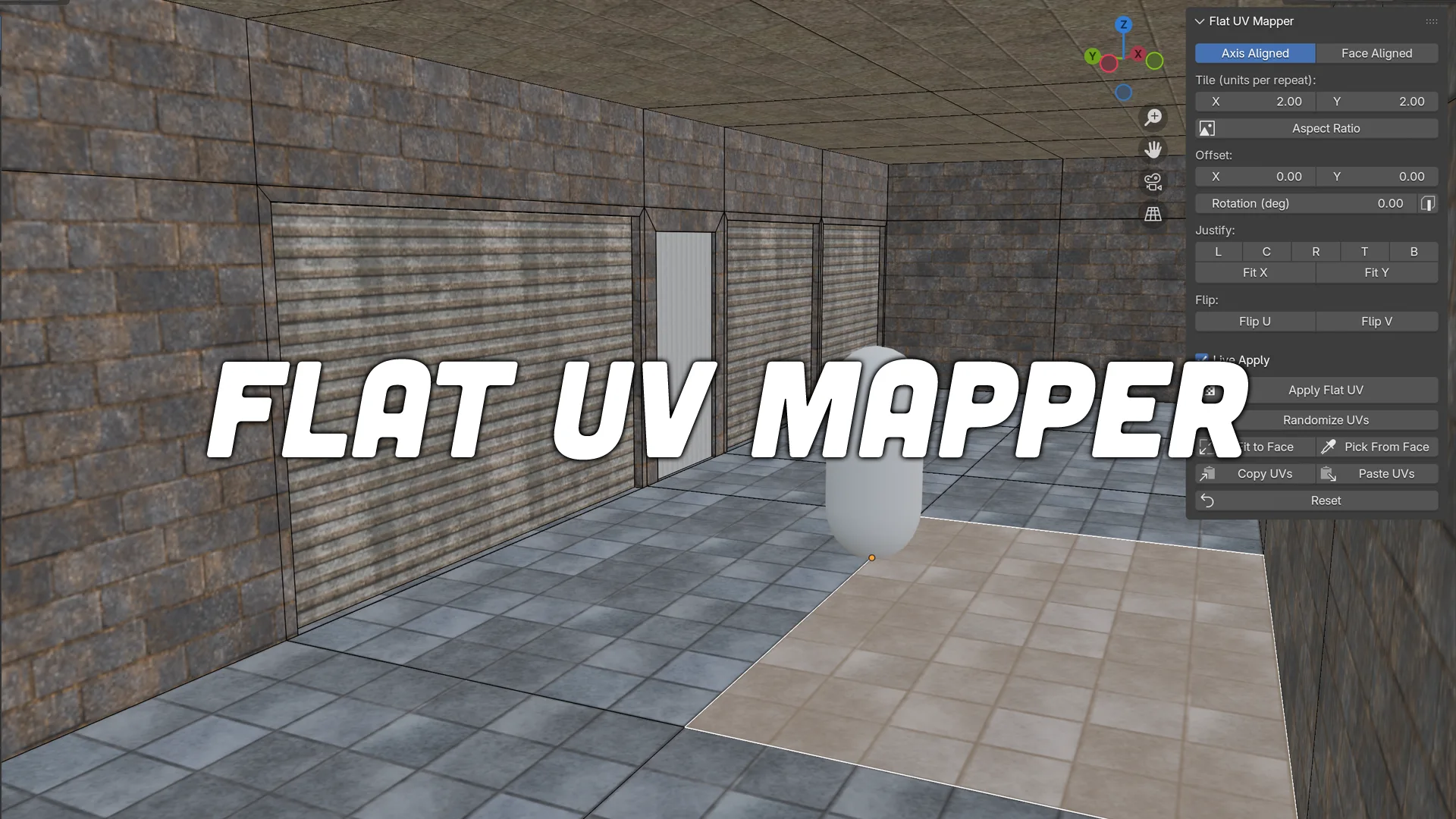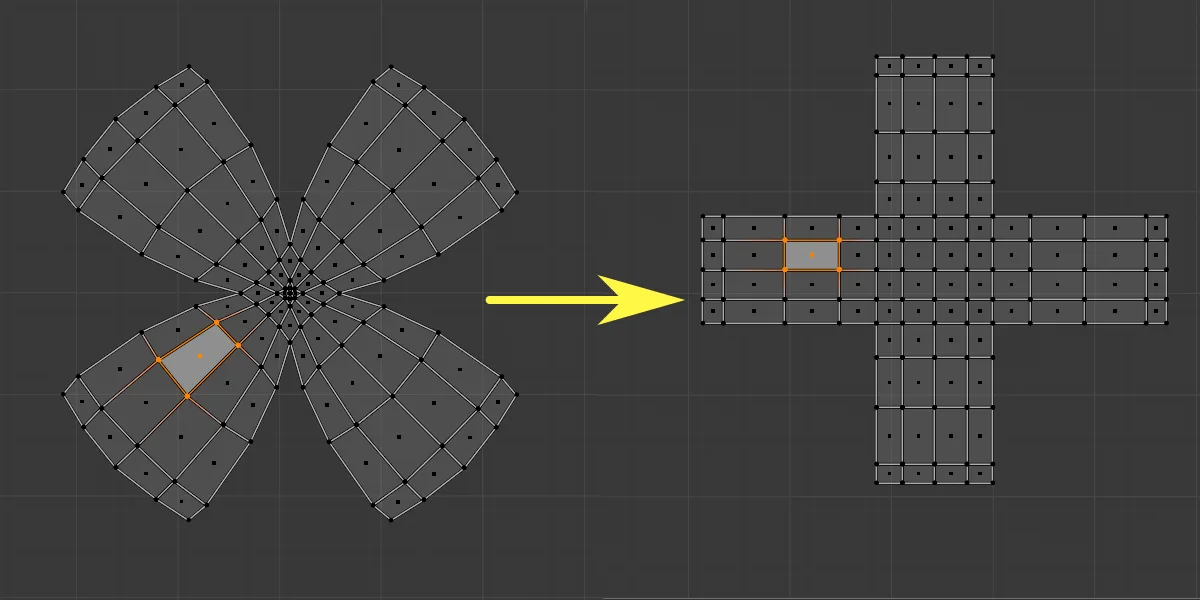
Mallet: Uv Aligner is a Blender add-on for adjusting UVs and aligning textures on hard- and soft-surface models. Its tools handle world-coordinate alignment, positioning UV edges, filling UV space, and moving, rotating, flipping, or scaling selected faces. The Mallet documentation describes the controls and their effects.
Align textures from world coordinates
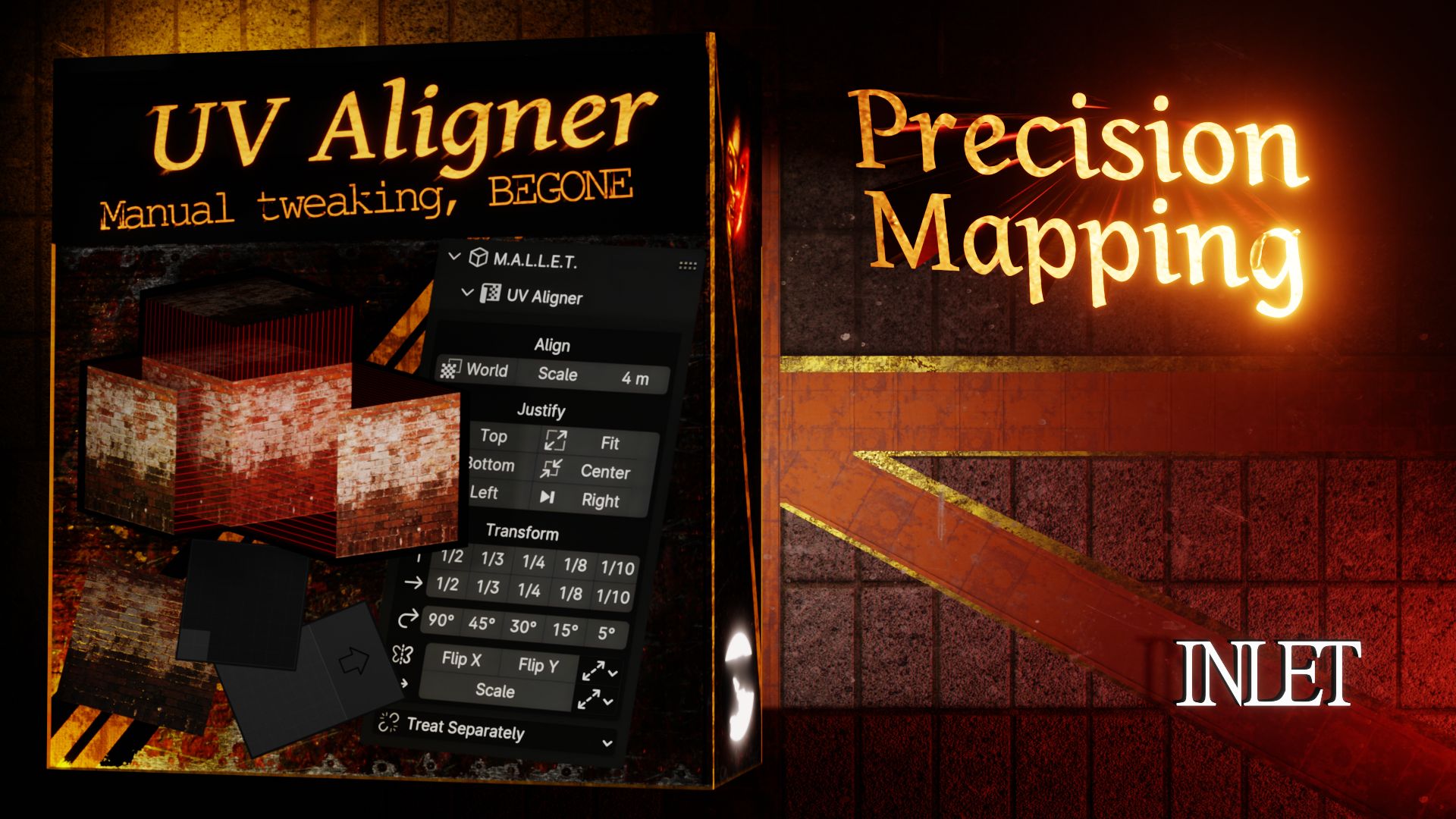
World Align uses selected objects in Object Mode or selected faces in Edit Mode. It uses each face's world coordinates and normal to determine global scale and rotation, keeping material scale and position consistent across objects despite their transforms. The documentation also notes that you can open Blender Terminal to watch the operation's progress.
Position and fill UVs
Justify shifts selected UV faces until an edge aligns with Top, Bottom, Left, or Right. It uses the UV vertex closest to the chosen edge. Center moves selected faces to the middle of the UV map.
Fill attempts to cover the UV space with the selected faces. Its X and Y values set how many times the texture repeats. One value stays proportional unless Stretch is enabled. The Round setting rounds X and Y to the nearest whole numbers, which can help prevent texture portions from being cropped at UV boundaries.
Transform faces and manage selections
Move shifts UVs by a fraction of the full UV space; a value of 1 moves them across one complete tile. Rotate uses degrees and turns clockwise by default. Holding Shift reverses either operation. Flip and Scale can use the center or an edge as their reference point, with Shift switching to the opposite edge.
For Justify and Transform with multiple selected faces, the Multiple Face Behaviour setting offers three approaches. Treat as One moves the faces together. Treat Separately processes each face independently. Active Face uses the active face for alignment calculations and adjusts the other selected faces relative to it.
Access and compatibility
Find the tools in the Blender 3D Viewport sidebar under Mallet. The Superhive listing reports support for Blender 2.83 through 5.0 and a GPL license. Check the current listing for compatibility details before installing, since supported releases can change.