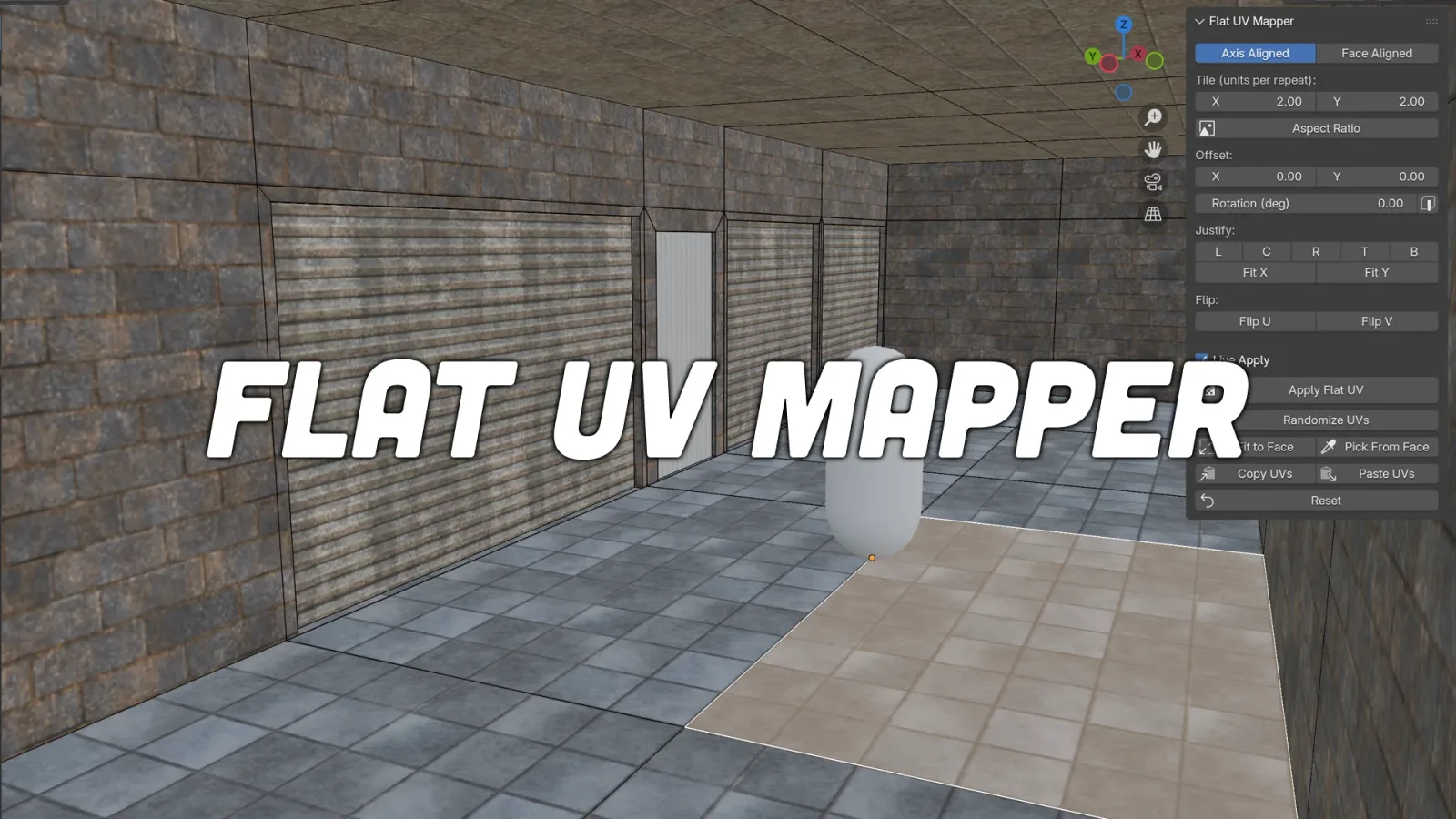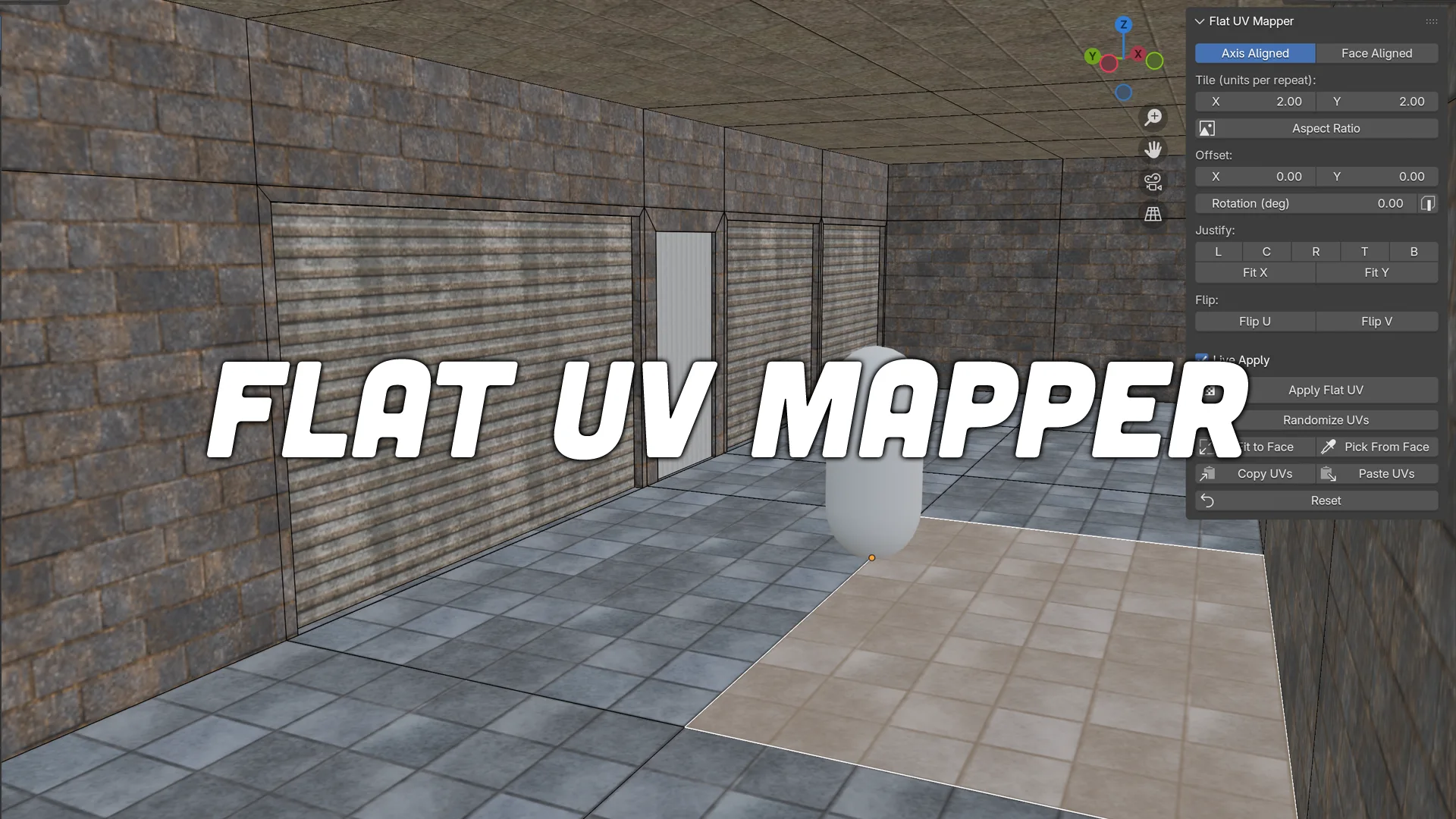
Flat UV Mapper brings CSG-style planar face UV mapping to Blender’s 3D Viewport. Its focus is applying and adjusting projections on selected faces, a workflow suited to tasks such as texturing hard-surface models and level geometry. You can work with the projection while staying in the viewport instead of switching to the UV Editor.
Projection modes and controls
The add-on provides World-Axis Aligned projection in the Hammer style and Face-Normal Aligned projection. Tile size, offset, and rotation controls let you adjust the mapping; Flip U and Flip V mirror it. Justification options align a texture to the top, bottom, left, right, or center of a face, or fit it to the face’s bounds.
Aspect Ratio Compensation adjusts UV tiling to match the active material’s texture. This can help avoid stretching when the texture and projected face have different proportions.
Adjusting and reusing face mappings
Flat UV Mapper includes tools for carrying UV settings between faces and aligning a mapping with selected geometry. Copy & Paste UVs transfers offsets, scales, and rotations; Align to Edge rotates UVs to follow a selected edge. Randomize UVs varies offsets and rotations across surfaces, which can break up repeated texture patterns.
For quick access in Edit Mode, the add-on provides a pie menu opened with Shift + Alt + U. With Live Apply enabled, changes update as you adjust them.
Compatibility and source
The Blender Extensions listing identifies version 1.1.0, maintainer schemann, and Blender 4.2.0 as the minimum version. It lists the GNU GPL v3.0 or later license. Check the listing for current release details, and visit the developer repository for the project source and issue tracking.