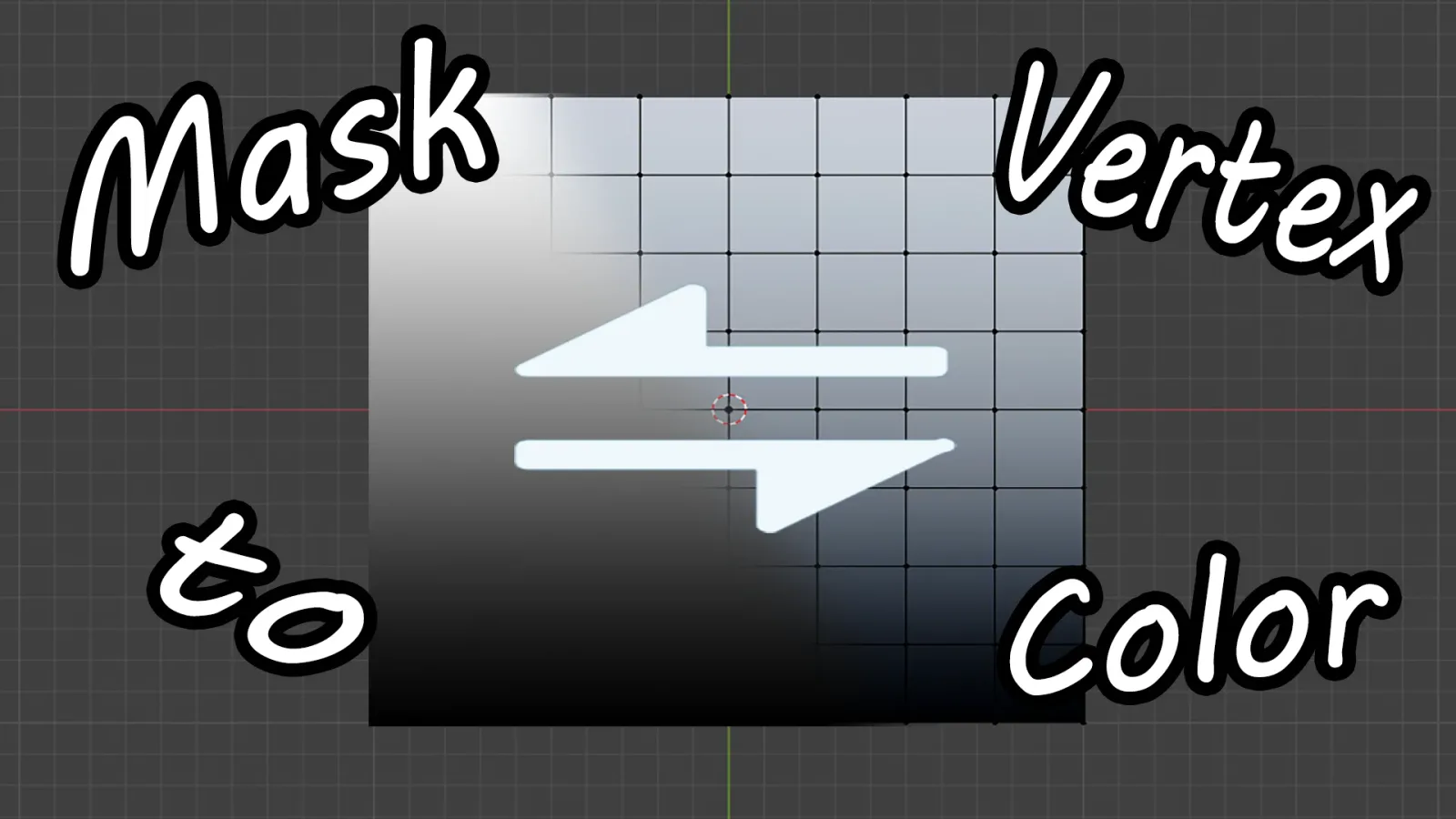
MaskToVertexColorPro is a Blender add-on that reads a mask image and writes its values to the alpha channel of a model's vertex color data. It supports masks represented by black-and-white pixels or image transparency. The developer lists game development and 3D rendering among its intended workflows.
Choose a mask source and blend mode
The add-on can read mask values from automatic detection, image alpha, grayscale, brightness, or an individual red, green, or blue channel. This lets you choose the part of an image that holds the mask. Blend modes include replace, multiply, add, subtract, minimum, maximum, overlay, and screen. A blend factor from 0 to 1 controls how strongly the mask is applied to existing alpha data.
Process one object or a batch
For a single object, choose the image, select the model, and apply the conversion. For batch work, add selected objects to a list, enable the objects to process, and run the operation. Each object can have its own vertex color layer name. The image and processing settings are shared across single-object and batch operations, so test the result on one object before applying it to a larger selection.
Check UVs when the mask looks wrong
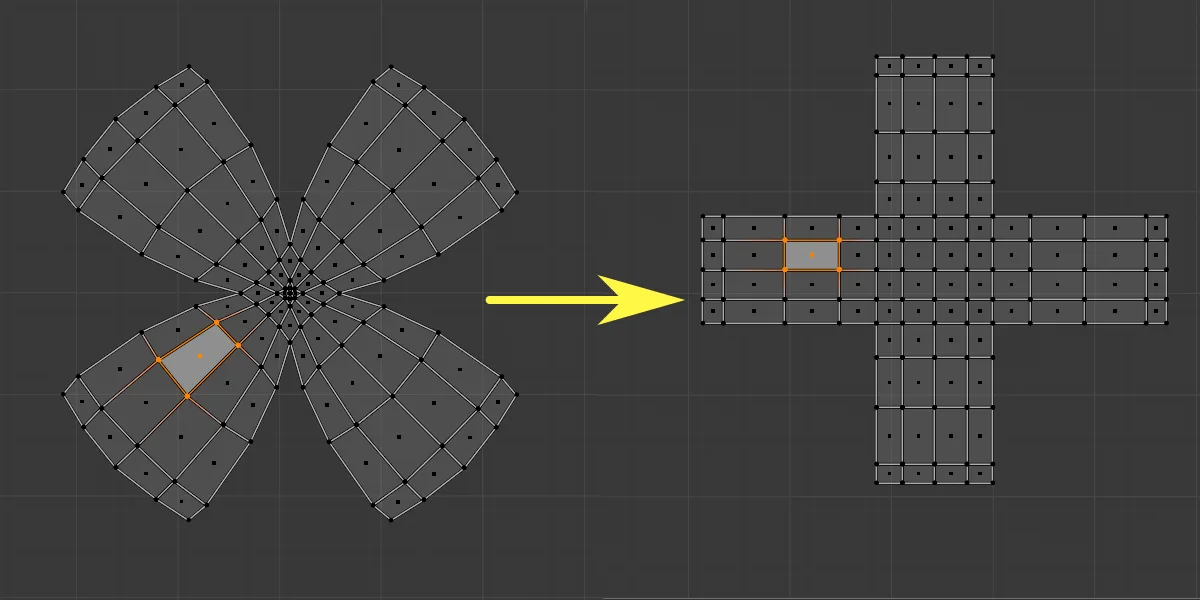
The mask is sampled using the model's UV coordinates. UV wrap maps coordinates outside the 0-to-1 range back into that range, while UV clamp limits them to it. Horizontal and vertical flip settings help correct image orientation. The add-on also includes UV repair and model validation tools. If the result is misplaced or a batch item fails, check that the object is a mesh with valid UVs, then confirm the selected mask channel and image orientation.
Compatibility and documentation
The Blender Extensions record for version 2.0.4 lists Blender 4.2.0 as the minimum version and GPL-3.0-or-later as the license. Check the Blender Extensions listing for the package record. The developer repository contains the usage guide, including supported image formats and troubleshooting details.