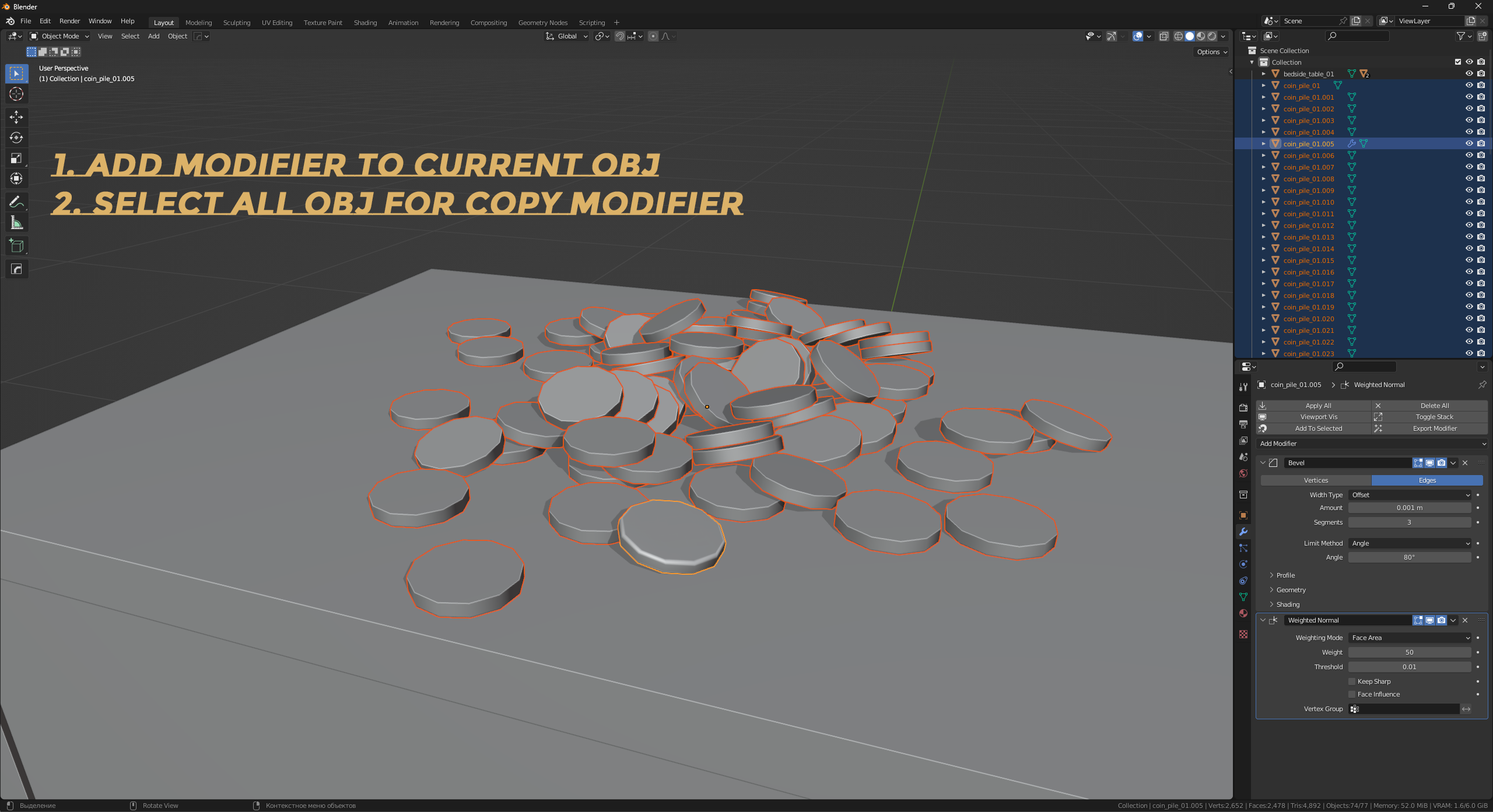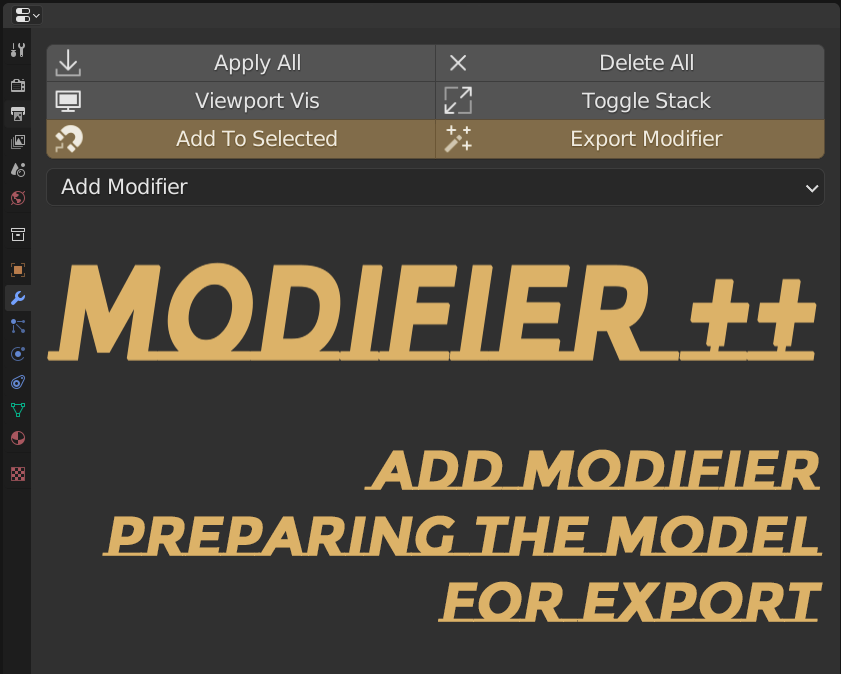
Modifier++ is a Blender add-on by Eugene Trunin with two controls in the modifiers panel: Add To Selected and Export Modifier. One copies all modifiers from the active object to selected objects; the other prepares a hard-surface mesh for export to another program for baking. The Superhive listing states Blender 2.91 or higher as its compatibility requirement and separately lists version entries from 2.9 through 3.4. The listing does not reconcile those entries, so confirm which applies to your Blender release with the developer.
Copy modifiers across selected objects
With the source object active, Add To Selected copies all its modifiers to the selected objects. The listing says it works with meshes and curves, among other object types. If a selected object already has one of the copied modifiers, that modifier is not applied again.
Prepare a mesh for export and baking
Export Modifier prepares a mesh for export to other programs for subsequent baking. The operation adds a Triangulate modifier and a Weighted Normal modifier set to Keep Sharp, sets Auto Smooth to 180°, applies scale, and marks all seams as sharp for current HardSurf baking. Check the resulting scale and seam state if they matter to your project.
If the modifiers panel is hidden
The product FAQ explains that Blender hides the modifiers panel by default when a mesh has no modifiers. Its suggested workarounds are to add Export Modifier to quick access or temporarily add another modifier, click Export Modifier, then remove the extra modifier. A demo video is also linked from the product listing.