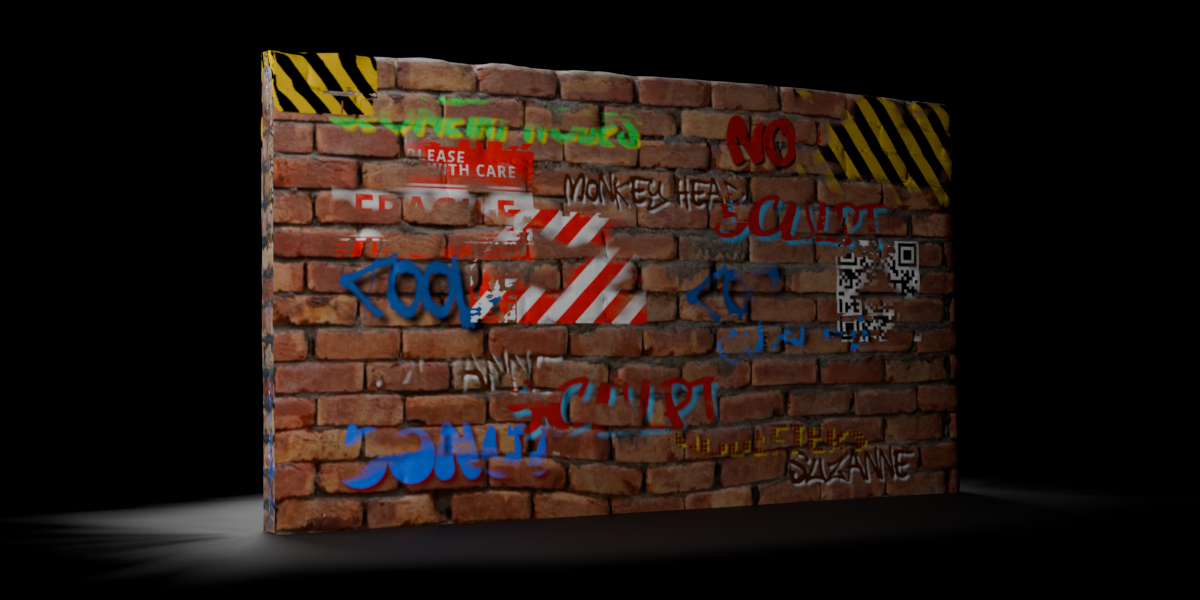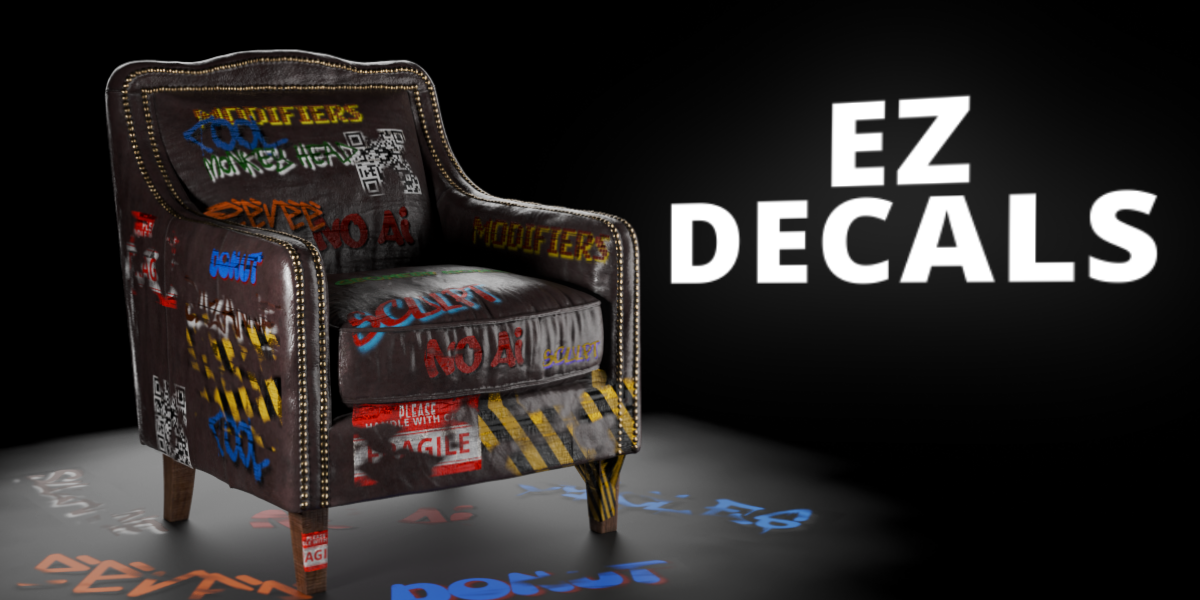
Ezdecal is a Blender add-on for projecting decals onto a mesh, adjusting their appearance, and baking them into a model’s texture. It includes a decal library and supports importing your own images. The product listing describes shrinkwrapped decals that stay attached as objects move.
Place decals on a mesh
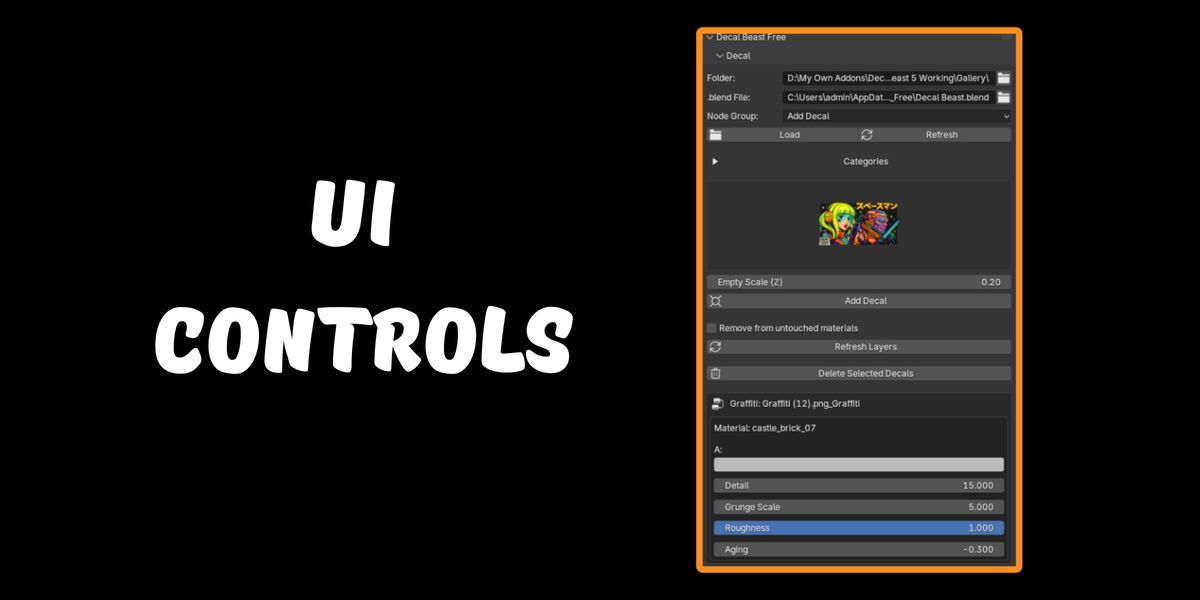
Choose a target object, select a decal from the library or import an image, then hover over the mesh and click to place it. The documentation describes mouse-wheel adjustments before confirming placement. Ezdecal also has several shrinkwrap methods, including Target Normal Project and Nearest Surface, plus a per-decal Z offset. Snapping tools can help position decals, and automatic object parenting is listed among the add-on’s features.
Adjust the decal’s appearance
Ezdecal includes an aging system for worn surface effects, along with controls for damage, opacity, and color. Its documentation lists per-decal hue, saturation, value, and influence settings, as well as independent roughness, metallic, and bump controls. The add-on can also mix decal and surface materials automatically.
Bake decals for simulation
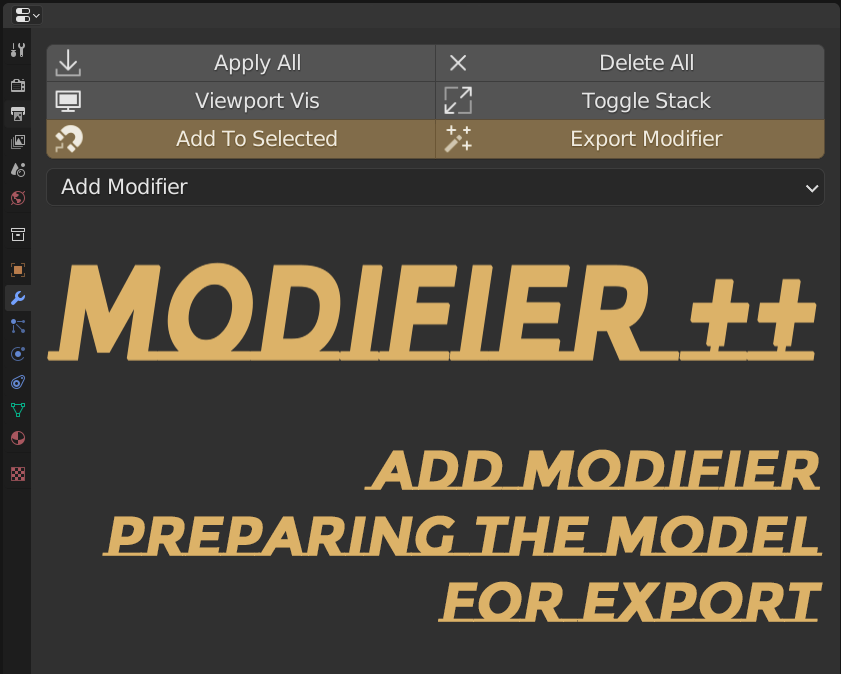
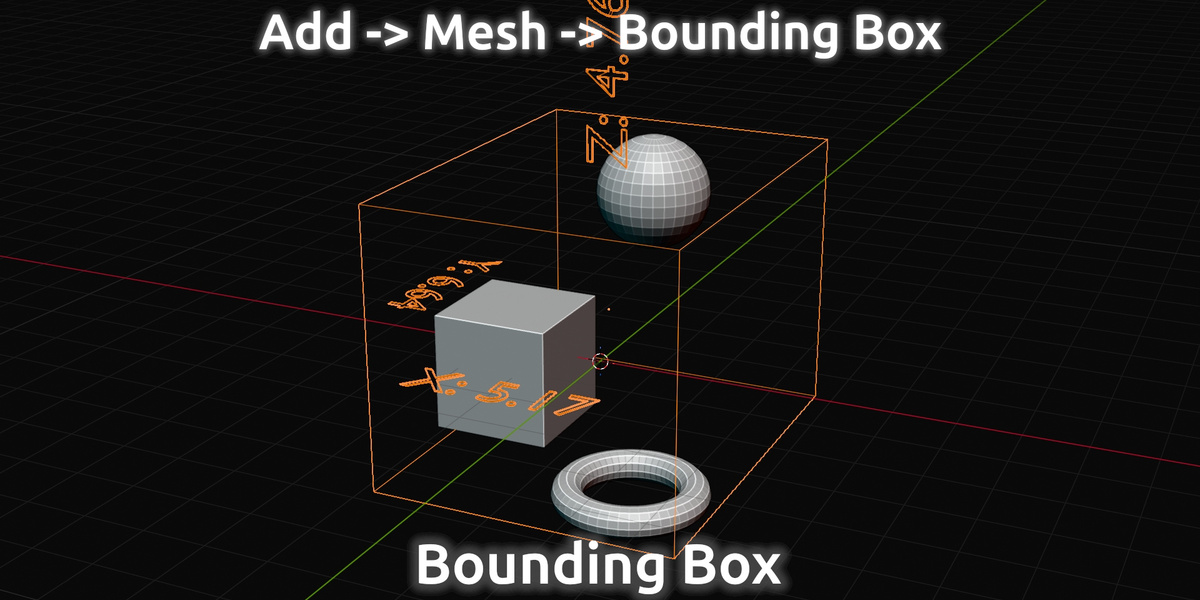
To bake, choose a resolution, extrusion, and maximum ray distance, then run the bake operation. The documentation says baking decals into the model’s texture requires Cycles and that decals are removed automatically after baking. The product listing names both Cycles and Eevee as supported render engines, so its renderer listing should not be taken to mean that baking works in Eevee.
Baked decals become part of the surface texture. The product listing says they work with cloth, soft body, and rigid body simulations; the documentation also describes them staying attached through deformation.
Compatibility and included decals
The product details list Blender 4.0–4.5 and a GPL license. The documentation says Blender 4.0 or later. The product listing describes a library of 15+ decals, while the documentation lists 20 example images. The sources give different compatibility ranges, so check PlugIn3D’s current listing for the compatibility range and included assets before installing.