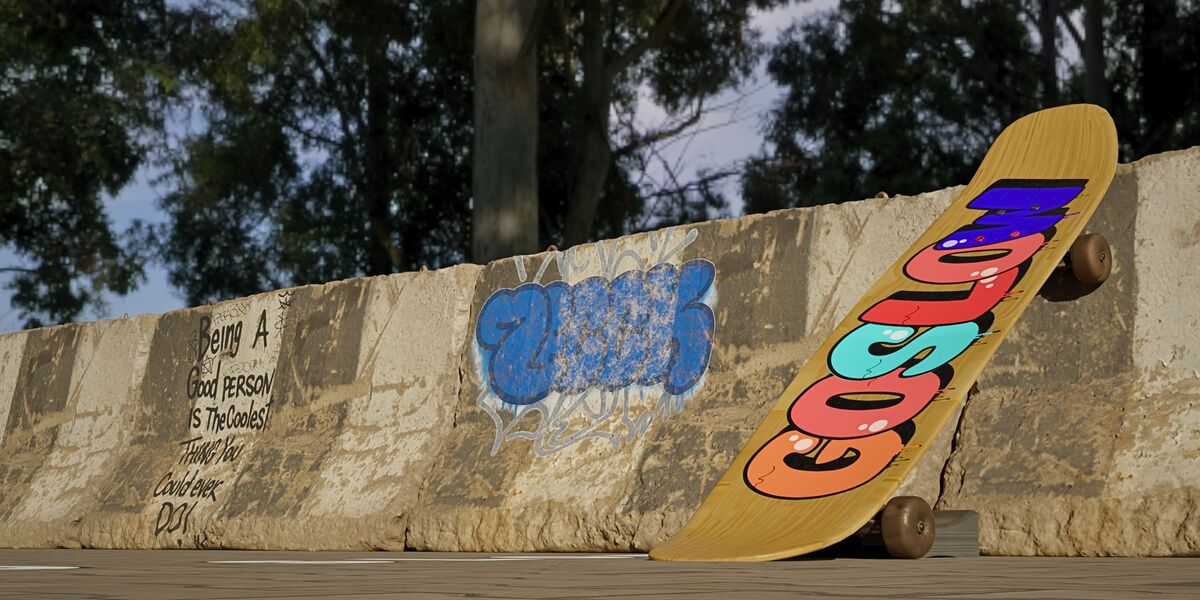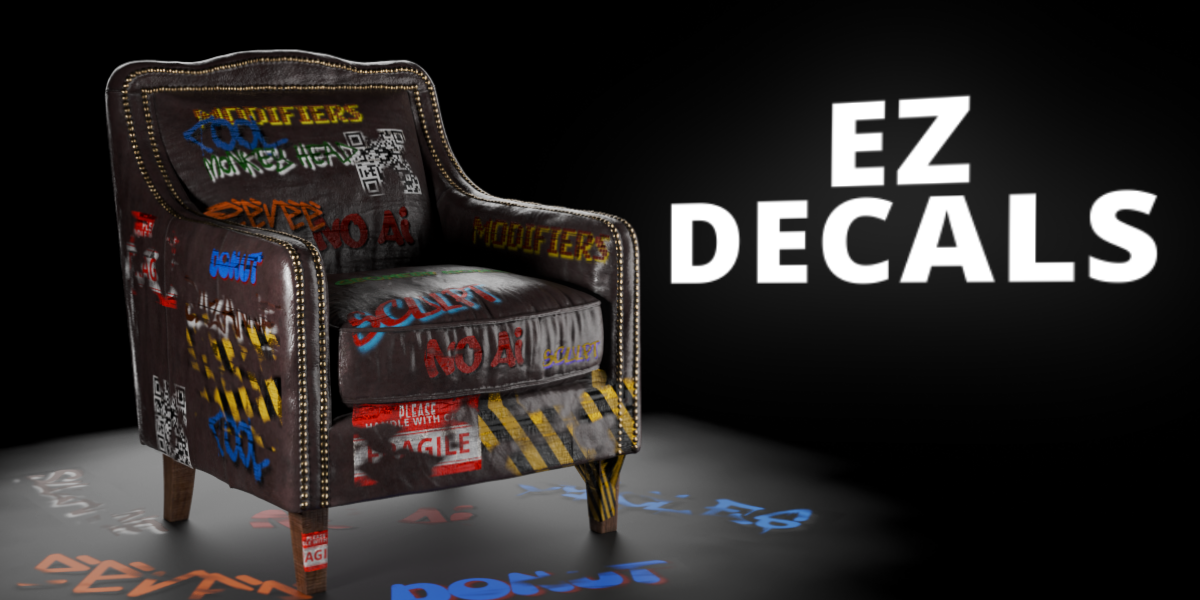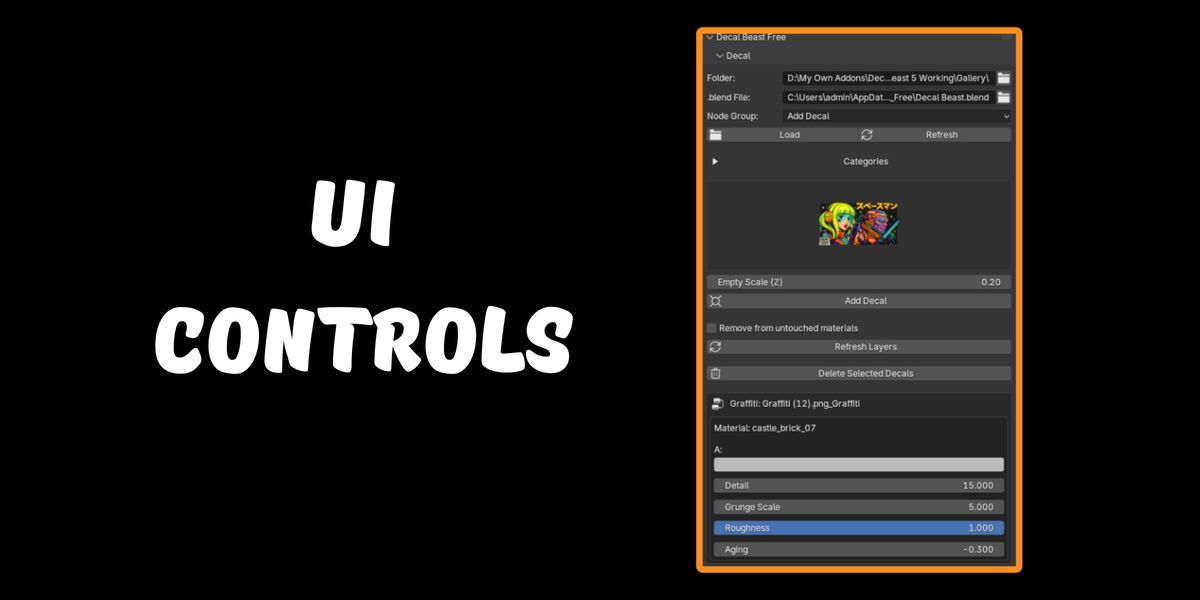
Decal Beast (Free Version) is a Blender add-on by Bala for placing graffiti and image decals on 3D models. The free edition is listed for uses such as urban scenes, game assets, architectural visualization and character customization. It lets you place and adjust decals in a Blender scene while keeping control of the underlying materials.
Place and adjust decals on a mesh
Choose an image, click Add Decal, hover over a mesh and click to place it. Decal Beast aligns the decal to the surface normal. During the two-step placement, drag to rotate and scroll to resize. An empty controls the decal, so you can move, rotate or scale it after placement as well.
A decal can span objects with different materials. The add-on wires up the nodes and uses one empty to control the placement across those objects, which can help when a model is split across several material slots.
Use an image folder as a decal gallery
Set a folder path in the sidebar and click Load to see image thumbnails. You can organize images into category folders, then select one for placement. The listing says your own PNG, JPG or BMP files can be used, so the gallery can contain artwork you already have rather than only a supplied decal set.
Keep decal edits separate from the original material
Decals are stored as node groups on empties. The product listing says deleting a decal leaves the original material intact. You can adjust each decal's node group inputs from the sidebar, and use Refresh to rescan the scene. The refresh controls also include an option to prune decals from untouched materials.
Install it and check the listed Blender range
Follow the installation instructions : install the add-on through Edit → Preferences → Add-ons and enable “Decal Beast Free.” In the sidebar, choose an image folder and click Load. Then select an image, click Add Decal, hover over a mesh and click to place it.
The Superhive listing identifies the add-on as Blender Extension Compatible and lists Blender versions 4.5 through 5.3. Check that listing against your installed Blender version before setup, since compatibility details can change.
What the free edition includes
The free edition covers image-based decal placement, the gallery, support for multiple materials, rotation and scaling, per-decal controls, and refresh and prune tools. The listing for the separate full Decal Beast edition adds features such as sliding decals across surfaces, layer ordering, color and roughness controls, aging effects, text-based graffiti and baking. This distinction can help you decide whether the free placement workflow covers your needs.