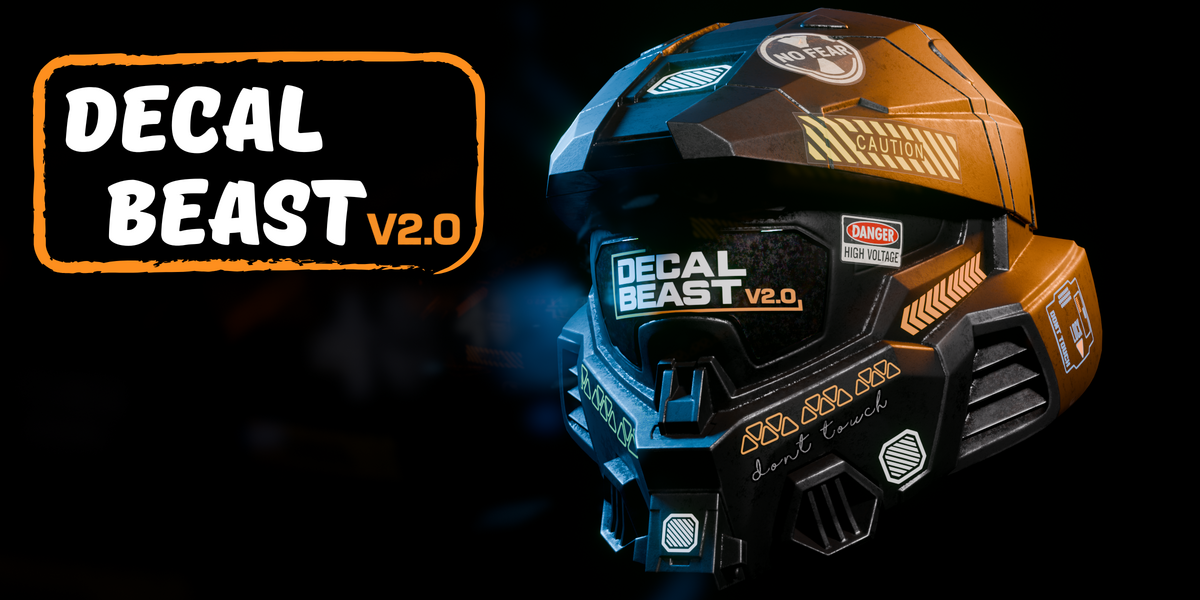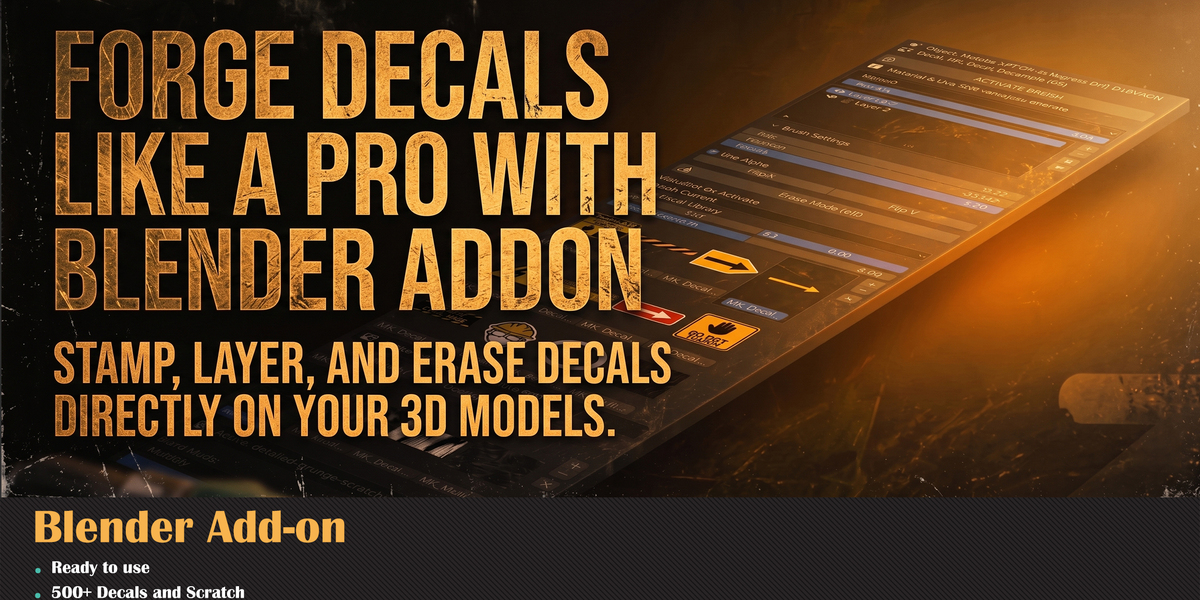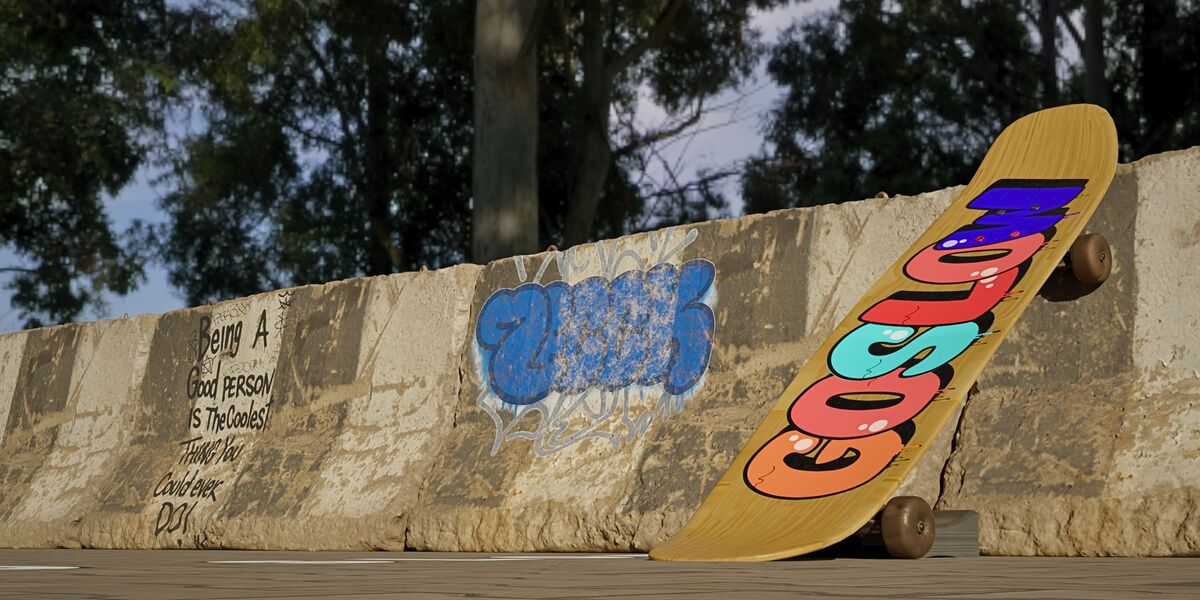
Text To Decal is a Blender add-on by Bala for turning typed words into decals and placing them on objects with a live preview. It supports single-line and multiline text, a selection of fonts, and the Cycles and Eevee render engines. The Superhive product listing specifies Blender versions 4.2 through 5.3.
Place and adjust text decals
You can drag a decal onto a mesh, including objects with multiple materials, and apply the same decal to multiple objects. After placement, the add-on lets you slide the decal across the surface, change its color and roughness, and move it forward or backward in the layer order.
Text To Decal also supports animated grunge or aging effects and one-click decal baking; the Superhive listing says baking can free GPU memory.
First-install dependency
Install the add-on's dependencies the first time you set it up. The Add as Single Image option relies on a Python library, so that option needs the dependency installed to work.
Who it suits
Text To Decal fits Blender artists who need labels, lettering, or graffiti-style text on 3D objects and want to adjust placement and surface wear inside their decal workflow. Check the Superhive listing for current compatibility and setup details before installing.