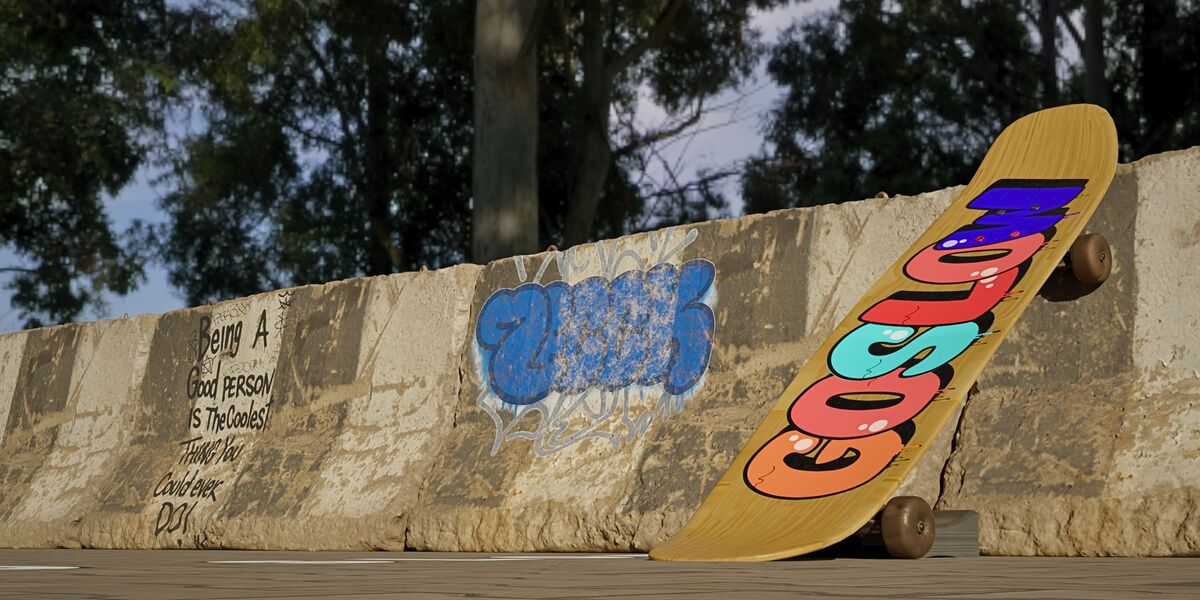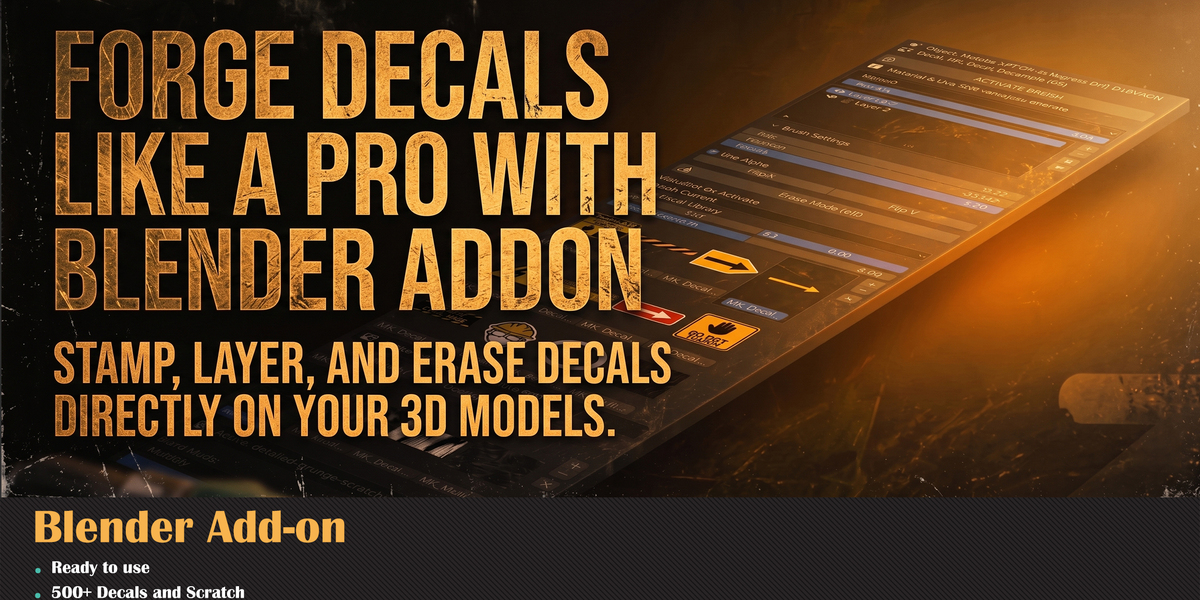
Decal Forge Add-On + Library adds a surface-stamping workflow to Blender. Choose from a built-in library of 500+ decals, scratches, dirt and grunge, then click a 3D model to project an item onto its surface. The Superhive listing describes controls for stamping, layering and erasing decals in place.
Stamp, layer and refine
After placing a decal, you can stack more on top, erase parts, flip or rotate them, and use brush controls to refine them. The add-on is designed to do this without baking, setting up nodes, UV unwrapping or opening an external application.
Decals and surface wear
The library contains two collections:
- The Scratch Collection includes scratches, dirt and grunge for adding wear to hard-surface props, weapons, vehicles, sci-fi assets and game-ready models.
- The Decal Collection contains warnings, labels and industrial signage, including hazard signs, arrows, voltage warnings, biohazard markers and weight limits. Items are organized by category.
Who it suits
This add-on is aimed at Blender artists adding localized surface wear or signage to hard-surface assets.
Compatibility and installation
Superhive's setup copy says Blender 4.2+, while its product details list versions 4.2–5.2. The documentation page also says Blender 4.2+ and names Cycles, Eevee and Eevee Next. Check the seller's current compatibility information for your Blender release. To install, drop the ZIP file into Blender's add-on installer, enable the add-on, and start stamping.
Developer and license
Superhive credits Milad Kambari of 3DRedbox Studio and lists the license as GPL. Check the seller listing for current license and price details before downloading.