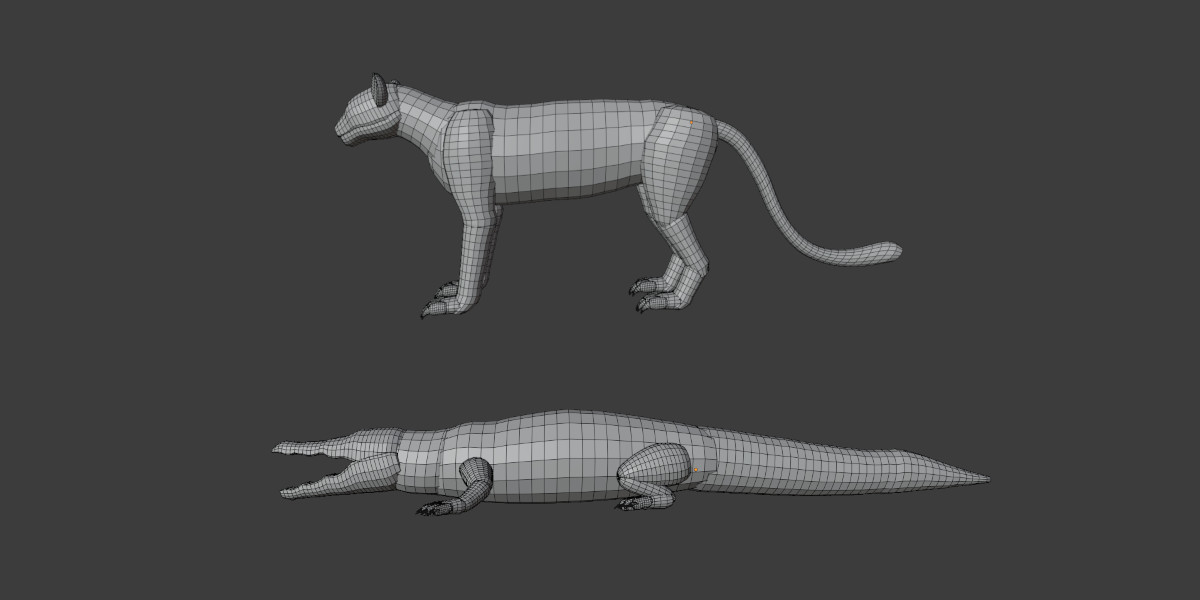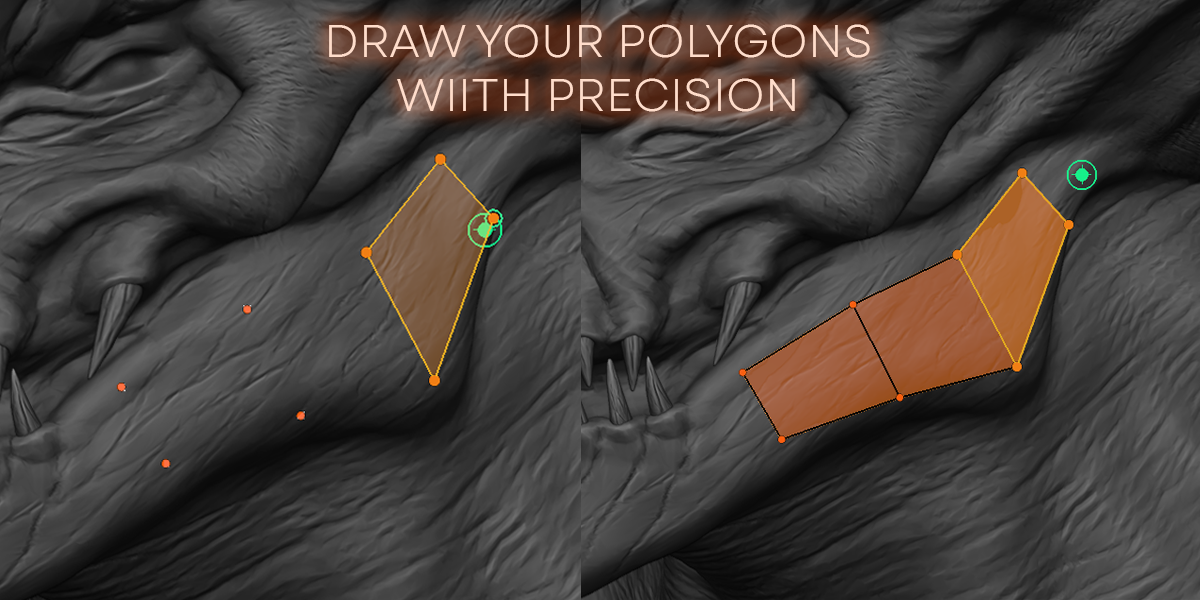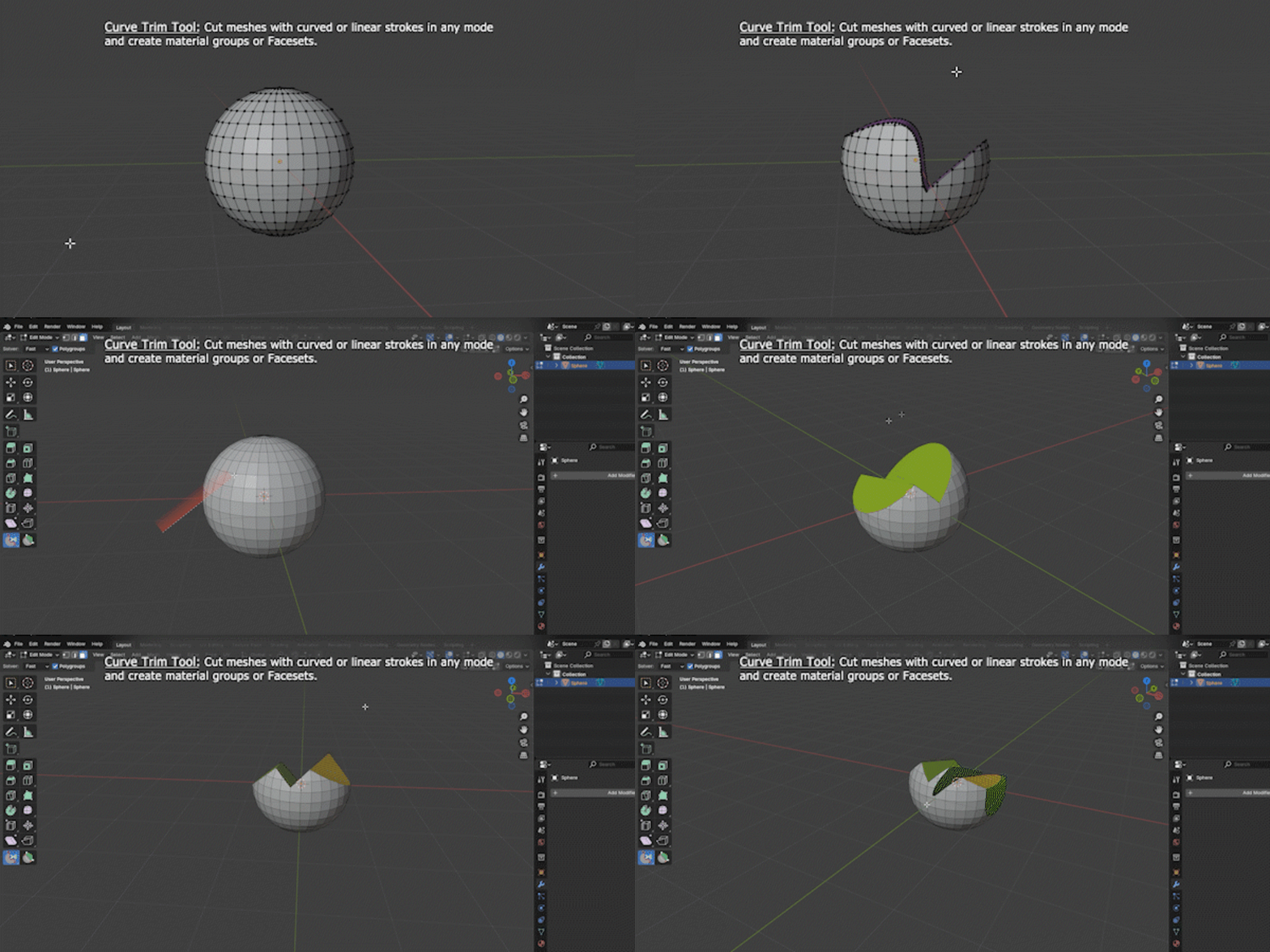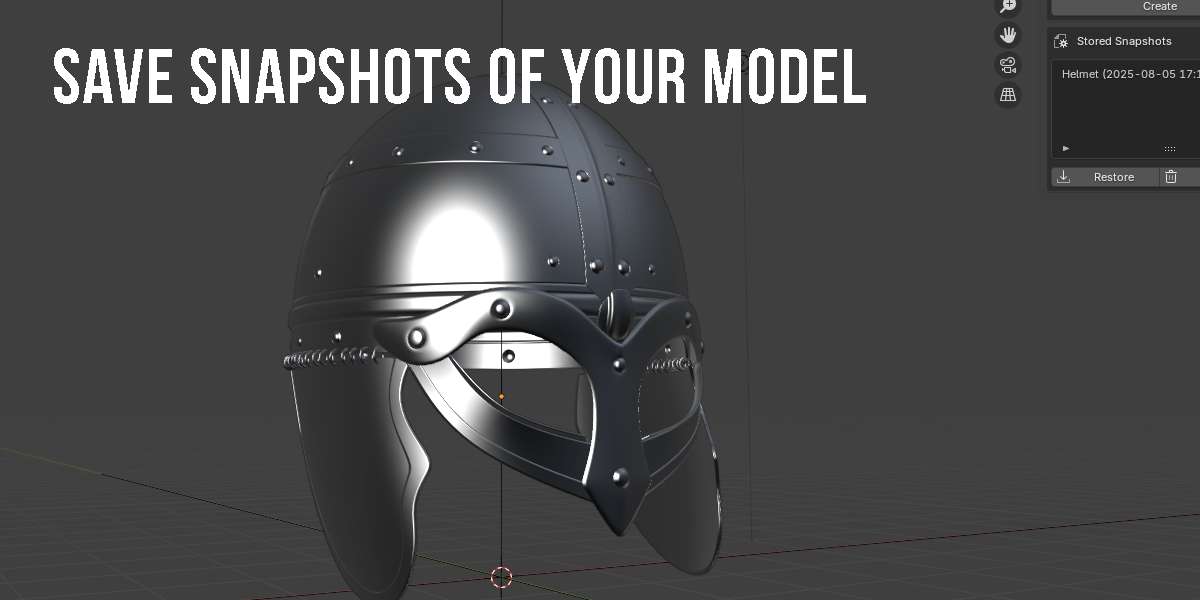
Mesh Snapshots is a Blender add-on for saving named checkpoints of a mesh as you work. Each snapshot records the mesh geometry, modifier stack, and object transforms together. You can restore a saved state later, and the snapshots remain with the object after you close the file, extending your options beyond Blender's session-based undo history.
What a mesh snapshot records
A checkpoint brings three parts of the selected object's state together: its geometry, modifier settings, and transforms. When you restore it, those recorded values return to the saved state. This makes it useful when a modeling change is difficult to reverse with a long chain of undo steps.
The documented workflow is centered on individual mesh objects. Think of it as a history for mesh iterations, rather than a version manager for every part of a Blender scene. Create a checkpoint when you want to preserve a particular stage, then continue experimenting on the object.
When Mesh Snapshots can help
Saved milestones are useful before changes you may want to reconsider. Mesh Snapshots is suited to hard-surface modeling, destructive sculpting passes, modifier experiments, non-linear look development, and kit-bashing or concept work. For example, save a checkpoint before a remesh or boolean operation, then compare the result with the earlier mesh if the new shape does not work.
You can keep as many snapshots as you need for an object and remove checkpoints that are no longer useful. That gives you room to explore alternatives without relying only on duplicate objects as backups. The controls are in the 3D Viewport sidebar, close to the mesh being edited.
Create and restore a checkpoint
- Select the mesh object you want to preserve.
- Name the checkpoint and click Create in the Mesh Snapshots controls.
- Continue modeling, sculpting, or adjusting modifiers.
- To return to a saved state, select its snapshot and click Restore. Delete checkpoints you no longer need.
This keeps the operation focused on one selected object. The saved checkpoint is a reference point for later editing, while Blender's undo remains available for reversing recent actions in the current session.
Compatibility and product details
The Superhive product listing shows Blender versions 4.4 to 4.5, describes the add-on as written in pure Python and tested with Blender 4.4 or later, and marks it as Blender Extension compatible. The listing identifies the license as GPL. AnyPlugins lists Mesh Snapshots as free. Check the product listing for current compatibility and terms, especially if you use a Blender release outside the displayed range.