Zeed Tools is a Blender toolkit for cutting, slicing, organizing, and shaping mesh geometry. Curve Trim and Slice Curve handle drawn cuts, while panel creation, edge-angle grouping, crease controls, symmetry, and subdivision toggles support modeling and sculpting work.
Cut and turn strokes into panels
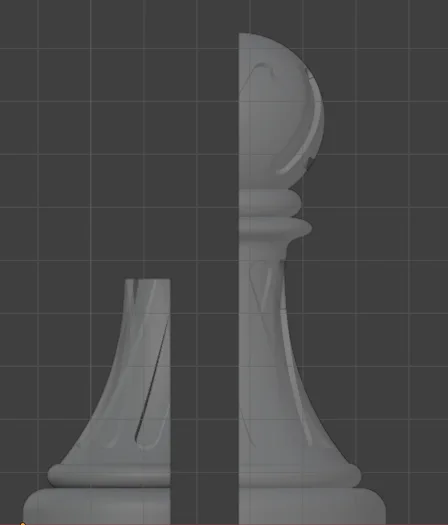
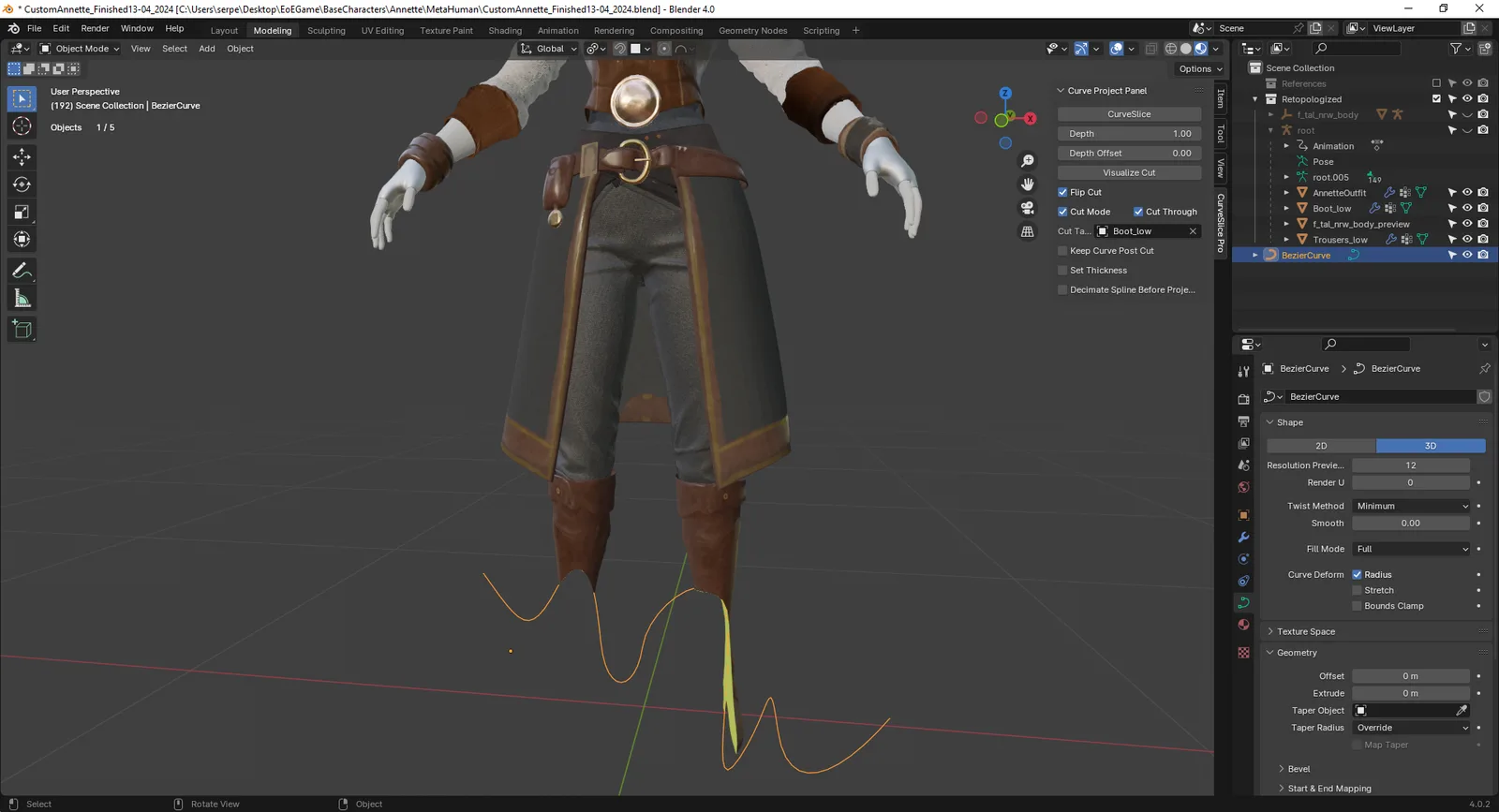
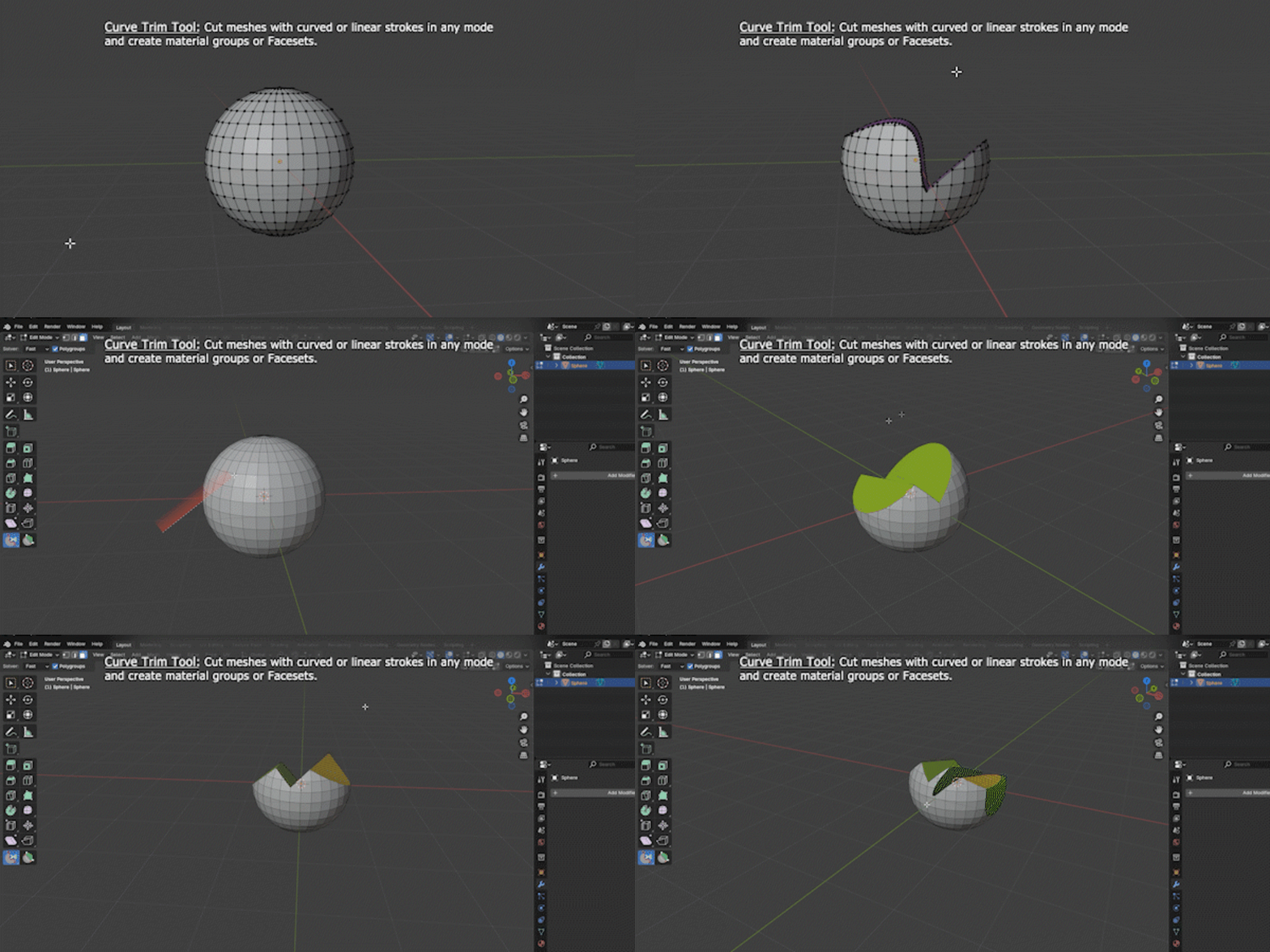
Curve Trim accepts curved or linear strokes in Object, Edit, and Sculpt modes. It can create material groups or Face Sets, form a mesh matching the drawn shape and merge it with the current mesh in Union mode, or remove mesh areas outside the drawing in Intersect mode. Slice Curve also cuts with curved or linear strokes and creates material groups or Face Sets. Zeed Tools can turn those groups into panels with one click, or convert a Slice Curve cut directly into panels. The product listing includes demonstrations of the tools.
Group and refine mesh regions
Group Faces creates material groups or Face Sets based on edge angles, giving you a way to select regions by their geometry. Global crease controls add or remove creases according to edge angles, and can be applied to material groups or Face Sets. Local and global symmetrization works in Object, Edit, and Sculpt modes through the symmetry bar or a hotkey. Dynamic Subdivision toggles Blender's Subdivision Surface or Multiresolution modifiers for sculpting.
Move material IDs into texturing
Version 1.0.8 adds an FBX export workflow that generates vertex colors from assigned materials for use as Color ID masks. It assigns one material per object, named after the object, to create a single Texture Set when importing into Substance 3D Painter or Marmoset. The Material and Color ID Converter also converts materials to vertex colors and Color Attributes back to materials. The listing says color transitions stay sharp to limit unwanted color bleeding.
Compatibility and setup
The Superhive listing gives a Blender version range of 4.0 to 5.3 and notes that Blender 5.0 compatibility was added in version 1.0.4. For installation steps using the downloaded ZIP, see the product FAQ.