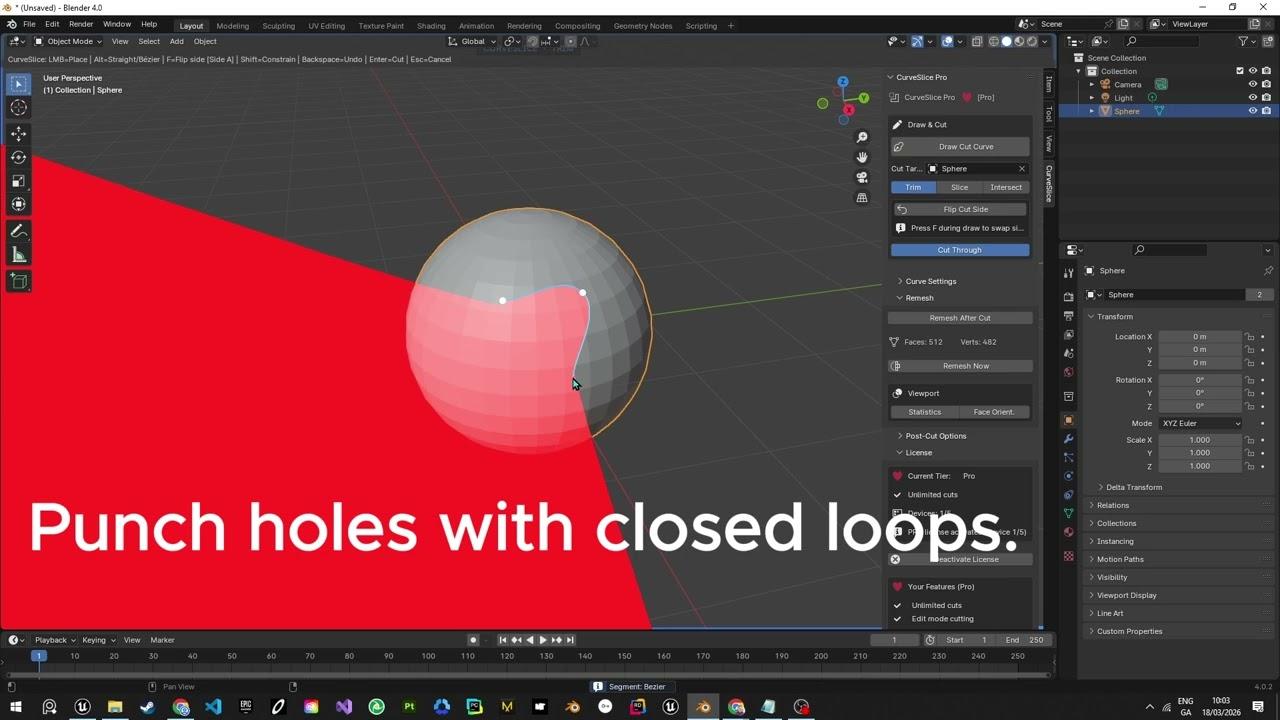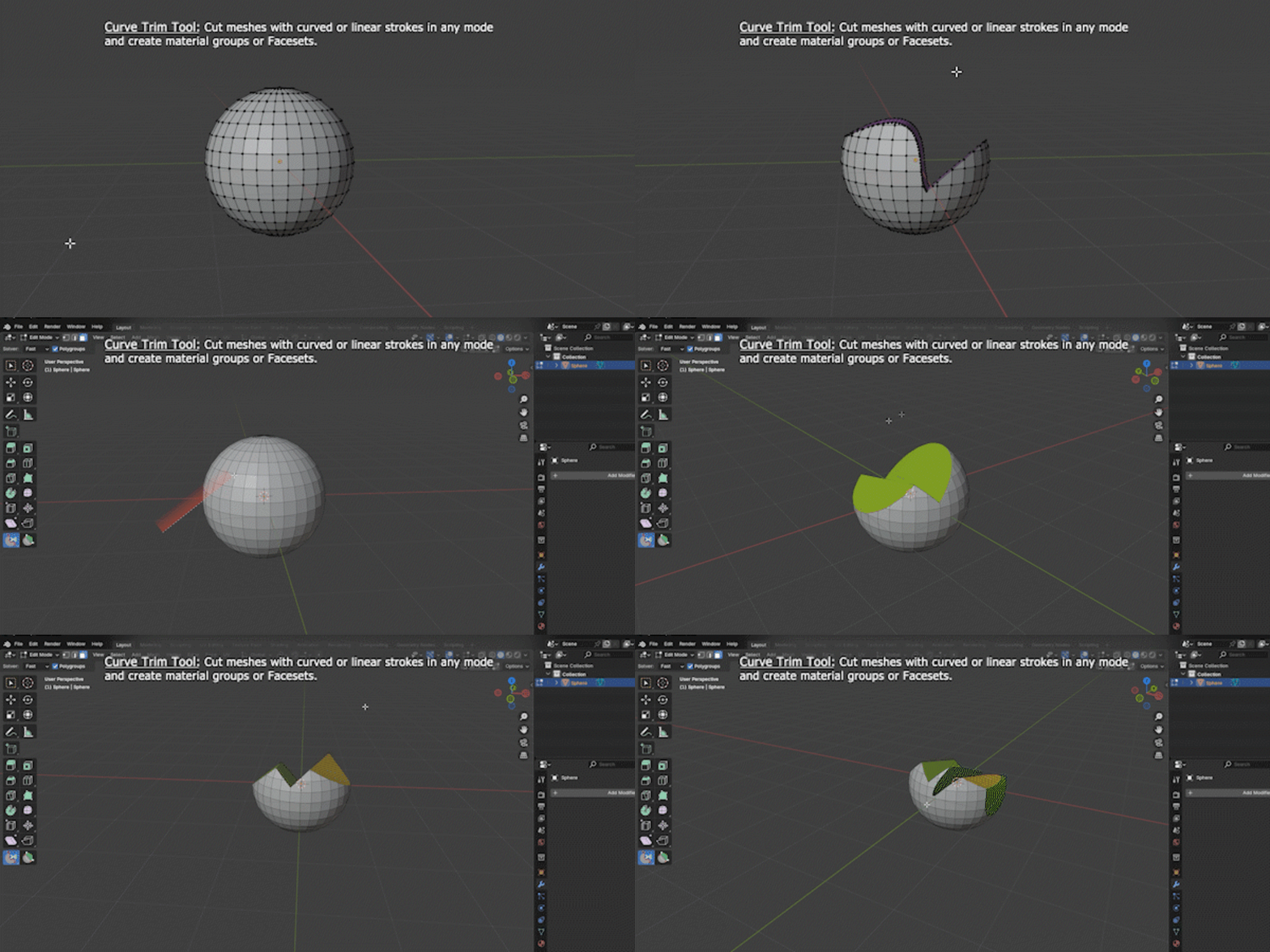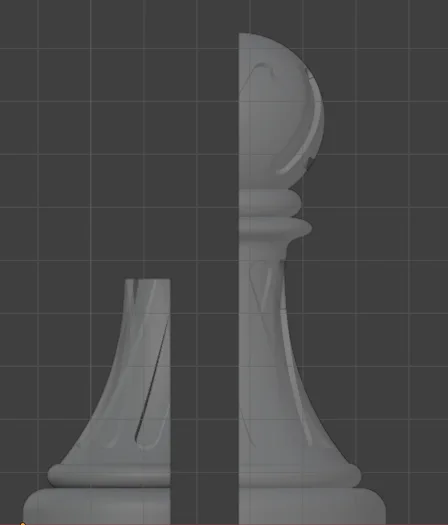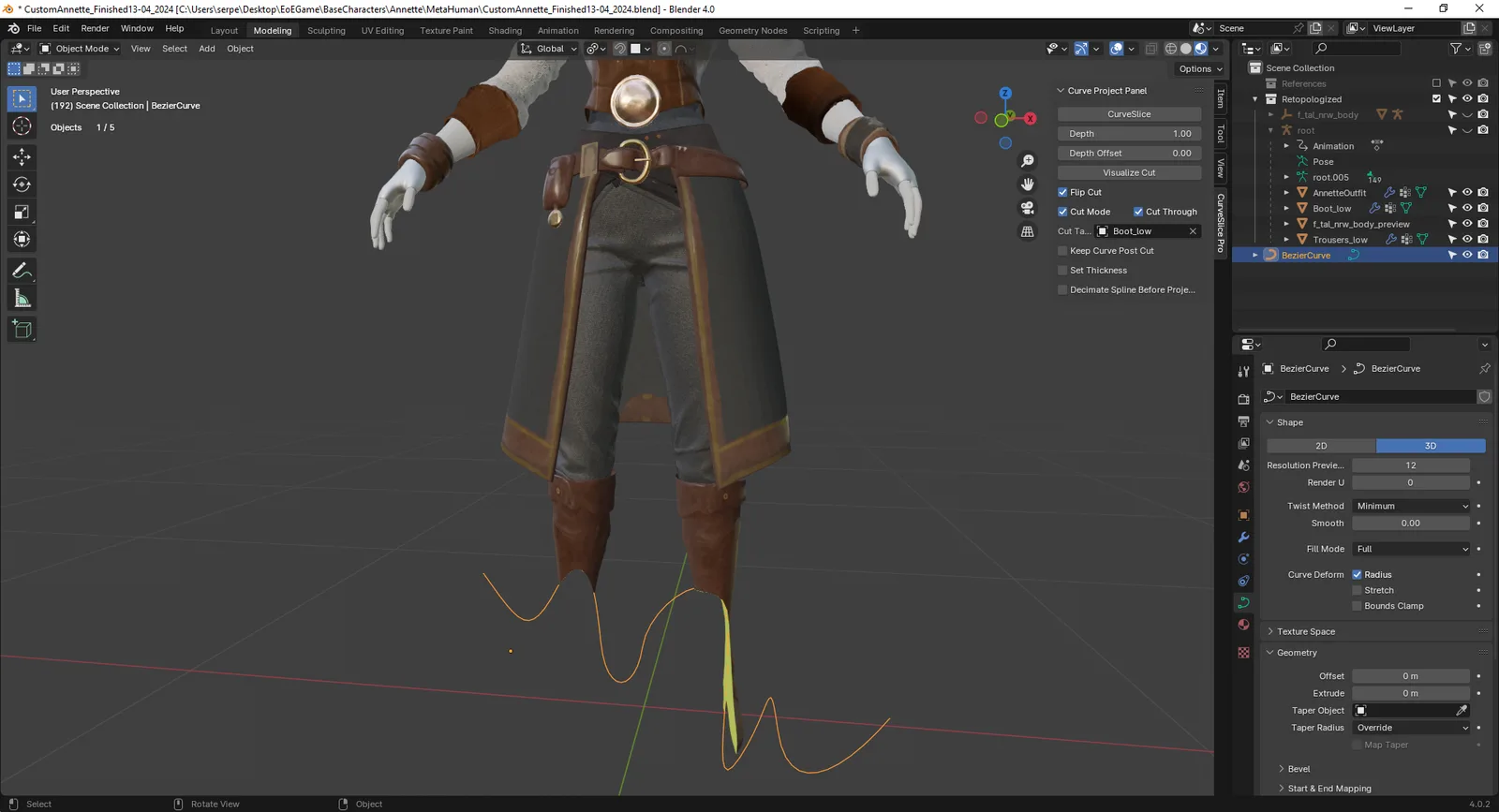
CurveSlice Pro is a Blender add-on for cutting mesh geometry by drawing directly in the 3D viewport. In version 2.0, you place points with the mouse and see a red preview of the geometry affected before confirming the cut. The workflow does not require creating a separate curve object.
Choose how the mesh is cut
Trim removes one side of the curve, Slice separates the mesh into two objects, and Intersect keeps the geometry on one side. An open curve cuts across the mesh. A closed loop can punch a hole when drawn inward, or keep its interior while removing the surrounding geometry.
Preview and adjust the curve
CurveSlice Pro supports Bezier curves and straight segments. Press Alt while drawing to switch between them; the preview updates as you place points. Smart Close Detection snaps the curve near its first point to preview a closed shape, and View Lock helps prevent accidental viewport rotation while drawing.
Start drawing with Ctrl+Shift+X or the Draw Cut Curve control in the CurveSlice panel after setting a mesh as the Cut Target. Use F to flip the side being removed, Shift to constrain movement to 45-degree angles, and Backspace to undo the last point. Press Enter to confirm or Escape to cancel.
Remeshing and editing modes
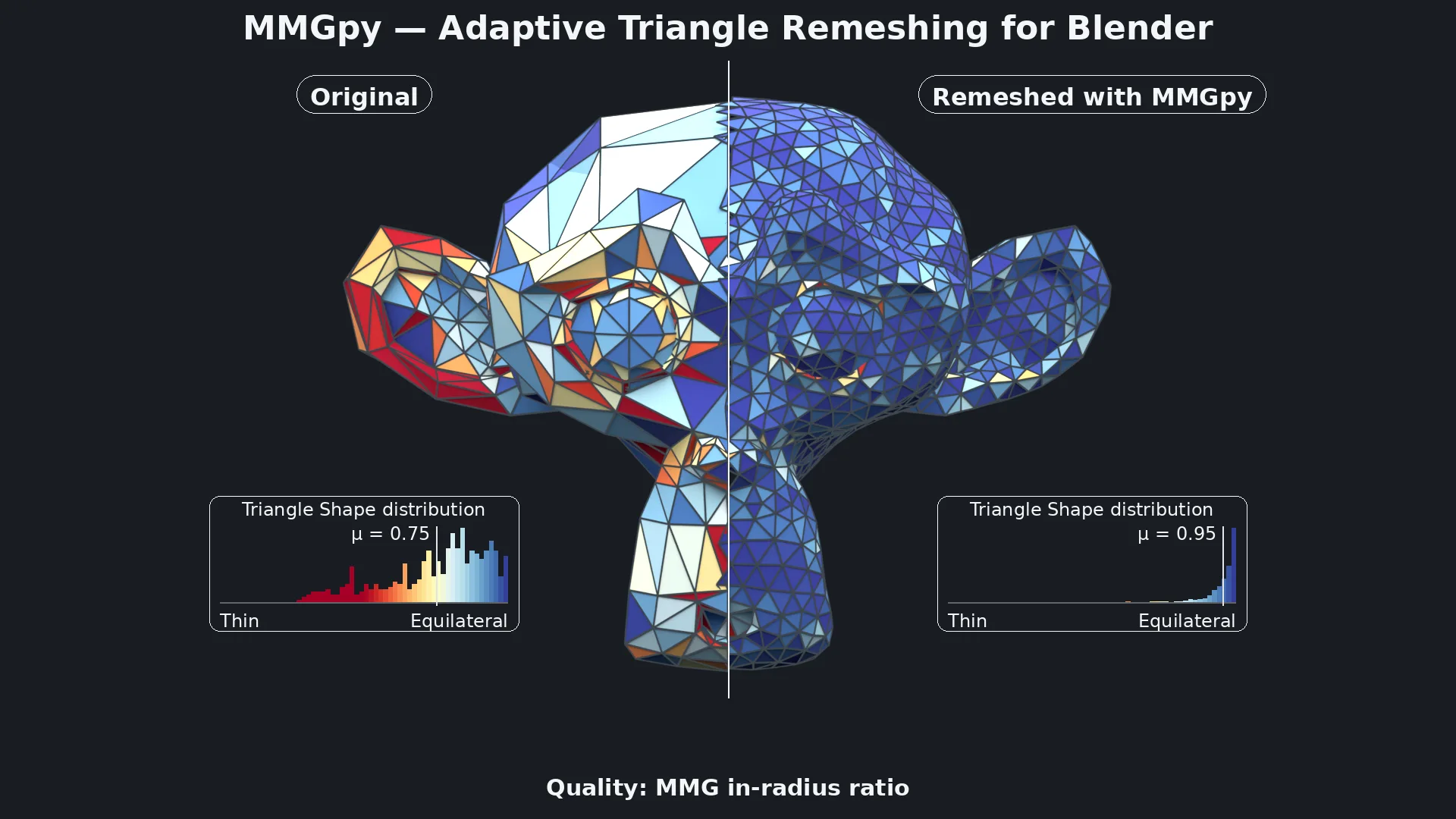
Auto Remesh can clean up topology after a cut on the Indie and Pro tiers. Voxel Remesh is available on both; Pro also includes QuadriFlow and asynchronous integration with the QuadRemesher add-on. Edit Mode cutting is listed for Indie and Pro, while Sculpt Mode cutting is a Pro feature. A remesh panel also displays face and vertex counts and provides quick access to viewport statistics and face-orientation overlays.
Requirements, installation, and tiers
The product listing specifies Blender 4.0 or later on Windows, macOS, or Linux. To install it, download the add-on ZIP, open Edit > Preferences > Add-ons > Install in Blender, select the ZIP, and enable the add-on. The CurveSlice panel appears in the 3D Viewport sidebar, which you can open with N.
The listing describes Free, Indie, and Pro tiers. Free allows three cuts per day after a seven-day trial that includes Pro features; Indie and Pro list unlimited cuts. Check the CurveSlice Pro product listing for current tier, license, and device details, and the product documentation for usage guidance.