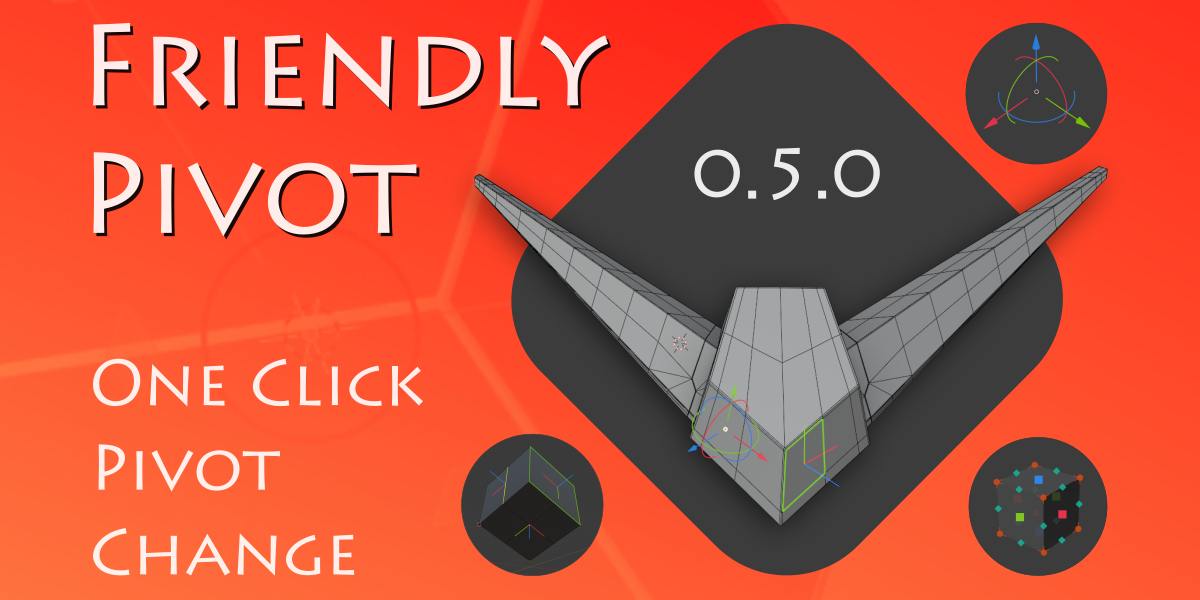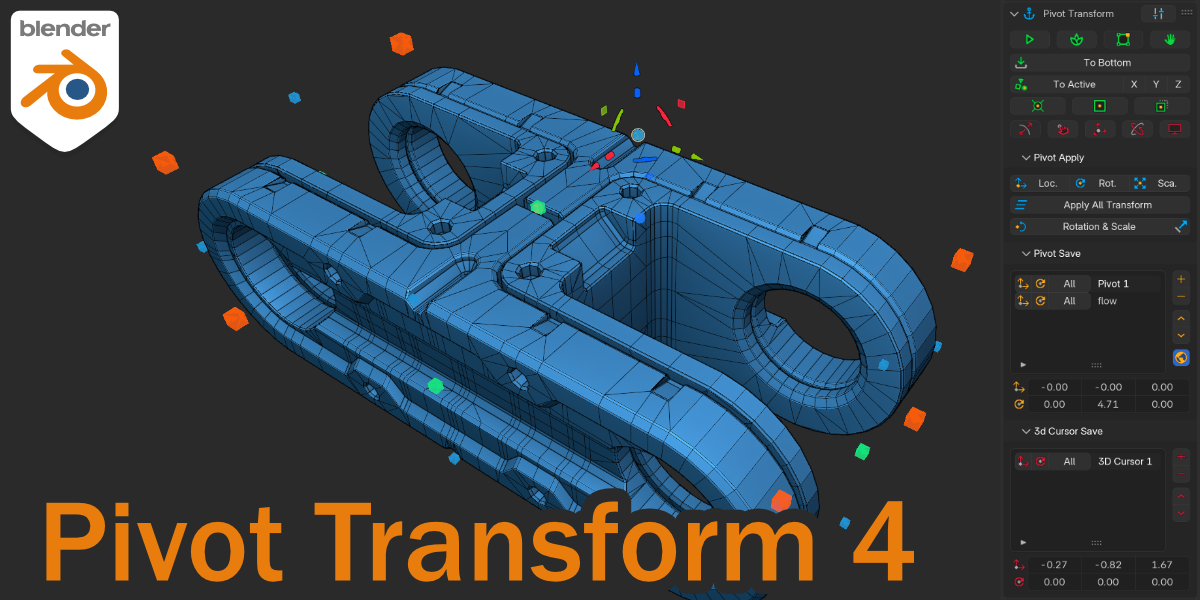
Pivot Transform 5 + Gizmo/Save 3D Cursor is a Blender add-on for repositioning an object's pivot and working with the 3D cursor. Its named operations cover selected geometry, mesh centers, object bounds and other reference points.
Position the pivot on geometry or bounds
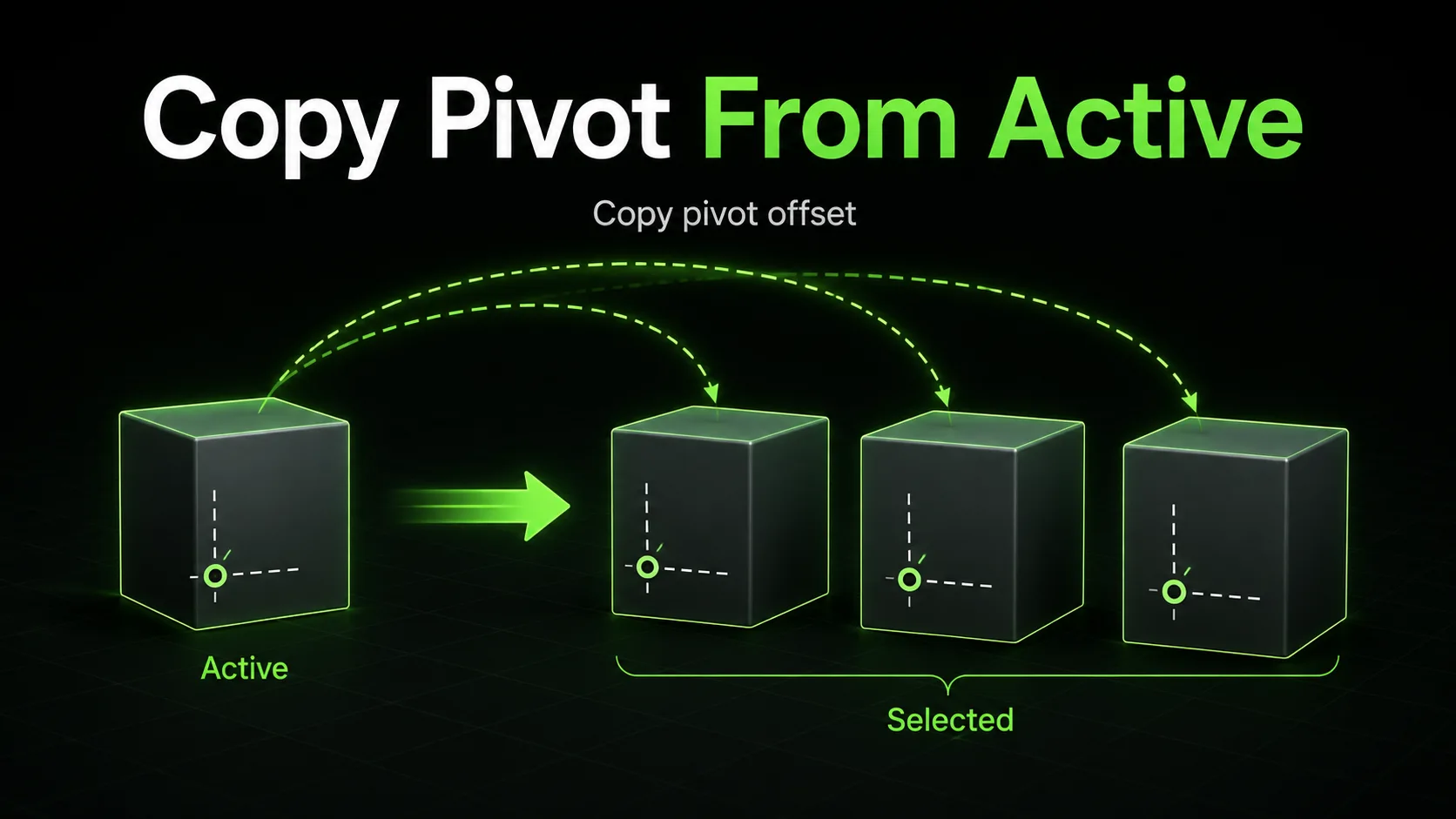
Pivot To Select moves the pivot through selected elements and can align it to their normals. Pivot Drop moves it in alignment with selected items. BBox places it at bounding-box points, which can help locate the endpoints of selected objects. Other options include Pivot To Bottom, Pivot To Center Of Mesh and Pivot To Active with axis alignment.
Adjust and reuse pivot placements
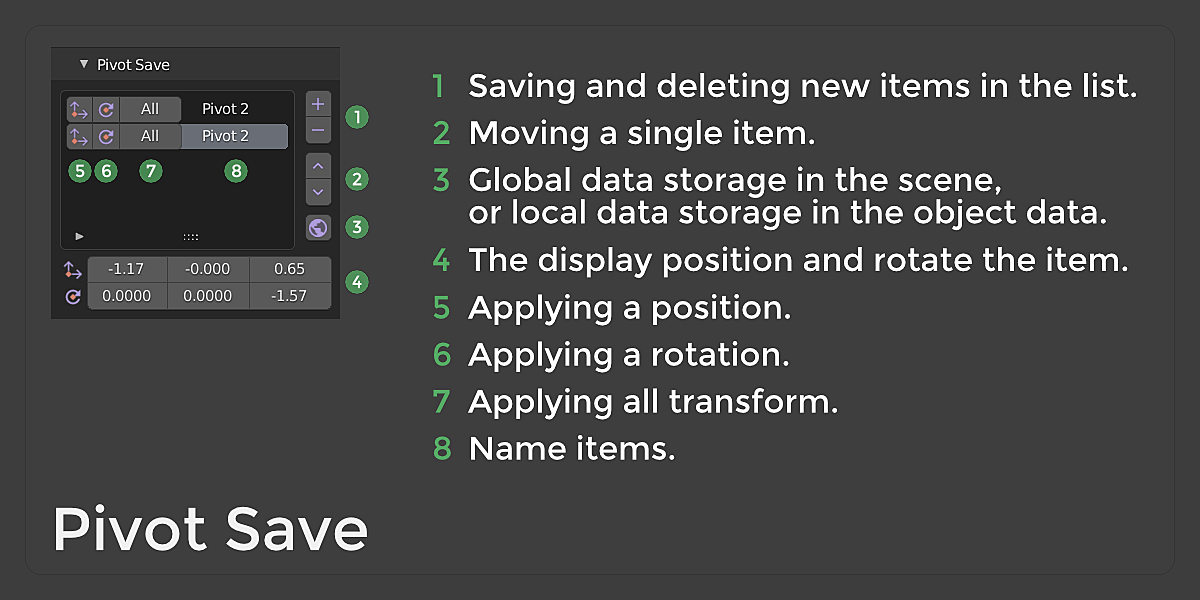
Transform improves Blender's standard transformation function. The Pivot Transform toggle makes Blender's move, rotate and scale operations edit the object origin while leaving the mesh geometry in place. Pivot Flow takes a similar approach to working with a pivot in Maya. The Gumroad listing notes that Mac and Vulkan users may have trouble visualizing Pivot Flow. Pivot Apply can be used from edit mode, while Pivot Save stores a pivot's position and rotation, with the option to apply a separate position or rotation.
The add-on also includes Pivot To 3D Cursor and a 3D Cursor Save panel. The Pivot Transform documentation says saved cursor positions can be kept in a list per object or globally.
Who may find it useful
This set of tools may suit Blender artists who often move pivots while modeling, need to align a pivot to selected geometry, or want pivot and cursor operations together in the add-on. The available functions let you choose a placement method for the current task.
Compatibility and documentation
The product listing marks the add-on as Blender Extension Compatible and lists Blender versions 3.0 through 5.2. The Pivot Transform installation guide requires Blender 5.0 or later for its .zip package. The listing identifies the license as GPL and Max Derksen as creator. Check the guide's requirement against your Blender version before installing.