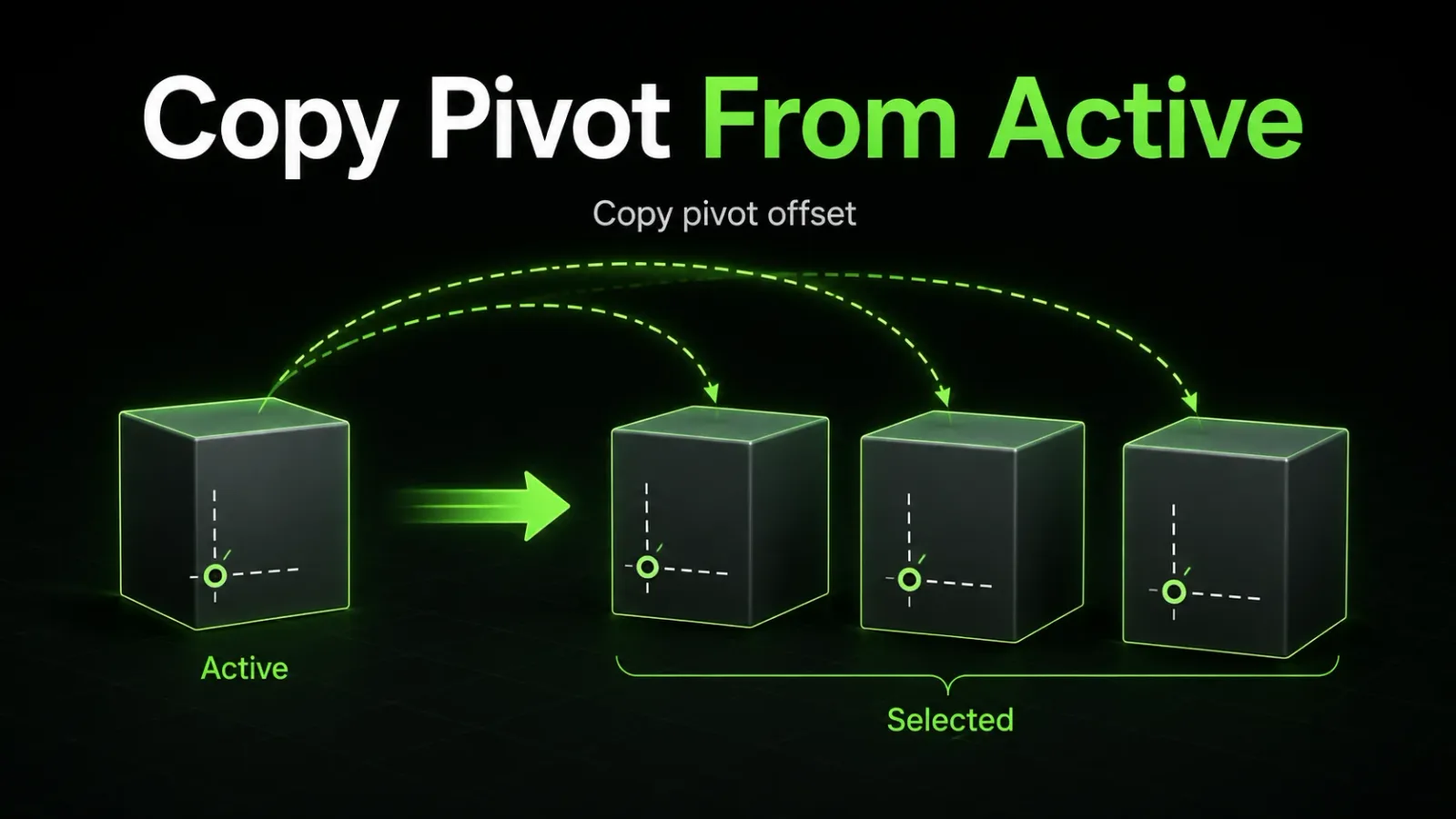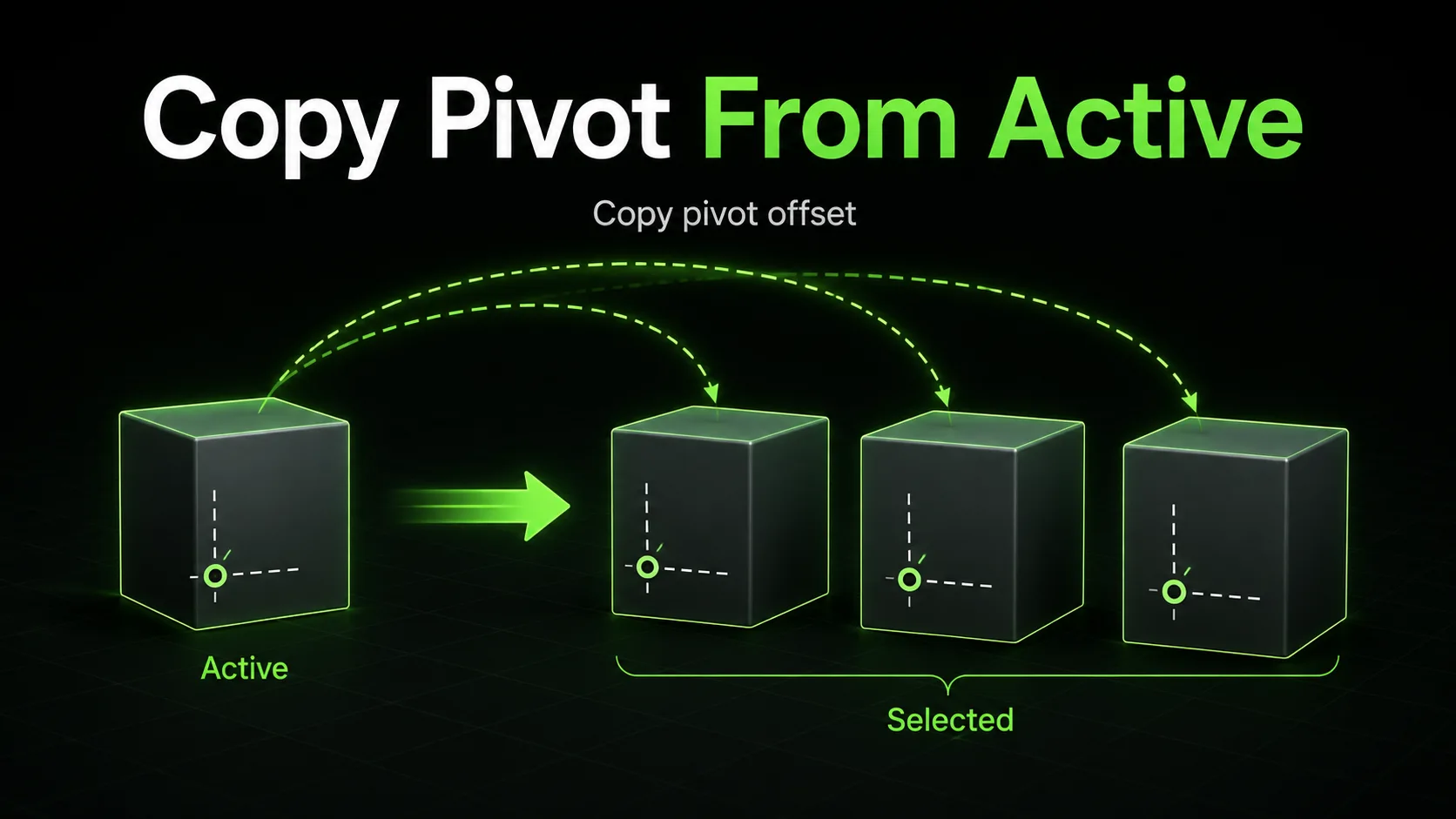
Copy Pivot From Active transfers the relative pivot or origin position of the active mesh object to the other selected mesh objects. It can help when you need matching pivot placement on objects such as doors, wheels, mechanical parts, modular assets, or duplicates.
How to use Copy Pivot From Active
- Switch to Object Mode.
- Select the mesh objects that should receive the pivot.
- Select the source mesh last so it becomes the active object.
- Choose Object → Transform → Copy Pivot From Active.
Requirements and compatibility
The extension works in Object Mode, and both the active source and the target objects must be meshes. The Blender Extensions listing specifies Blender 4.2.0 or later, including Blender 4.2 LTS. It requires no special permissions.
Installation and support
You can drag the downloaded extension into Blender or download it and install it from disk through Blender’s extension preferences. For a problem report, use the project’s GitHub issues page and include your Blender version, extension version, reproduction steps, and any error messages.