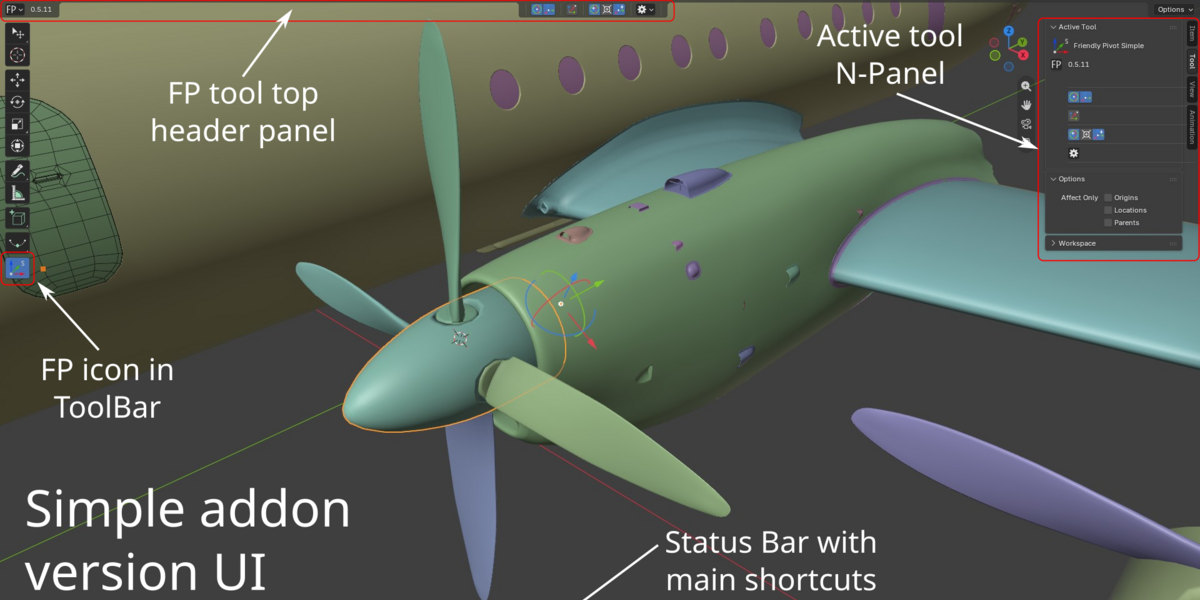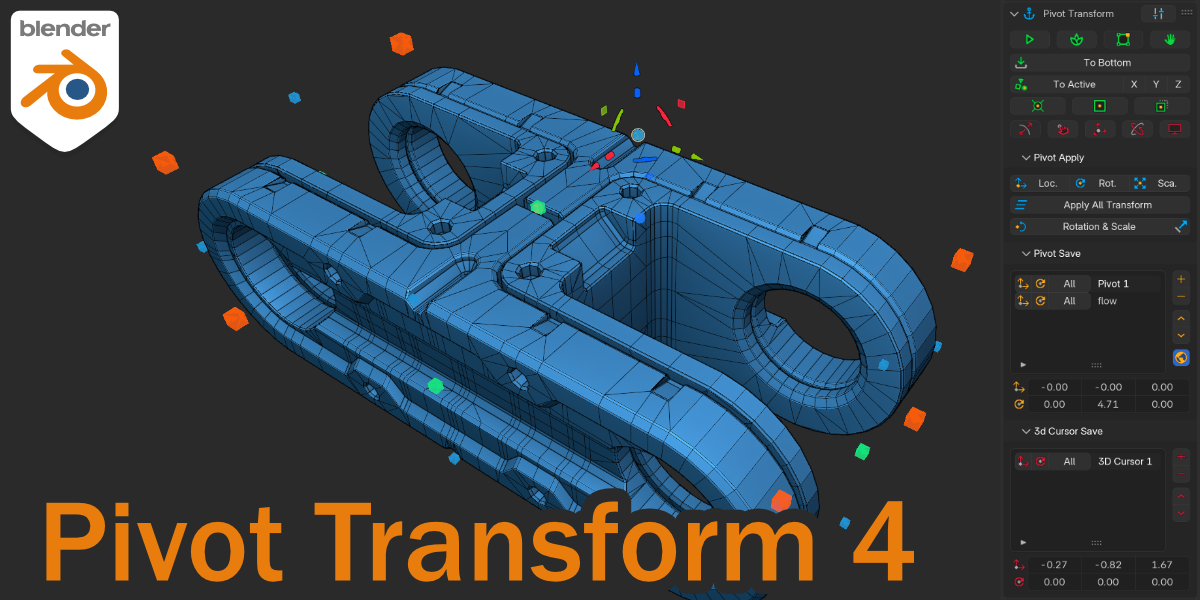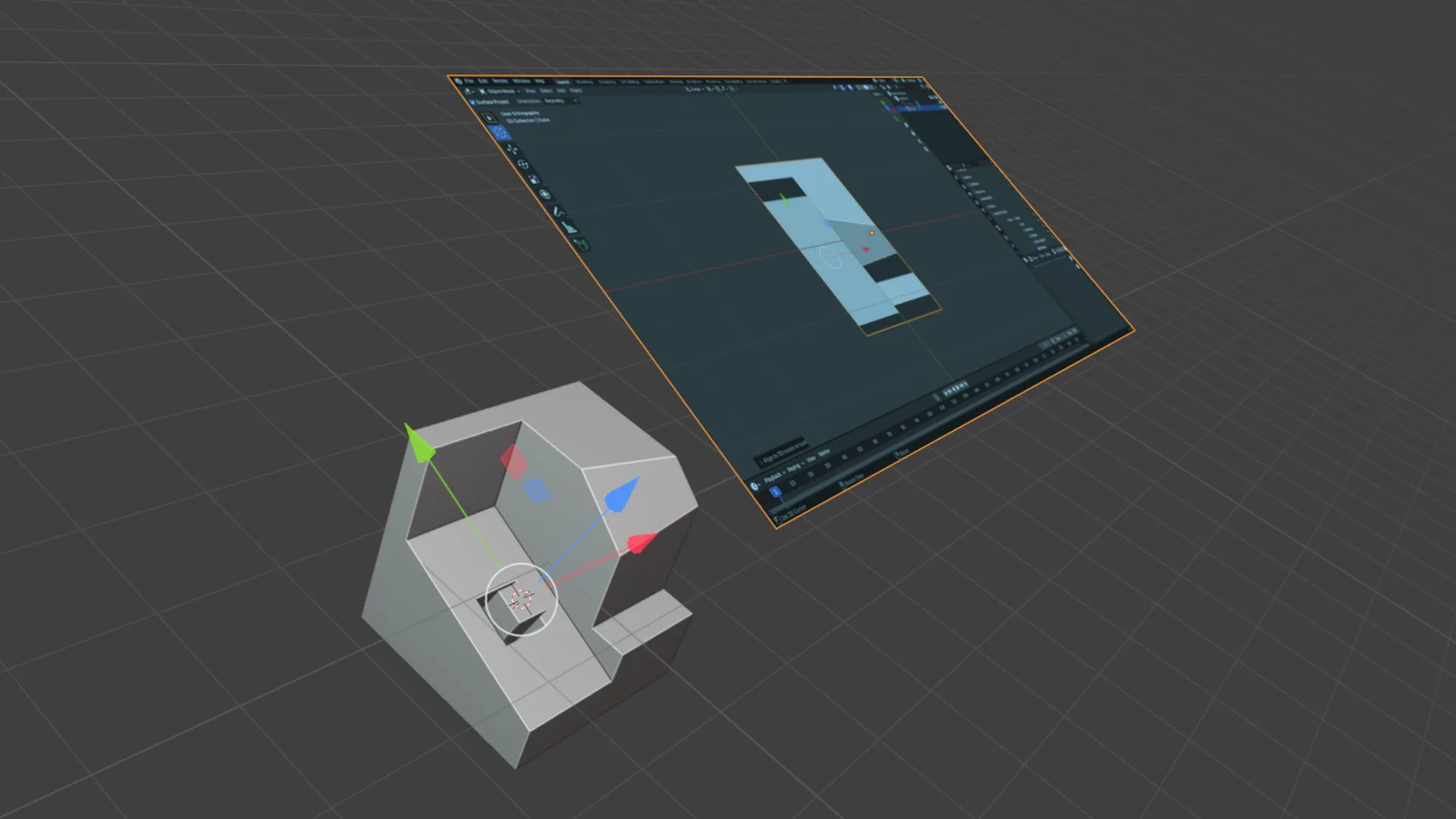
Blender Friendly Pivot is an add-on by Roy for changing Pivot Orientation, object Origin, and 3D Cursor position with fewer keystrokes. It brings much of Maya’s Pivot Transform workflow to Blender, with a shortcut for sampling a highlighted component and gizmos for direct adjustments. The developer’s manual covers its interface and modes.
Set orientation, origin, and cursor position
In the 3D Viewport, select an object and invoke Friendly Pivot with D, its default shortcut, or the tool icon in Blender’s toolbar. Hover over a highlighted component, then use the mouse button for the action you need: LMB sets Transform Orientation, RMB sets the Origin, and MMB sets the 3D Cursor’s orientation and position. You can change the shortcut in the add-on preferences. D can invoke the tool while held or work as a press-and-release toggle.
The Pivot gizmo lets you move the Origin in 3D space and set a custom orientation. Both the shortcut and gizmo workflows support incremental snapping. While dragging a gizmo axis, hold Shift or Ctrl to use incremental movement. Friendly Pivot also includes an aim mode for orienting the pivot toward a highlighted component.
Simple and Pro editions
Simple provides the core orientation, Origin, and 3D Cursor tools for mesh objects. Pro includes those tools and adds a BBox gizmo for placing the Origin or 3D Cursor at points around an object’s bounds, an orientation preview gizmo, multiselection, armature and curve support, and 3D Cursor placement in the UV Editor.
The developer’s documentation lists minimums of Blender 5.2 for Simple and 4.2 for Pro. Superhive’s product listing shows a Blender 4.2 to 5.3 range for the product but does not split it by edition. Neither source identifies an edition-specific upper version. Check the developer documentation for the minimum for the edition you plan to install.
Install and check support
For a downloaded ZIP, the developer recommends removing a previously installed version first. In Blender, open Edit → User Preferences, then use either the Get Extensions or Add-ons tab. Open that tab’s settings menu, choose Install from Disk, select the friendly_pivot ZIP, activate the add-on, and save user settings. The Superhive product listing includes the current download and release details.
The developer identifies Friendly Pivot as beta software and notes that errors may occur. To report a problem, use the Support button in the add-on’s dropdown while it is active in Blender’s main viewport.