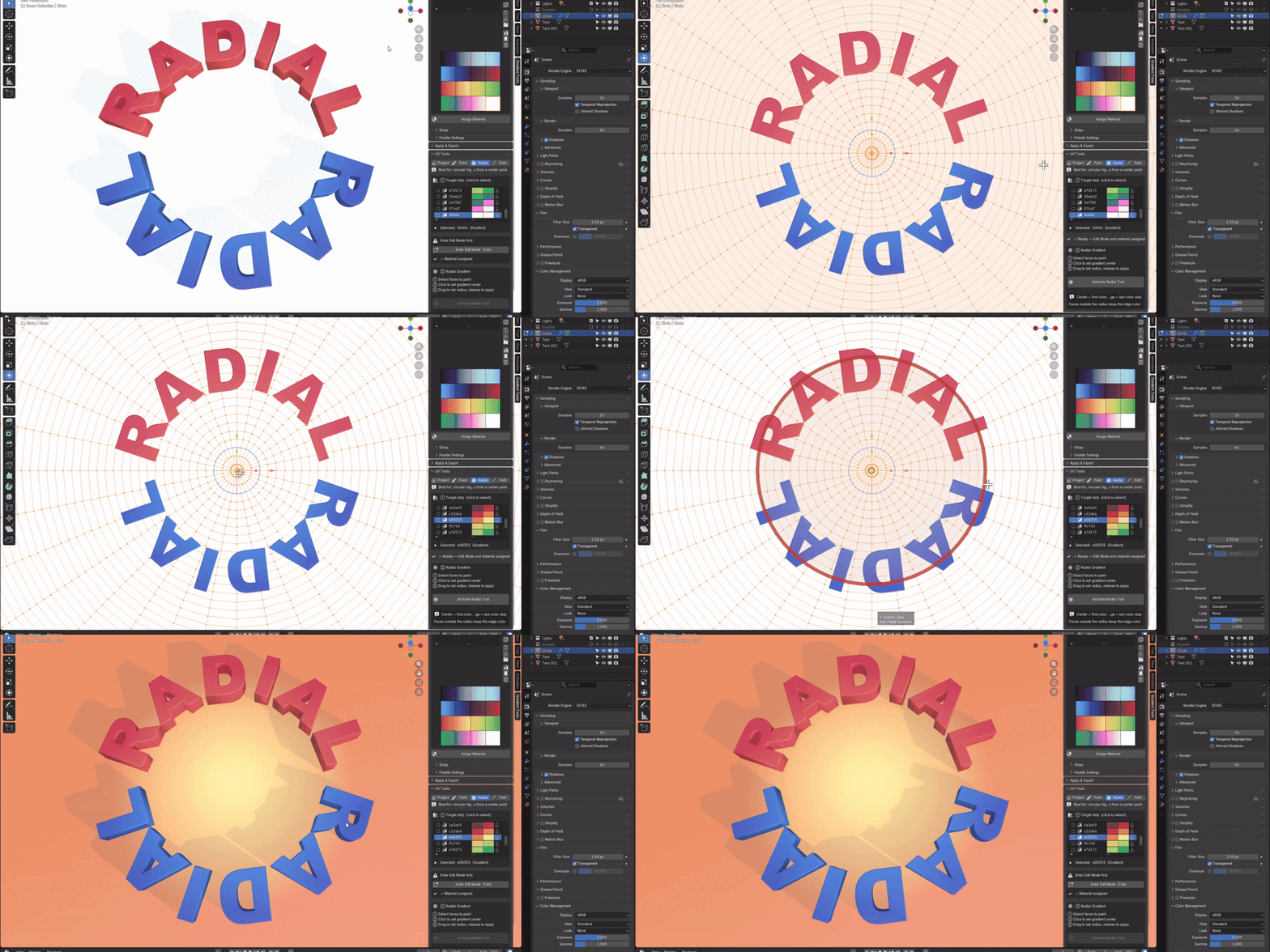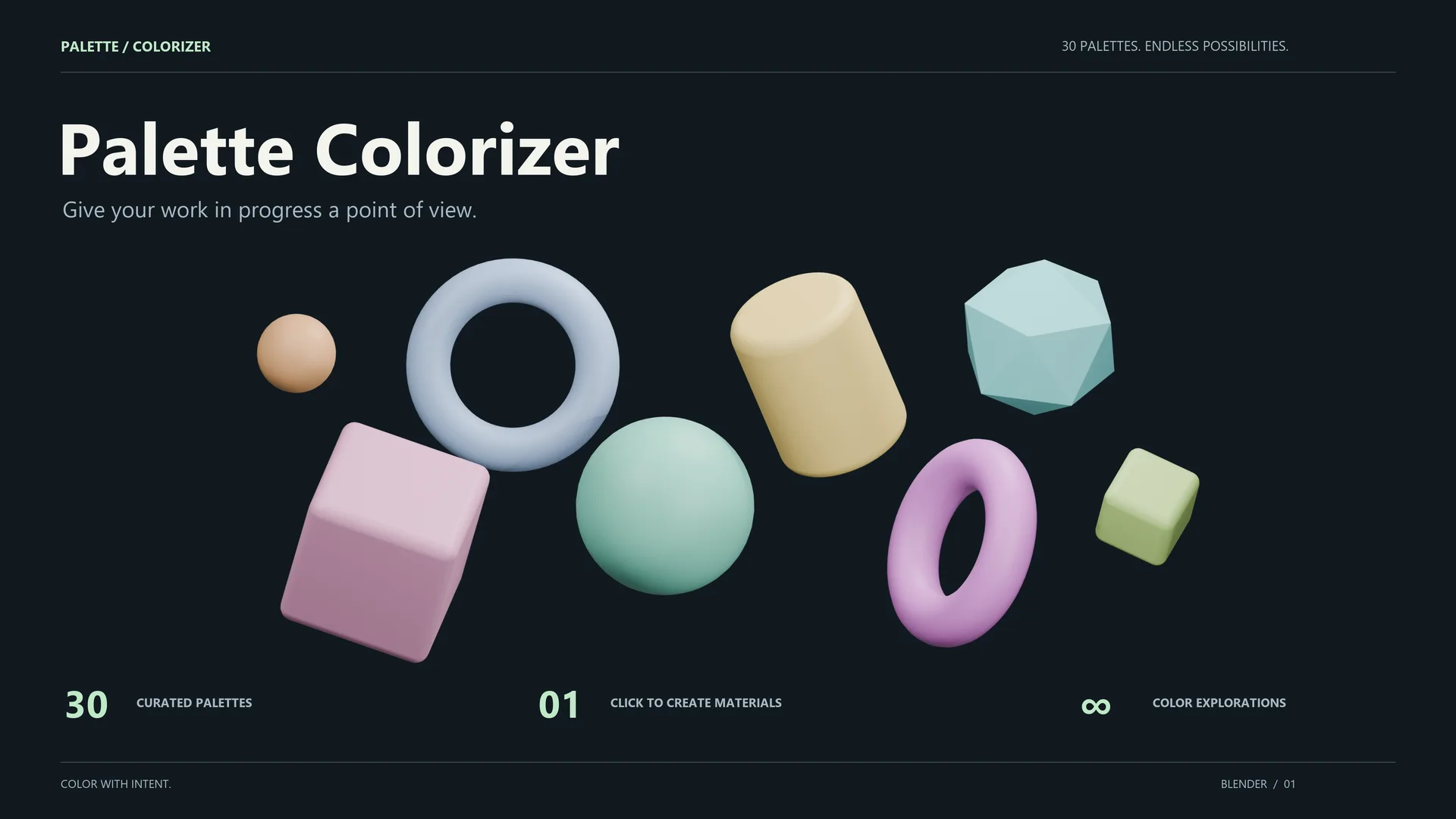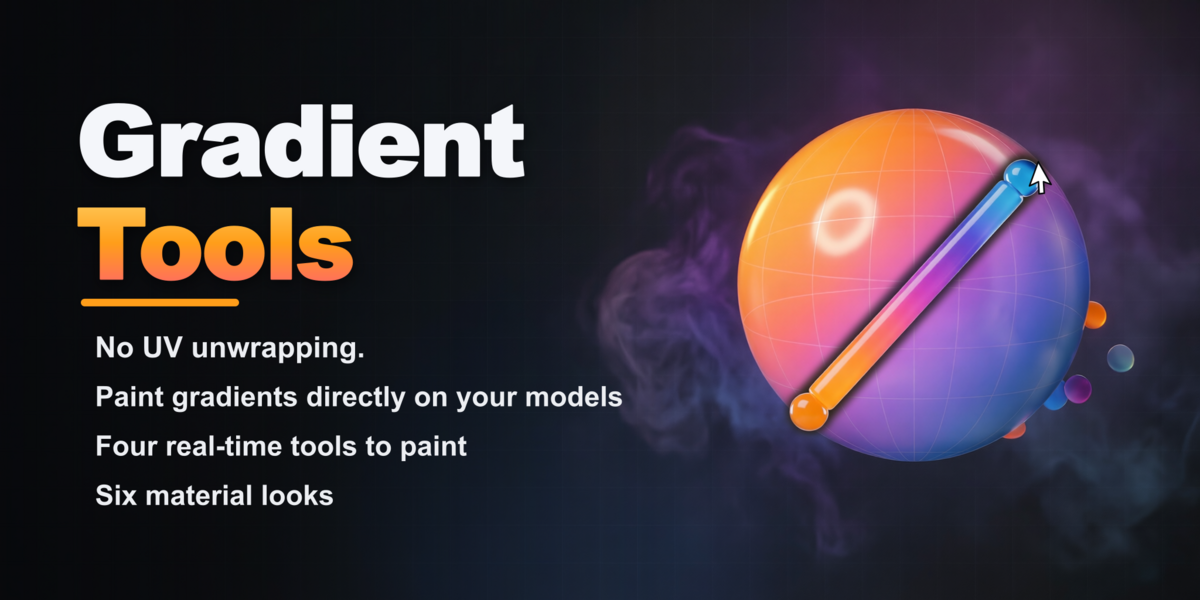
Gradient Tools is a Blender add-on by Pixonomic for building color palettes and applying gradients to meshes, curves, and vertex colors. It works in Blender’s 3D Viewport and Image Editor. The painting tools generate the UV coordinates they need, so you can start without manually unwrapping a mesh.
A palette is a grid of color strips. A strip can hold one flat color or a Blender Color Ramp with multiple stops, interpolation modes, and hue paths. Gradient strips remain editable after application, and faces using a strip update when you change its ramp.
Paint gradients with four modes
Project mode applies a gradient from a Top, Front, or Side view, centers a strip on selected faces with Quick Snap, or projects from the current view. Paint mode lays down a linear gradient by dragging or a smoothed stroke by drawing freehand. Radial creates a circular gradient from a center point. Path builds a gradient along a multi-point Bézier curve across the mesh.
Each mode has a live GPU preview before you commit. Press F to invert the gradient, and use the on-screen shortcut HUD to check controls. The product listing says its projection tools handle dense or irregular meshes and geometry outside the camera view.
Use palettes on meshes, curves, and vertex colors
Apply a palette to mesh faces through its generated UV texture, bake assignments to vertex colors, or apply a gradient along a Curve object without converting it to a mesh. The add-on also includes tools to select faces by their active palette strip or move selected faces to another strip.
Palette textures can be exported as PNG, and palettes can be saved as JSON for reuse. In the Image Editor, the eyedropper adds the color of a selected pixel in a reference image as a new strip. The add-on imports JSON, Adobe Swatch Exchange (.ase), GIMP Palette (.gpl), PaintShop Pro (.pal), plain text (.txt), and hex lists (.hex). Palette controls include strip reordering, grid resizing, and Non-Color or sRGB color spaces.
Choose a material look
The listing identifies version 2.5.0 as adding six per-object material looks: Toon, Flat, Plastic, Glossy, Metal, and Glass. The looks use native material slots, so objects can keep separate colors and settings, or share a look when you want edits to affect several objects. Flat and Toon include an emission floor for lighting-independent color. Glass can use EEVEE screen-space and ray-traced refraction when enabled.
Look controls include roughness, specular, coat, IOR, transmission, emission, and Toon band count. You can save and reuse look presets; the listing names Chrome, Clay, Frosted Glass, Cel Toon, and Matte Plastic among its built-in presets.
Check compatibility and documentation
The developer documentation lists Blender 4.2 LTS and newer, including 5.x, while marketplace metadata lists 4.5 to 5.1. Check the current product listing for updates or ask Pixonomic which range applies to the release you plan to install.