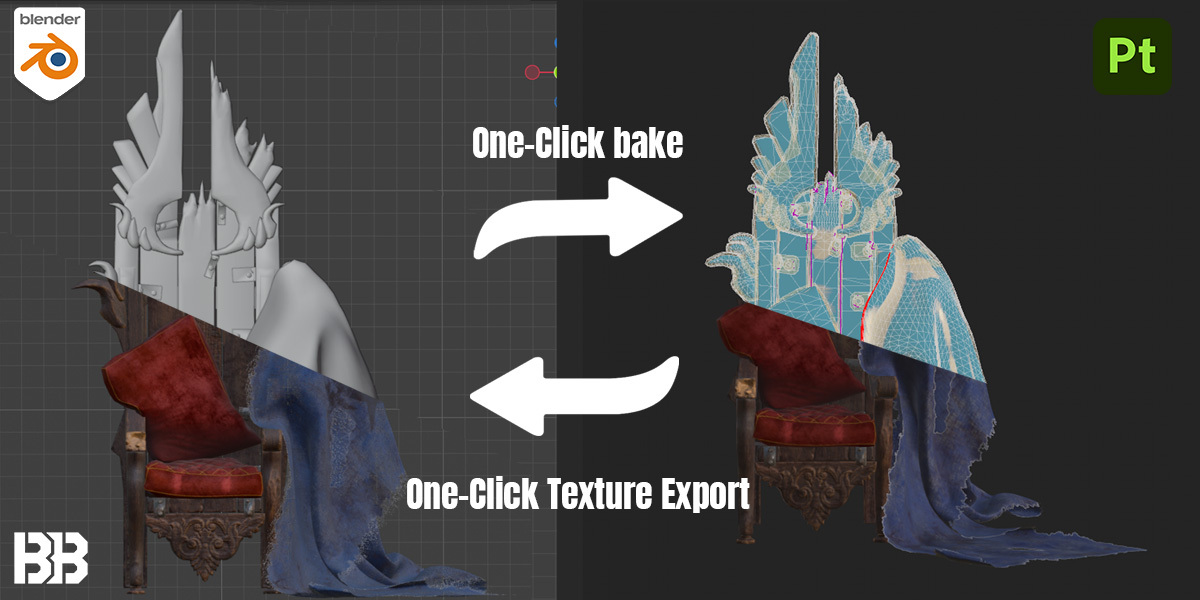
Blender To Substance In One Click, released as Substance Bridge v1.0, sends a mesh from Blender to Substance Painter through a single export action. It writes an FBX, launches Painter, and loads the mesh into a new project. For artists who texture in Painter, this combines the export and launch steps in one handoff.
What the handoff automates
Press the add-on's export button in Blender to start the transfer. The listing describes two parts of that handoff:
- Export the mesh as an FBX file.
- Launch Substance Painter and automatically load the mesh into a new project.
The add-on keeps its controls in Blender's N-panel, with a minimal interface footprint. Once the mesh is in Painter, texturing continues there.
Vertex-color ID maps for masking
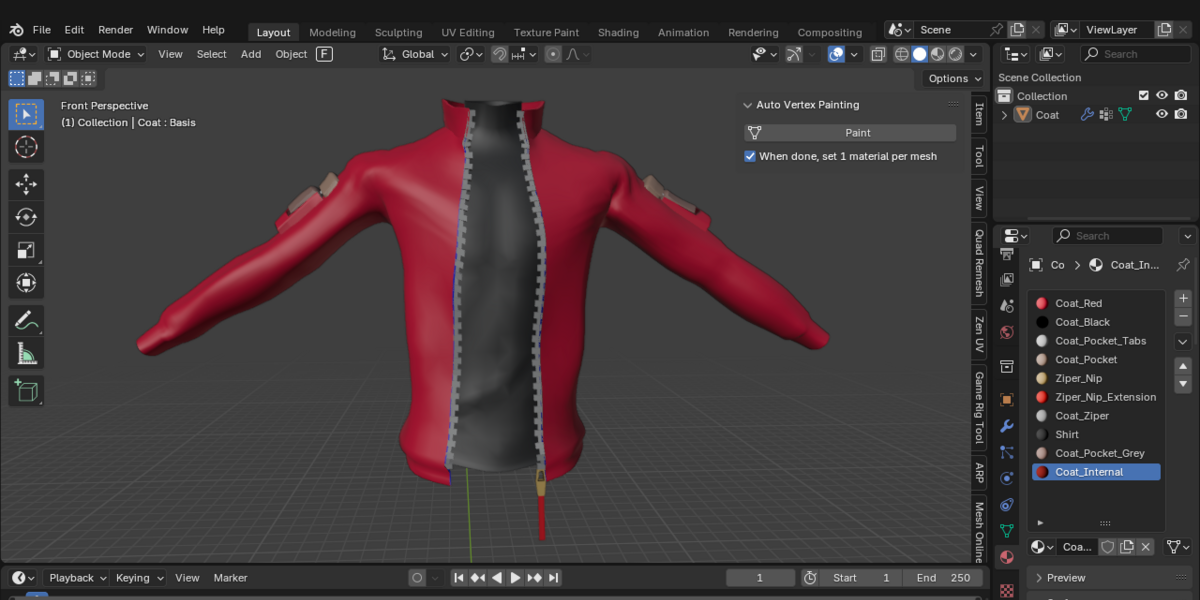
Substance Bridge can generate random vertex colors to provide ID maps for quick masking. This is useful when a texture workflow relies on separating parts of a mesh by color. The listing describes this vertex-color feature alongside the FBX handoff; it does not explain whether the add-on also converts Blender materials or bakes texture maps. Confirm those details in the included quick-start PDF if your workflow depends on them.
Compatibility and package
The product listing names Blender versions 4.0 through 5.1 and the Cycles and Eevee render engines. It identifies the license as MIT. The download includes the add-on ZIP and a quick-start PDF. Check the current product listing for compatibility outside the stated Blender range.
Who it suits
This add-on is aimed at Blender artists who move meshes into Substance Painter for texturing and want the export and project launch handled together. If you need specific handling for materials, UVs, texture baking, or scene settings, check the PDF or ask Brighter's Studio before relying on it for those tasks.
Superhive lists Brighter's Studio as the creator .