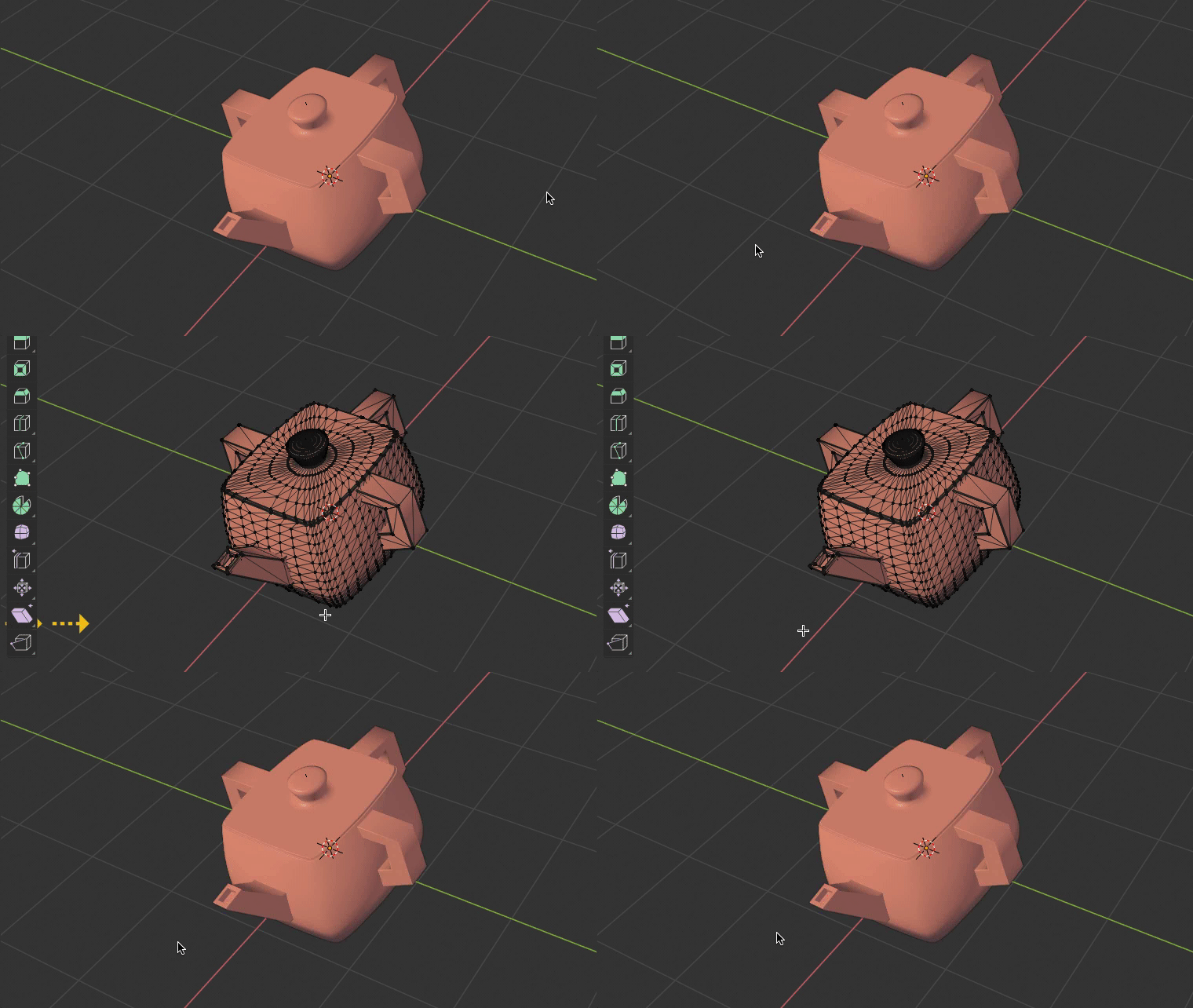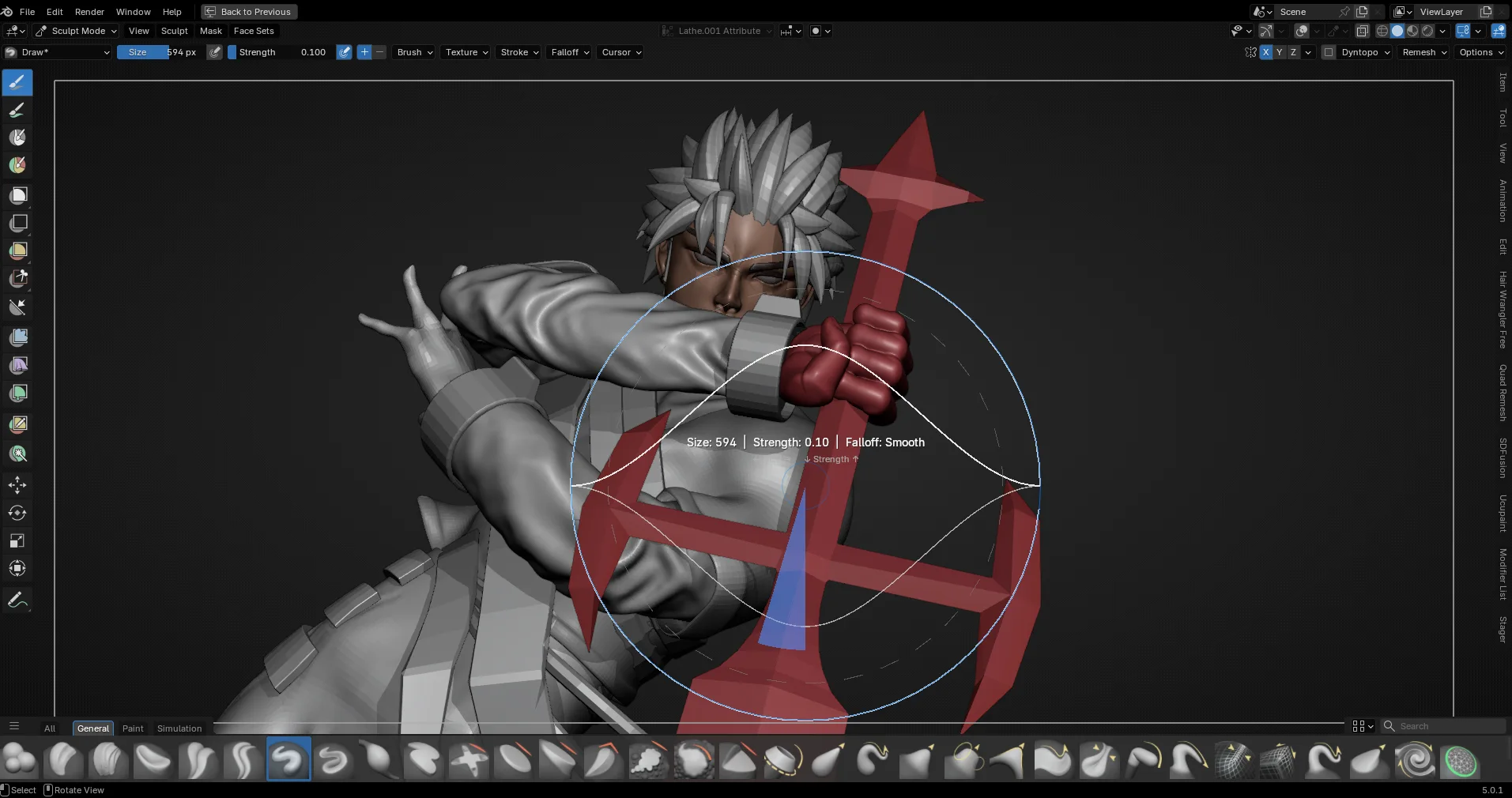
Mapping Gesture is a Blender add-on for adjusting texture mapping node transforms with mouse movement. It targets the active Mapping node or the first hit Mapping node, so you can change its transform in the 3D View.
Adjust a Mapping node with gestures
Open the add-on from the 3D View side menu under N > Addons, or run it in Object Mode with Alt + Shift + T. While the gesture is active, the keyboard controls let you change the transform and refine the value:
- G, R and S switch between transform types. S scales all axes; Shift + S adjusts scale axes individually.
- X, Y and Z select an axis. T cycles the texture-coordinate output socket; Shift + T cycles in reverse.
- Shift makes adjustments finer. Ctrl rounds the value; for rotation, it snaps to 45-degree increments.
- Use the number keys and +, -, * or / to enter a value or perform arithmetic.
The listing also documents wheel controls for switching material slots and Mapping nodes, with Ctrl used when switching Mapping nodes.
Set up nodes and textures
If no Mapping node is available, the add-on can add a Mapping node and Texture Coordinate node, then connect the Mapping node to all texture nodes. It exits when the material has no texture nodes. Setup Tex adds one image to the base color; Setup Pri adds base color, metallic, roughness and normal textures together. The latter is described as a port of a Node Wrangler function.
Know the simple node view's limits
The simple node view displays base color, metallic, roughness and normal values, along with connected image nodes. Its menu can handle some node operations, including adding, deleting and muting nodes, and opening an emission viewer. It also covers selected adjustment nodes such as RGB Curves, Hue/Saturation and Brightness/Contrast.
This view is a prototype. The listing says it works well with a simple material setup containing one Principled BSDF, and that the menu alone cannot provide complete node control. See the Superhive product listing or the developer's Mapping Gesture page for product details.