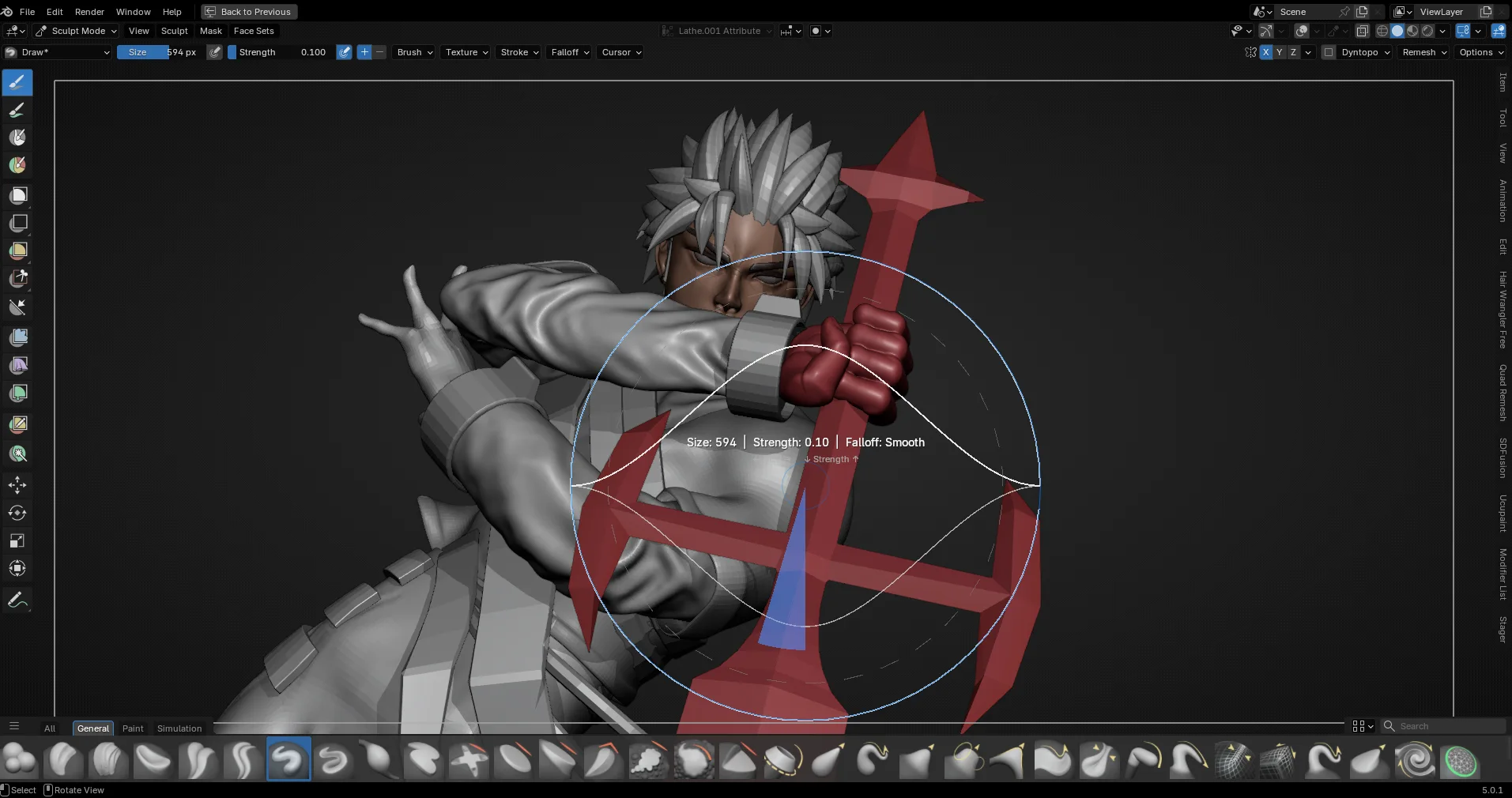
Sculpt Navigation is a Blender add-on by Cuzmic that maps viewport movement to mouse gestures. It is designed for sculpting and painting workflows, including use with a pen tablet when a middle mouse button is inconvenient. The Blender Extensions catalog lists version 1.0.2, Blender 5.0.0 as the minimum version, and the GPL-3.0-or-later license.
Navigation gestures
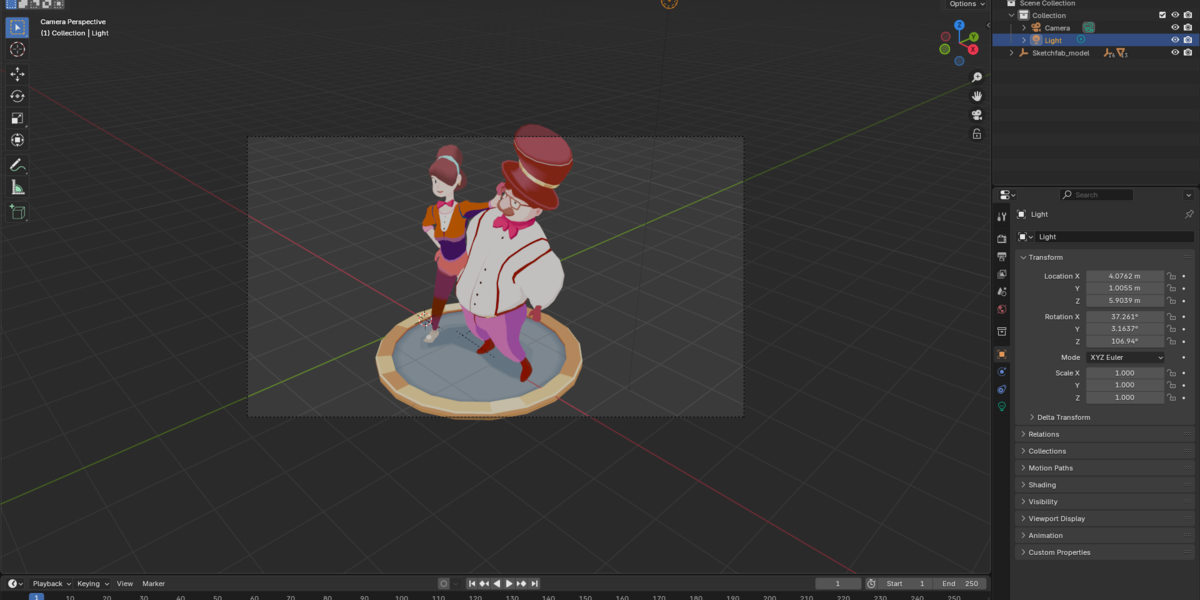
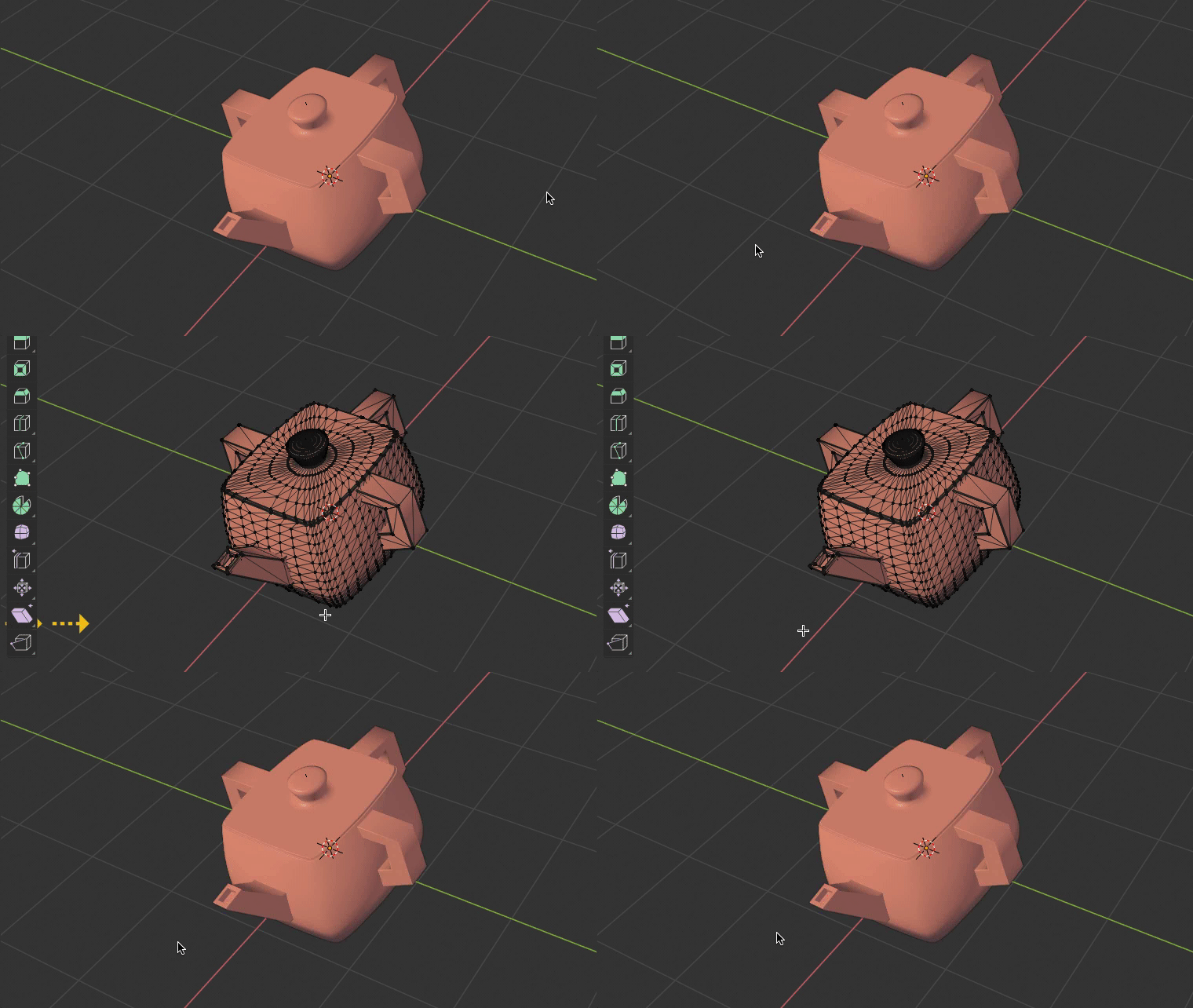
Click empty canvas space to orbit the view, or hold Shift while clicking to pan. Clicking directly on a mesh continues to sculpt or paint. Right-click dragging vertically dollies the view; dragging horizontally rolls it. Shift with right-click zooms. A dedicated roll keybinding defaults to Shift+Alt+LMB, and double-clicking empty space frames the selected object.
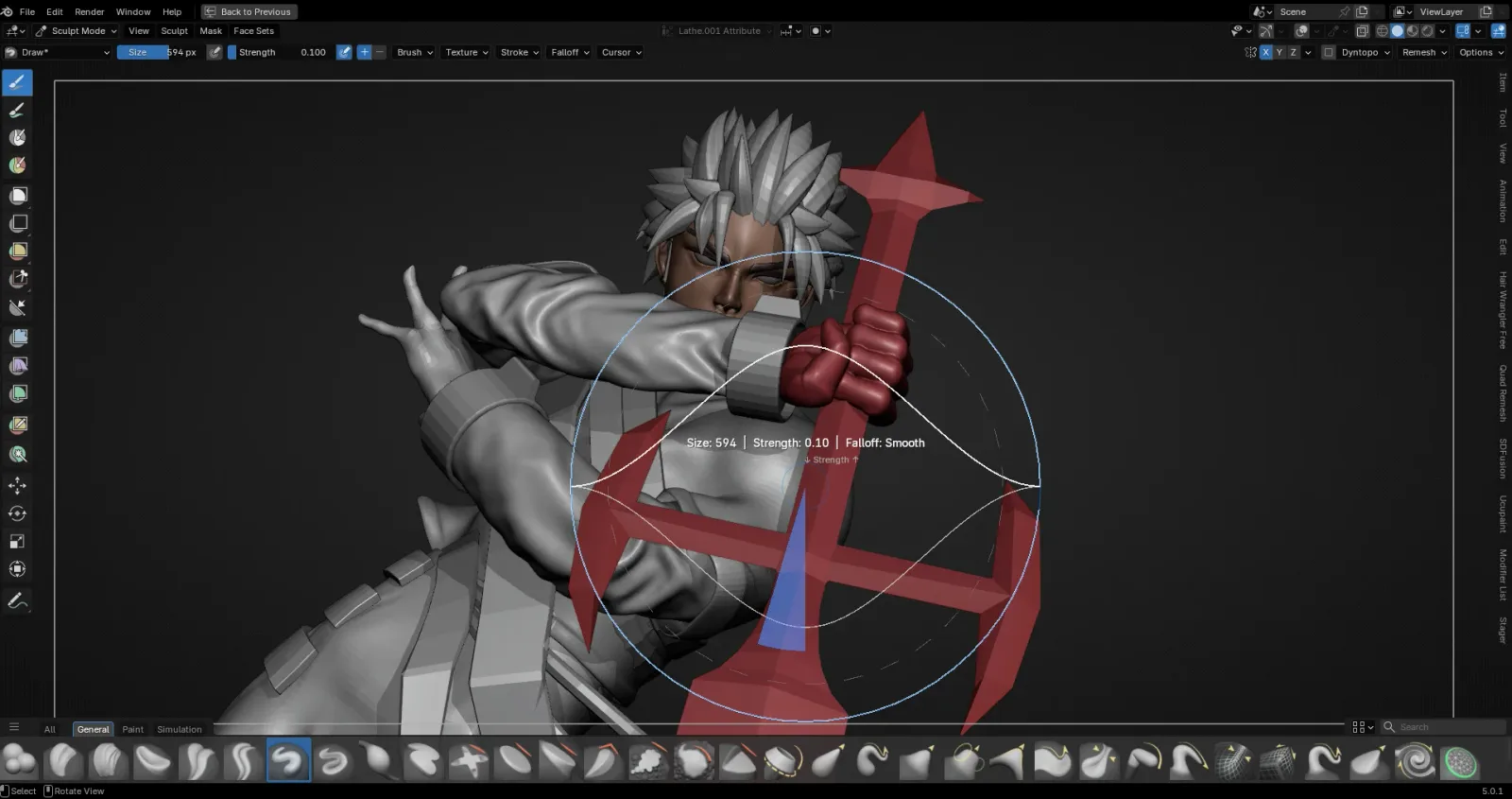
A visual ring gives feedback when adjusting brush size and strength. A configurable safety border zone triggers navigation.
Choose the controls
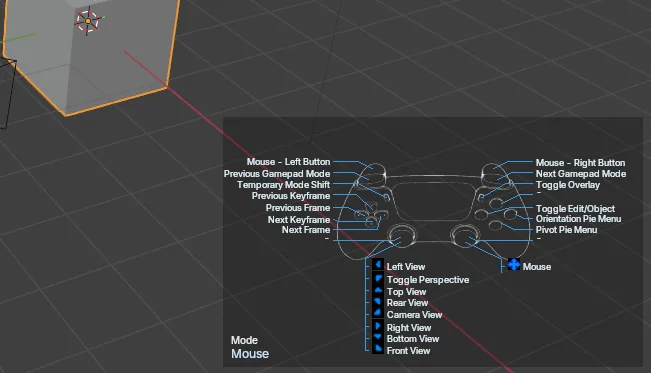
In the add-on preferences, you can toggle individual gestures, select the modes where Sculpt Navigation runs, adjust orbit, dolly, and roll sensitivity, invert axes, choose pass-through object types, and remap mouse buttons and modifiers. These settings let you adapt the gesture mapping to your Blender workflow.
A reviewer of version 1.0.2 requested automatic activation when switching to the Sculpting tab and orbit around the last modified point. The current catalog entry is version 1.0.2, so it does not show whether a later release addresses either request.
See the Blender Extensions listing for release and compatibility details, the feature overview for the documented gesture mapping, and Cuzmic's GitHub repository for the project source and issue tracker.