This Blender add-on by Bala records viewport pan, rotation and zoom while you model. Its Superhive product listing describes returning to the exact viewport position used to work on specific faces, vertices, edges or objects in complex scenes.
How viewport history works
Undo Plus tracks navigation in the background. A 0.4-second delay waits for movement to stop before saving a position, so one navigation gesture becomes one history step instead of filling the list with many small movements. The history holds 100 steps by default and can be adjusted from 5 to 500.
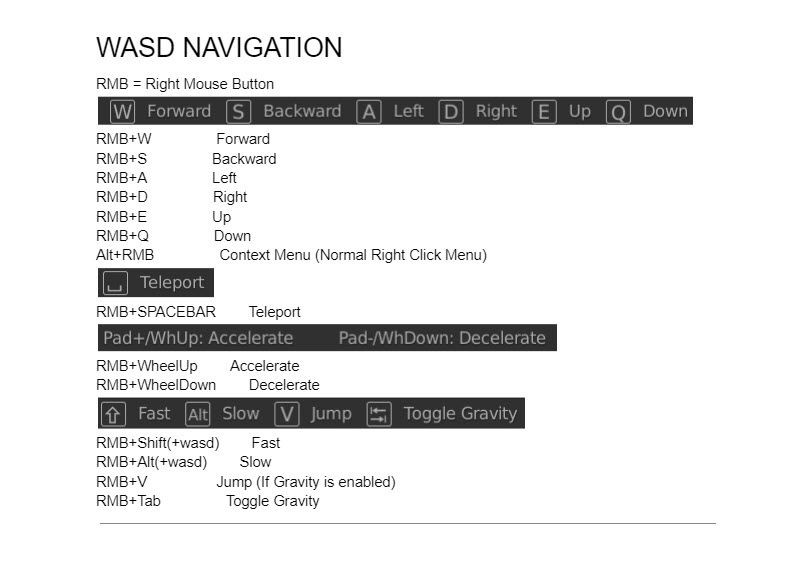
The default shortcuts move through captured views:
Ctrl+Alt+Zreturns to the previous viewport position.Ctrl+Alt+Shift+Zmoves forward through positions.
You can set your preferred key combinations. The listing says they are designed not to interfere with Blender's native shortcuts.
Bookmark a view manually
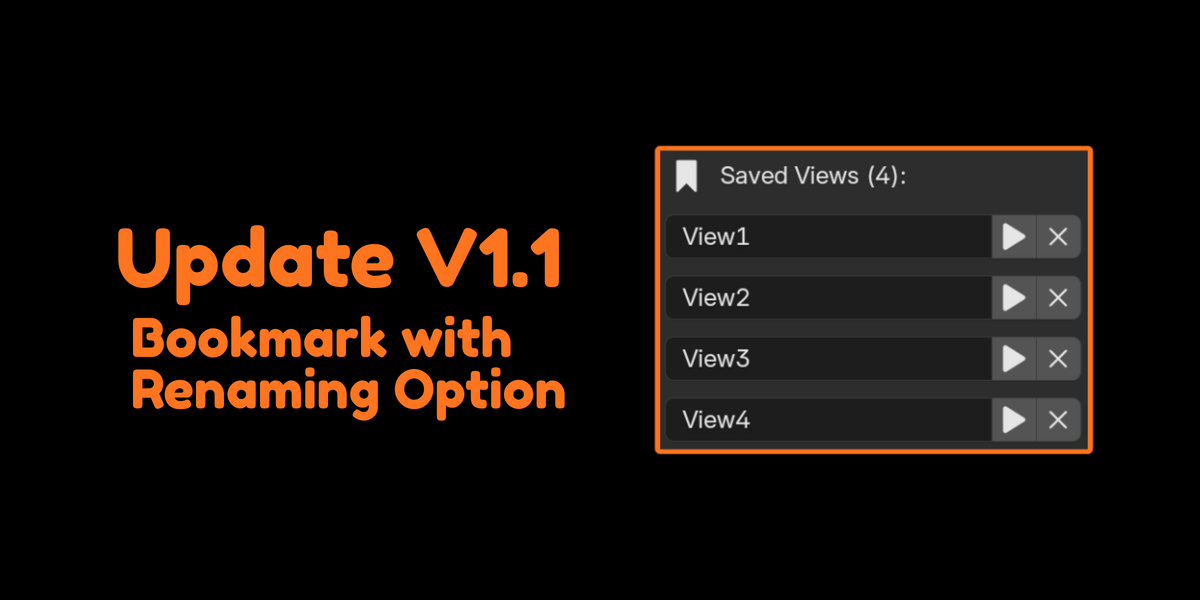
When you reach an angle you want to keep, use Capture View Now to bookmark it and return to it later in the session. The product page identifies this manual capture option as part of the V1.1 update.
Where it fits in a modeling workflow
Undo Plus may suit modeling passes that involve leaving a close working view to inspect another angle. The product listing gives character face details, hard-surface edge loops, retopology and UV seam checks as examples. After looking around the model, you can step back through viewport positions instead of steering back by hand.
Compatibility and license
Superhive lists Blender versions 4.2 to 5.3 and a GPL license. The supplied AnyPlugins summary gives a different Blender range, 3.0 to 5.0. Check the developer listing for the version you use before installing. The product documentation lists the capture delay, history range and default shortcuts.