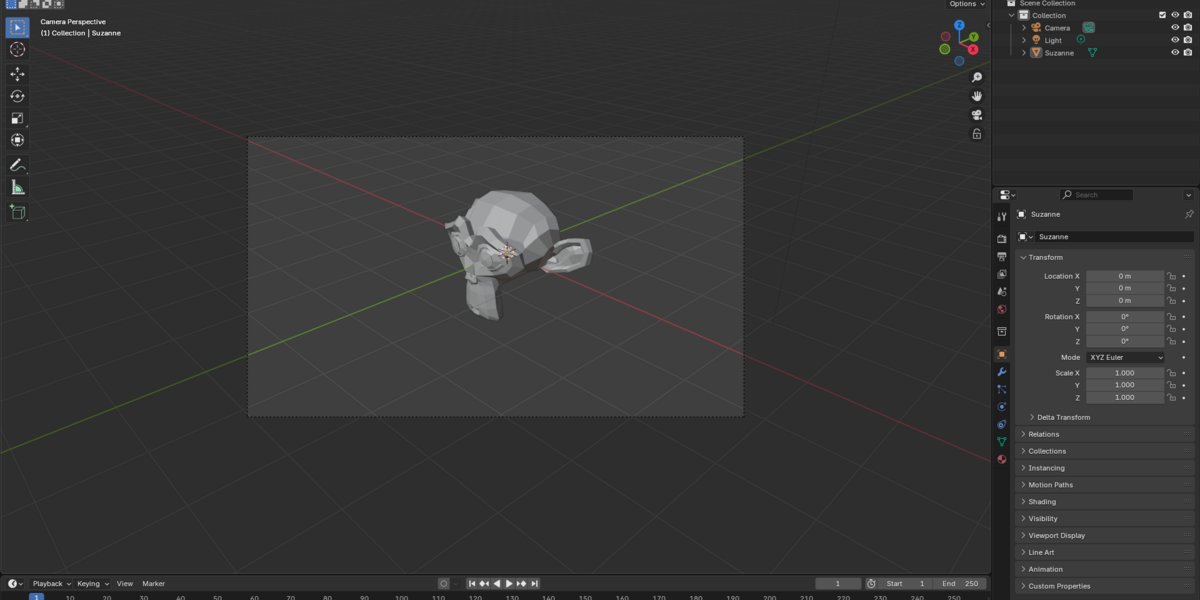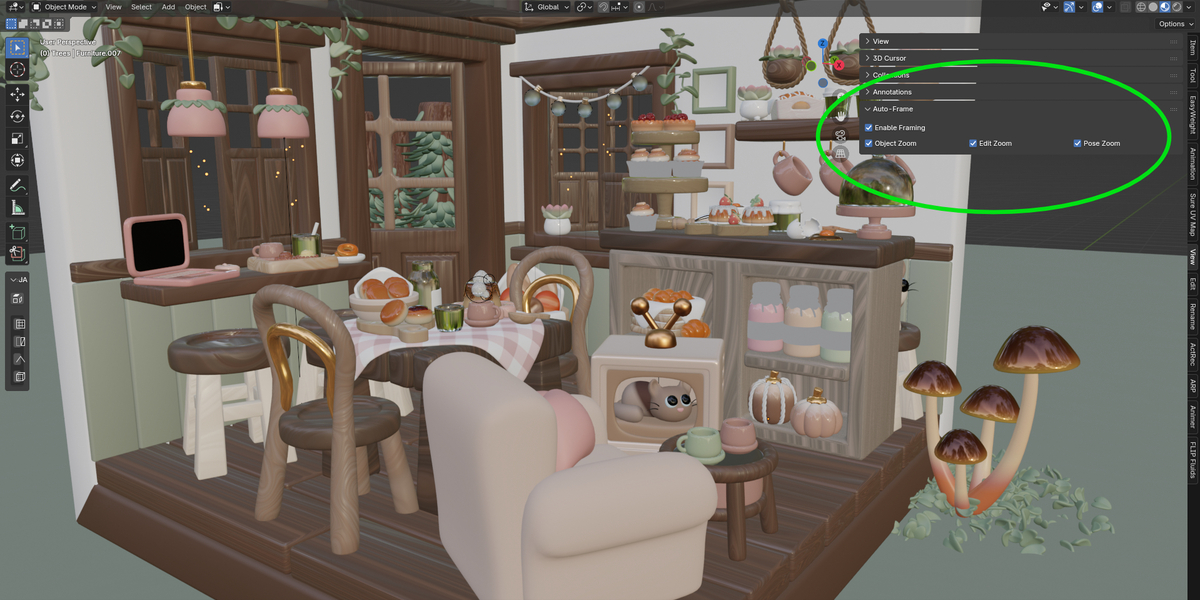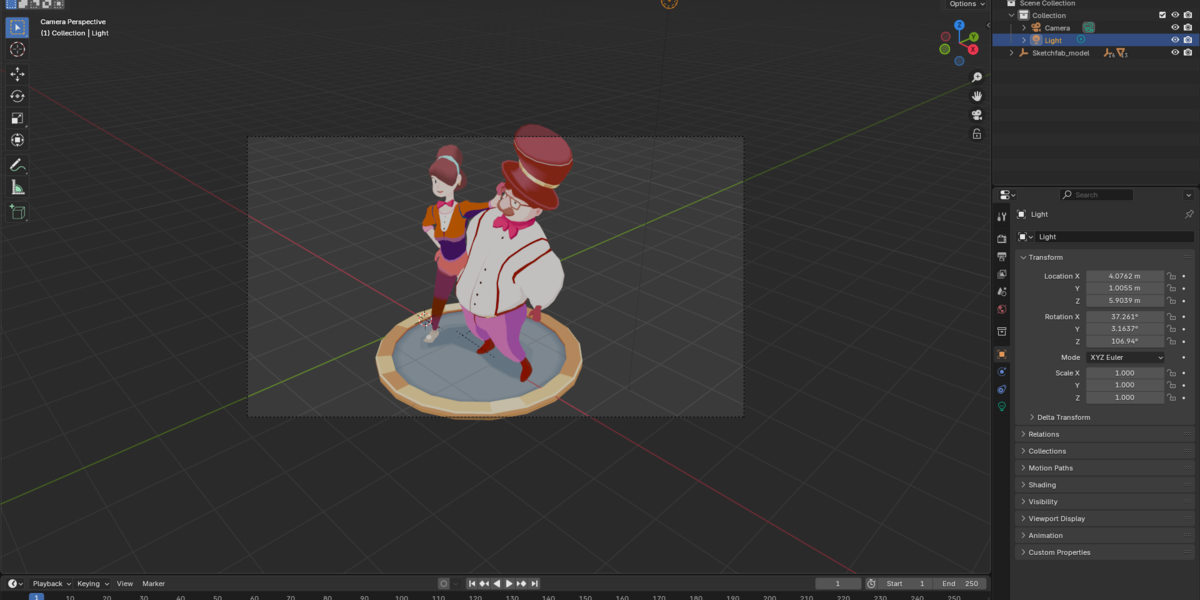
Camera Navigator is a Blender add-on by Pixel Egg Studio for positioning a camera while keeping the camera view active. It applies familiar viewport navigation controls to the camera, so you can see its framing as you adjust it instead of moving the viewport and repeatedly aligning the camera to that view.
Camera controls
- Scroll the middle mouse button to zoom the camera in or out.
- Drag with the middle mouse button to rotate the camera.
- Hold Shift and drag with the middle mouse button to pan the camera.
Blender compatibility and license
The Superhive listing names Blender versions 3.0 through 4.3 and lists the add-on under the GPL license. Check the Camera Navigator listing for current compatibility before installing it with a different Blender release. The listing also includes a demo video; Pixel Egg Studio invites questions and suggestions through the store page.