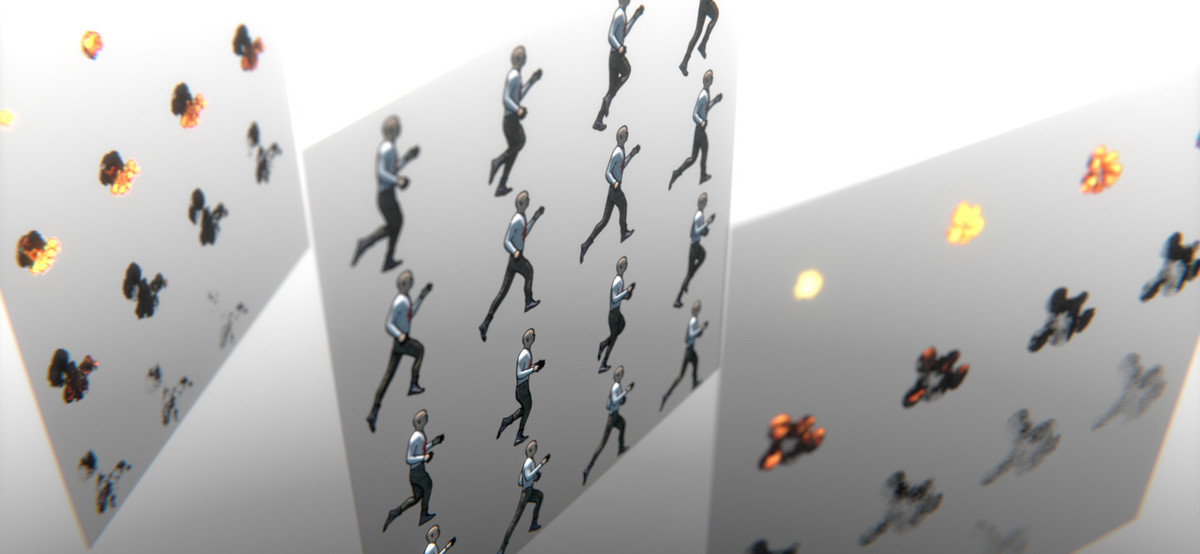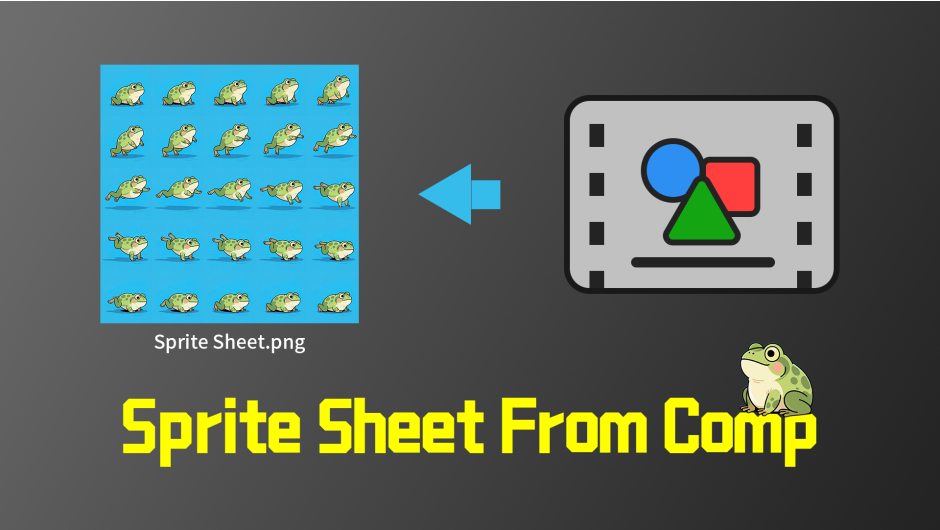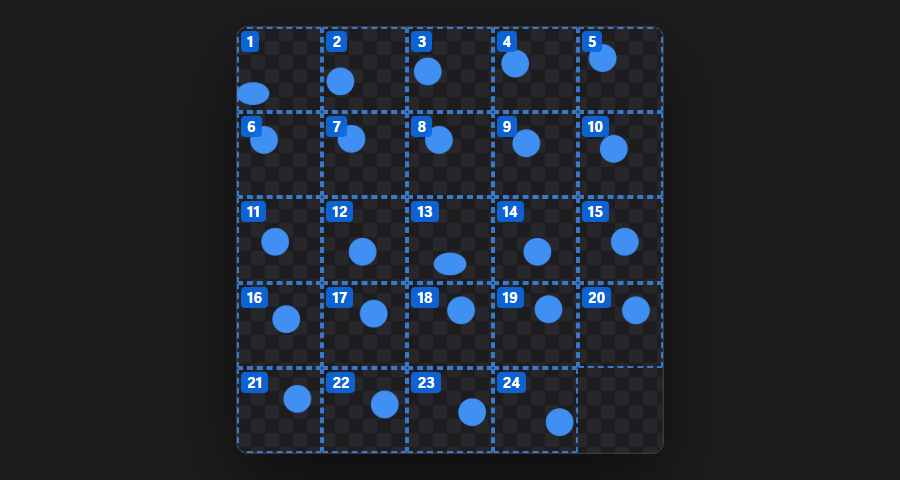
Sheetah by Matthias Guntrum turns an After Effects composition into a sprite atlas and the data used to read its frames. The V3 extension renders the composition, packs its frames, and saves an image with matching metadata. It also includes tools for previewing, importing, and animating sprite sheets inside After Effects.
Choose a grid or smart packing
Classic Grid places frames in uniform cells. You set the rows, columns, scan axis, and direction, which suits a project that expects each frame to occupy a predictable cell. Smart Packer trims frames and fits them into an atlas using packing algorithms. It supports padding, extrusion, multipack atlases, and power-of-two, fixed, or automatic dimensions.
Use Grid when your runtime depends on a regular frame layout. Choose Smart Packer when trimmed frames and a tighter atlas layout fit your pipeline better.
Export an atlas with engine data
Sheetah writes the frame metadata alongside the image. Built-in exporters cover Unreal Engine Paper2D, Unity, Godot, Phaser, Spine, Starling, Cocos2d, Pixi, JSON, XML, CSS, Egret, and UIKit. If your project expects another data structure, you can create an exporter with a Mustache template.
The Preview workspace reads the exported metadata. You can play or pause the animation, scrub through frames, adjust playback speed, inspect frames in the atlas, and preview animations across multiple atlas pages.
Import and animate sprite sheets
Smart Import uses a JSON or XML metadata file to rebuild an editable After Effects composition, including trimmed frame positioning and animations spread across multiple textures. Grid Import works with regular sprite sheets: select the image, set its rows and columns, and provide playback speed and loop duration.
For sprite animation built on the After Effects timeline, Setup Animation configures Time Remapping and adds a frame slider to the layer. Keyframe the sprite frame number, then export the resulting sequence as C#, GDScript, C++, CSV, or JSON. Animation exporters can also use custom Mustache templates.
Formats, compression, and requirements
Atlas exports can use PNG, JPG, TGA, TIFF, or layered PSD. Optional Tinify integration compresses PNG or JPG output; it requires a Tinify API key.
The catalog record lists version 2.4.3, while the current aescripts product page describes Sheetah V3 and includes a 3.0.4 entry dated September 7, 2026 in its version history. Check the version when matching compatibility to an existing project: the V3 listing requires After Effects 2022 or newer and supports Windows and macOS. The listing provides installation through the aescripts + aeplugins manager app, with a ZXP/UXP installer as an alternative, and offers a free trial.