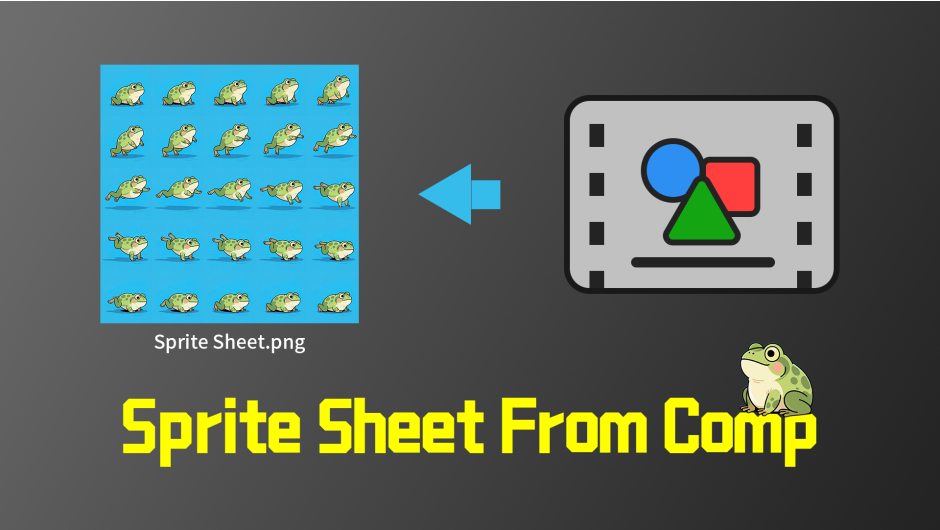
Sprite Sheet From Comp is an After Effects tool by XiongMiao that renders a composition as a sprite sheet. It can also add the rendered sheet to a composition and insert keyframes for each frame, so you can create a frame-by-frame setup without adding those keyframes manually.
Set the sprite sheet grid
Choose the number of columns and rows to control the grid. Their product determines how many cells the sheet contains. If the grid has fewer cells than the composition has frames, the trailing frames are omitted. If it has more cells, the extra cells are blank. Set the capacity to cover the frames you need, and avoid extra cells if you want a full grid without blanks.
Use Auto for a near-square layout
Auto chooses rows and columns to make the rendered image’s aspect ratio as close to 1:1 as possible. That setting assumes the grid covers the entire sprite sheet, so check that its cell count can hold all the composition’s frames.
Save the sheet or import it into a composition
Set Output To to choose where the image is saved. The default is the folder containing the project file. If you only need the sprite sheet, leave Import to Composition unchecked. When it is selected, the tool adds the sheet to the timeline and inserts keyframes for each frame. The developer describes the resulting composition as looking almost the same as the original.
Compatibility and release
The developer lists support for After Effects 2026, 2025, 2024, 2023, 2022, 2021, 2020, CC 2019, CC 2018, CC 2017, CC 2015.3, and CC 2015. The listing shows version 1.0.1, whose changelog notes a fix for license activation connection issues and an update to framework 4.4.2. Version 1.0 was released on August 21, 2025, and version 1.0.1 followed on November 25, 2025. Check the developer listing for current compatibility, version, trial, and purchase details.