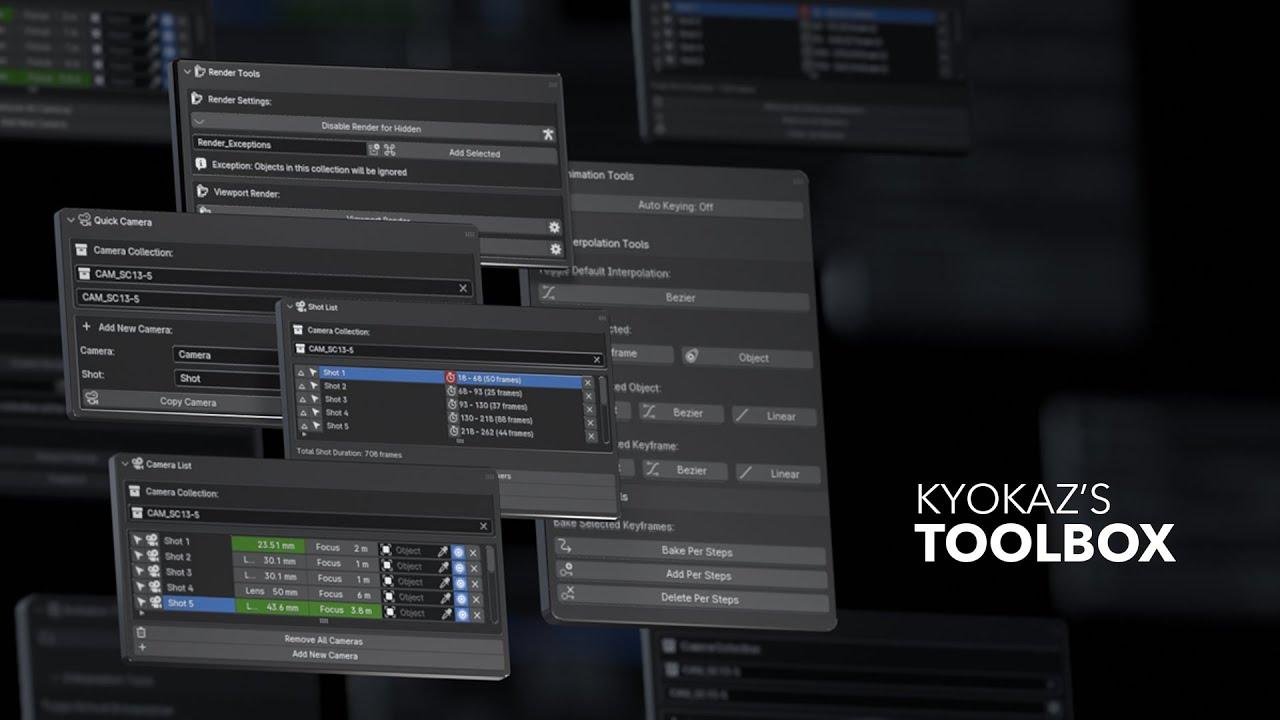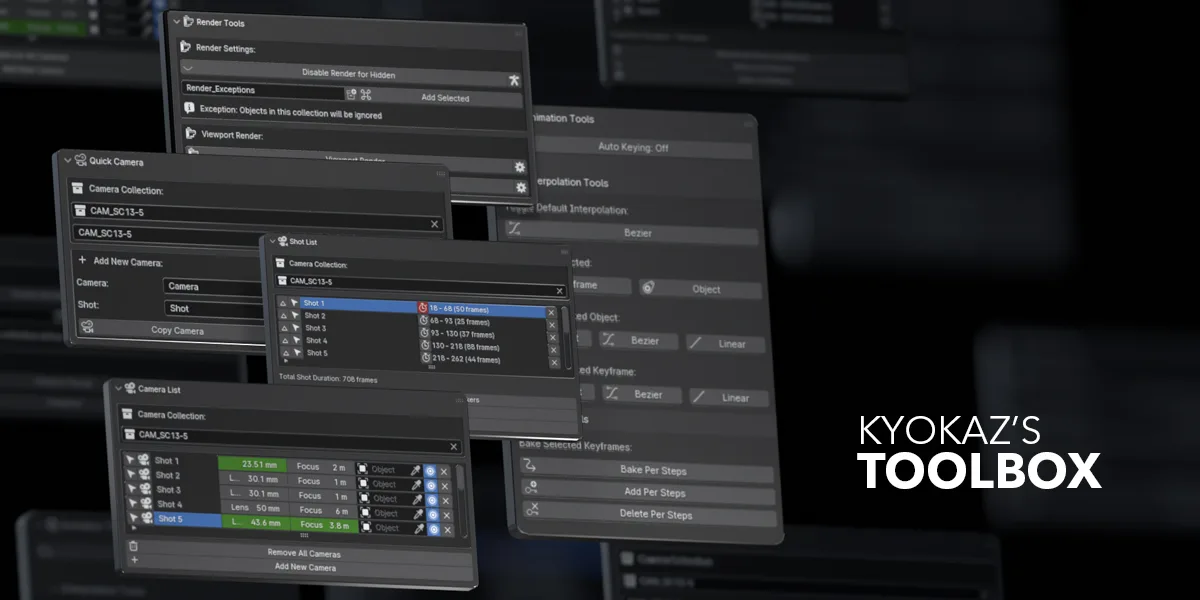
Kyokaz's Toolbox is a Blender add-on by Kyokaz that brings camera, shot, animation, and rendering controls into one set of panels. Its tools are aimed at Blender artists working with multiple cameras, shots, and keyframes.
Camera and shot controls
The Quick Camera pie menu opens with the V key by default, and you can change that shortcut in Preferences. From the menu, you can add cameras, bind shot markers to the current frame, or copy camera and shot attributes to a new camera. Default camera settings apply to new cameras, and the pie menu holds up to eight favorites. Version 2.6.4 adds a camera info overlay toggle and a control for adjusting the active camera's passepartout from the pie menu.
The Camera & Shot List shows details such as a shot's frame range and total frames. You can set a preview range for each shot and add notes or annotations, with controls for font, background color, and size.
Keyframe animation tools
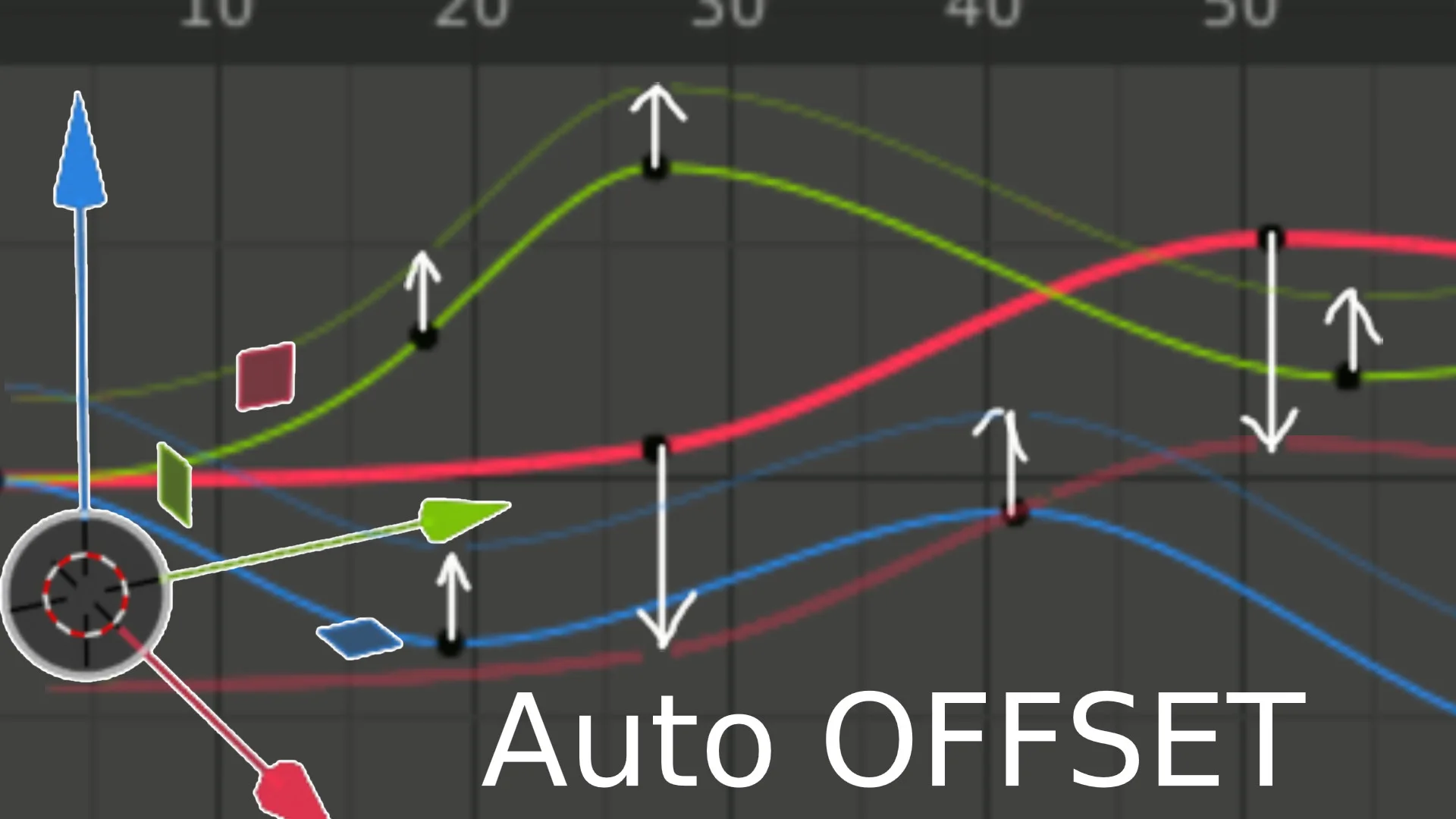
Kyokaz's Toolbox lets you switch the default keyframe interpolation between Constant and Bezier. Its animation tools can bake, add, or delete keyframes across a range using custom steps. These controls appear in quick panels in the Timeline, Action, Graph, and Dope Sheet editors.
Rendering controls and panels
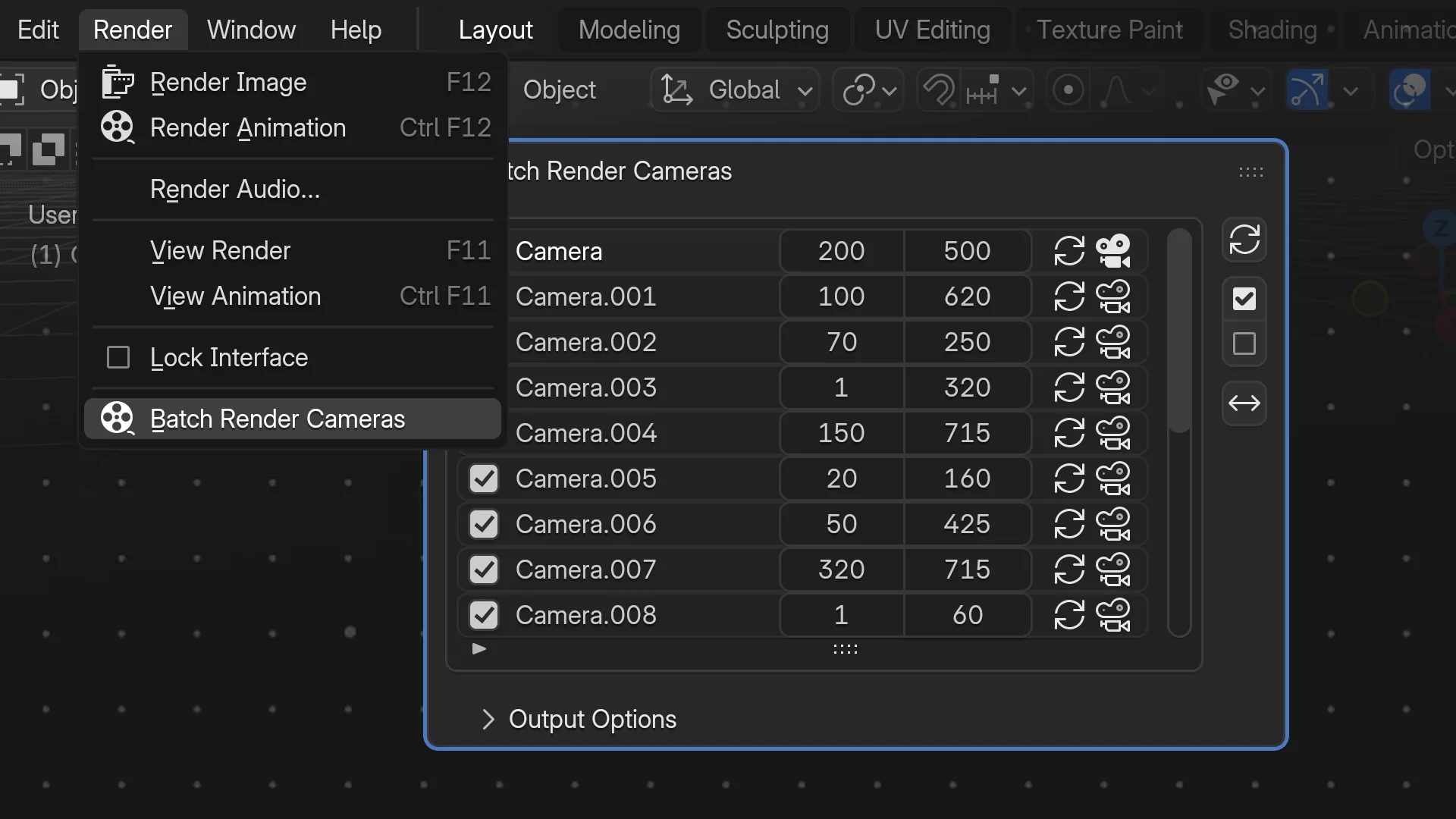
Rendering utilities include an option to disable rendering for hidden objects, with a collection exclusion option, plus viewport playblast and snapshot buttons. Render presets can be imported and exported as JSON. Version 2.6.6 adds a Render Tools option that copies a material's base color from its active or first Principled BSDF, Diffuse, or Emission node to the viewport display. It is intended for solid viewport use; on textured objects or objects with an overridden base color, the copy may be ignored or taken from another node with a base-color input. The Toolbox panel toggle appears in the N-Panel in the Timeline, Action, Graph, Dope Sheet, and Viewport editors. Camera and render tools are also available in Scene Properties.
Version, compatibility, and download
The current add-on manifest lists version 2.6.6 and sets Blender 4.2.0 as the minimum. Marketplace product details list Blender 3.6, 4.0, 4.1, 4.2, and 4.3, so the two sources provide different compatibility information; check the requirements for the package you download. A free download is available from the developer's repository, while the marketplace listing also offers a paid option.