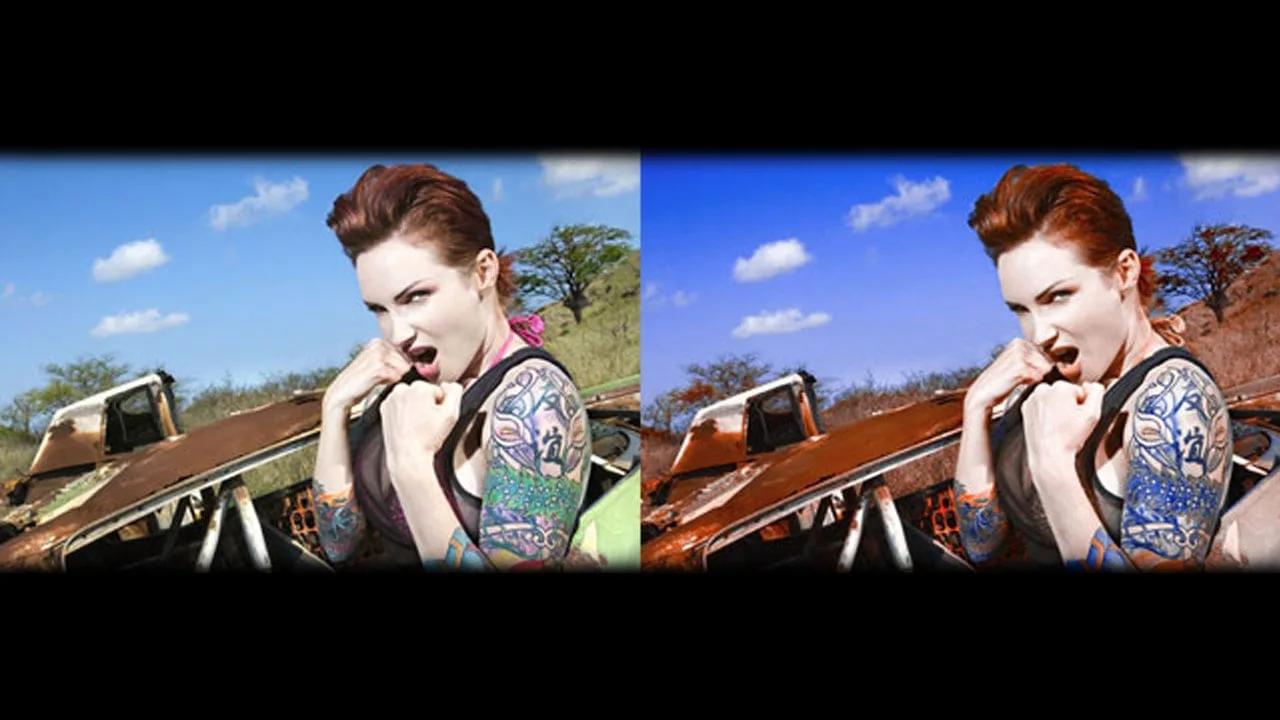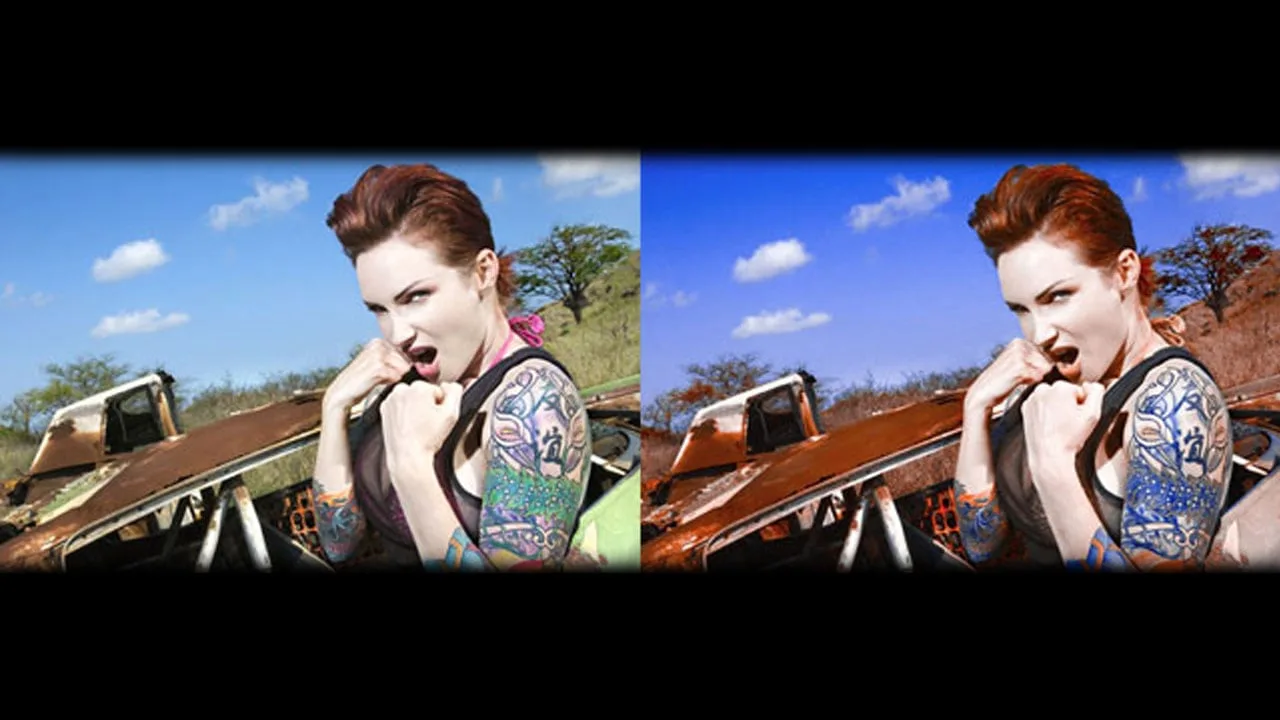
Sheffield Softworks Vintage recreates three early color film processes for video editing: Technicolor 3 Strip, Technicolor 2 Strip, and Multicolor. The original techniques used colored filters to expose separate images on black-and-white film. Vintage mathematically recreates the conditions of those processes, giving editors a choice of distinct channel arrangements.
Three early color processes
The main difference is which color channels each process records:
- Technicolor 3 Strip records red, green, and blue for the full Technicolor spectrum.
- Technicolor 2 Strip records red and green, without a blue channel.
- Multicolor records red and blue, without green.
The supplied listing notes that both two-color processes could reproduce decent skin tones. Their missing channels still shape the palette: 2 Strip omits blue, while Multicolor omits green. Choose 3 Strip when you want all three channels represented, or select one of the two-color processes for its narrower color treatment.
Normal and Quick modes
Each process comes in Normal and Quick modes. Quick renders faster with fixed settings. Normal mode lets you adjust settings, making it the option to use when you need more control over the result.
FxFactory and supported editing apps
Vintage is distributed through FxFactory and requires that app to run. FxFactory lists support for Final Cut Pro, Motion, Premiere, After Effects, and DaVinci Resolve, and notes availability for Apple and Intel processors. Its Vintage product page includes installation and version information. The version history identifies 1.1.4 as the first release to support DaVinci Resolve 20 and later. Check FxFactory for current host and system requirements before installing.