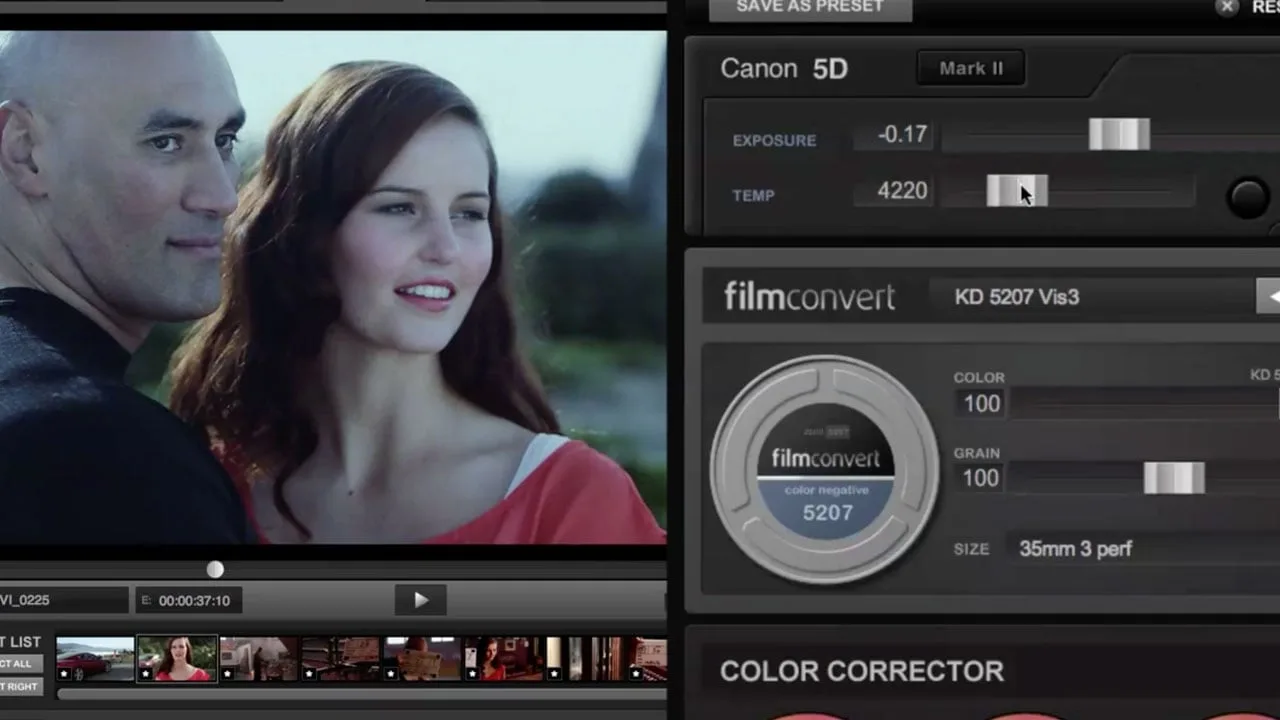
Dehancer Film Emulation is a color grading plugin for DaVinci Resolve, Adobe Premiere Pro and After Effects. It combines camera input profiles and film-stock looks with print controls and adjustable image effects. It suits editors who want to shape a film-inspired grade inside their video editor, from selecting a stock to tuning grain and highlight glow.
Build a grade from source to print
Start by matching Dehancer's input settings to the footage. In DaVinci Resolve, the OFX guide says the plugin's input color space and gamma should match the source after accounting for any color transforms earlier in the node chain. Dehancer Pro for Resolve supports additional pipelines including DaVinci Wide Gamut, ACES and Cineon.
Choose from more than 60 film profiles, then adjust exposure response with Push/Pull. The print stage includes Kodak 2383 and Fujifilm 3513 print films, with controls for exposure, contrast and color. Film Developer and Film Compression shape the tonal response; Expand adjusts black and white points, while the CMY Color Head supports print white-balance and split-toning adjustments.
This gives a colorist room to compare film stocks, then refine the look for each shot instead of relying on a single fixed treatment. Dehancer also has a LUT Generator for exporting a look. The generator is disabled in the unactivated demo and requires a full Dehancer Pro license or the Video & Photo Subscription; it is not included in Dehancer Lite.
Shape grain, glow and movement
Separate effect controls cover Film Grain, Halation and Bloom. Grain profiles are available for 8, 16, 35 and 65 mm formats, with other controls for Film Damage, Film Breath, Gate Weave, Overscan and Vignette. Film Damage can add simulated dust, hair and scratches; Film Breath and Gate Weave add changes between frames. These modules let editors add selected effects without using every part of the film-and-print process.
Tool Profiles provide starting settings for film-format effects. They are adjustable, so a profile can be a starting point for a subtler or more pronounced result. Dehancer describes the profiles as representative looks rather than absolute references to every real film or shooting condition.
Choose the right host and license
The Dehancer OFX plugin is offered for DaVinci Resolve on macOS, Windows and Linux. For Dehancer Pro, the product page lists DaVinci Resolve 19 or newer and macOS 13 or newer; Mac use also requires a Metal-compatible GPU and an Apple Mac from 2012 or newer. The Adobe plugin has installers for macOS and Windows and supports Premiere Pro and After Effects. Check Dehancer's current requirements for the specific host and computer before installing.
Premiere Pro users can apply Dehancer to individual clips or an adjustment layer above several clips. Dehancer documents possible posterization in Premiere previews or renders when bit depth is insufficient. Its setup guide recommends enabling Maximum Bit Depth in sequence settings and Render at Maximum Depth on export. These settings may significantly affect plugin performance and memory requirements.
The Print section works correctly when a film profile is selected. Dehancer says the plugin is not intended to act as a blank node, camera interpretation transform or color-management tool. If you want to bypass the complete plugin, disable its node or adjustment layer in the host.
The unactivated demo applies a watermark to both preview and rendered footage, and disables LUT Generator. Dehancer licenses are specific to the product and host application, so choose the license for the editor you plan to use.