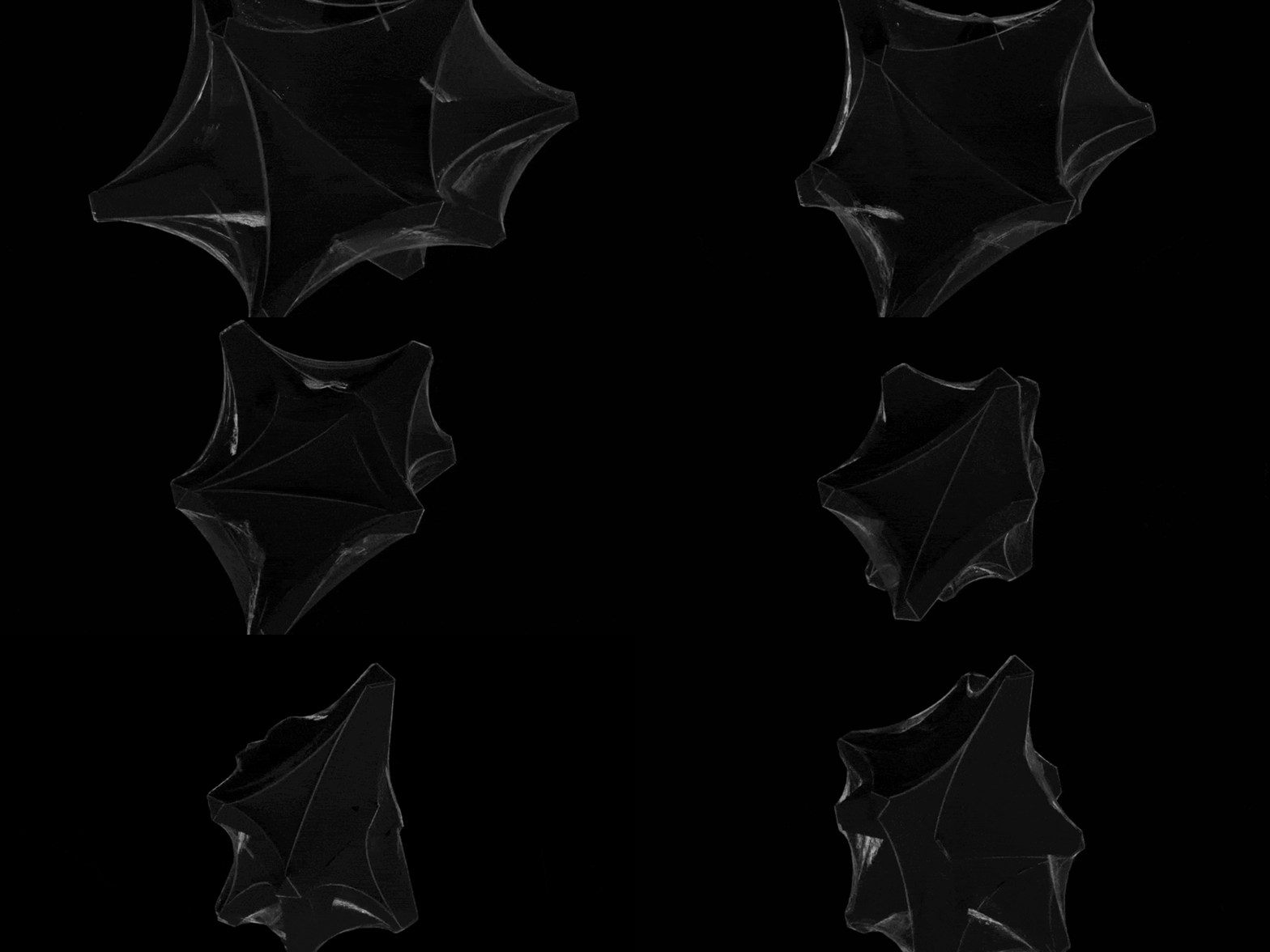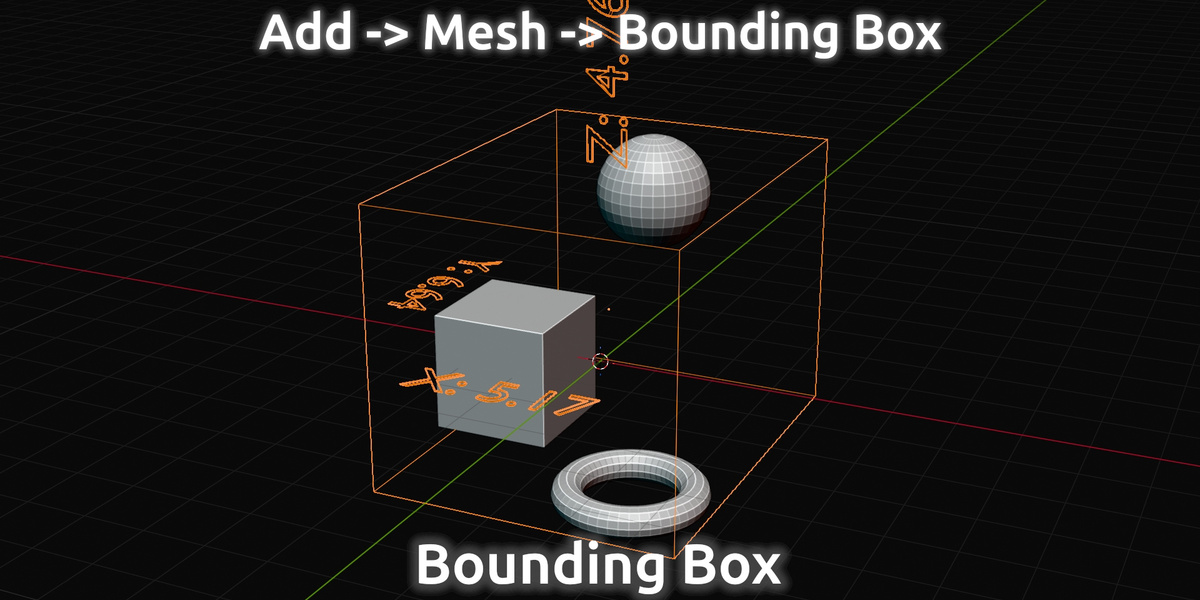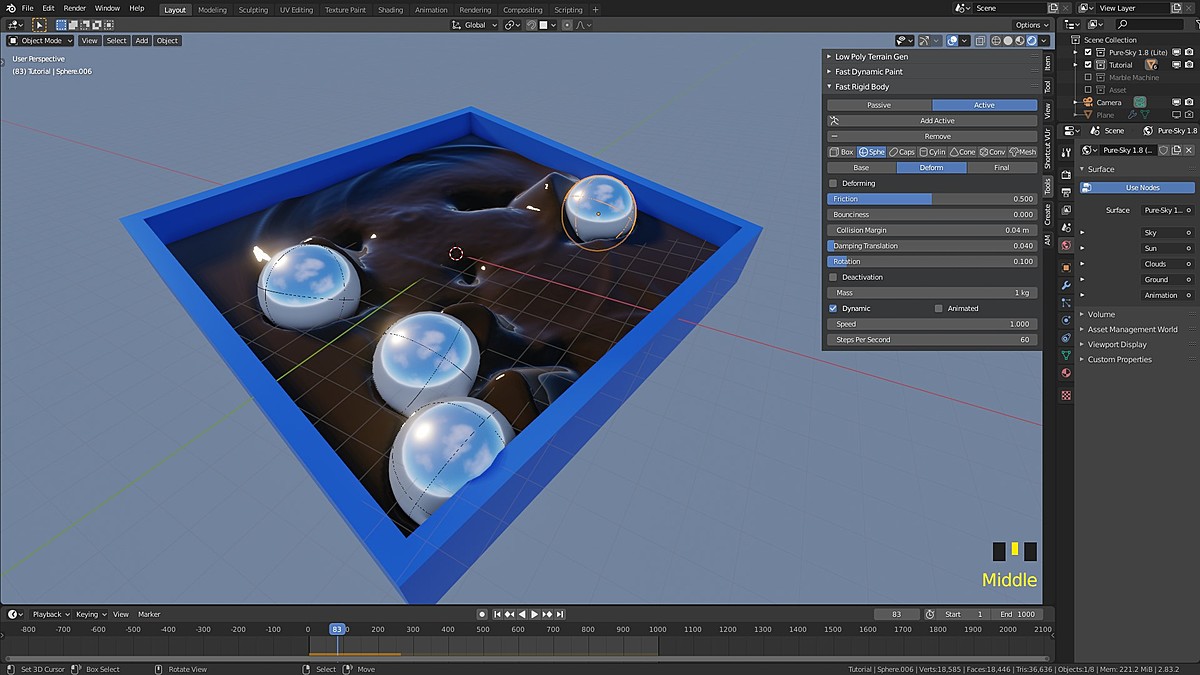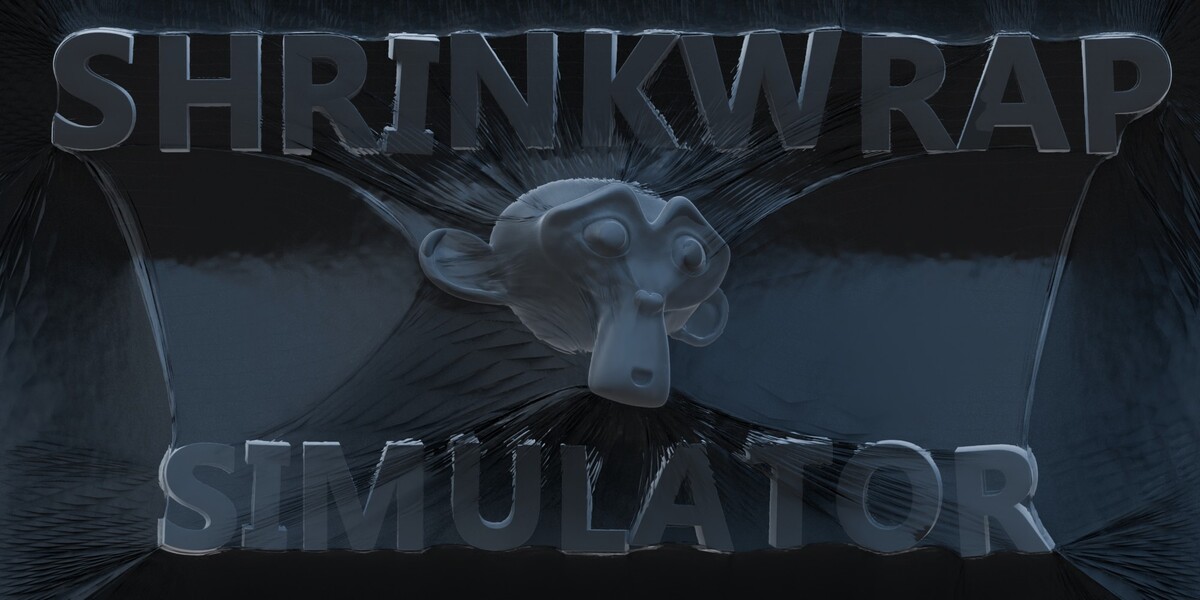
Shrinkwrap Simulator is a Blender add-on from CGMatter for creating procedural plastic shrinkwrap around a chosen surface. It uses a one-click setup and exposes controls for the fit and geometry. You can choose a resolution and leave the other settings unchanged, or adjust them for the result you need. See the product page.
Surface fit and geometry controls
Choose the surface object first. Tightness sets how close the shrinkwrap sits to that surface, while Detail sets the resolution of the shrinkwrap geometry. Smooth controls smoothness around tight edges and corners. Blur smooths the geometry, and Buffer adds deviation from the surface normal. The product listing identifies Tightness, Detail, and Smooth as integer controls, and Buffer as a float.
Animation and changing geometry
CGMatter describes the result as temporally coherent, so it can update on every frame. The geometry can change over time, including its shape and face count. You retain control while the modifier is unapplied; applying it removes that control. The product page also demonstrates combining two animated objects into one with Geometry Nodes before applying the simulator. By default, the add-on operates on a single object.
Compatibility and installation
The installation note calls for Blender 4.3 or newer: drag the add-on's .zip file into Blender and confirm. The listing names Blender 4.3 and 4.4, marks the add-on Blender Extension compatible, and identifies its license as GPL. If the add-on button is missing, its FAQ says to select an object and check the 3D Viewport's N-Panel. The FAQ also says the add-on works with all meshes, though some may need a higher Detail value.