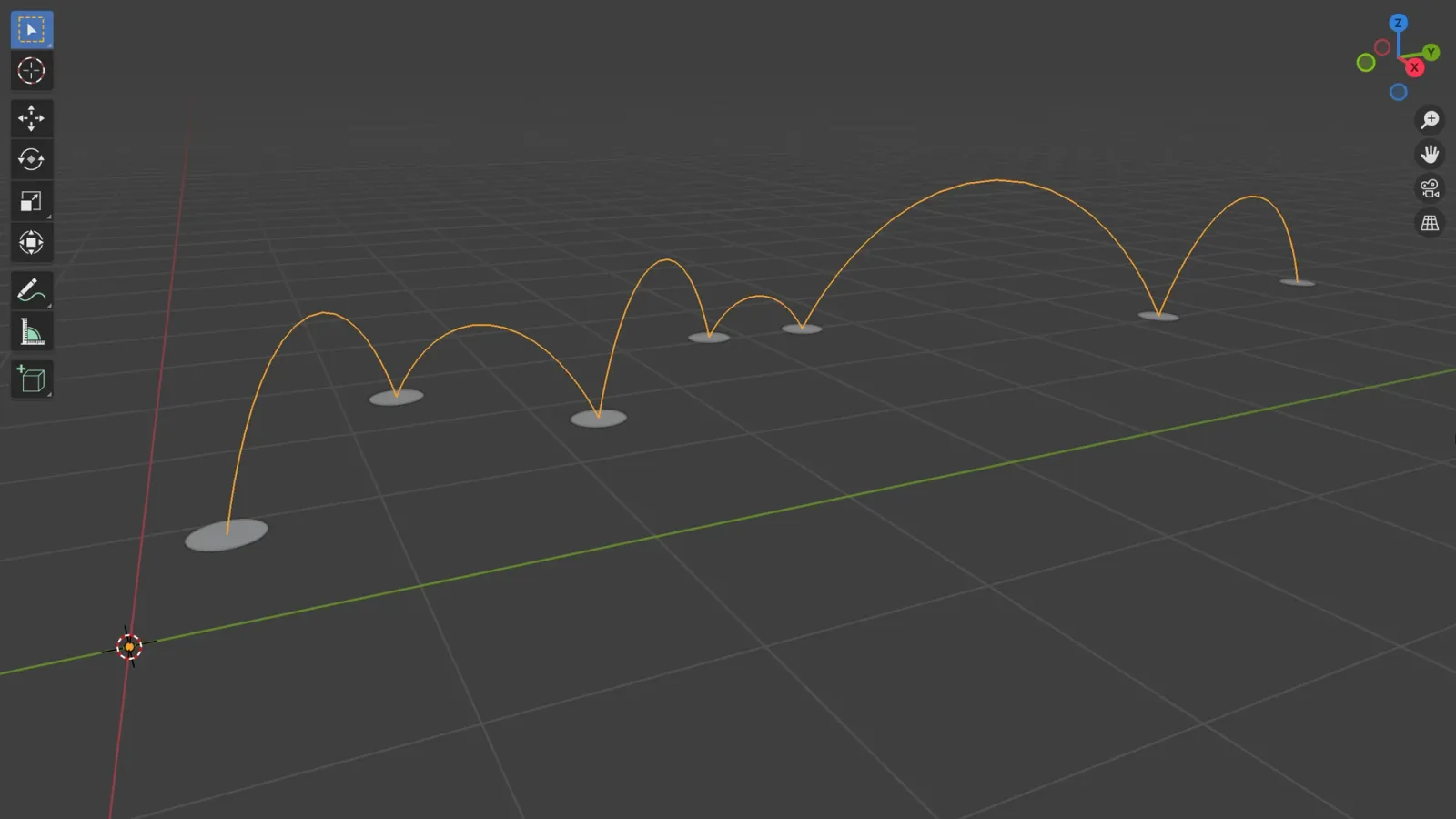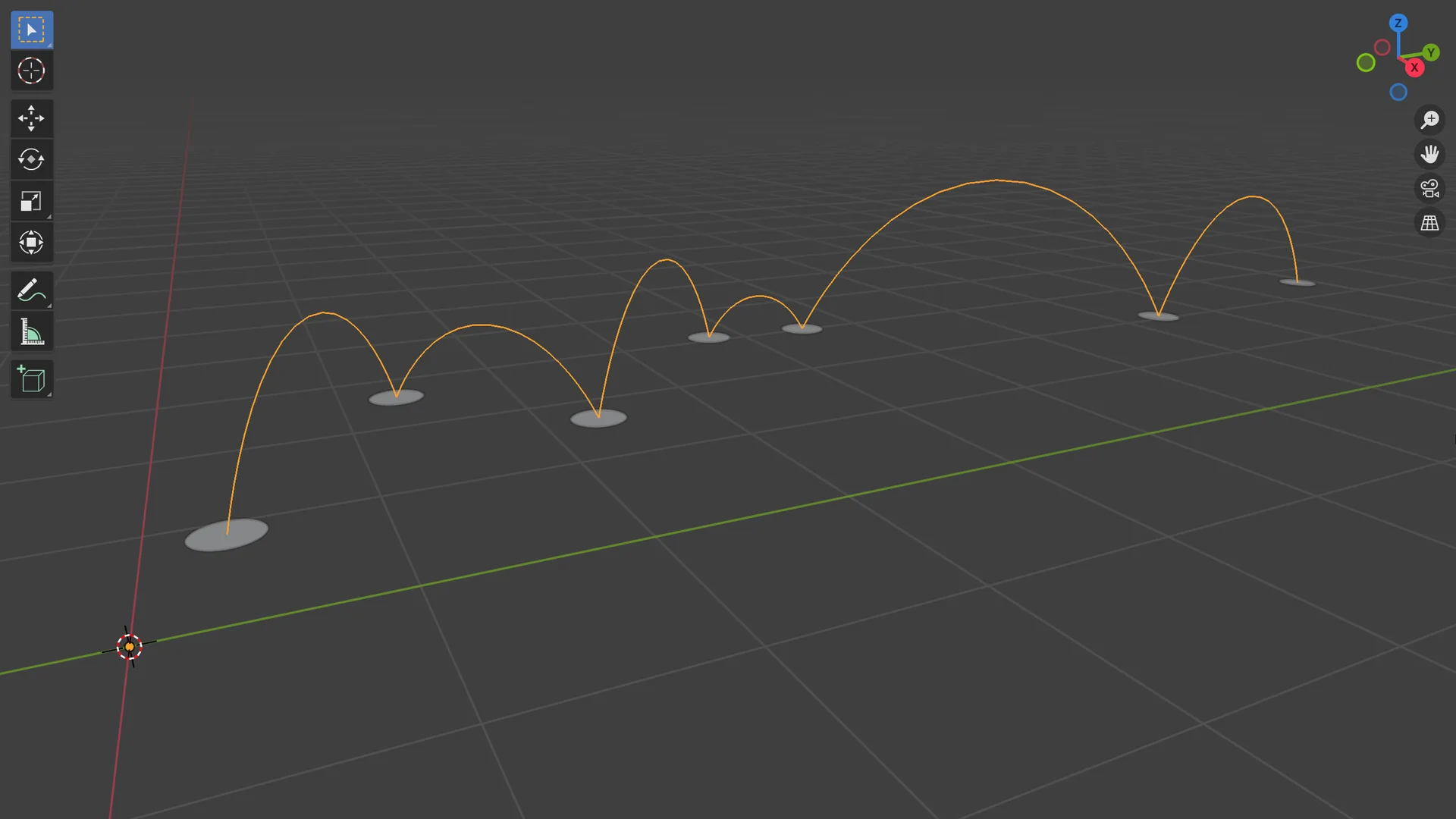
Simple Bounce Curve is a Blender add-on by Polyfjord that creates one curve between selected objects, using their origins for the connection. The Blender Extensions catalog lists version 1.1.0, Blender 4.2.0 as the minimum version, and the GPL-3.0-or-later license. View the official Blender Extensions listing.
Create a curve between objects
In Blender’s 3D Viewport, select at least two objects and run Object > Create Bounce Curve. The add-on creates a curve between their origins. Adjust Curve Height in the operator’s redo panel, or enter Edit Mode to change the control point handles and refine the shape. See the product workflow and feature details.
Adjust the curve height
Version 1.1.0 adds Dynamic Curve Height, which scales the curve’s height according to the distance between selected objects. The version notes also describe a default height factor of 0.1 meters and zero-length handles at sharp control points. The Blender Extensions record lists Blender 4.2.0 or later as the compatibility range.