Simple Gcode Importer is a Blender add-on by kmnunley that imports 3D printer Gcode into Blender as editable Bezier curves. It appears in Blender’s File > Import menu and does not add a separate panel or window. See the Blender Extensions listing.
How it represents a print path
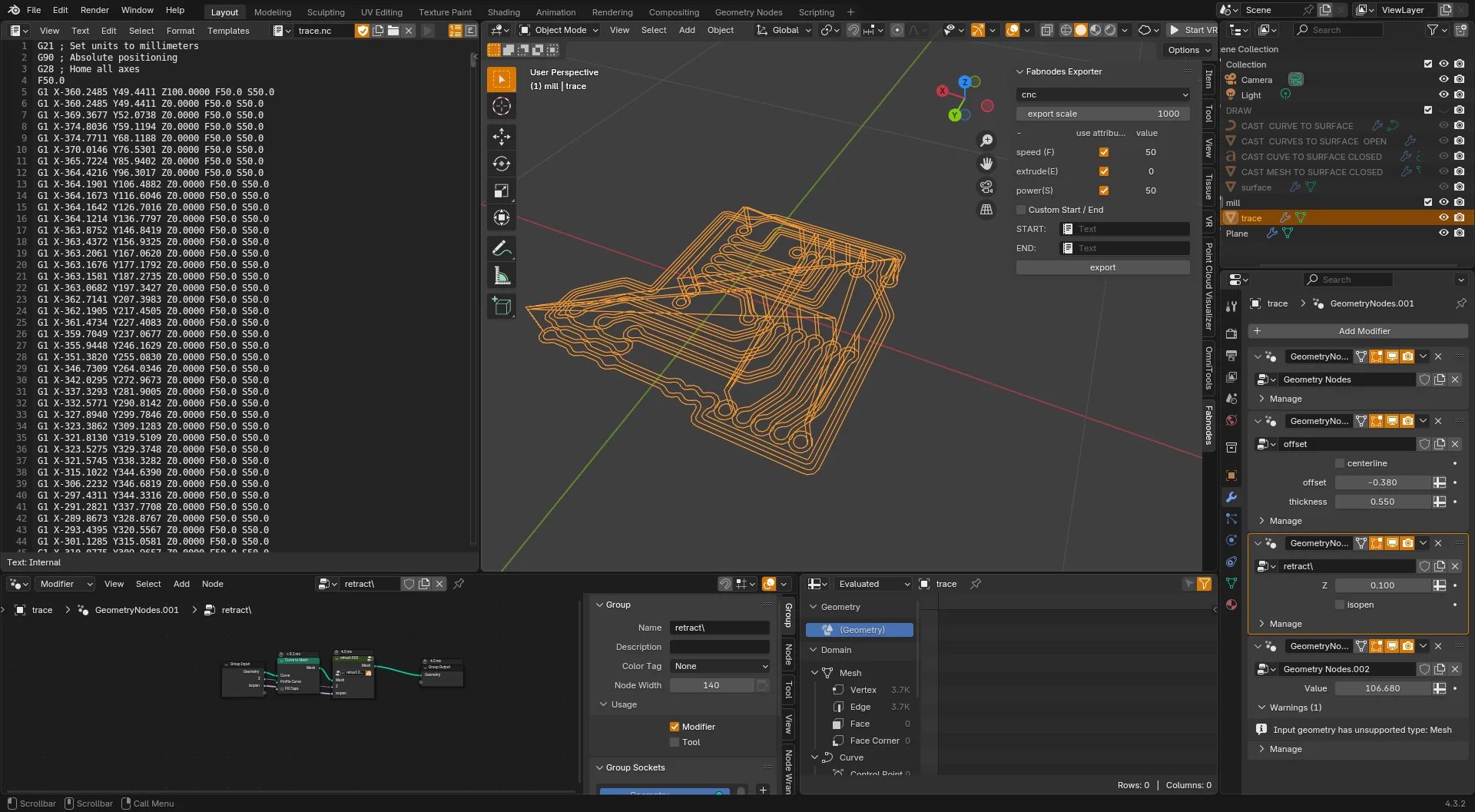
Version 2.1.2 reads text G-code and Prusa binary BGCode. It supports XY arcs, including helical moves, and converts only paths that deposit filament into editable Bezier curves. In the Outliner, each imported file is grouped under its filename with one curve per tool. Select a tool curve to change the material for that tool’s paths, or enter Edit Mode to edit paths individually.
Adjusting path thickness
To change the visible thickness of an imported path, select its curve and open Object Data Properties. Expand Geometry and adjust Extrusion and Bevel.
Installing the add-on and importing files
Install the add-on through Blender Extensions, or download its ZIP from the official listing and use Blender’s install-from-disk workflow. In Blender 4.2 or newer, open File > Import > GCode and select one or more files ending in .gcode or .bgcode in the file browser. Click Import GCode/BGCode. You can also drag supported files into the 3D Viewport or Outliner and confirm the import.
Compatibility and a reported issue
The Blender Extensions record lists version 2.1.2, Blender 4.2.0 as the minimum version, and the GPL-3.0-or-later license. Check the current listing if you are using a different Blender version.
The developer’s open GitHub issue #13, opened August 4, 2025, reported that Gcode from Bambu Studio was incompatible with the add-on at that time. The issue said a fix was planned for a future release and recommended creating Gcode with Prusa Slicer or Cura in the meantime. Check the developer’s linked issue for current status before relying on that workaround.
Who it suits
This add-on fits a Blender workflow where you need to inspect or edit 3D printer extrusion paths as curves. Its main decision points are Blender 4.2.0 compatibility, the curve-based result, and whether your slicer’s Gcode imports as expected.