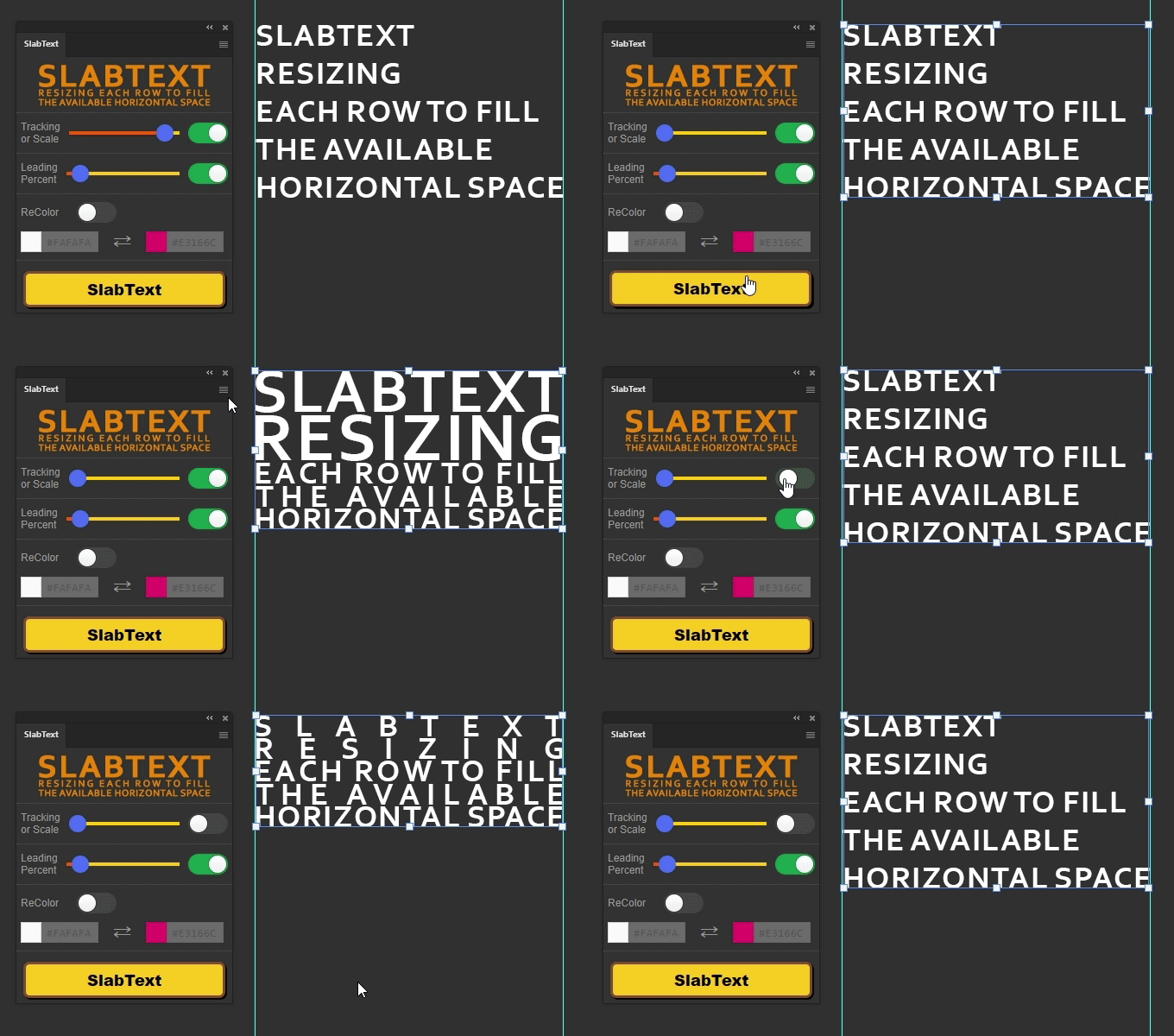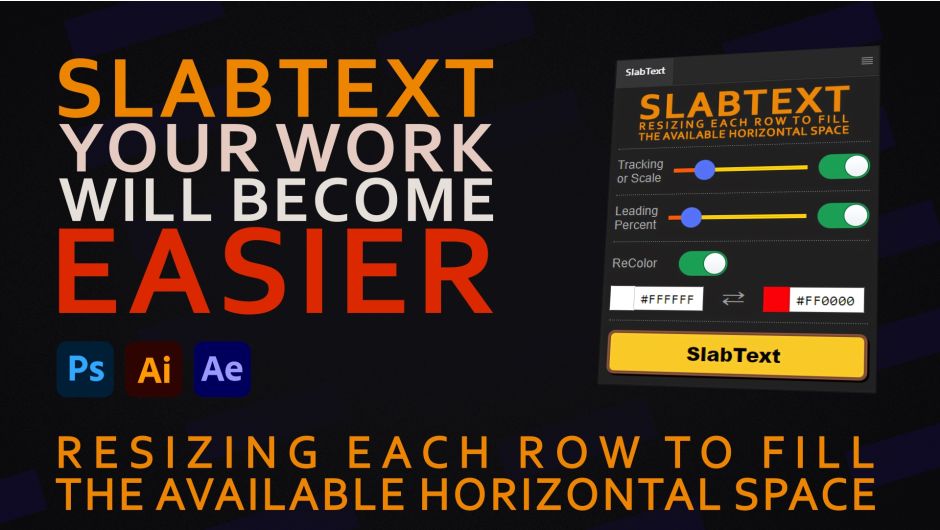
SlabText by Froggy Team adjusts each line in a paragraph to fill the available horizontal space. The aescripts product page lists it for After Effects, Illustrator, Photoshop and InDesign. Its tutorial covers the main controls.
Choose between scale and tracking
SlabText compares each line’s original width with an adjustable threshold. Lines wider than the threshold are expanded with tracking, which increases the spacing between characters. Lines below it are expanded by scaling the characters. A separate switch can make one-word lines use scale.
Adjust leading and color
Leading sets the minimum distance between lines as a percentage of the tallest line’s height. The minimum can be zero, while the maximum can match the height of the tallest line. ReColor applies a gradient between two colors according to each line’s Scale value. Lines that are unchanged or adjusted with tracking use the first color; lines at maximum scale use the second.
Preserve and clear text formatting
SlabText preserves the text’s original formatting. Clear SlabText removes the transformation and resets some adjustment settings to standard values, which can help when editing or reformatting the text.
The product page lists After Effects, Illustrator and Photoshop versions 2024, 2025 and 2026, plus InDesign 2026.